

I think that it might be useful to clearly specify how to operate correctly the CTRL/PRESET button in Vangelis, either physical (V5) or virtual (keypad overlay).
I have verified, on my V 5.1 and two custom Pi5 builds, that the user needs to:
-
Bold-press CTRL/PRESET, to enter presets selection of the selected chain in Mixer View;
-
Press twice CTRL/PRESET, to navigate between bank and preset choice.
Further to this - and as of the latest Vangelis update - the TUS engines do not only need preset scan on webconf after ROM installation, but also the preset regeneration process from devs repo afterwards (with ensuing rescan):
regenerate_lv2_presets.sh http://theusualsuspects.lv2.Osirus

regenerate_lv2_presets.sh http://theusualsuspects.lv2.OsTIrus
otherwise, no bank/preset is shown on arming a chain with an instance of the emulators.
Just FYI and the @zynthianers usefulness. 
Cheers
1 Like
Also, I have ascertained that until you “officially” enable Osirus and OsTIrus on VNC, the first time you instantiate the plugin - by answering YES to the TUS disclaimer banner on legitimate ROM sourcing -, the emulators will not really start, and presets will not be visible.
Keep it in mind! 
Regards
Maybe you have changed your configuration from the default V5 profile. The correct behaviour is:
From Mixer view:
- Short press CTRL|PRESET or short press SEL|YES or short press knob 4 enters control view.
From control view:
- Short press CTRL|PRESET enters preset view.
- Short press CTRL|PRESET enters bank view.
1 Like
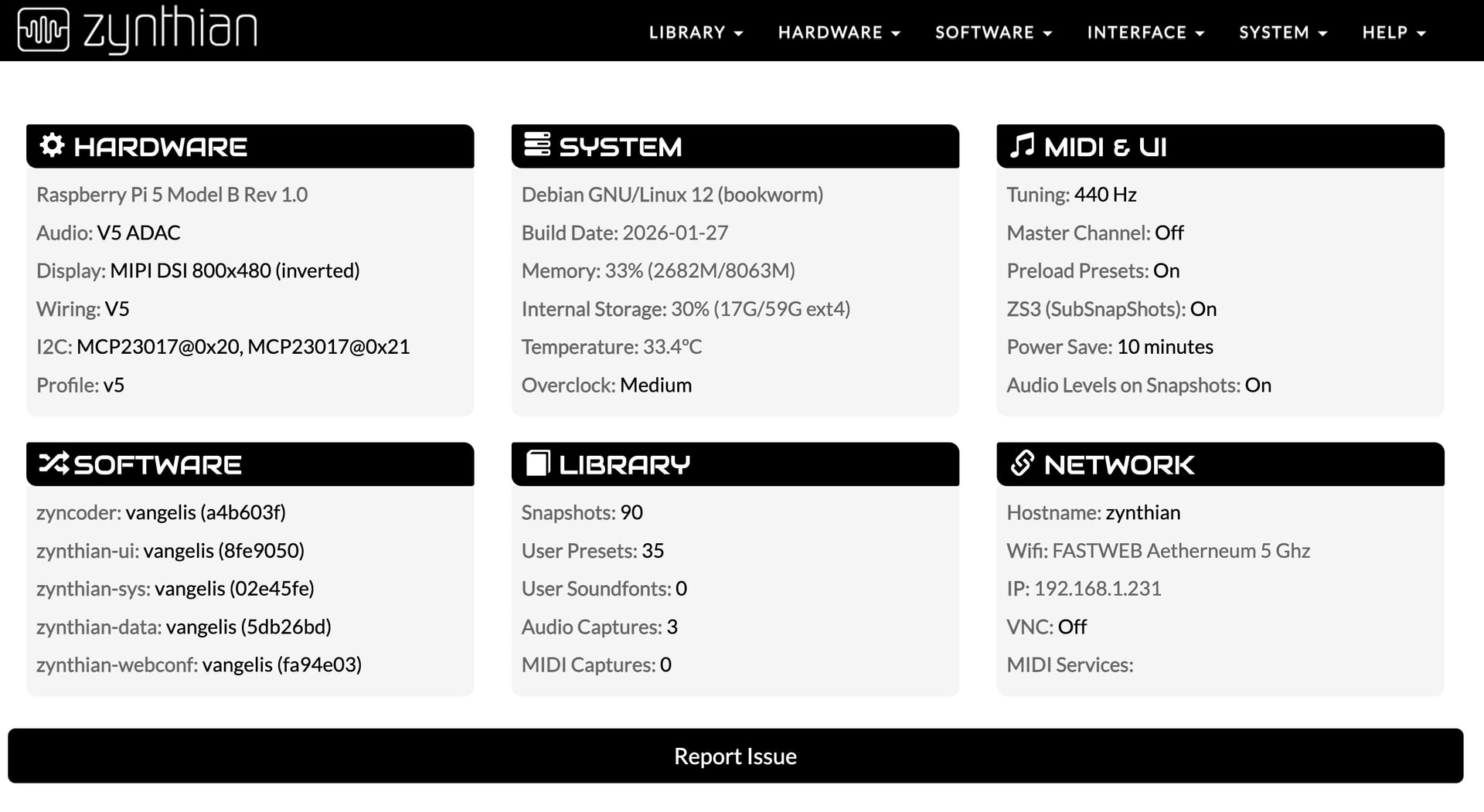
Hi @riban, that is strange indeed: I am pretty sure that I did not change my UI or wiring profile, both on the V 5.1 kit and the custom setups, but if I just short-press CTRL/PRESET from Control view I only get a brief display flashing, and no bank/presets appearance. In order to show presets and banks I definitely need to bold-press CTRL/PRESET, from either Control or Mixer… After this, I can short-press to cycle between presets, banks and then Mixer view again. See for reference my V 5.1 webconf profile.
Regards
This is the configuration for switch 3 in webconf HARDWARE->Wiring (Advanced view):

Your described behaviour should never happen! You should not toggle back to mixer with the CTRL|PRESET button. I did see that a bad / broken soundfont loaded into fluidsynth triggered an issue that would not allow access to the controllers and hence presets/bank, but that is a corner case that shouldn’t happen here.
1 Like
is there a kind of wiring reset to factory?
1 Like
Good to know @riban . I will look into this, and investigate if my wiring profile for switch 3 was somehow corrupted by some hidden synth engine operation. As a matter of fact, I was a tad surprised by the changed behaviour of CTRL/PRESET, but thought it was a new intended UI action in Vangelis.
Cheers!
Yes! In webconf, HARDWARE->Wiring, reselect the required “Wiring Layout” and “Custom Profile” then save. You may need to temporarily select another value before reselecting the desired one because webconf does not change configuration if reselecting the existing selected value.
3 Likes