Refresh the package list with CTRL+F5.
Regards
Refresh the package list with CTRL+F5.
Regards
More soundfonts to install from collections:
Thanks to @NathanI by contributing this 2 soundfonts!
Regards!
Wow, the collections are on fire  !
!
Just curious, what determines the order of listing the collections? I recall improving the layout is a nice to have for later, but having it A-Z for example would be helpful.
Also, from a user point of view, I feel engines and collections could use a similar webconf UI, with an option to get a detailed (current Collections layout) or tabular layout (current Engines layout), and sharing ability to filter or search.
Hi @jawn !
The order is alphabetic, from A to Z.
Well, i’m thinking about all this. Anyway, engines and packages are very different object and they are treated differently.
Engines is an internal list of INSTALLED engines. You can enable/disable engines and modify some attributes like category, title, quality, complexity and description.
Collection packages is an external list hosted by a server. You only are allowed to install/uninstall packages.
Anyway, some features of the engines list could be replicated in the package list, like the categorized tabs and the filter option. Step by step.
Regards,
Thanks for clarifying @jofemodo! I see the difference, just think aligning the layouts makes a more integrated new user experience. But as you said, step by step!
It can appear that collection dont load because they dont appear as engines and a sample player is needed to do this mellsfxtron for example.
You need to know what engines can load the samples.
Perhaps this needs explaining.
Step by step … but fast! Update and try de collections page.
You could need to refresh the packages cache (CTRL + F5).
Regards
What would you propose?
Regards
I just updated a V4
Then hit Ctrl refresh in webconf
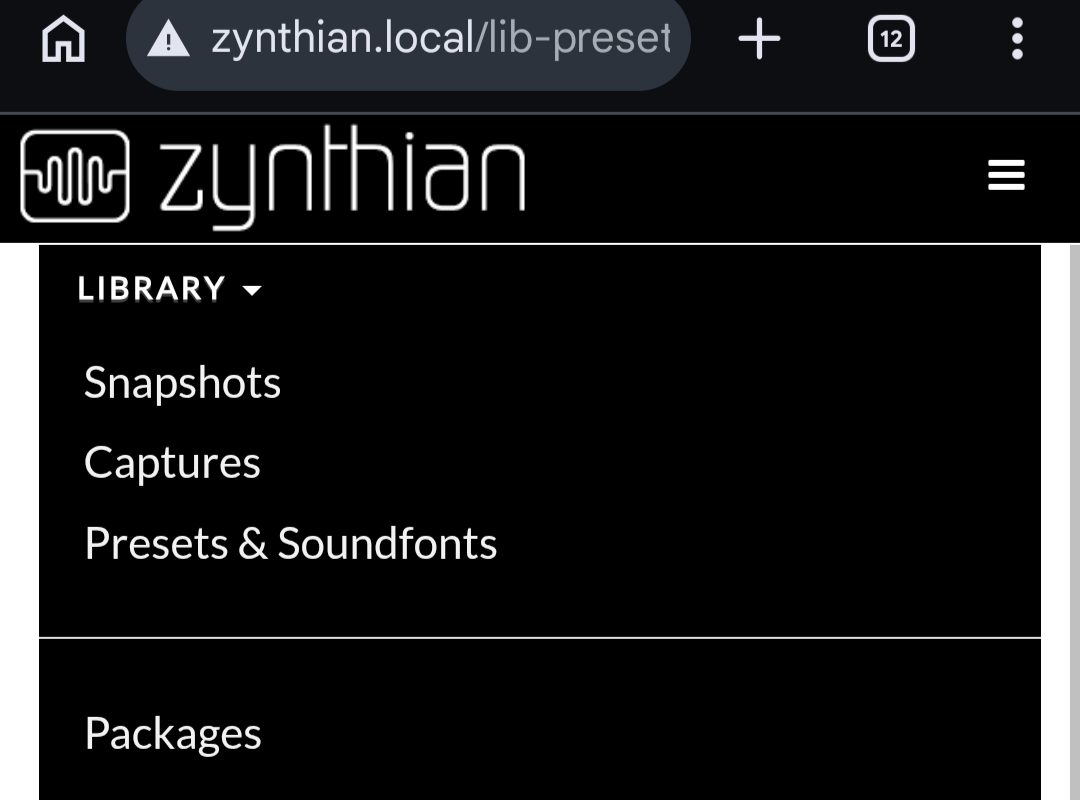
Then go to packages
Which gives me the following URL
http://zynthian.local/lib-extra-packs
With error 500 internal server error
Update: fixed after full reboot, nice work!
Update 2: installing a package gives brief message installing…
Then shows red box with error message
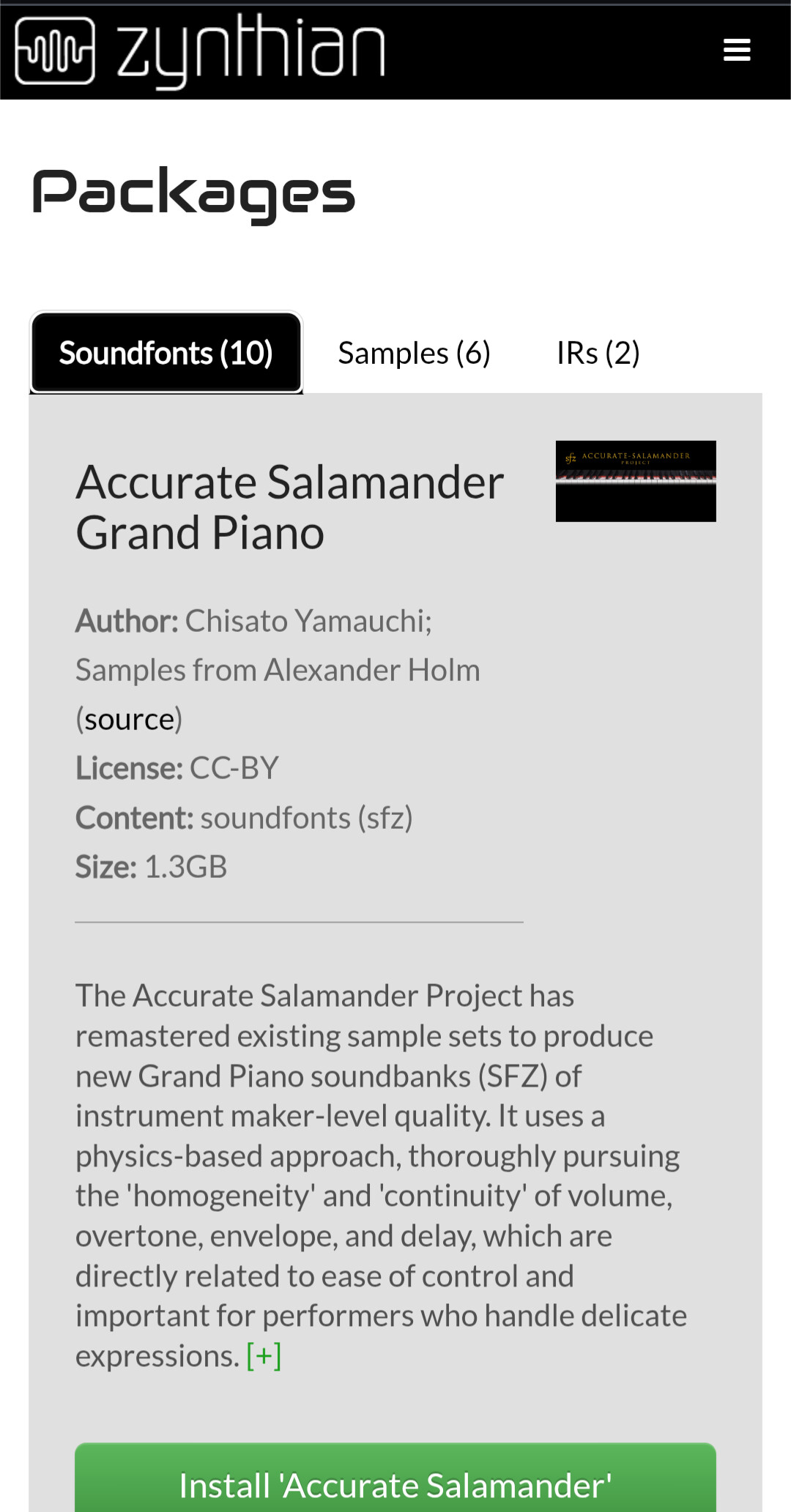
“Can’t install package Accurate Salamander”. Tested with multiple collections.
Default apps for specific file formats.
And/or a collection metadata field to indicate prerequisite, either as text or as list of potential engines that are needed.
Excellent idea! And with a very strong potential…
… but similar questions came to mind as @Aethermind mentioned above: any ideas about potential conflicts, content sharing and/or dependencies? Probably not at this stage yet, I suppose, but I am afraid the questions will arise sooner or later. Or just try avoiding it as much as possible?
Try now. Update and don’t forget to refresh packages cache with CTRL+F5.
Regards,
This is going to be very boring. For instance, all SFZ soundfonts need the same engines. So you will see: “sfizz, linuxsampler” repeated on all SFZ packages.
IRs can be loaded with any IR loader. We can recommend some of the installed ones, like the X42’s IR loader (i already do it, read the description of the IR packages.), but specifying all of them is going to be boring and repetitive.
Not to talk of samples. Obviously you can use it with the “clip launcher” (clippy), but they are wav, flac or mp3 files, so you could load them as fabla patches, for instance.
Or mid files, that you can “import” from the pattern editor, but you could also load in the MIDI player.
Obviously, for engine-specific presets, the engine should be specified. I already do it with some package that install specific LV2 presets, like the Hydrogen Drumkits. Read the description. For engine presets, we could add an extra field to the package metadata (info.yml).
I would say “recommended engine” .
This could work for standard file formats that are not engine-specific, like sfz, sf2, mid, wav, flac, mp3, etc.
I’m thinking on it and will try to “do something clever” 
Regards,
I think the main question is how to reduce repeated forum questions on how to get a collection working once installed 
I notice that “Collections” has changed to “Packages”. (I have amended the title of this topic.)
There could be some descriptive text at the top of the page that changes as you select each tab in the pagages view, e.g.
This makes it clear what the listed packages contain and where they are used. We should list our recommended engines, i.e. those that we curate to enable by default and work best on our platform.
Recommended versus preferred…?
It probably many to many. Some will run recommended others would prefer to use their familiar favourite engine, possibly in spite of the majority best practice.
Much of Microsoft’s high handedness grew out of such beliefs.
I sent a cosmetic  pull request for Packages
Regards
Merged!
In this post
Nathani Linnoleum drum kit
a UI for the “drum machine” can be seen. Is that UI supposed to be visible via the webconf VNC-Engines?
If yes then it’s currently not working (other engines like tal-u-no-lx show up).