Ok, I made this, will release this sunday. It’s quite lengthy and of course, I never talk about the really interesting stuff  But it might be a good starting point.
I’ll also do a video on Pure Data on Zynthian later in July.
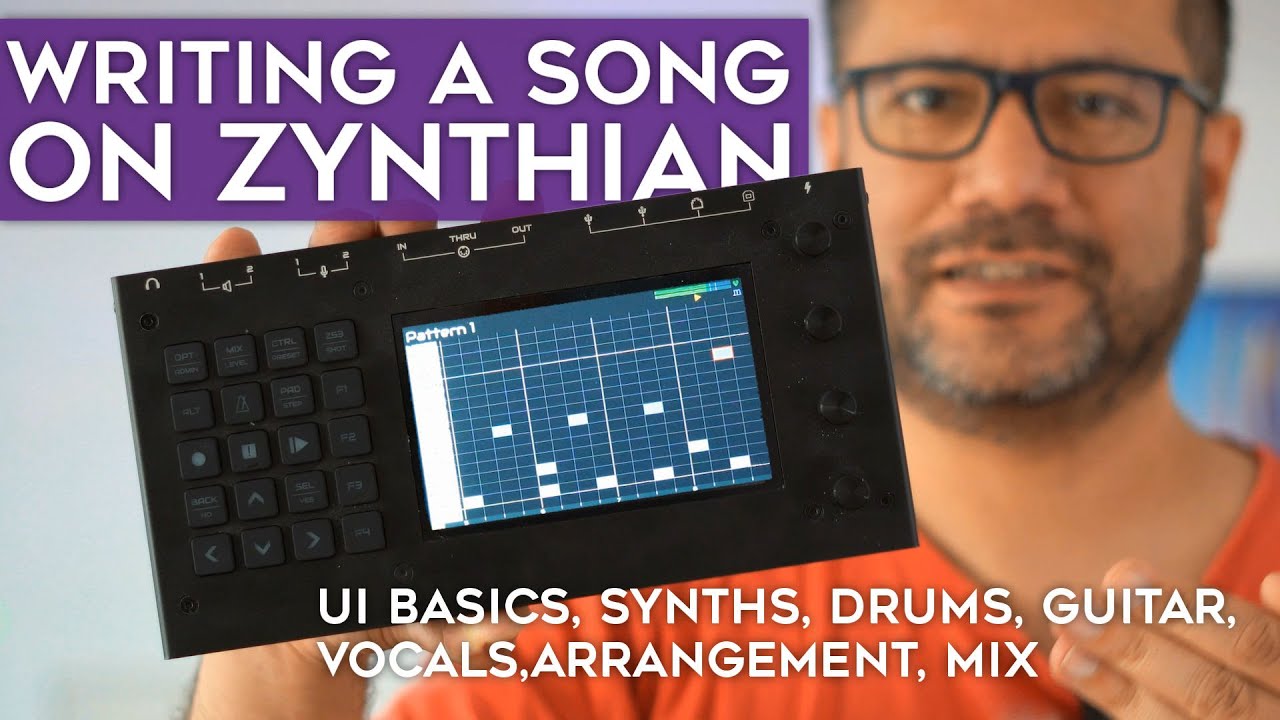
Ok, I made this, will release this sunday. It’s quite lengthy and of course, I never talk about the really interesting stuff But it might be a good starting point.
I’ll also do a video on Pure Data on Zynthian later in July.
Is that because it’s an introductory video, or did you mean something else?
Thanks for posting it!
Wow, the capture workflow is impressive, I am not aware of any other product that has this!
Would there be a way to see the capture workflow on the external HDMI output in real time?
This would help those without the real hardware, e.g. when mapping extra controllers or developing drivers.
We appreciate you 
Thanks Floyd!
This is a really good tutorial at a very practical level. A few observations:
Anyway, this is a great video that I enjoyed watching. It is very positive, showing how to use zynthian rather than being distracted by issues or suboptimal workflows. You recognise it isn’t perfect but acknowledge it is getting better. Thank you.
Thanks for watching this 
Yes, those are valid criticisms. But as I’m planning to do more videos in the future, it’s not too late to address them. I didn’t write a script for this video so I cut out a lot of segments containing bad english, uhms and ehms, and some parts I thought weren’t necessary, which unfortunately removed the part where I pressed the record button at the guitar part . It’s an annoying oversight on my behalf, but I’ll correct this in future videos.
Yes, that was a prediction of (valid) criticisms on the contents of this video. By choosing a “non-electronic music” style for my song, I skip a lot of techniques and features that are “de rigueur” in modern electronic music: sidechaining, arpeggiators, sample chopping, locking (recording controller movements), and so on. But then again, explaining the very basics amounted to over 20 minutes of video already, so that kind of advanced stuff has its place in another video.
Saw this too late, unfortunately - will use this next time and superimpose this where necessary. Superb functionality!
Thanks for a great tutorial video! Yes, the arranger part seems a bit rudimental at the moment. Lots of potential for coming versions.
Nice vocal track by the way. Where do you get this material? I wish I could sing, or knew someone who can (and wants to contribute). The other bits are doable, but singing is like gold dust.
Hi @mr_floydst!
This is a fantastic video tutorial, perfect for newcomers and for those wanting to have an idea of the possibilities with zynthian. Of course, a lot of functionality and details are not showcased, but this is good. Indeed, 23 minutes is long enough. It’s better to have more videos with concise contents to explain the details and advanced functionalities.
Thanks a lot for helping us to improve the documentation!
As a Floyd fan I recall this YT video for EMVoice https://www.youtube.com/watch?v=3yel7uJz8oc – sounds like the “Lucy” variant I’ve heard Floyd use before in some of his music.
Hmm… Quite convincing. But now that I know it is artificial it’s easier to tell.
@laban77 The lack of video tutorials and demos is something I’ve thought about before. There are some other angles to consider: how about videos for using zynthian barebones/headless (raspberry pi + audio device + VNC via PC or ipad/phone), using zynthian with a custom case (a bit broad maybe) as well as via the official kit as @mr_floydst has done before. Though he has also done a basic build with Raspberry Pi and usb audio device which I must give credit, this one introduced me to the world of Zynthian!
I wanted to do some videos myself before but I was using only a barebones setup via VNC for quite a while. Currently I’m running a half finished DIY (though when finished it will be similar to a V5). It could a be a bit confusing for newcomers seeing all this different ways for using the same thing.
Even a video that just covers all the ways you could set yourself up to use zynthian would be great. Slightly clickbait title idea: “DIY this swiss army knife free groovebox with just a raspberry pi, USB audio and a phone” (part 1)
Making a set of videos with some consistency to the way they are produced (themed) and added to the official channel would be great.
For example: use of the zynthian logo on a black screen and some separation/topic transitions that use the Zynthian typeface (what is that anyway?) A song for intro/outro to the video (the same song for all videos or one for each group of topic specific videos such as zynseq). There have been more than one song competitions right? There are some contenders there (with permission of course). I have made a demo video with this theme and transitions. I’ll post it here later.
The front page of the wiki could be used as inspiration for some video topics: using zynthian as keyboard expander, zynthian as guitar fx with mod devices plugins and sooperlooper, use of zynthian with built-in device drivers
@jofemodo Would you be willing to upload some videos like this to the zynthian official channel? It would be nice for new and existing Zynthian users to be able to go to the source and find some content. Even adding videos that are good quality to a playlist on the official channel would be nice.
What you say about capturing workflow is great and fast though I think it makes for a more engaging tutorial with some video recorded outside the box showing a desk with various midi inputs or guitar like the videos from @mr_floydst
This is true - it’s emvoice. I’d sing myself but my accent is too distracting and I’m a bit tired of hearing comments on that. In recent videos, I’ve used EMVoice to come up with a basic vocal track and then asked real singers to record that for me. Used in that way, EMVoice is a great tool.
Of course. It would be a nice add. I try to link all videos i know from zynthian official channels. If the video producer want to upload directly to zynthian channel, it would be OK, given that some basic requirements were satisfied.
The best,
Ok here’s my idea for a format/template for making a set of ‘official’ videos based on different topics. The basic idea is like I explained above: intro with logo + music, transitions between sections with description and outro with logo + music (and show some links to visit).
I hope you don’t mind @jofemodo, I used your demo capture above as the source.
It’s just a handful of clips and transitions made in kdenlive. I’m sure it could be saved as a template for anyone else to use.
Looks good. And I totally get the idea of conformance. Still, I hope this doesn’t deter others from publishing in any format on any platform. Not all people are into video editing, or have the time to find out exactly where and how to do it properly.
I hope we get as many videos as possible. Even if you are not sure about everything you do, or it’s far from the optimal way of doing it, it can still be valuable to others.
Anyway, for more structured tutorials this looks clear and tidy.
I agree with this concern. What would be good is if anyone can submit anything in any format so that we have minimal friction for creators. It would be great if someone were willing to curate such contributions and conform them as necessary, e.g. if someone is good with video editing, they may be able to add the intro, transforms, etc. and produce an official format video.
[Edit] I like the xxx.zynthian.org bit in the outro. It could be on screen for a little longer.
It is certainly a worthwhile concern, but i’m also thinking that sort of… strict “this is how you do a specific thing” style tutorial videos is exactly the sort of thing that the official channel would be great for. And then more personal styles of content that a videographer like the excellent @mr_floydst produces could perhaps be linked from the official channel, kind of playlist style? Since, after all, the youtube networking thing is all kinds of weird, and perhaps this would help drive traffic between each other? Not a very full formed set of thoughts there, i guess, but… hopefully it’s not entirely useless