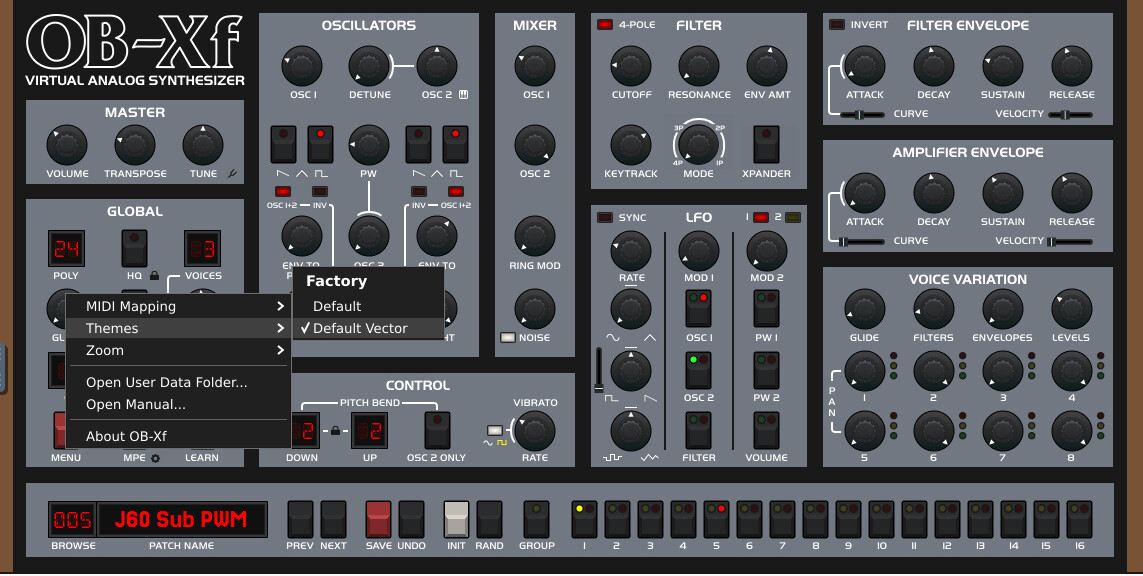
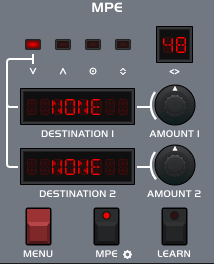
The latest OB-Xf code base seems to include support for this. This doesn’t automatically trickle down to Zynthian yet, but it’s good to know it’s coming OR allows to check it out on other platforms in the nightly releases.
Update: clarification of the OB-Xd support, taken from the README
Patches and banks created by OB-Xd are compatible with OB-Xf, using the “Import OB-Xd Bank…” option in the patch browser, or by simply drag-and-dropping OB-Xd FXP/FXB files onto OB-Xf’s interface.
This functionality was introduced in v1.1 update.
Fidelity of conversion is retained in all cases except one. This is due to the fact that OB-Xd has an offset of 12 semitones when all coarse tuning controls are set to 0 semitones - so middle C produces ~464 Hz instead of the expected ~232 Hz. OB-Xf has fixed this reference pitch, and compensates for the discrepancy by increasing the Transpose parameter by 12 semitones. If Transpose parameter was already at maximum, both oscillators are pitched up by 12 semitones. If either of the oscillator pitch controls don’t allow for an increase of 12 semitones, the imported patch will sound one octave lower than in OB-Xd.
This is something I can do next week when I’m back from holiday.
17 August Update: test results OK
Test steps:
Fresh Vangelis beta (Trixie) plus latest updates.
Zynthian v5 kit with Raspberry Pi 5
Delete existing OB-Xf directory /zynthian/zynthian-plugins/lv2/OB-Xf.lv2 to work around installation error.
Go to webconf > Software > Engines
Click Scan for Engines and confirm to scan, in order to remove OB-Xf from the list of installed engines.
Click Install plugin and upload the ob-xf-Linux-ubuntu24.04-arm64-2026-08-14-c373dcb.zip file
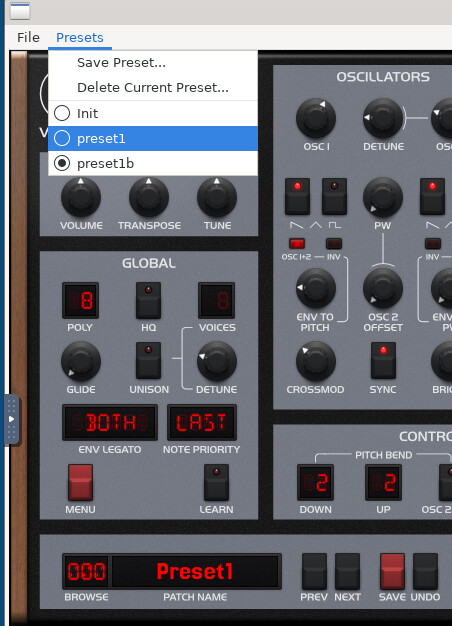
Test: this succesfully installs the plugin, and it can be played. However, the list of presets still corresponds to the previously installed version, showing 312 presets that have no effect.
Reboot via webconf
Click Scan for Presets and confirm to scan.
Reboot via webconf
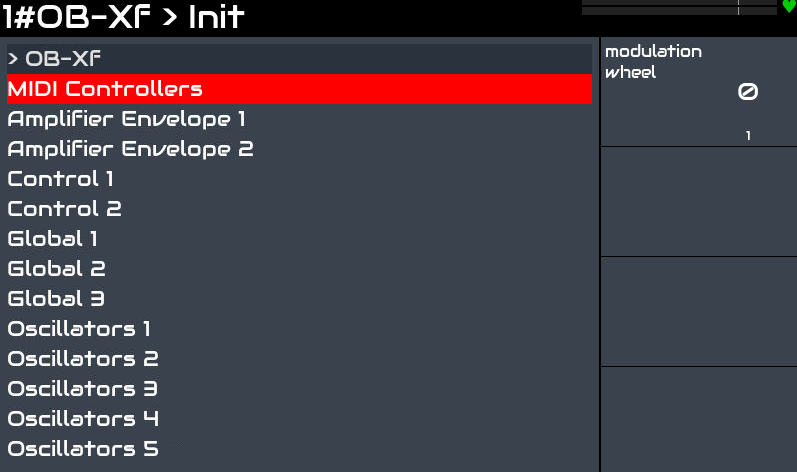
Now the plugin can be run with just the Init preset, and tweaked.
Note: while confusing, this ubuntu zip seems to be the only one with the right lv2 cpu architecture that Zynthian requires.
Open topics:
should this ubuntu arm64 build be used?
presets are available in the nightly build package ob-xf-assets-2026-08-14-c373dcb.zip, unclear how to install in one step.
Delete existing OB-Xf directory /zynthian/zynthian-plugins/lv2/OB-Xf.lv2 to work around installation error. You can use SSH (or e.g. FileZilla) to do this.
Go to webconf > Software > Engines
Click Scan for Engines and confirm to scan. This removes the legacy OB-Xf version from the list of installed engines.
Click Install plugin and upload the ob-xf-Linux-ubuntu24.04-arm64-2026-08-14-c373dcb.zip file (or the newer version available here: Releases · surge-synthesizer/OB-Xf)
I don’t see the list of patches/presets on the Zynthian - there I only see the INIT patch. Is there a way to refresh those so it shows the same categories?
More testing in terms of GUI less control. Here I look at the enthusiasts in this group .
I’ve updated the included version in Vangelis. I also created a script for generating the LV2 presets from the native presets. Perhaps you have to restart the zynthian or push “scan for new presets” from the presets option menu.
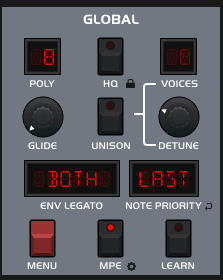
Finally, i enabled the MPE support for this engine, so it’s not needed the native GUI to do it. Simply select “ALL MIDI channels” for the engine.
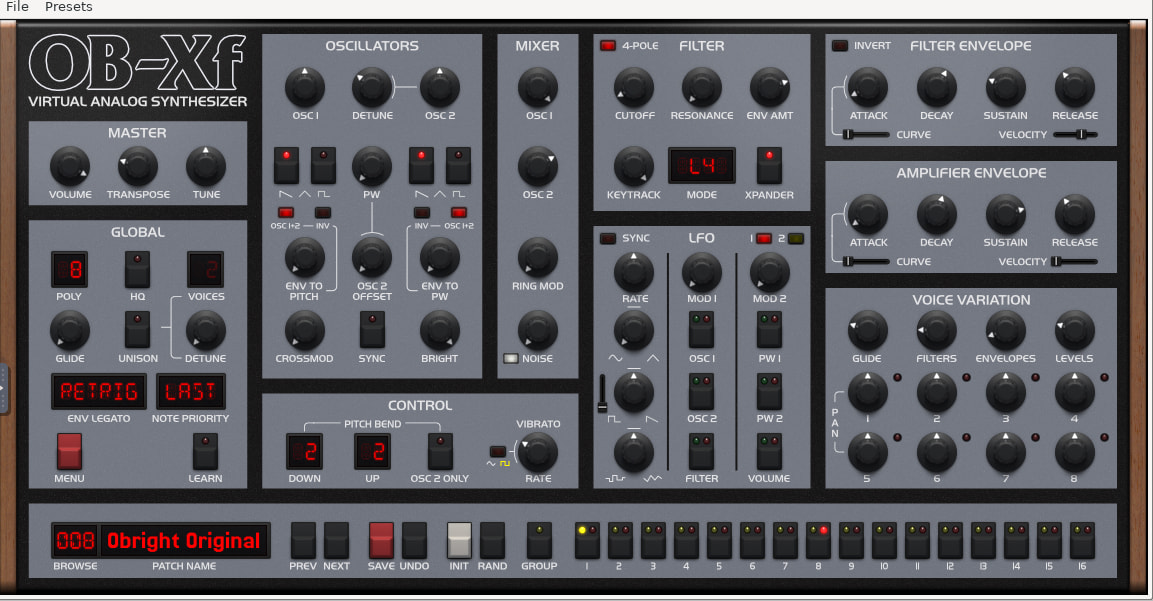
 and they are applied.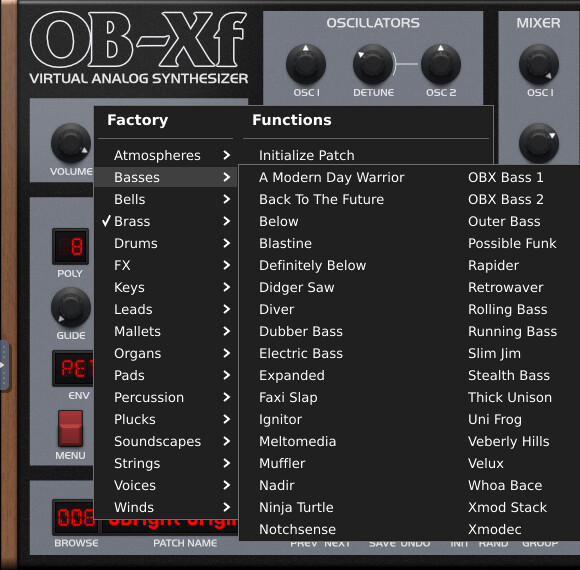
 .
.