Anyway, if you plan to sequence samples, i would recommend using zynthian as the master clock.
External clock always have some jitter, so zynthian tempo will be continously changing to keep synced. To avoid sample rewarping to be triggered all the time, we have implemented histeresis (±3%). It kind of works, but depending of the stability of your external clock, sample rewarping could be triggered spuriously, what it’s really annoying.
You can avoid rewarping to be triggered by tempo changes if you explicitly set the tempo for every phrase.
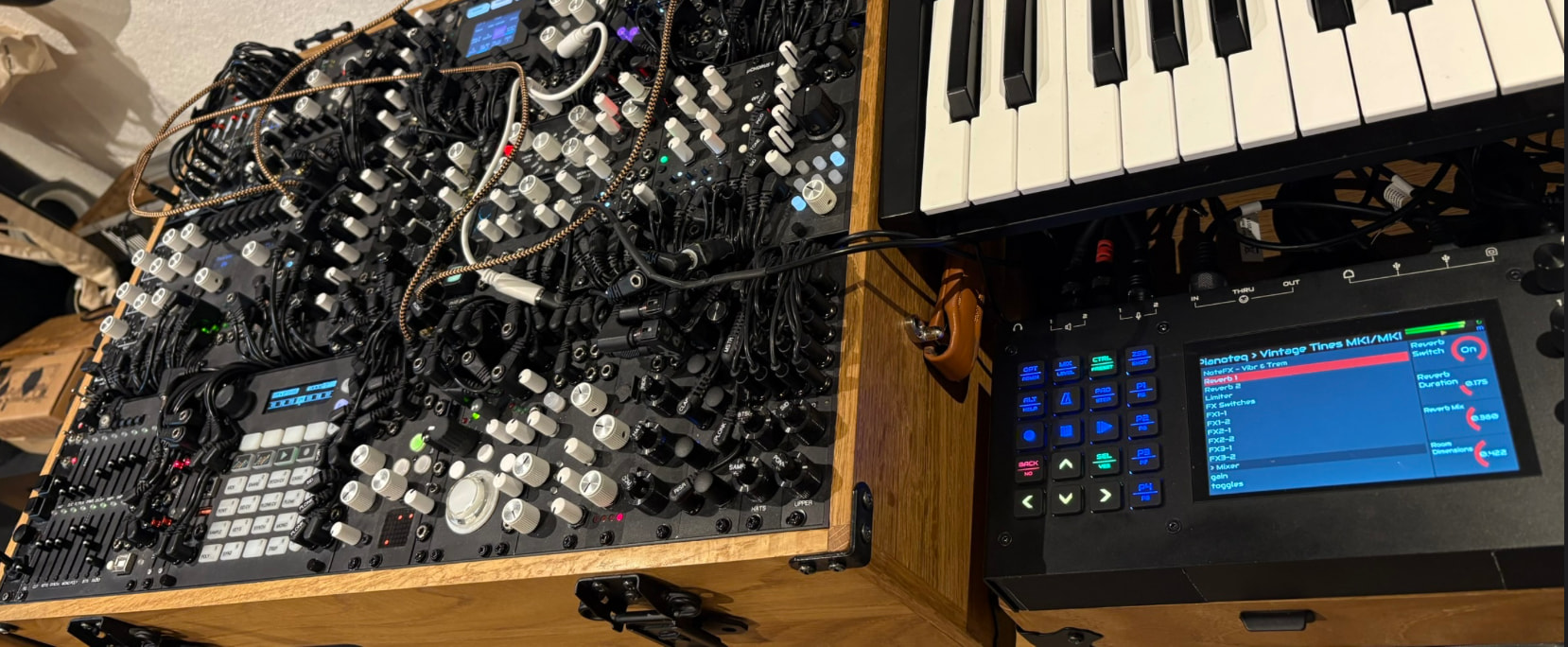
This guy on the left here is doing the master thing… It likes to be in charge
Zynthian as master is not really an option for me, unfortunately.
Another little thing i didn’t find on vangelis:
In Pad / OPT, where you choose play modes, there was a “Loop Sync” option. Now there’s only loop, one shot and a series of play x times options. Has loop sync gone? because in this mode, it was super stable before, I had a range of acid lines I was able to fire in time, and they stayed in time
In Oram, external clock was used as base internal clock at 24ppqn. In Vangelis, this is not possible as the internal clock is 1920ppqn and we can’t generate this resolution in a stable way from a external 24ppqn signal. So, we have to sync the LR external clock and HR internal clock. Perhaps we can improve the algorithm …
The answer is: yes, it works (once I figured out I needed to assign a bank to my copied snapshot to see it on the Zynth). Btw webconf complains that there’s a duplicate program number (009 is used by Zynthesia and Zynthesia_barsync).
So far everything seems to be working.
The whole upgrade was an uphill battle against Murphy’s law since the USB port of my card reader died and my mouse wheel started behaving erratically (even after I disassembled and cleaned it). But in the end I prevailed, manually holding the USB cable at a certain angle so the SD card could be recognized by my PC to burn the image. New mouse and card reader ordered…
I just tested calf sidechain compressor. In principle it works, but the knob control is mapped in a strange way to the lv2 plugin. I’m not smart enough to edit the calf sidechain ttl correctly… this is a language which is from my point of view directly connected to brainfuck. And IMO there is no editor with code completion out there. Also I don’t trust any LLM here.
For example, the ControlPort with index 6 (bypass) shows inverted behaviour in the Zynthian control screen, some knobs seem to have kind of logarithmic behaviour (Input - index 7). Zynthian knobs go from 0 to 64, instead the lv2 plugin shows a range from -36 to -36 db. Same with the treshold (plugin from -36db to 0) knobs from 0 to 1.
Probably this also is valid for other calf plugins, but I start with this one. Also into the Zynthians issue list?
Perhaps a lv2 nerd who eats ttl files for breakfast?
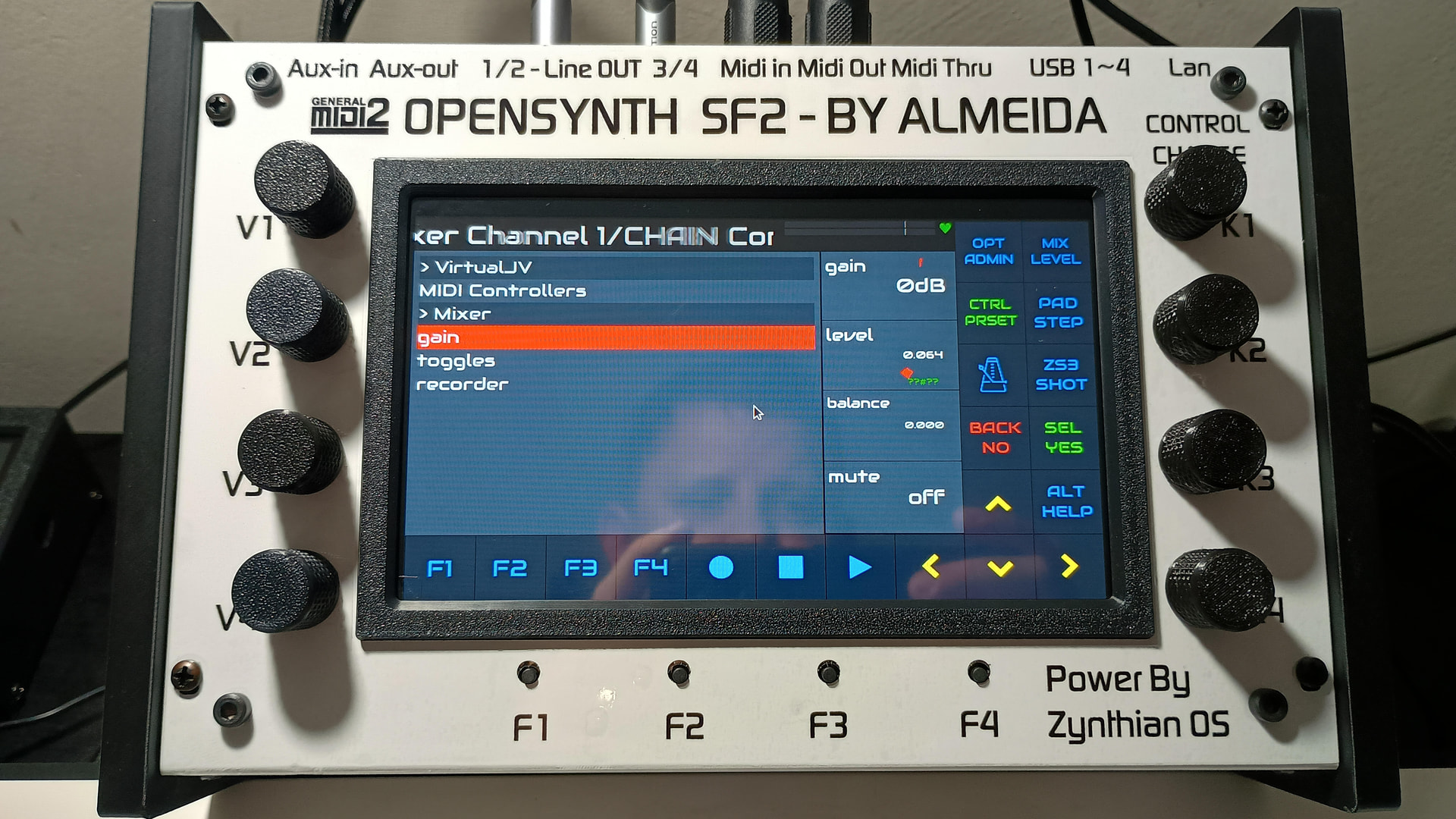
Thanks, friend… The thing is, in the ORAM version, if I pressed knob 3 on the mixer to activate “Learn” mode, I used to select the fader by touching the screen—it would turn green, ready to accept the MIDI command. Now that behavior has changed, and I haven’t been able to figure it out yet.
It is the same as all other MIDI learning. Enter the control view. Select the required controller page. Bold select the parameter to show the options menu and select the desired MIDI learn mode, or on V5, just press the corresponding encoder.
Yes, via the control page… on the Oram, I used to just press KNOB 3 to enter Mixer Learn, but I found it now… The interface took me by surprise a bit—just a matter of getting used to it—but it turned out absolutely wonderful… Congratulations to the whole amazing team…
May I ask, is there any intended difference between a previous image on vangelis with the latest updates and this new image, apart from maybe packages that didn’t install because of update system issues?
I guess it might be redundant by now, going from your added words, but the pattern editor options (upper left button) offer the choice of the number of steps per beat (of the active time signature for the related row/phrase). Thus 4 steps per beat equal semiquavers (1/16th), 3 and 6 steps equal triplets and sextuplets respectively, 8 beats equal emisemiquavers (1/32th).