Rather lovely piece of OSCar type design …
You can have less soup tonight and we’d love to hear it . . .
Rather lovely piece of OSCar type design …
You can have less soup tonight and we’d love to hear it . . .
So good you enjoyed it, my friend. I’ve got a collection of them!!! i love my zynthian
vangelis is kinda fun
had a jam last night with an external sequencer (deluge) and jumpt from zss to zss to switch the chains up.
now somehow i made a recording of it and it starts playing whenever i start transport, even if i load a different state or remove all chains.
where dose this audiorecordong live? I just can not find it in the mixer. i only have s master and it shows signal, but where is the audio loop?
there must be a secret button combo to access it
@sndnmd - I just did the same (including with the Deluge). I hadn’t completely learned my way around Oram yet and threw in a Vangelis SD card just to try it as it has many excellent looking features but it’s taking some time to slueth out all of the ways to get to things.
This doesn’t answer your question - just excited to find another Deluge + Zynthian user!
I did record into some pad clips myself, but didn’t come across an invisible recording of anything (yet).
The biggest issue for me is the clock sync - but I know that’s a known issue and is being discussed and worked on. Setting quant helps a bit I think - at least gets notes on the grid properly.
This is going to be all incredible when it’s finalized - all the right moves IMHO! I personally just need to understand how to get to things but I am starting to understand the logic. Kudos to the developers!
What do you mean by “start transport”?
I suspect you are pushing the play button from the mixer, launcher or control screens, what would replay the latest audio recording. This is the expected behaviour and it works like this in Oram too.
Regards
yes - bold press the button you call transport and you will see the capture folder where the recorded wav lives. Or even better maybe, use webconf/library. Or even more better maybe use webconf/system/file browser.
start transport as in play
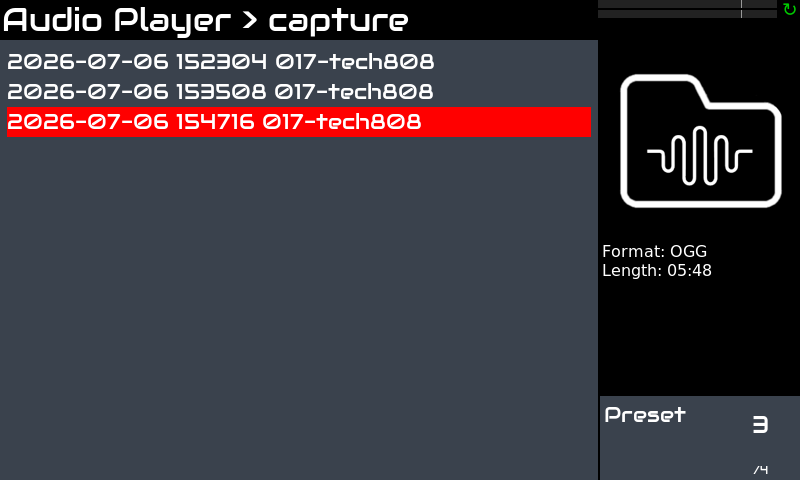
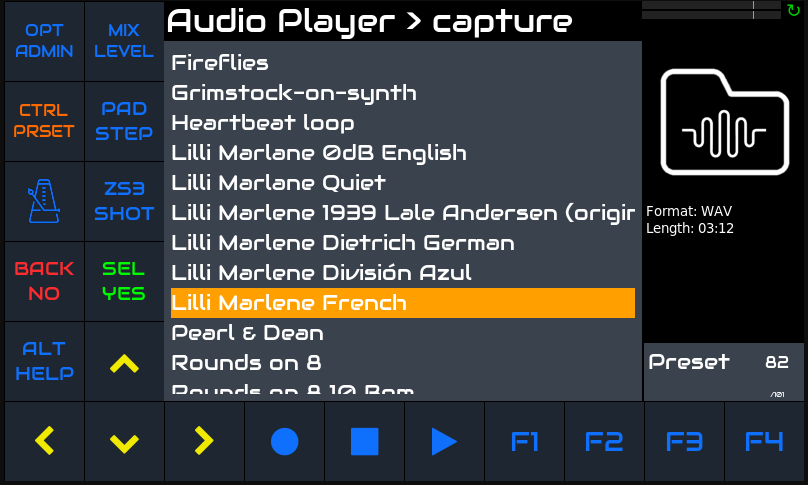
so I found out by chance that there is a bold push to the play button, where the recording sits.
Cool, dit not lnow that.
is this expected behaviour described somewhere in the devicehelp or elsewhere? is there a way to delete it again?
Yes, you can delete the recordings with bold-push select (options) from the file list.
But better don’t think of play button as “start transport”. Its function depends of context (screen).
Regards
Hi @sndnmd !
It’s not a secret button. It’s well explained in the User Guide:
You can read:
Transport buttons
By default, transport buttons control the global audio recorder/player and the default color is blue. When the ALT button is pushed (ALT mode enabled), transport buttons control the MIDI recorder/player and the color is purple.
short-push REC (solid circle) to start/stop a recording. When a recording is in progress, the record button lights red and you should also see the rec icon in the display status area, at top-right.
short-push PLAY (solid triangle) to play/pause the currently selected track. The last recorded track is selected by default. When a track is being played, the play button lights green. After pausing, pushing again will resume playing at the point it was paused.
bold-push PLAY to open the track list. After selecting a track, the audio player control view will be shown.
short-push STOP (solid square) to stop playing a track and rewind. Pushing play again will start playing from the beginning.
bold-push STOP to stop all sounds, including any audio/MIDI track and sequences.
In some views/modes, transport buttons have specific (contextual) behaviour. When this happens, they will light orange to help you to remember their normal behavior is altered. See the sections below to have the specific details.
Regards,
You can play the last recorded track but how do you set it’s name?
Yep. Fix the clock, please.
Bold select it on the list.
Yes I know that but how do you identify which is the most recent recordings? I’ve got a fair few recordings and other directories of stuff and for the life of me I can no longer locate the ‘current’ file for love nor money and I flatter myself I used to do a fair bit of this, hense the many files…
I cannot find the lasst four recording I’ve made in this way made all the more infuriating that I can play them by pressing play., unless of course I hold down too long and it displays the list and then things can get confusing.
I now dont trust recording on the zynthian.
Sounds like a feature request or two on the way… e.g.
Indeed but ive got go and taste the soup first and the odds of me typingvin a coherent fashion after thatvjolt to the system are 50 50 at best…
And then theres the football to consider…
Seems that this Hurri Cane striker got one or two bowls of your soup already.
AFAIK, the audio recordings are named with the timestamp, and the last capture is always selected for re-playing.
Regards
Yes its when you have fifty or more audio recording and subdirectories that things start to get chaotic… and then add in usb storage as well.
Probably messy but trying to explain to people ( disinterested users) that files might be in directory so given we have that many songs they just want to scroll down to a name they recognise.
I’m keen not to be THE ZYNTHIA USER so rncourage other people to operate with greater or lesser degrees of success, but I’m persistant.
Ill put together a feature request but im pretty sure i already have…it could of got closed in one of my guilt ridden closing sessions.
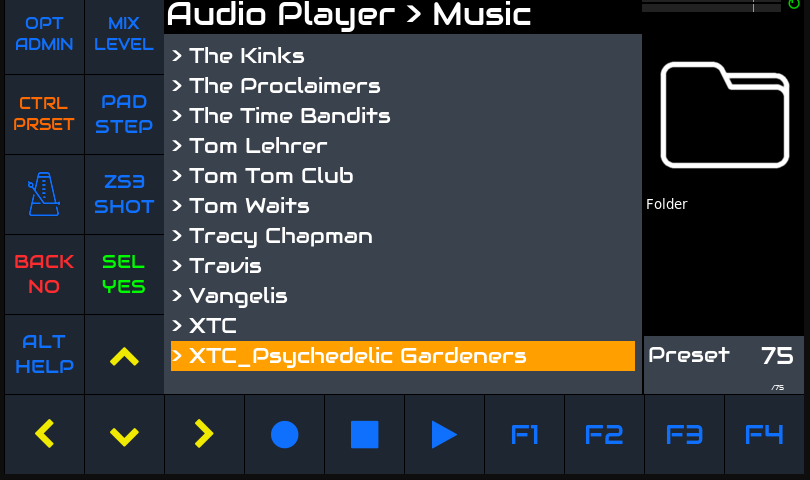
and in the music folder
So you see I do do a bit of structure…
What bloody awful soup this is and so much of it…
I just wanted to say, that even though I’m noobing my way around Vangelis, this is really amazing work. It took me a bit to get used to the UI changes from the tiny bit of Oram usage but now that I see the paradigm it’s really an incredible job with some really cool features. I need to keep digging into how to use everything but everything I’ve tried so far works really well. Powerful stuff!
I just wanted to send positivity (and not just bugs/feature requests) to @jofemodo , @riban and the team! Nice work.
is this the guide i never touched since it is frozen and invomplete ever since i got the zynthian ?
Read:
Zynthian UI User’s Guide - Oram(incomplete but frozen): Oram is the current stable version
( Zynthian Users Guide - ZynthianWiki )
this reads to me ad a do not touch it is outdated.
good to know, but well a bit confusing…