I started to look at this but immediately hit a snag / question. To shutdown, I need to show the V5 buttons and so the last state may always be in this mode, even if most of the time the user prefers not. Any suggestions?
I had previously decided to not show V5 buttons by default because you will usually start in the mixer view which is an operational view that may benefit from full screen.
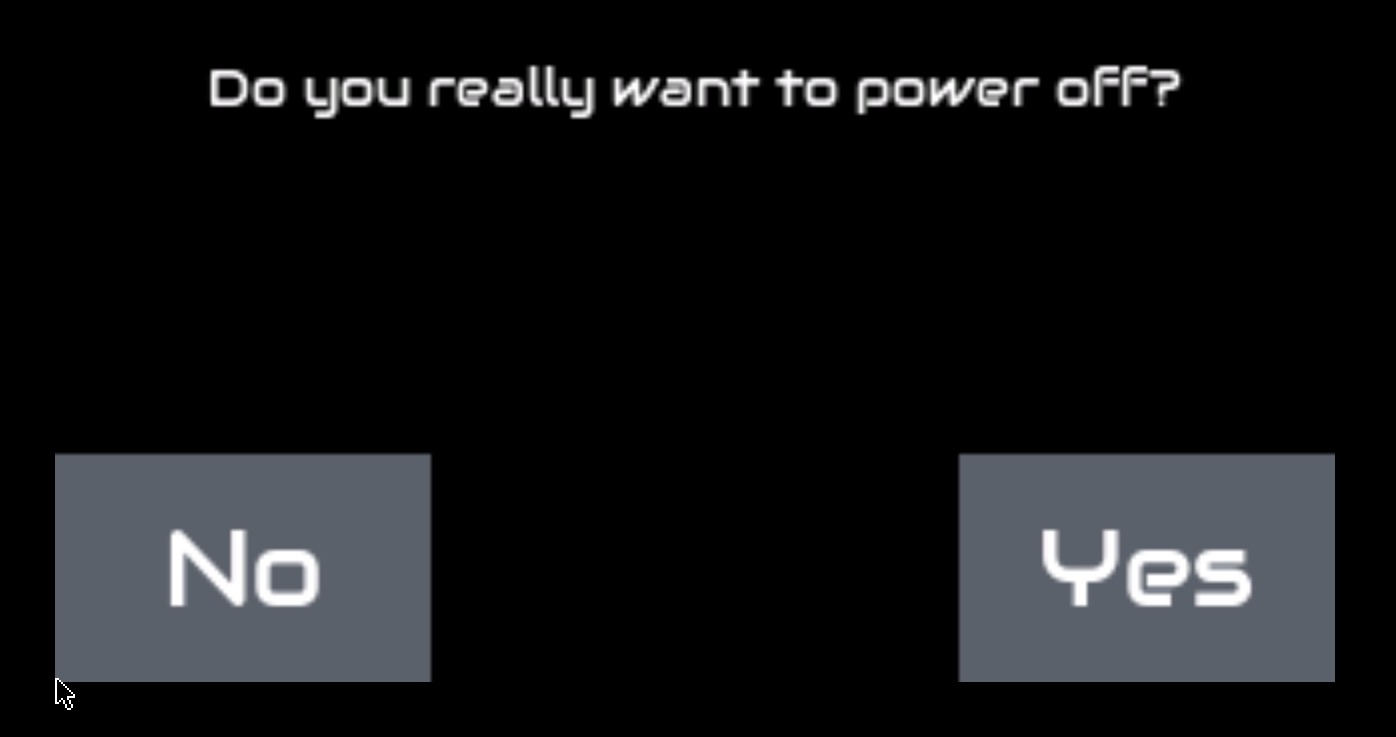
Hm. When using the 4th encoder or an equivalent configured button, with long press, it shows the shut down screen without extra menu. So no usual V5 buttons need to be displayed in this case. Does this method help?
On those systems we used to have the option to tap/click the top header status bar to open the admin menu and choose shutdown. It seems that isn’t working (or I’m doing it wrong) with the dynamic switching to V5 buttons on screen.
The point of this change was to replace all those touch-only workflows to reduce support burden. If we get feedback that fast access to a particular touch-only workflow is required, we can consider adding it.
All three (short, bold, long) triggers of topbar are used to toggle mixer/launcher. I have been trying to reduce the use of both bold and long because it confuses users. We could use bold/long to show a grid of shortcuts to various screens / actions. This could even be configurable so users can have quick access to match their workflow. I will try to build something to test.
Okay - thanks to inspiration from @jawn I have implemented a fast navigation panel. Bold/long press the topbar to show a grid of actions, mostly short press navigation but also power off / bold press to reboot.
I would say: If you trigger the onscreen buttons manually, they remain always on, if you don’t, they reveal themselves whenever they are needed.
Especially for custom builds that rely on V5 buttons it might be preferred to also show them on startup and the screen may be configured to meet the requirements.
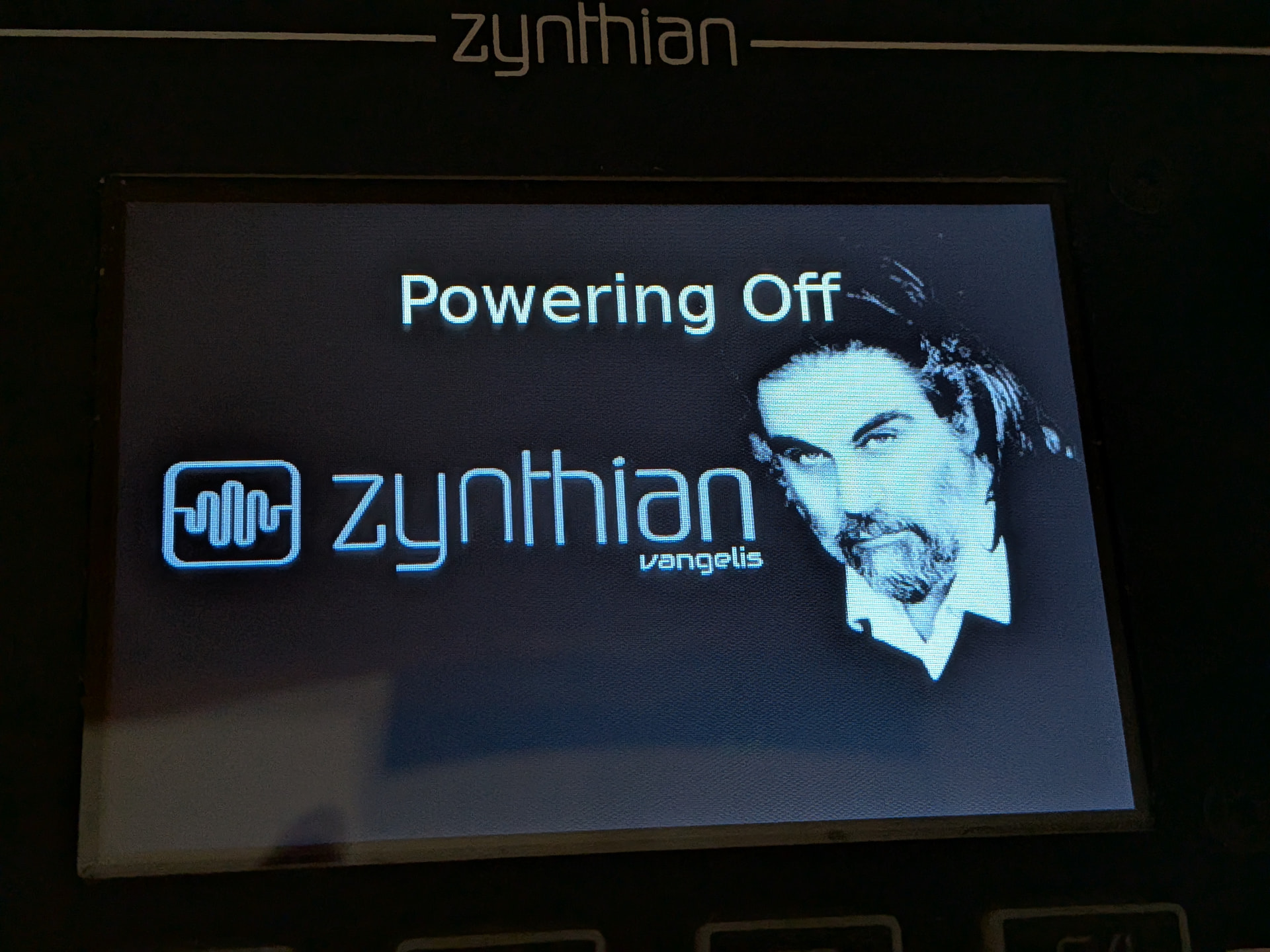
However, when shutting down I get hangs now with the Powering Off screen and this log:
Mar 19 19:54:24 zynthian startx[914]: ERROR:zynthian_gui.cuia_thread_task: CUIA ‘zynswitch’ failed with params: (3, ‘S’)
Mar 19 19:54:24 zynthian startx[914]: Traceback (most recent call last):
Mar 19 19:54:24 zynthian startx[914]: File “/zynthian/zynthian-ui/zyngui/zynthian_gui.py”, line 2630, in cuia_thread_task
Mar 19 19:54:24 zynthian startx[914]: self.zynswitch_short(i)
Mar 19 19:54:24 zynthian startx[914]: File “/zynthian/zynthian-ui/zyngui/zynthian_gui.py”, line 2238, in zynswitch_short
Mar 19 19:54:24 zynthian startx[914]: self.screens[self.current_screen].switch_select(‘S’)
Mar 19 19:54:24 zynthian startx[914]: File “/zynthian/zynthian-ui/zyngui/zynthian_gui_confirm.py”, line 111, in switch_select
Mar 19 19:54:24 zynthian startx[914]: self.callback(self.callback_params)
Mar 19 19:54:24 zynthian startx[914]: File “/zynthian/zynthian-ui/zyngui/zynthian_gui_admin.py”, line 780, in power_off_confirmed
Mar 19 19:54:24 zynthian startx[914]: self.last_state_action()
Mar 19 19:54:24 zynthian startx[914]: File “/zynthian/zynthian-ui/zyngui/zynthian_gui_admin.py”, line 788, in last_state_action
Mar 19 19:54:24 zynthian startx[914]: zynconf.save_config({“ZYNTHIAN_TOUCH_SHOWN”: zynthian_gui_config.touch_shown})
Mar 19 19:54:24 zynthian startx[914]: ^^^^^^^^^^^^^^^^^^^^^^^^^^^^^^^
Mar 19 19:54:24 zynthian startx[914]: AttributeError: module ‘zyngui.zynthian_gui_config’ has no attribute ‘touch_shown’
Above is the log after all chains are first removed, then shutting down. Also hangs if chains not removed. Tested on V4 kit.
I feel it kind of breaks the easy learning curve of having this screen in the first place.
Options:
split Reboot and Shutdown into two buttons. Drawback: we fill up the whole screen already.
merge the shutdown/reboot screen into one where you can choose:
shutdown, reboot, no options
However this may break the logic of using Yes/No/Back buttons…
Or just remove reboot and shutdown as it really is already part of admin –> what do others think? And BTW the same can be said for audio levels. We need to take into account the frequency of these options vs overhead of reading the screen/putting more important stuff here later.
This is the idea I had. I have it working but there is a merge conflict I need to resolve so it might be tomorrow before I can roll that out. It is a neat solution. The reason for having the power option in the fast actions menu is because we want to encourage users to close down properly, with the benefits of saved last state, etc. I find it a bind to menu dive for this on a touch-only screen.
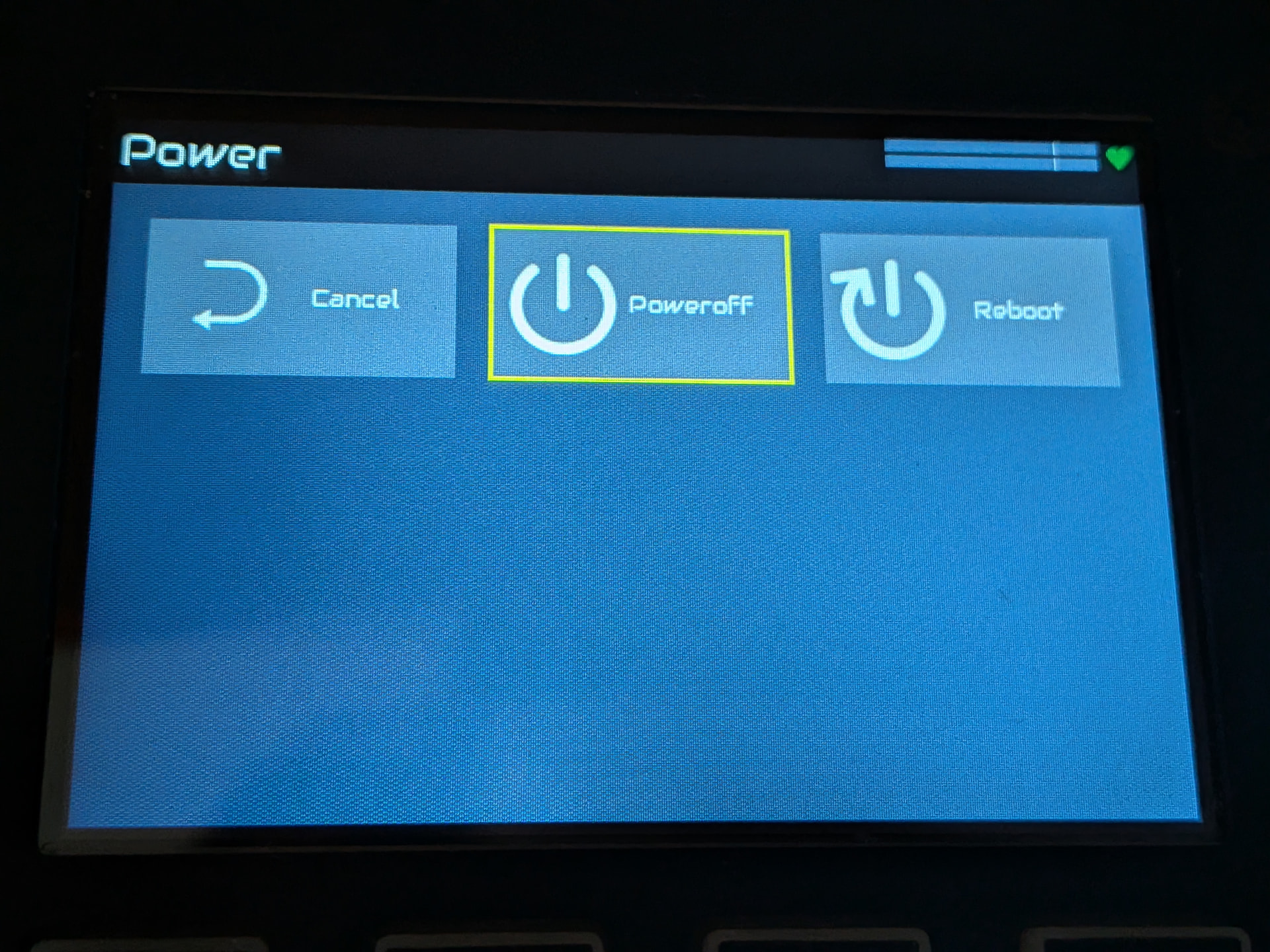
[Edit] This is now deployed. There is a single “Power” entry in admin menu and a single “Power” button on the fast launcher. These show a screen with 3 buttons:
Cancel
Power off
Reboot
Pressing any of these buttons triggers the corresponding action immediately. This is a neat workflow that many will be familiar with with desktop OS shutdown / reboot options.
I also fixed segfaults in the audio clip launcher and zynsampler.