I guess some variation is to be expected, but in my case, the FFC was fully plugged in at both ends (checked again after tearing it down) and did not work. I did not take a picture, but on the control board, it looked very similar to this, but with a more bent connector:
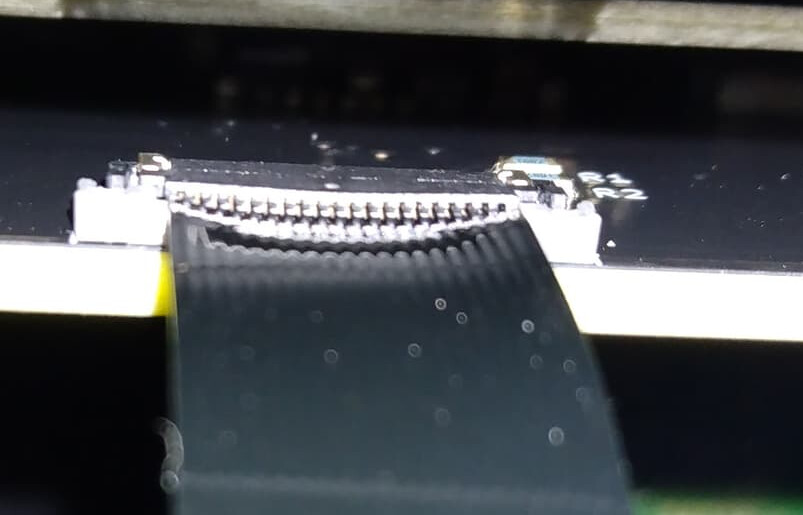
from Zynthian 5.1 Buttons Not Working [Solved]
I suspect that one or more of the middle pins were not making contact due to the bent connector.
Yes, those FFCs cables are less common. An easy fix would be to just replace the connector with the non locking part number. The PCB footprint is the same. For existing stock, those locking features can be removed in a couple of seconds with a scalpel (that’s what I did on mine today).
Currently tinkering with it, and it seems to be an awesome device 
All the best!