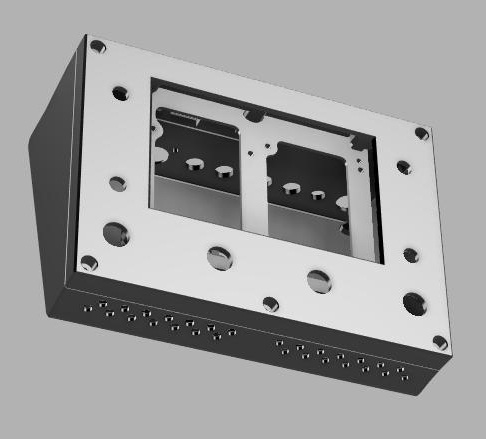
I’d like to share a small project of mine: a complete 3D-printable enclosure designed for Zynthian, compatible with Raspberry Pi 4 and 5.
The enclosure is designed to be easy to manufacture on a standard desktop 3D printer. A single printer with a build volume of 20 × 20 × 20 cm is sufficient to print all parts.
Inside, there is enough space for:
-
a Raspberry Pi
-
a MultiIO board with an MCP23017
-
4 rotary encoders
-
4 push buttons
-
2 voltage regulators
The integrated voltage regulators allow the use of power supplies ranging from 9 V to 24 V, giving a lot of flexibility.
Additionally, the design makes it possible to add a power output to supply an external master keyboard, for example a Studiologic controller.
I’d be happy to hear your feedback, ideas, or suggestions for improvement!
Top cover.obj (1.0 MB)
Frame_for_display_without_mounting_holes_for_boards.obj (476.7 KB)
Housing bottom.obj (4.7 MB)