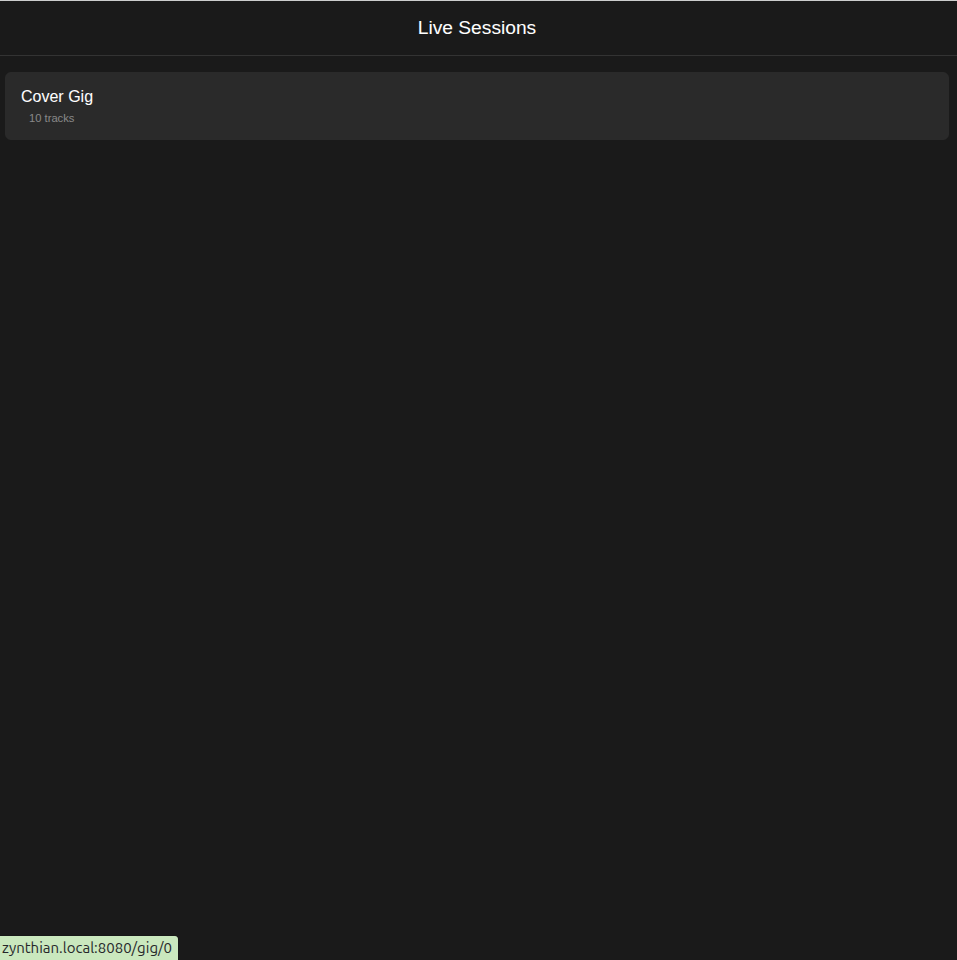
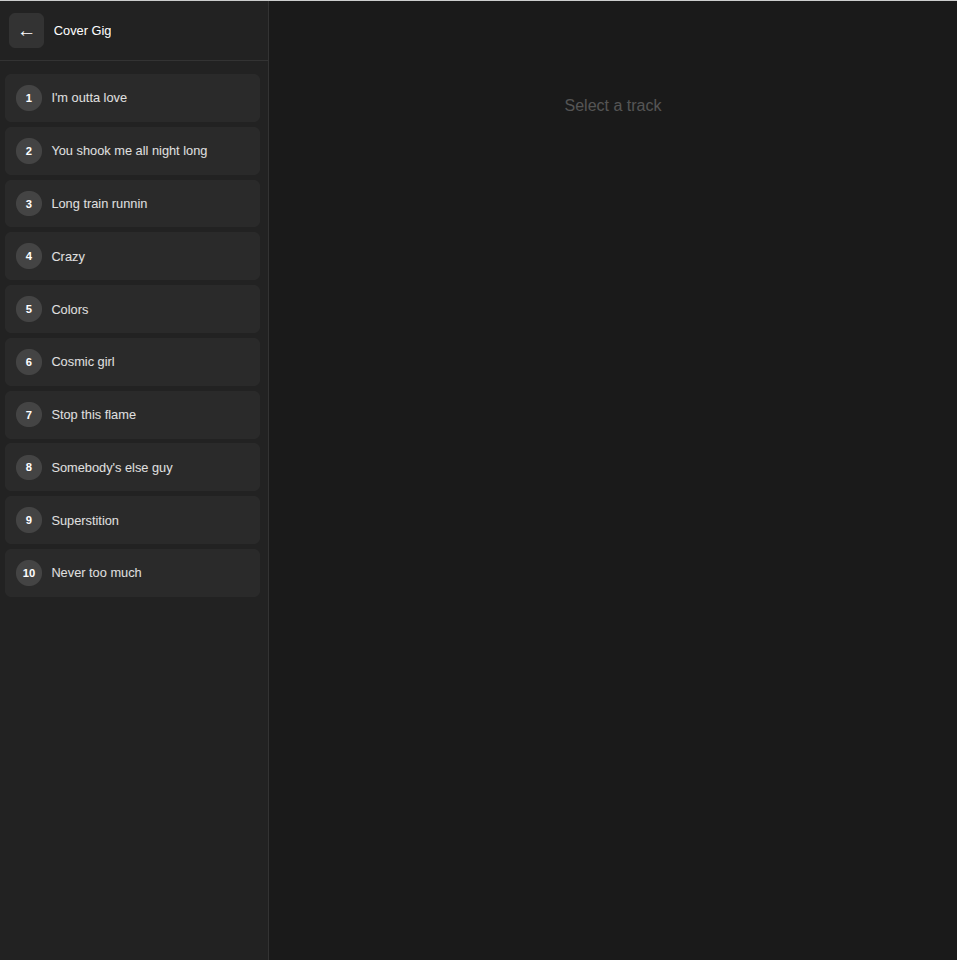
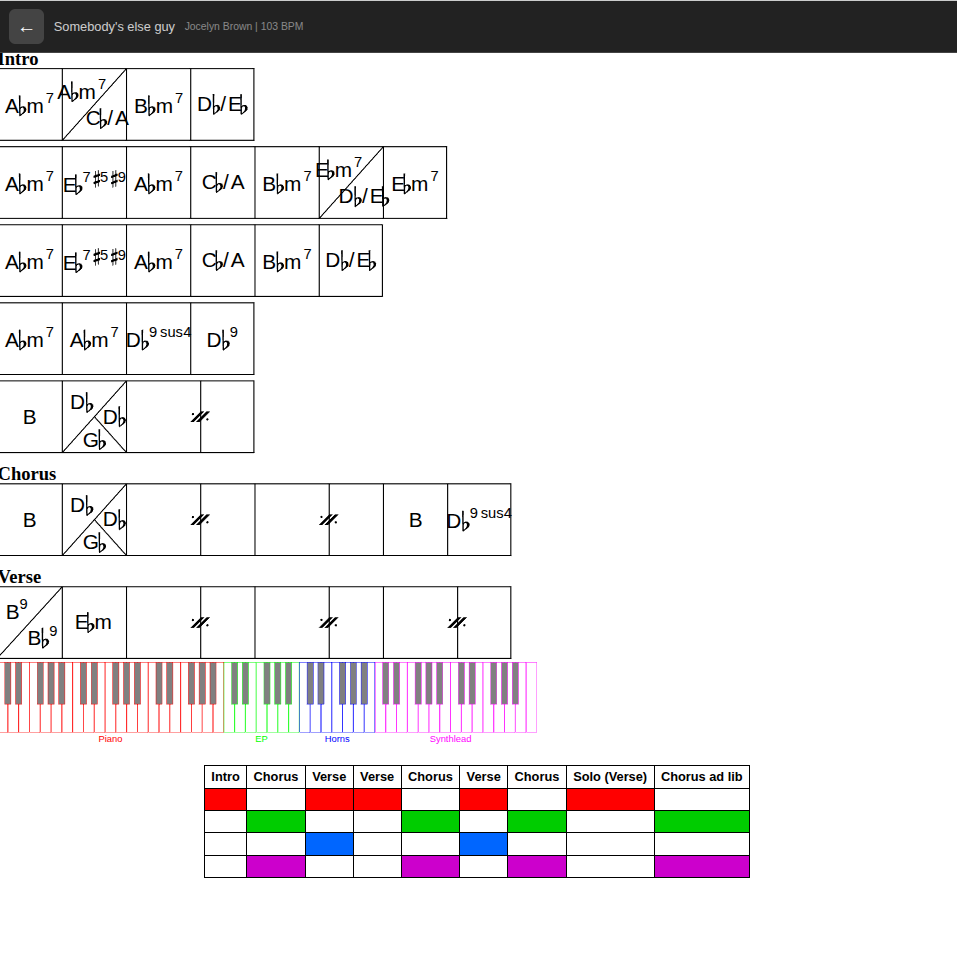
Hello, I’m working (with constant aid of opencode !) on a live-session server for zynthian. My goal is to have my gen2 iPad connected to Zynthian during rehearsals/gigs and be able to navigate subsnapshots and show chords grids/ indication accordingly.
I managed to build a first draft that works, the assumption is that you have loaded a snapshot with the correct subsnaphots. It’s faaaar from Gig Performer of course
once installed and stared on zynthian, it looks like this. when you select a track, it loads the correct subsnaphot and display the chord grid, keyboard split & track structure
What a nice little tool, well done, I noticed it could easily live outside of Zynthian as well. Personally I’d love to have this on the Zynthian Screen (first or second screen) e.g. “GIG Mode”, perhaps too much to ask.
the html chords files are generated outside the server, on a computer. I provided some files here
Out of interest how are you generating the chords and also the split keyboard view, Excel ?
There have been several discussions on how we might use extra screens but we are hampered by the differences in hardware. Some zynthians present one HDMI output. Some may have two and others (like the official V5 ) present none.
We have the option to enable VNC presentation of the main UI and a desktop on which some LV2 plugins native GUI is displayed.
I would like the ability to have one or more displays that can be presented on any available HDMI outputs and also virtually over the network (like we do with VNC). We could implement a range of (plugin) modules to present info on these displays and the user could chose where to show them via config.
As we move to Debian 13 (Trixie) we may be able to look towards pipewire as a replacement for jack and that may present an opportunity for better display management including remote displays.
For now, I think the use of a webpage works well for this proposal and kinda intrinsically provides remote display. I can see this being shown on a tablet on a music stand, connected via WiFi.
Oh I missed that feature, thanks, I’ve written a few scores with Lilypond but I hadn’t come across it, it’s nicely present in parts of a bar. I’ll look forward to you example, no rush
@riban I do agree with you on the second screen, it’s a really big challenge with little benefit. The only way I can see it working would be to have a second app as remote control, with limited features.
For your information Wayland is very resource hungry on a pi5 with x-windows compatibility mode, just case you have it as an idea.
You’re right I don’t think it’s possible at least I’ve never seen the code for it. Zynthian Users have defined the Snapshot as being the loading of all chains for the gig and switching with subsnapshots between songs (due long loading times on snapshots). But I’m not a authority on what’s new and coming up as I’m still using Oram.
You can recall a snapshot by sending a MIDI Program Change on the “Master Channel”. This will recall the snapshot with the PC number as its name’s leading 3 digits, e.g. PC 123 will recall snapshot “123-My Snapshot”.
There is a CUIA for program change which could be called via OSC. The first parameter is the program change number (or + or - to go up or down one) and the second optional parameter is the MIDI channel so could be set to the “Master Channel”.
[Edit] Depending on whether you have selected MSB or LSB in webconf INTERFACE->MIDI Options, "Master change type ", this would be CC0 (MSB) or CC32(LSB).
I modified the live-session, when you select a gig, you can now load the correct snapshot. I also separated the server (live-session, I installed in /zynthian/) and the data (I put it on /zynthian/zynthian-my-data/live-session) which seems to make move sense
Second of all - I realize this is not what you’re doing, but I think that the various forms of ‘remote jamming’ or ‘distributed band-orchestra’ are at least somewhat related to your live-session proposal- think of the tablet-score being viewable, maybe even updateable by multiple people.
We had quite a bit of activity regarding Jamulus a long while ago, and at the last Zynthclub @riban reported that SonoBus seemed to be more happening and a better target for any work to access through Zynthian, or even just learn, mostly due to having a more active community.
@chrismat Would you say that Wayland is not very resource hungry if you’re not using x-windows compatibility mode, or just not as hungry?
@riban True, but as you know, the V5 does have two (micro-mini?) HDMI ports inside the case which could be brought out through drilling or flat cables, etc. I think that would be acceptable for someone who really wanted to hook up a screen. I agree that the webpage approach neatly sidesteps this issue, and it might have a side benefit of allowing multiple, even many people (the audience?) to look at it.
@chrismat Would you say that Wayland is not very resource hungry if you’re not using x-windows compatibility mode, or just not as hungry
I installed Debian Trixie on a pi5 to run a simple mixingdesk remote application, per default it had Wayland running on it. The Firefox Wayland version worked perfectly well but the mixer app was unbearably slow, I could see X-Wayland running in the background with high cpu usage. Running with X-windows the application worked perfectly without hardly any cpu usage. As far as I know TK is not yet ported to Wayland, although work has started. I would say applications ported to Wayland will run normally, I’m expecting similar speeds.