I have try to burn the OS2409,OS25-06-17,OS25-04-10…and so on,but failed to access the Webconfig Tool after 2409version,only 2409 can access successfully,other OS has problem as the picture shown below:
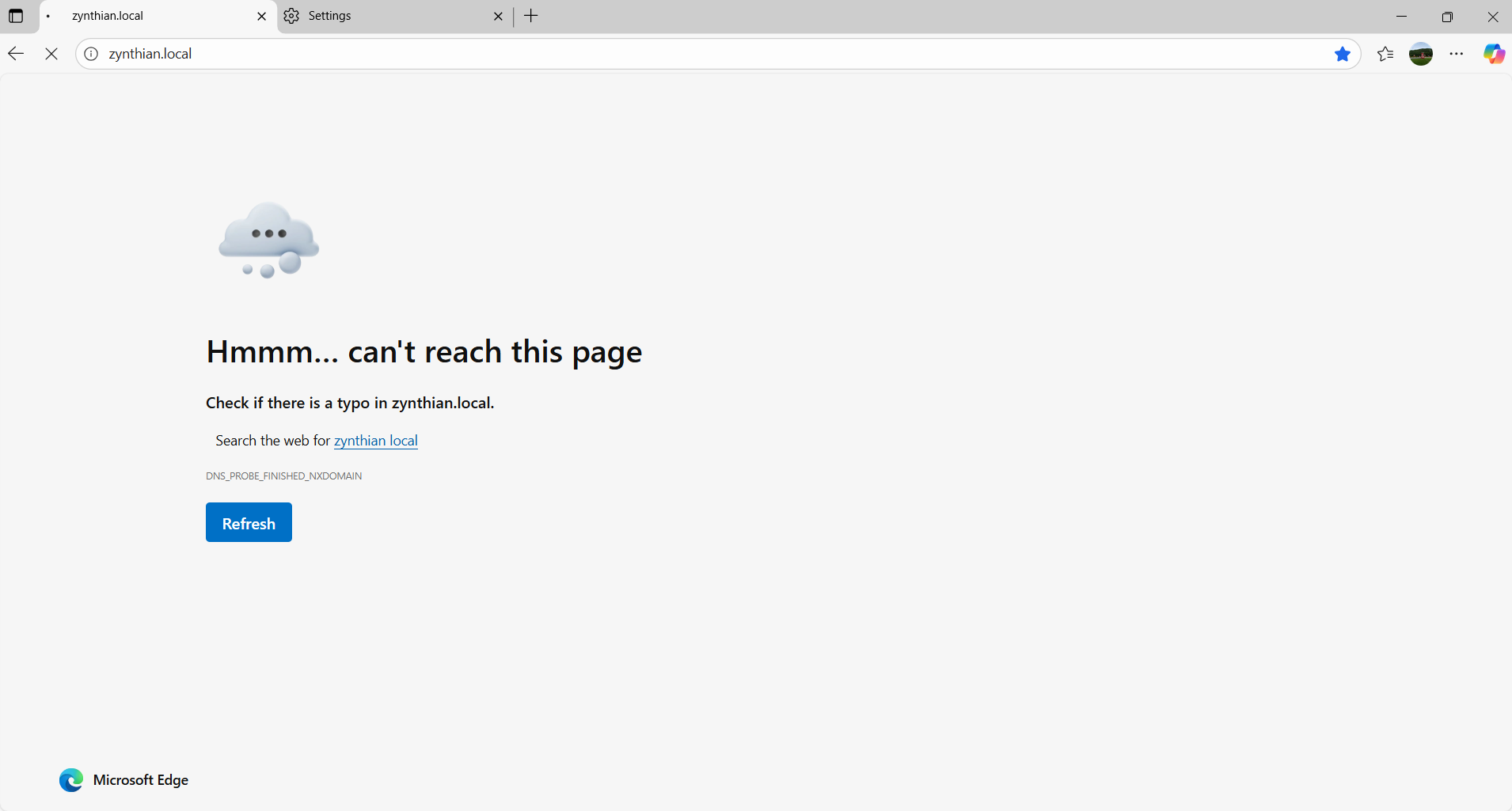
But,if I link my Zynthian to computer use a RJ45 cable for a long time, the Webconfig page opened automatically,Pay Attention! FOR A LONG TIME!! If I closed my browser and on again, I should wait the page on for a long time again.
You may look for the IP address with Network Info in the Admin menu and call it like this example:
http://192.168.69.1, just replace the numbers with the ones you see in the Zynthian.
MDNS is rudimentary in the Pi and unreliable. I have got it working just only once.
If you use the onboard Wi-Fi, then it takes quite a while for the Pi to connect to the wireless network, especially if it is 802.11ax, which takes several steps to downgrade to the 802.11ac of the Pi. The BRCM in the Pi is allergic to foreighn 802.11ax packets, load balancing, 802.11ac channel aggregation and frequency or band relocation, so it is best to disable these features in the router, or better use 802.11n with 20MHz bandwidth to be on the reliable side.
Or just use some USB Wi-Fi with in-kernel drivers.
1 Like