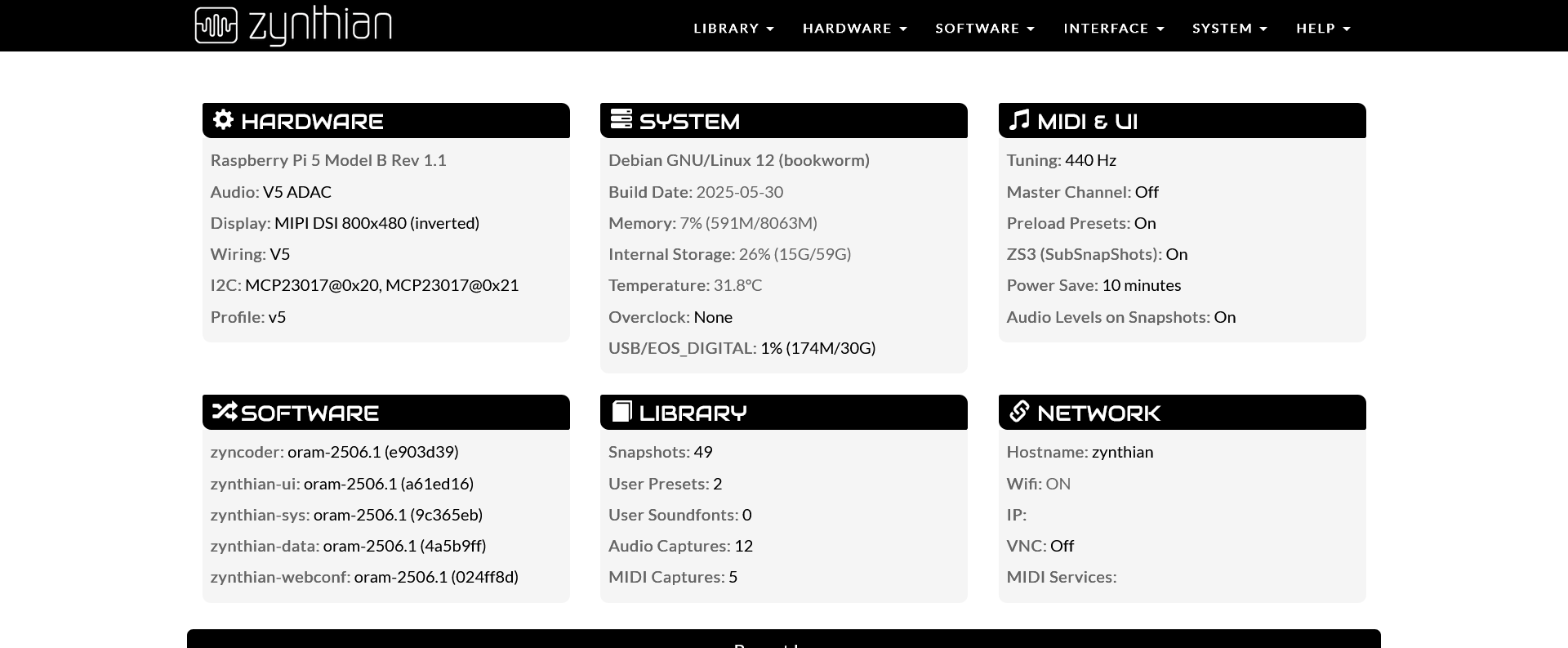
I just started to read the guide and I can’t understand how do I access the sampler? As a chain? I can’t see it under any of the options. In the webconfig tool I can see it ticked under engines but I can’t find it in the device.
I’m new to this and I’m learning the basics of how to work with it.. I still find it a bit overwhelming, so excuse me if this is being mentioned in the guide and I’m missing it.
1 Like
Hi @funginum - This is just a guess, but I suspect you’re not finding it because you don’t know that the engines are split into categories in order to keep the lists of manageable size. Try moving the knob above the one you’re using to select the engine and see if it changes to a different category of engines.
I’ll post a pointer to some more info later, I wanted to give you a quick answer.
I wasn’t able to find it anywhere - tried all the chains options, isntrument, midi, midi and audio.. all of them and can’t see it. I see some synths, some FX and I that’s all. I have this for a day now and I’m just learning how to use it, I got it with everything installed I even clicked on update in the webconfig which seemed to be successful but nada. Maybe the previous user has some settings saved I don’t know..
Instrument chain is the right direction, then where you see the synth, try @tunagenes suggestion (move knob three or touch-drag the categories control).
There should be a sticky thread for this topic.
2 Likes
See section 5 of this webpage, it may help:
I’m assuming you’re running Oram.
and here’s a more complete explanation from the User’s Guide, section 5.3.1 Processor categories:
Found it now, thanks a lot!
Well, I have to take my time with it, it’s impressive device with heaps of options!
1 Like