I know… It’s a bit of a graphic designer’s first-world OCD-problem…
But, are there ways to install different fonts than the ones you can pick from in the webconf tool?
Or do we have any spacing options?
(I tried searching for any font-related topics here, but couldn’t find one, burried in all the sound font discussions 
1 Like
I remember that I copied custom fonts for a bespoke Z skin project, in the underlying ZynthianOS-Linux text fonts directory, but the Zynthian system did not install and show the added fonts in the webconf UI Options, probably by design, and arguably in order to avoid graphical inconsistencies with spacing.
2 Likes
Well ok then, i’ll try to work with what we got
The UI is a challenge to maintain and the flexibility provided by configuration makes that more so. If you want to get involved in adding more fonts then please do, e.g. via PRs but you will need to fully test them.
Hi @nemoy !
You can install the font you want in the system and configure by hand in the config file:
/zynthian/config/zynthian_envars.sh
Your config will be respected by the update system.
And of course, if you reach a good font config, please, share with us some screenshots.
Regards
3 Likes
This sounds interesting. Just tried inter, but can you tell which arguments would be accepted? I guess it only takes “Inter” but nothing like “Inter-Light” or similar, right? Right now it seems you can only use a specific variant if you only got one per font family. Or can you specify a path?
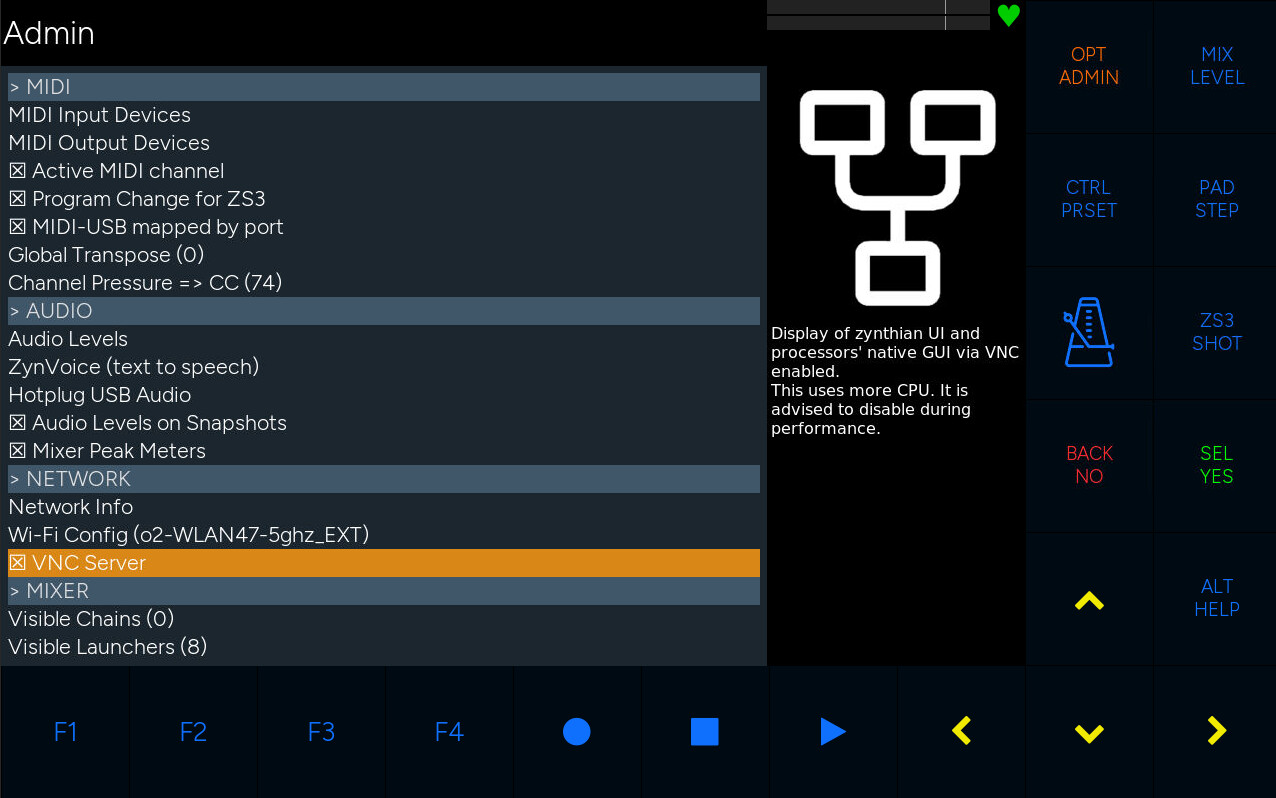
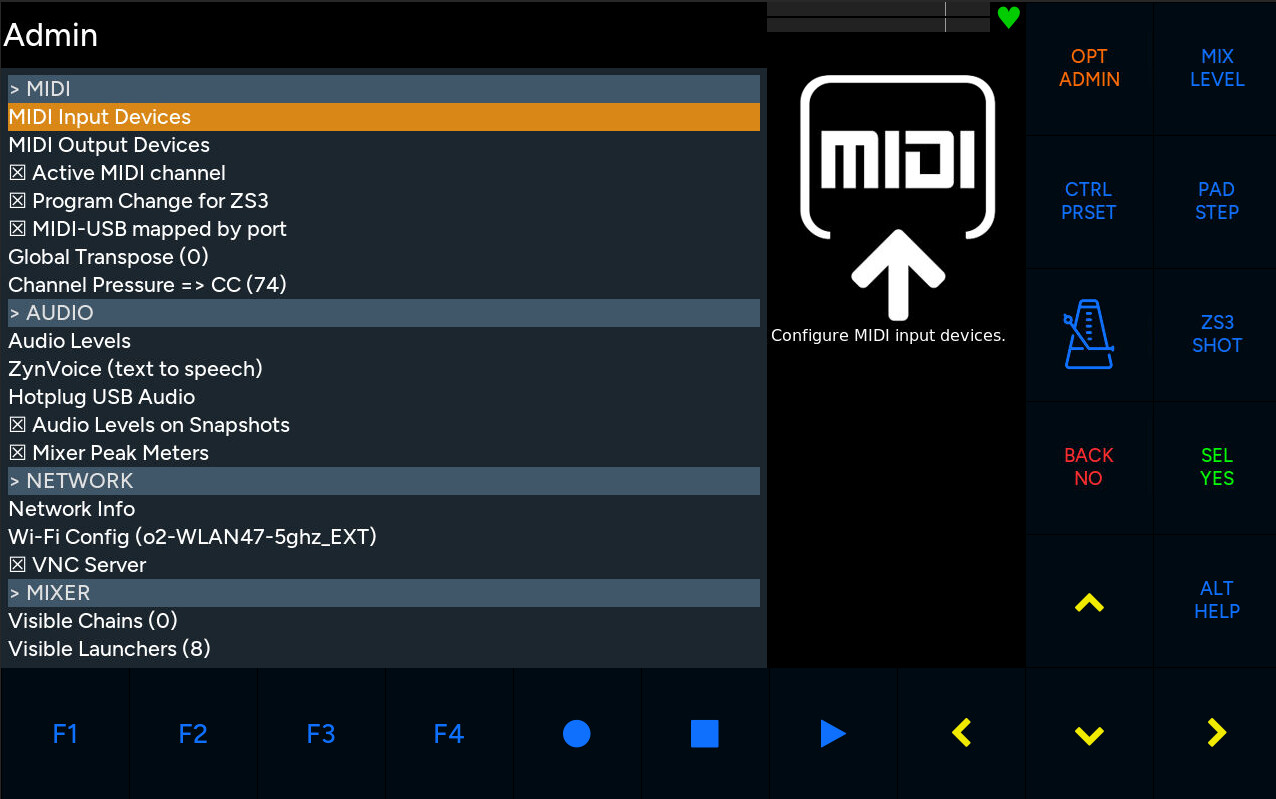
Btw, this is “Figtree-Light” and “Figtree”:
2 Likes
Ha! figtree was actually one of my picks too…
But I’d also be very happy to have a “bold” option (for Helvetica for example
1 Like
I think it’s beautiful, but in the long run I’d prefer a narrower font (I typically use Abel) for displaying i.e. longer patch names. Otherwise on my 8" 800p display I got plenty of room.
By the way, I see that not every widget uses the chosen font, like the context help section here (or does it?).
1 Like
Is there a specification for the font? Where should it be placed? (I see 3 directories where the Audiowide.ttf file is located). How do I let it appears as selection in the Webconf page?
So short… is there some sort of description/specification?
(I replaced the Abel font by 1 comic sans ttf file and named it Abel-regular. But that didn’t work…??? It was selected in the webconf… so I eh do not not understand how it works.
I am willing to test the font… I would like to implement the comic sans font; a warm looking font.
Cheers,
Maarten
Not a definitive answer for sure, but you can list your system fonts with
fc-list
I put mine in /usr/share/fonts I think, or you can install some by sudo apt-get install fonts-* (while replacing * with the demanded one).
I’m still not sure how to specify specific sub types, but you can specify a font family here:
1 Like
If you also want to see them in webconf add them to:
/zynthian/zynthian-webconf/lib/ui_config_handler.py
I suppose this will be overwritten if you update.
Hi all,
I am trying (still  ) to change the font into comic sans…
I see 3 directories that contain font files:
/zynthian/zynthian-ui/fonts (/Audiowide/Audiowide-Regular.ttf)
/zynthian/zynthian-webconf (/fonts/audiowide/Audiowide-Regular.ttf)
/usr/share/fonts/truetype (/Audiowide/Audiowide-Regular.ttf)
In /zynthian/zynthian-webconf/lib/ui_config_handler.py I see a group defined:
39 font_families = [
40 “Audiowide”,
41 “Helvetica”,
42 “Economica”,
43 “Orbitron”,
44 “Abel”,
45 “Comicsans”
46 ]
(I added “Comicsans”)
And:
161 ‘ZYNTHIAN_UI_FONT_FAMILY’: {
162 ‘type’: ‘select’,
163 ‘title’: ‘Font family’,
164 ‘value’: os.environ.get(‘ZYNTHIAN_UI_FONT_FAMILY’, “Audiowide”),
165 ‘options’: self.font_families,
166 ‘advanced’: True
This “Audiowide” in line 164 does not change when I select a different font in the WebConf… although the font changes, but nothing that resembles comic sans.
I see that in "/zynthian/config/zynthian_envars.sh"font fanily changes after WebConf different font selection:
63 export ZYNTHIAN_UI_FONT_FAMILY=“Comicsans”
But still no effect…
So? what am I missing? Wrong .ttf file?
Thanks in advance and cheers,
Maarten