Probably not if it is a synth, e.g. the VZ-1 does not have control over its transmitted MIDI aftertouch curve but may have control over how aftertouch affects the sound it creates. I expect this would be true of many (most?) synths with aftertouch keyboards. I agree that the curve and relative modes may be more advantageous for aftertouch and also agree that the curve is a “nice-to-have” feature that may offer some benefit and hence should be very deprioritised.
I had already imagined that @jofemodo would suggest setting the range minimum value to the control’s default value (I am in your head again mate!) but it is a suboptimal workflow, requiring manual adjustment of range after any change of parameter value and there may not be a obvious (presented) correlation between the MIDI value and the paramater value, e.g. 50% might be 4kHz and it may be a log scale so challenging to estimate.
I will have a think about this when I am back in the studio / lab and able to test the current implementation. (Yes! I have given feedback before even trying it!!! )
It’s not optimal, but it’s quite functional and logic if you think for 1 minute, or you do the exercise of testing with an after-touch keyboard for a while. I mean, If you are mapping a parameter to aftertouch, you (most probably) don’t want/need to set an exact value for the parameter. You better think in a value range for the parameter. By adjusting the value range, you are de-facto, setting the default value for the parameter, that would be the minimum value in the range. You play a note after adjusting the range and it’s done, the parameter value will land in the default value (minimum value in the range). You will always play some notes to test after modifying the value range, so the parameter value will always land into its default value. Of course if the range is inverted, then the default value would be the maximum value.
When saving the state after adjusting the range, you would save the range and the default value for the parameter, that would match as you want (unless you are pressing a key while saving!!), so no jumps when reloading the state.
When you load the state, you load range and default value for the parameter.
The parameter value will be resting at the default value unless you have modified by hand from the last state loading.
Note i don’t say this is “optimal”. I know it’s not. I simply say that is good-enough for now and a good starting point. We should wait to have feedback from users using it in real-world cases before trying to improve.
Ok, you are talking about lv2 port properties (reporting a parameter as logarithmic), right? I assume this is a fixed thing to make sure that e.g. a EQ frequency parameter has useful resolutions in lower and upper register.
Use cases for that kind of parameter bending:
Correcting poorly inplemented paramters in engines (like stated above)
Giving the user the ability to adapt a control to their current use case. Examples:
You got an equalizer, which you like to use as a high pass filter in the lowest register, but the control itself goes up to nyquist/2 frequency.
Your compressor should catch only the top peaks of the signal, but the creator of the engine wanted to give you the full freedom by making the threshold adjustable from 0 to -90 dB.
In your synth patch you want to use the modwheel only for subtle, tactile vibrato/unison changes while keeping the ability to fully crank it at maximum.
I take good note of the use-cases you enumerate and i will think about them. For me it’s the more important thing when implementing new features. Without real use-cases in mind we end implementing things that nobody use. And sometimes we do, because we need to scratch the itch , but it’s also good to have a feet on earth.
As i told above, there are lot of scenarios and we can find any feature is useful in several ones. It’s more a matter of prioritizing and optimizing our developing resources.
I don’t say:
“Hey, we are not going to implement this nor improve it!”
I say:
“Let’s test the current functionality and wait to get some feedback from users using the thing in real-world cases. Then we will see more clearly what’s really needed and what is the priority”
BTW, i just pushed a little improvement. A new option in the admin menu to allow mapping the Channel Pressure to a CC number. Take a look:
Note:
The channel pressure implementation in the Behringer MOTÖR is horrible. Super-hard, steppy and with poor range / sensibility. I tried to adjust the sensibility, but it doesn’t improve things. I would like to test with a keyboard with a decent Channel Pressure implementation.
I totally understand this. And the curve thing would not be my first priority either. It just feels like the next step from custom linear parameter scaling.
What I on the other hand would really very much appreciate would be this.
Have you tried to save/restore a single chain?
It should work, but perhaps it going to generate trouble with setBfree when using several manuals or pedals.
No, not yet. I’m not the drawbar organ guy either, but would love to learn main synth controls with my main midi controller once and have these connections saved.
I agree. Frankly, the only reason I needed this at all is due to a design flaw with NoiseMaker: that mod wheel isn’t a built-in controller to modulate an assignable other function.
(Odd that such a great and venerable softsynth would have such a glaring omission, but omission it is, and it’s acknowledged by their team in response to a bug report I filed. I would have thought that someone before me might have wanted to use mod wheel to control vibrato!)
I’m really pleased and impressed that this got handled so quickly! Thanks!
Sadly, I haven’t had a keyboard with aftertouch since my beloved Ensoniq MR76. But I agree that the proposed solution (mapping it with scaling) would be as good as you can get without support being built in (like it should be, just as with mod wheel.) With the exception of curves, of course.
I haven’t found a need for curves, and I doubt I will, but never never say never. The main reason not to need curves is, if the CC parameter is properly curved in the first place, it shouldn’t be necessary. But I’m thinking about normal CCs from 0 to 127, and not wide-value CCs (whatever they’re called.) For parameters like frequency that can have a huge range but the useful range for a given purpose might be over a very small region, then curves might be useful.
But for 0..127 parameters, … sheesh. Pretty soon you either get big gaps between successive values, or big input changes that only increment the parameter a little.
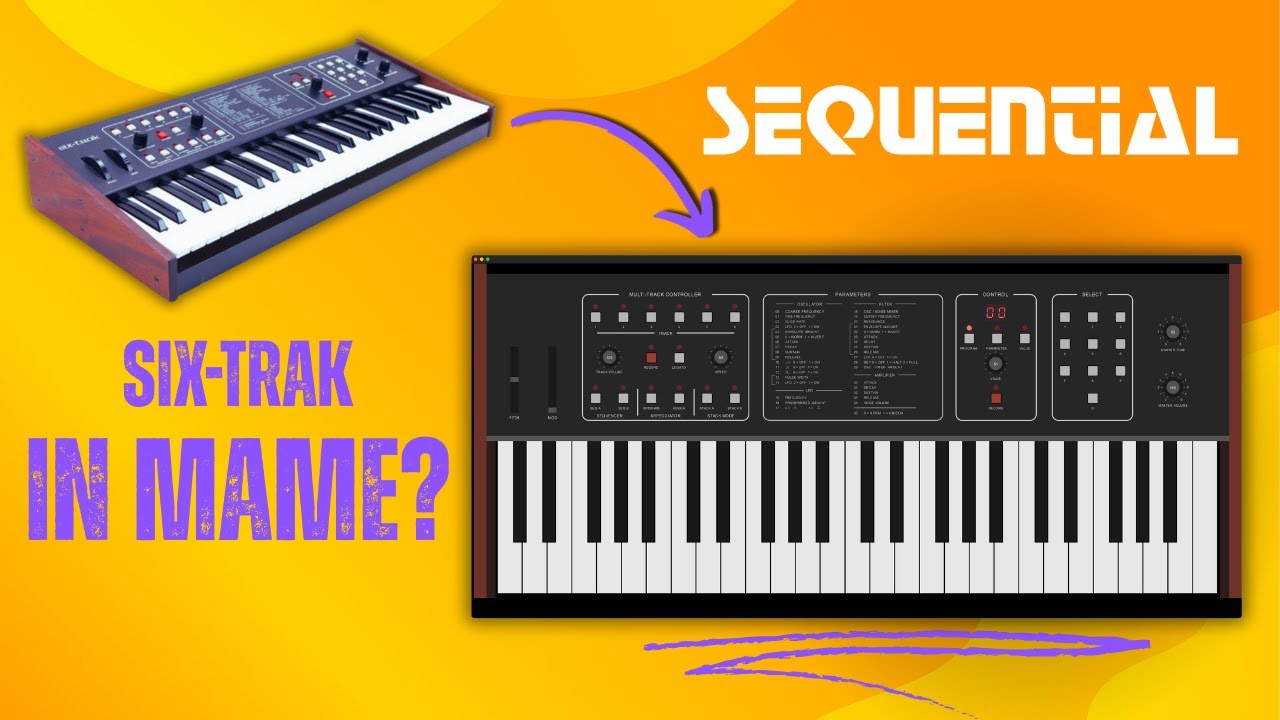
I had this issue with my Sequential Circuits 6-trak. In theory a great little synth (and it did kill it for some things) but trying to imitate Joe Zawinul and the way he’d use a tiny bit of pitch modulation to make a sound more organic was fruitless, because one click on oscillator frequency was an obviously hearable pitch increment. Arrgh.
Have they (NoiseMaker team) said whether they will correct the ‘omission’? Did the discussion take place in some type of public forum where we can read it? It’s great that Zynthian might-would be able to work-around this issue.
They admitted it was an oversight. They didn’t commit to fixing it. It was an email response to the support email.
It’s a free “product” and one that’s been out for a long time, so … who knows? Here’s the reply to my request:
Thanks for the feedback and request. What I can imagine would be one or two fixed modulation targets. For example cutoff and LFO pitch modulation amount for both DCO’s. I made a note about this,
I replied that that would be great, and provided some other feedback (that LFO couldn’t modulate sub oscillator), and they said this:
Design decisions had to be made Maybe it is time to overwork this a bit in the future. But I don’t have any schedule for it at the moment
And incidentally, I also remember the Six-Trak fondly, and I agree that it killed for some things - for me it was the ease of quickly setting up a few backing tracks. Here’s a little look back:
I also think the most important thing (at least for my most frequent use cases) is to be able to control the range of output values for the full range of input values.
I tried your implementation this morning and ran into trouble though. Here is what I did / got :
Instrument chain with mimi-d and a home made brass type pad.
unlearned all controllers in the first page of parameters for the instrument
on the filter page chain-learned mod wheel for controlling cutoff
another bold press on the cutoff to adjust the controller ranges.
→the problem 5) the controller output map doesn’t seem to scale with mimi-d s range for cutoff (0 - 10.0), but remains confined in between 0 and 1, and the linear graph shows strange ranges
Something wrong with that particular plug-in, or something I’m doing wrong ?
 )
) , but it’s also good to have a feet on earth.
 Maybe it is time to overwork this a bit in the future. But I don’t have any schedule for it at the moment