Hi @zynthianers!
I found this web tool:
For sure some of you will find it useful!
Regards,
Hi @zynthianers!
I found this web tool:
For sure some of you will find it useful!
Regards,
I use to have a low volume with my headphone (Beyerdynamic DT 990 PRO) but I realised that the problem was that the volume of the alsamixer in Zynthian was low. i raised it a bit and now it’s cool for me. I proposed a feature regarding this Low ouput volume on Vangelis · Issue #1754 · zynthian/zynthian-issue-tracking · GitHub
Hi @MikeRodd
I stopped using Vangelis, but on Oram you can change the volume levels by pressing MIX/LEVEL in the mixer view. Perhaps you can try that?
Kind regards,
Hans.
Calculators like this are handy for the first sanity check, but the number that usually bites people here is output impedance rather than raw milliwatts. Rule of thumb: you want the amp’s output impedance to be under about an eighth of the headphone impedance, otherwise the damping factor drops and the frequency response starts tracking the driver’s impedance curve - which is exactly why the same pair can sound bass-heavy and quiet on one board and fine on another.
The 250 ohm DT 990 case is a good example: it barely draws any current, so the limit is voltage swing, not power. A headphone out running off a 3.3 V rail simply cannot deliver the peak voltage those need for full SPL, no matter how much you push the mixer. Raising the alsamixer level does help because many builds ship the DAC’s analogue gain well below unity, but once you are near 0 dB there the remaining headroom has to come from a real amp stage.
One practical caution when following calculator output: set gain staging so the digital side stays around -12 dBFS peaks and take the rest of the level in analogue. Cranking the software mixer to make up for a weak output just eats headroom and gives you clipped transients that look like distortion in the headphones but are actually already baked into the signal.
Also worth measuring rather than trusting spec sheets - sensitivity is quoted per mW by some makers and per volt by others, and mixing those two up throws the estimate off by a lot.
@HansR the mixer view modify levels for Jack, but not alsa (which is the endpoint for Jack)
to my knowledge, we can’t modify alsa volumes with the UI. is there a way ?
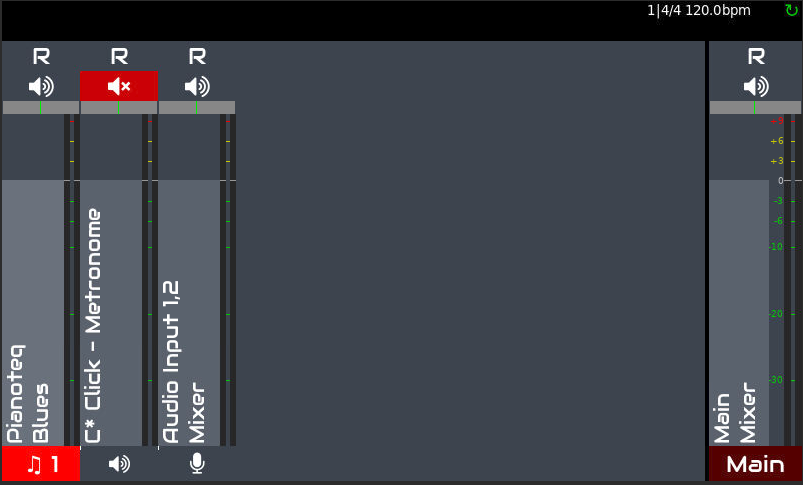
The mixer view,
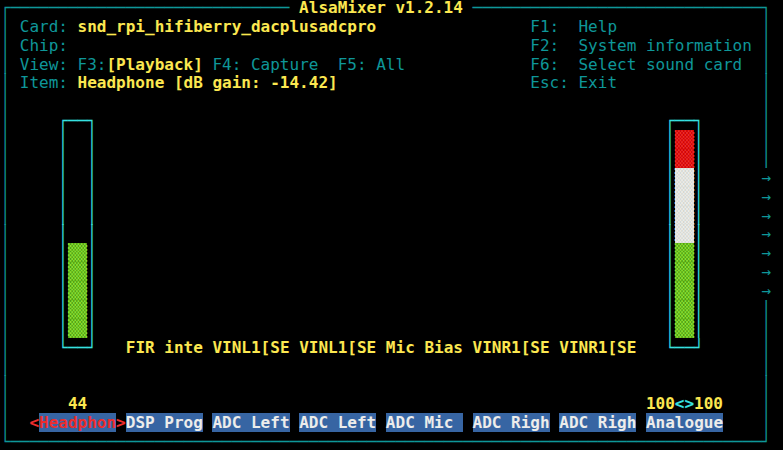
and the alsamixer here :
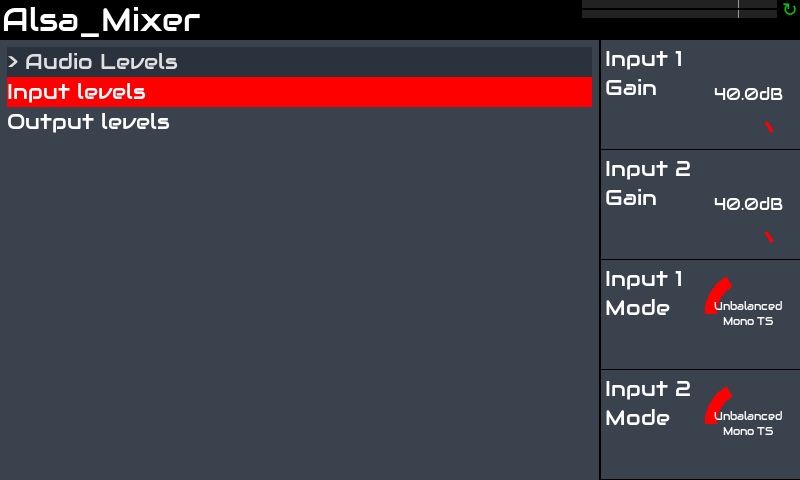
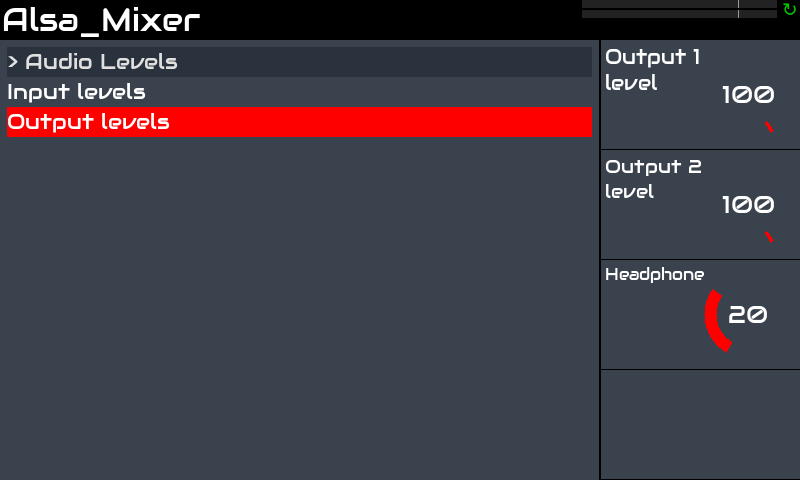
You need to access the Alsa Mixer view from the Zynthian UI. In my V5 it looks like this:
Depending of your soundcard, you would need to configure the ALSA Mixer controllers from the webconf tool.
Regards,
Wow never saw this screen  how can I access it ?
Update : ok saw the command on mixer/view, will try asap !