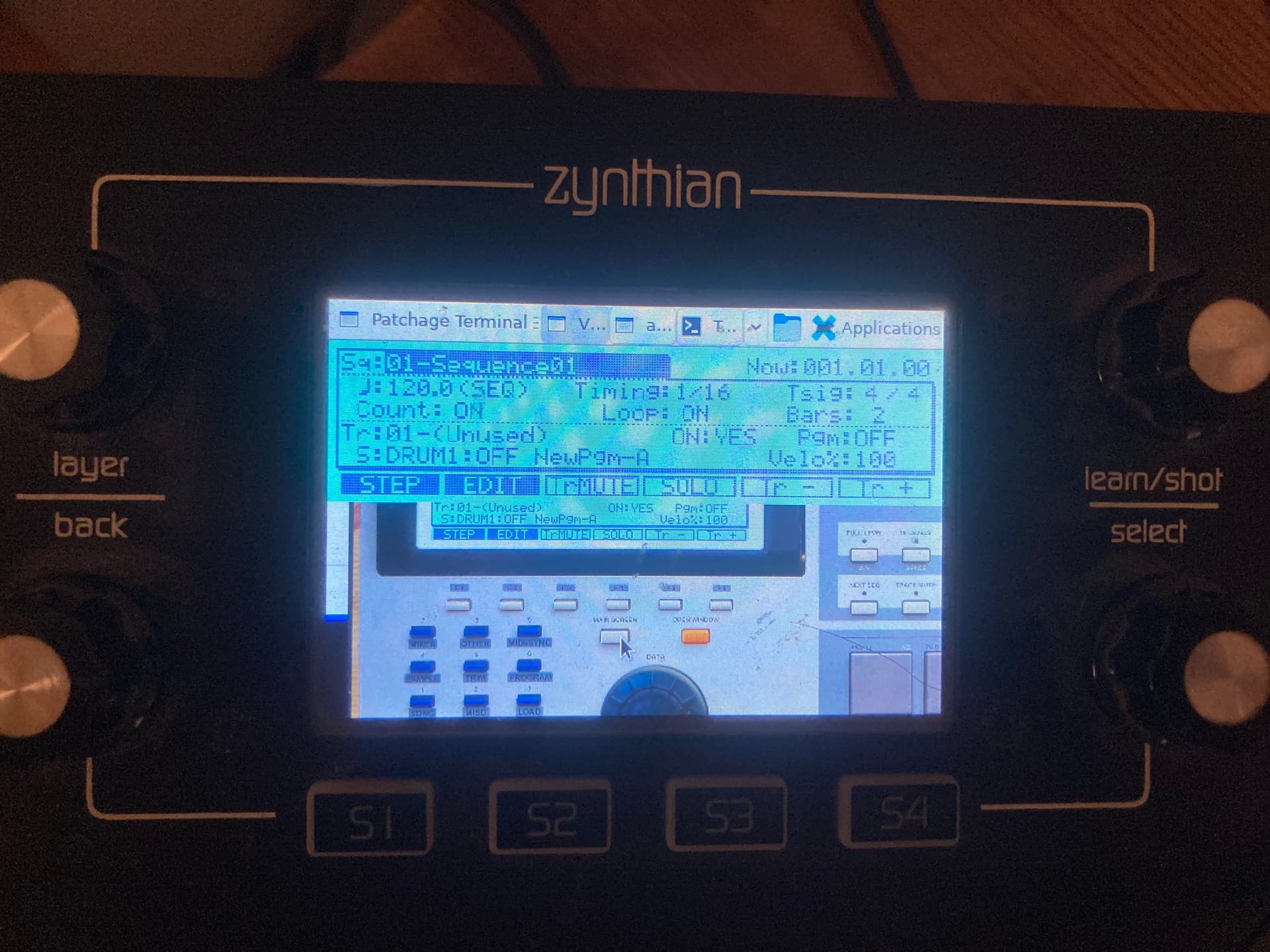
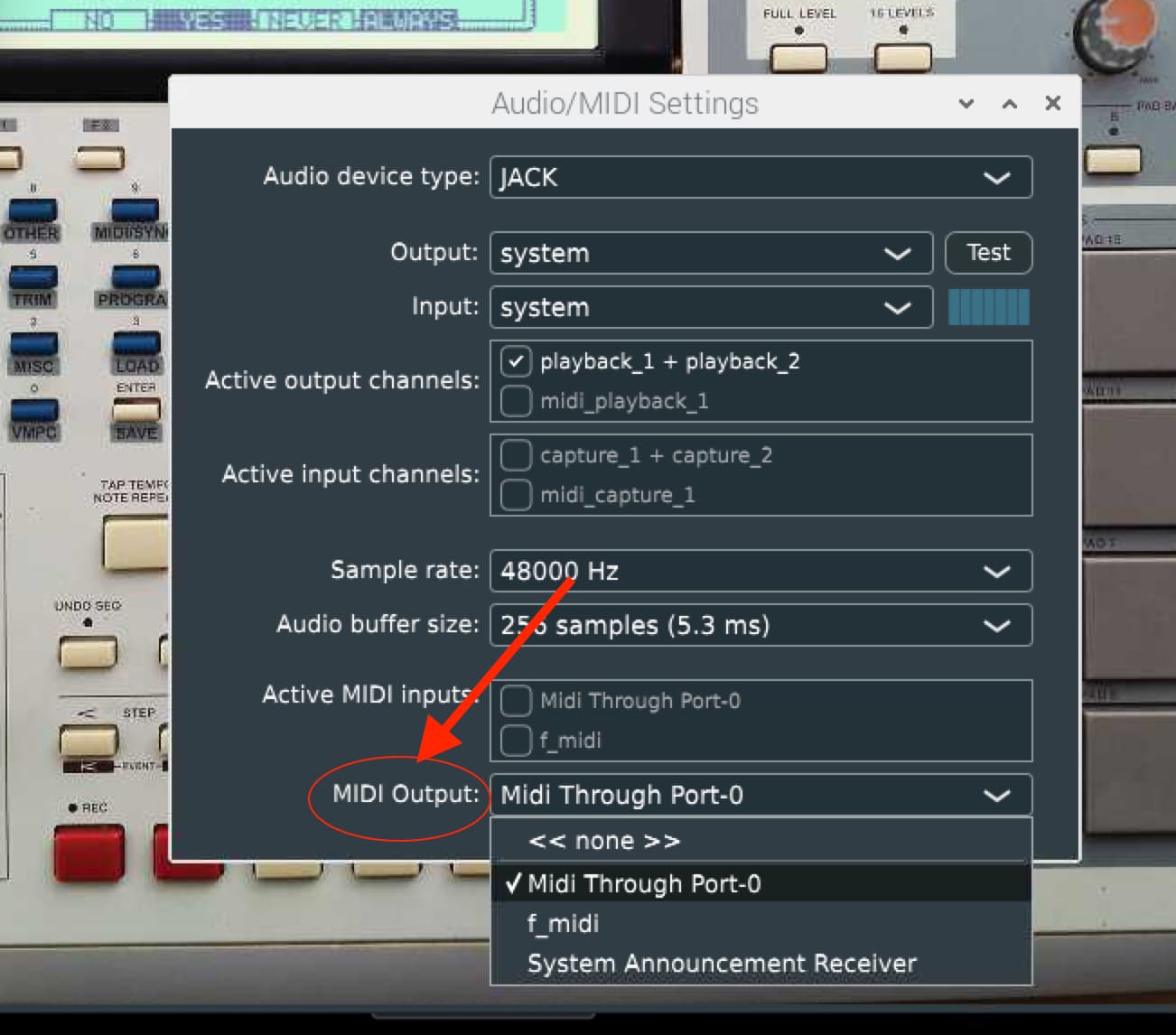
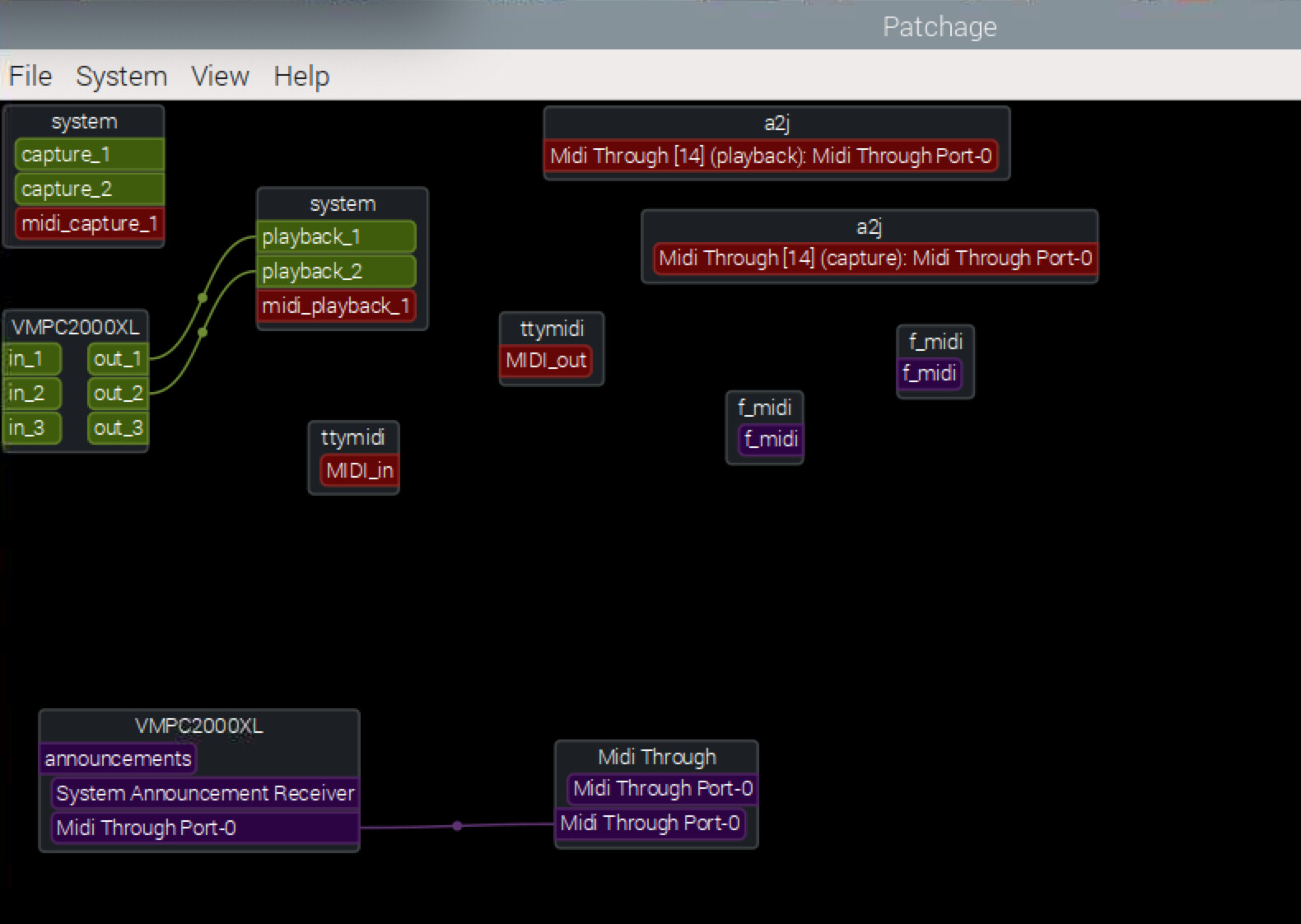
It’s been a long time since I last visited here!
I’m restarting my Zynthian V4 and I’d like to install Raspberry Pi OS “Bookworm” 64bit and test it with the zynthian little screen. Unfortunately, the screen doesn’t turn on. Is there anything special I need to do?
Another question: will the MIDI In and Out ports be recognized by it ?
Use the Zynthian’s screen, audio outputs, and MIDI In/Out (if possible)
I’ve always loved the MPC workflow, and I’ve never found anything better elsewhere.
I’ve used many sequencers (Ableton, ZynSeq, etc.).
ZynSeq doesn’t match what I want: I need very high-density MIDI recording (black MIDI), a “track MUTE MIDI” function (an MPC feature), and ZynSeq is too unstable, especially for MIDI clock.
So yes, I would like to know if it’s possible to install the latest version of Raspberry Pi OS, use the Zynthian V4 screen, and even better, if I can use its MIDI ports.
Perhaps, I have to install an older version of Raspberry, I just want to know if it’s possible.
I’m afraid that what you have set yourself to do might turn out to be a steep climb.
The V4 hardware and its controls are tightly linked to the Zynthian OS, and the way it has been modified and tailored specifically on the basis of Raspbian, in order to work with a particular hardware.
First off, the Zynth encoders and buttons are unlikely to be able to control Raspbian effectively, even providing that you succeed somehow in forcing a general-purpose OS to accept and recognise the Zynthian mainboard and peripherals.
Then, there is an issue really hard to overcome with the tiny 3.5” screen. Even assuming that your manage somehow to make it function reliably with Raspbian, it is way too small for viewing a computer desktop environment.
And, in the best case scenario, you would have to hook a keyboard and mouse (and very likely a monitor) to the V4 ports anyway, for operating the Linux environment.
Thus, in the end, I wonder what prevents you from extracting the Pi4 and Hifiberry audio hat from the V4 case, secure them in a portable metal enclosure with passive cooling (there exist many excellent alternatives on the market), and possibly control the whole setup through one of the keypads with encoders available on AliExpress.
You could even avoid a display altogether, if you opt for a headless build controlled from another remote computer via a VNC server, providing that you only need to load on the Pi4 the OS, the MPC emulator and little else.
Thank you for your quick reply!
Actually, I just wanted to test the desktop version of Bookworm and install VMPC2000XL on it. Since I don’t have a monitor on hand, I wanted to use the Zynthian V4 screen. I didn’t realize it would be so difficult to get it to display in Bookworm. I do have a mouse and keyboard available.
Regarding the small size of the screen, it’s not a big deal since VMPC2000XL is adaptive. In fact, I thought it would be interesting to test it on a small screen.
I also wanted to see if I could use two SD cards—one for Zynthian and one for Bookworm/VMPC2000XL, using the same case.
No problem: a pleasure, here everyone tries to be helpful to others!
Regarding your questions:
NO, you will not be able to accomodate two SSD cards with different OS packages in any single Raspberry model, unless you manually swap them and restart.
But, you certainly could store two operating systems, like Oram and Raspbian, on an SSD card and an USB dongle.
If you set in the Advanced Options of:
sudo raspi-config
(type this command in terminal or SSH)
the Boot Order sequence B2, you will be able to start up the system from the USB dongle (say Raspbian), but revert to boot on Zynthian from SD if you shut down the system, and disconnect the USB key.
In this way, the first available mass storage unit seen by the system would either be the USB or uSD drive.
About viewing Raspbian on the small V4 touchscreen, I guess that there would be (complex) video driver settings to perform, but unfortunately I am unable to advise you on that .
PS: For the sake of effective troubleshooting of your particular installation attempt, I strongly recommend connecting a video display to the V4 (a common TV set with HDMI input would also do), because as of now you have no way of telling if Raspbian refuses to boot altogether, or it has actually started but does not communicate with the Zynthian display.
@Tabula, this is exactly the most challenging part of your idea.
In a few words, and to put the matter in the right perspective:
while the Zynthian software is perfectly usable on a variety of Raspberry-based custom builds,
the Zynthian hardware (made about 50% of exclusively designed components) is specifically tailored to run only the Zynthian software.
This applies particularly to the display, rotary controls and keys.
Until V4, the Raspi HDMI outputs have been kept exposed on the case, thus you could conveniently hook a small portable display, a keyboard and mouse, and try to do whatever you fancy with/on the Zynthian hardware.
But, running a Linux desktop environment and application on the Zynthian device as it is… extremely difficult, if not maybe undoable .
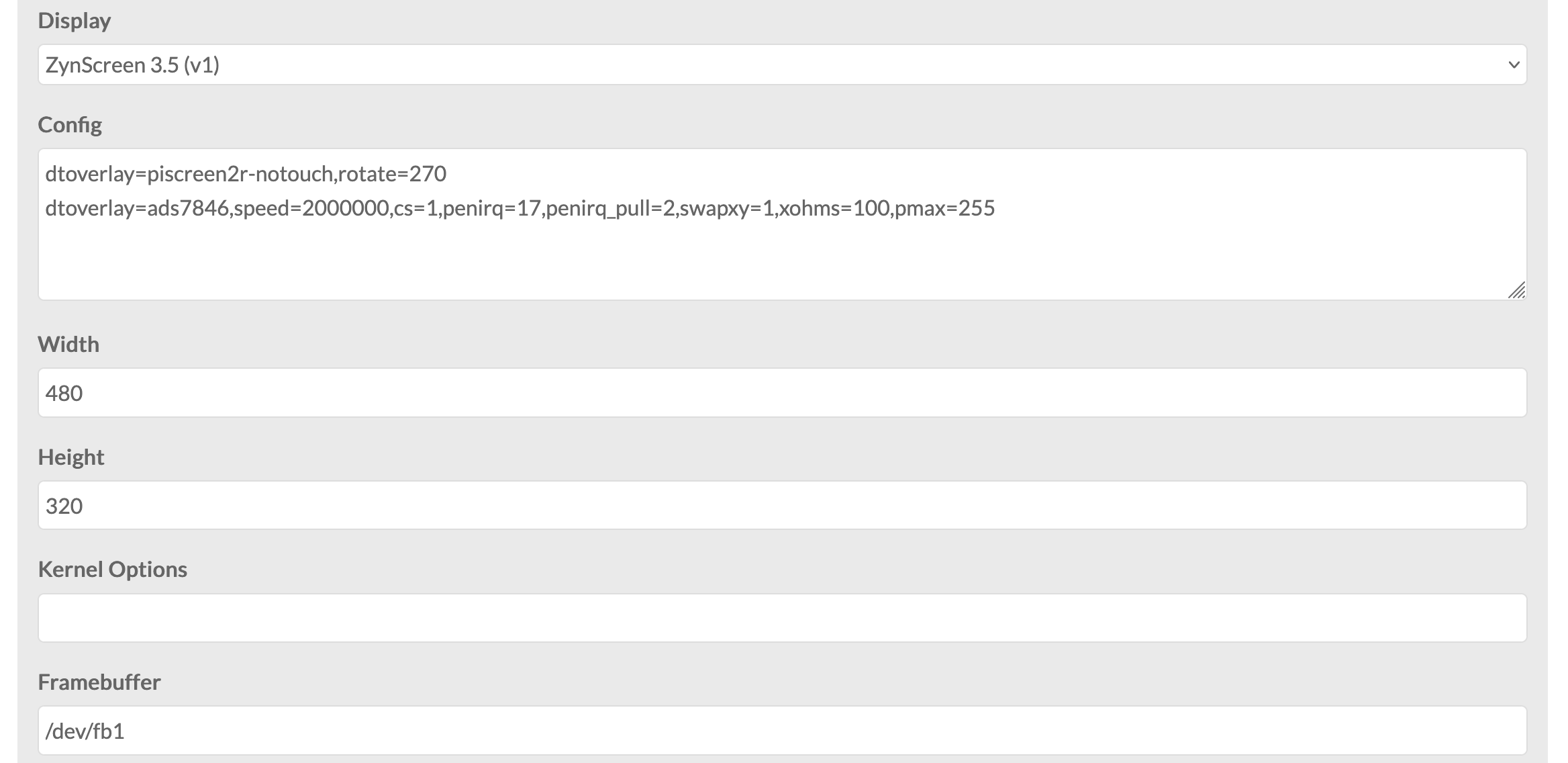
This should be possible. Zynthian runs is main GUI on X so it’s display must be configured as an X display. You will have to ssh into your box or use another (HDMI) display to do your configuration. You will have to add configuration to make the 3.5” display appear as an X display and configure your Debian desktop to use it.
This will require some understand of how to configure displays which may require some learning for you. There is the zynthian OS available as a reference to see how it is done there. It may prove more challenging because Debian is likely to use a different display server than X (which is very old and generally considered inappropriate for modern desktop environments).
Good luck with your efforts. You may find the help from this community to be limited because we have a lot of work to do on zynthian and this is a distraction we cannot necessarily afford.
I’m sorry if I may have said it could be easy, apologies!
I know you have a lot of things to do, and it’s not your priority, no problem!
I thought that by changing and adding a few lines in the config.txt, the screen would be recognized, but apparently not, it’s much more complex.
I’ll try on my side, first plug hdmi, mouse, and keyboard to zynthian and test it. And if I succeed, buy a new raspberry and a little screen directly recognized buy it
No apologies of sort needed @Tabula! . We all sometimes nurture off-the-track ideas, just for the sake of experimentation or out of pure curiosity.
Using Zynthian in your planned way isn’t certainly on top of my list, and it might prove to be challenging, but this doesn’t necessarily rule out that, after applying the appropriate amount of consistent effort, you eventually manage to achieve it!
An alternative approach may be to use zynthianOS from an Oram image which is Debian Bookworm, and then to disable / modify the zynthian scripts and use it to install and launch the applications you want. The hard work of getting the screen working on Bookworm is already done. You just need to adjust it to do what you want.
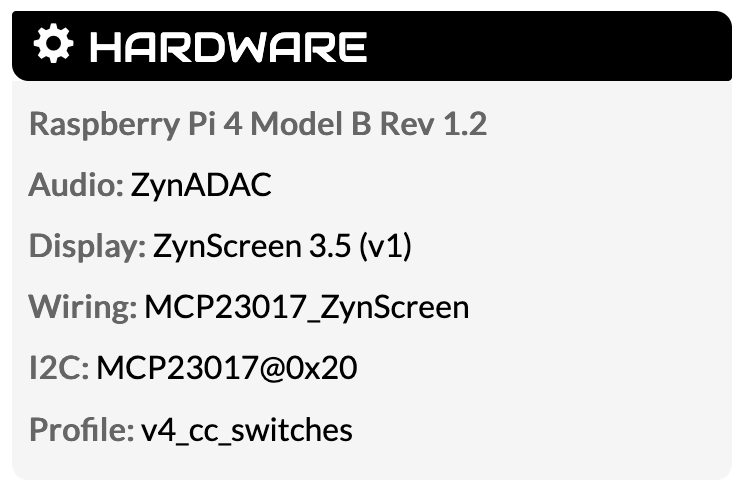

 .
.