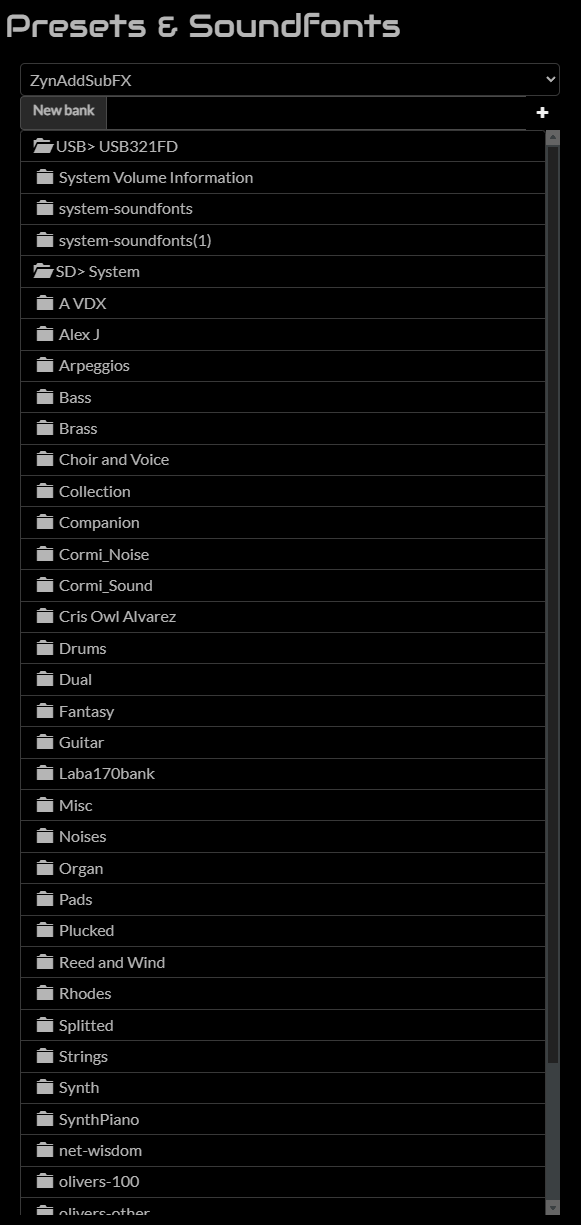
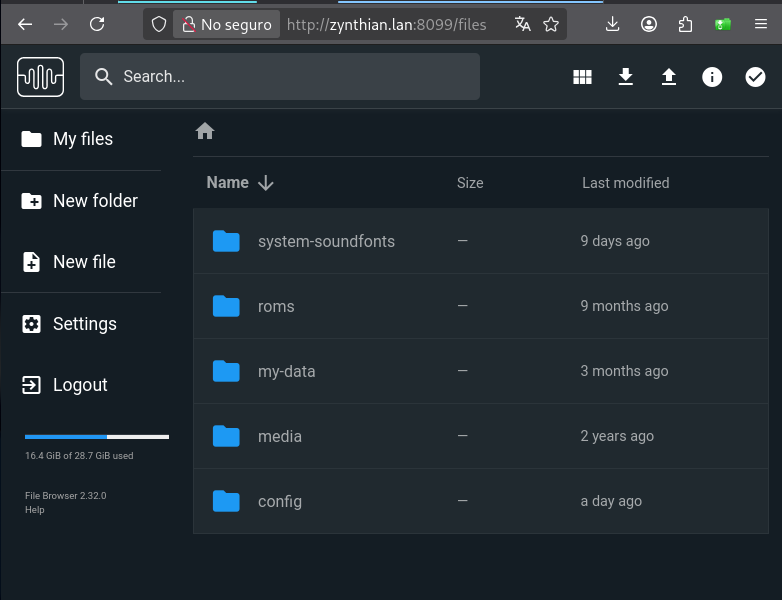
Good evening, I am downloading a bunch of packages to my zynthian, and I noticed it keeps filling up my sd card. I want to move the entire library to USB and keep the bare necessities on the SD card. Is there a way to move that? and Is there a way to make my USB my preferred download location?
I do know about moving things via the File Browser, but for some reason I can’t see any of the actual sound library.
I just noted that “collections” is missing from the list and i fixed in Vangelis (staging). Please update and test.
Regarding your question of having an external unit (USB dongle, etc.) as destiny for the installs is not currently supported. You have 2 options:
Open a feature request and wait until it’s implemented
Customize your system like this
move the current data from the system directories to an external drive
then, replace the system directories by soft links to the externally stored data
The second solution has been already implemented by some users that could guide you better. In your case, i would target these 3 directories:
/zynthian/zynthian-data/soundfonts
/zynthian/zynthian-data/collections
/zynthian/zynthian-my-data
This is a non-tested script to implement it:
#!/bin/bash

MOUNT_PATH=$(lsblk -no MOUNTPOINT | grep "/media/")

if [ ! -z "$MOUNT_PATH" ]; then
  echo "Detected external storage at '$MOUNT_PATH'".
  read -p "Do you want to move user data and system soundfonts & collections to external storage at '$MOUNT_PATH'? (y/N): " response
  if [[ "${response,,}" == "y" ]]; then
    echo "Moving system soudnfonts to external storage ..."
    exit  # You should remove this line, under your responsibility
    mv "/zynthian/zynthian-data/soundfonts" "/media/$MOUNT_PATH"
    ln -s "/media/$MOUNT_PATH/soundfonts" "/zynthian/zynthian-data"
    echo "Moving system collections to external storage ..."
    mv "/zynthian/zynthian-data/collections" "/media/$MOUNT_PATH"
    ln -s "/media/$MOUNT_PATH/collections" "/zynthian/zynthian-data"
    echo "Moving user data to external storage ..."
    mv "/zynthian/zynthian-my-data" "/media/$MOUNT_PATH"
    ln -s "/media/$MOUNT_PATH/zynthian-my-data" "/zynthian"
  fi
else
  echo "Not detected external storage!"
fi
If you decide to run the script, please, ensure enough free space in the external device. The script is very basic and doesn’t perform any check.