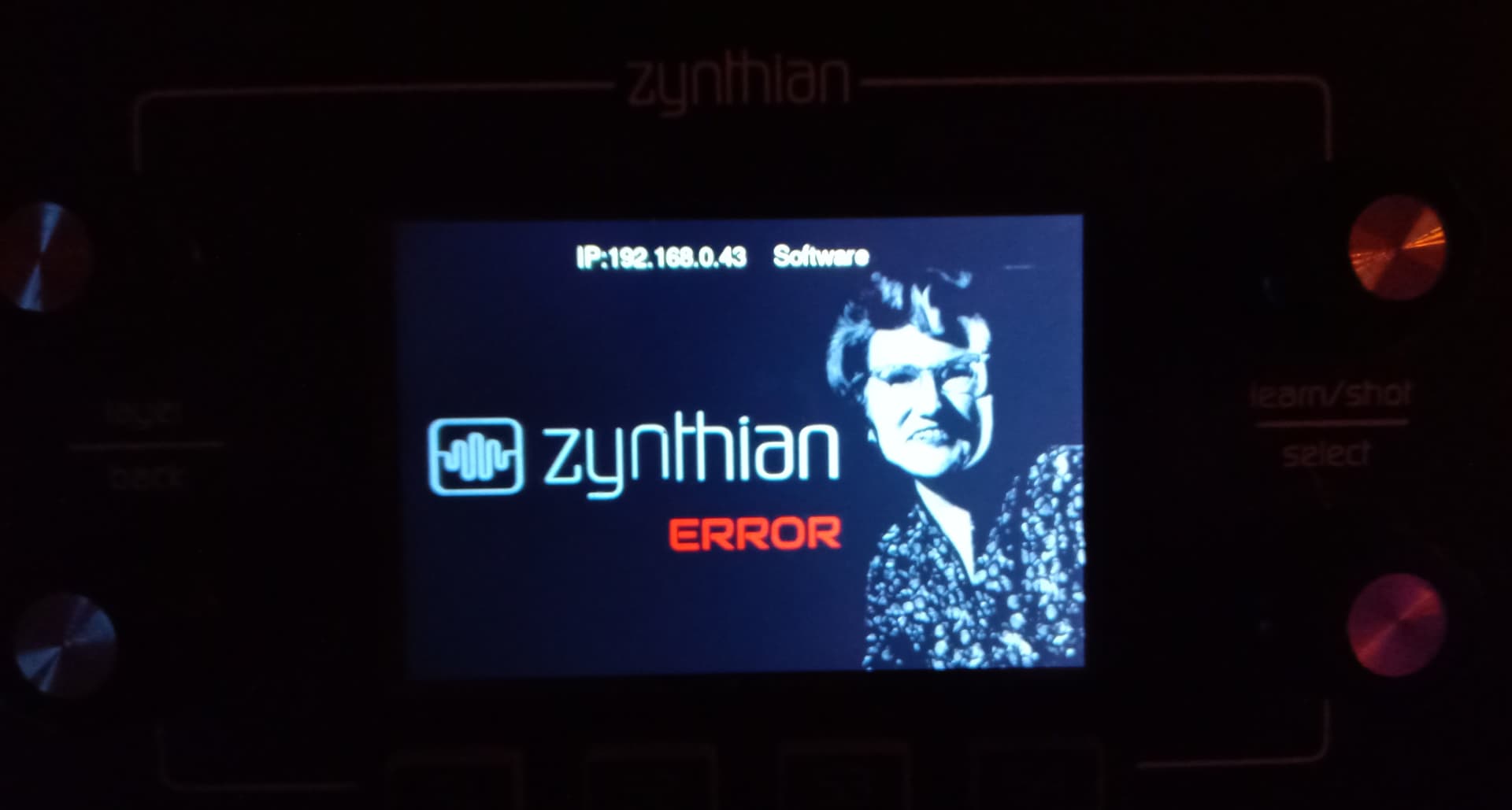
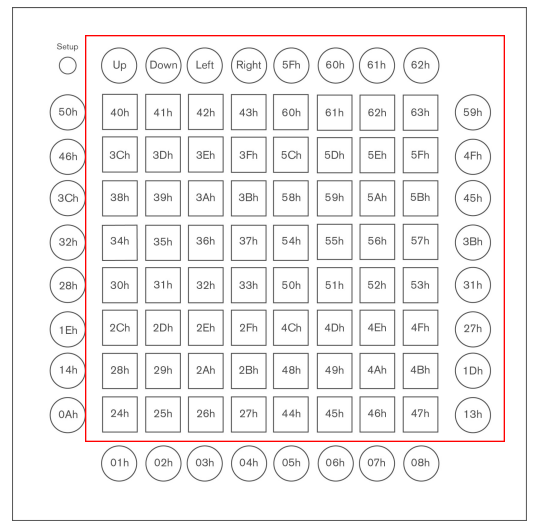
Okay.
After a full hour of tweeking the file, controlling line by line and everything… it’s now working. Please find here the new code for /zynthian/zynthian-ui/zyngine/ctrldev/zynthian_ctrldev_launchpad_x.py
#!/usr/bin/python3
# -*- coding: utf-8 -*-
# ******************************************************************************
# ZYNTHIAN PROJECT: Zynthian Control Device Driver
#
# Zynthian Control Device Driver for "Novation Launchpad X"
#
# Copyright (C) 2015-2025 Fernando Moyano <jofemodo@zynthian.org>
#                         Brian Walton <brian@riban.co.uk>
#                         Wapata <wapata.31@gmail.com>
#
#
# ******************************************************************************
#
# This program is free software; you can redistribute it and/or
# modify it under the terms of the GNU General Public License as
# published by the Free Software Foundation; either version 2 of
# the License, or any later version.
#
# This program is distributed in the hope that it will be useful,
# but WITHOUT ANY WARRANTY; without even the implied warranty of
# MERCHANTABILITY or FITNESS FOR A PARTICULAR PURPOSE. See the
# GNU General Public License for more details.
#
# For a full copy of the GNU General Public License see the LICENSE.txt file.
#
# ******************************************************************************

import logging
from time import sleep

# Zynthian specific modules
from zynlibs.zynseq import zynseq
from zyncoder.zyncore import lib_zyncore
from zyngine.ctrldev.zynthian_ctrldev_base import zynthian_ctrldev_zynpad

# ------------------------------------------------------------------------------------------------------------------
# Novation Launchpad X
# ------------------------------------------------------------------------------------------------------------------


class zynthian_ctrldev_launchpad_x(zynthian_ctrldev_zynpad):

    dev_ids = ["Launchpad X IN 1"]

    PAD_COLOURS = [6, 29, 17, 49, 66, 41, 23,
                   13, 96, 2, 81, 82, 83, 84, 85, 86, 87]
    STARTING_COLOUR = 21
    STOPPING_COLOUR = 5
    SELECTED_BANK_COLOUR = 29
    STOP_ALL_COLOUR = 5

    def send_sysex(self, data):
        if self.idev_out is not None:
            msg = bytes.fromhex(f"F0 00 20 29 02 0C {data} F7")
            lib_zyncore.dev_send_midi_event(self.idev_out, msg, len(msg))
            sleep(0.05)

    def get_note_xy(self, note):
        row = 8 - (note // 10)
        col = (note % 10) - 1
        return col, row

    def init(self):
        # Awake
        self.sleep_off()
        # self.send_sysex_universal_inquiry()
        # Enter DAW session mode
        self.send_sysex("10 01")
        # Select session layout (session = 0x00, faders = 0x0D)
        self.send_sysex("00 00")
        super().init()

    def end(self):
        super().end()
        # Exit DAW session mode
        self.send_sysex("10 00")
        # Select Keys layout (drums = 0x04, keys = 0x05, user = 0x06, prog = 0x7F)
        self.send_sysex("00 05")

    def update_seq_bank(self):
        if self.idev_out is None:
            return
        # logging.debug("Updating Launchpad X bank leds")
        for row in range(0, 7):
            note = 89 - 10 * row
            if row == self.zynseq.bank - 1:
                lib_zyncore.dev_send_ccontrol_change(
                    self.idev_out, 0, note, self.SELECTED_BANK_COLOUR)
            else:
                lib_zyncore.dev_send_ccontrol_change(self.idev_out, 0, note, 0)
        # Stop All button => Solid Red
        lib_zyncore.dev_send_ccontrol_change(
            self.idev_out, 0, 19, self.STOP_ALL_COLOUR)

    def update_seq_state(self, bank, seq, state, mode, group):
        if self.idev_out is None or bank != self.zynseq.bank:
            return
        # logging.debug(f"Updating Launchpad X bank {bank} pad {seq} => state {state}, mode {mode}")
        col, row = self.zynseq.get_xy_from_pad(seq)
        note = 10 * (8 - row) + col + 1
        try:
            if mode == 0:
                chan = 0
                vel = 0
            elif state == zynseq.SEQ_STOPPED:
                chan = 0
                vel = self.PAD_COLOURS[group]
            elif state == zynseq.SEQ_PLAYING:
                chan = 2
                vel = self.PAD_COLOURS[group]
            elif state == zynseq.SEQ_STOPPING:
                chan = 1
                vel = self.STOPPING_COLOUR
            elif state == zynseq.SEQ_STARTING:
                chan = 1
                vel = self.STARTING_COLOUR
            else:
                chan = 0
                vel = 0
        except:
            chan = 0
            vel = 0
        # logging.debug("Lighting PAD {}, group {} => {}, {}, {}".format(seq, group, chan, note, vel))
        lib_zyncore.dev_send_note_on(self.idev_out, chan, note, vel)

    # Light-Off the pad specified with column & row
    def pad_off(self, col, row):
        note = 10 * (8 - row) + col + 1
        lib_zyncore.dev_send_note_on(self.idev_out, 0, note, 0)

    def midi_event(self, ev):
        # logging.debug(f"Launchpad X MIDI handler => {ev}")
        evtype = (ev[0] >> 4) & 0x0F
        # Note ON => launch/stop sequence
        if evtype == 0x9:
            note = ev[1] & 0x7F
            vel = ev[2] & 0x7F
            if vel > 0:
                col, row = self.get_note_xy(note)
                pad = self.zynseq.get_pad_from_xy(col, row)
                if pad >= 0:
                    self.zynseq.libseq.togglePlayState(self.zynseq.bank, pad)
            return True
        # CC => arrows, scene change, stop all
        elif evtype == 0xB:
            ccnum = ev[1] & 0x7F
            ccval = ev[2] & 0x7F
            if ccval > 0:
                if ccnum == 0x5B:
                    self.state_manager.send_cuia("ARROW_UP")
                elif ccnum == 0x5C:
                    self.state_manager.send_cuia("ARROW_DOWN")
                elif ccnum == 0x5D:
                    self.state_manager.send_cuia("ARROW_LEFT")
                elif ccnum == 0x5E:
                    self.state_manager.send_cuia("ARROW_RIGHT")
                else:
                    col, row = self.get_note_xy(ccnum)
                    if col == 8:
                        if row < 7:
                            self.zynseq.select_bank(row + 1)
                        elif row == 7:
                            self.zynseq.libseq.stop()
            return True
        # SysEx
        elif ev[0] == 0xF0:
            logging.info(f"Received SysEx => {ev.hex(' ')}")
            return True

    # Light-Off LEDs
    def light_off(self):
        # logging.debug("Lighting Off LEDs Launchpad X")
        # Clean state of notes & CCs
        self.send_sysex("12 01 00 01")

    # Sleep On
    def sleep_on(self):
        # Sleep Mode (0 = sleep, 1 = awake)
        self.send_sysex("09 00")

    # Sleep On
    def sleep_off(self):
        # Sleep Mode (0 = sleep, 1 = awake)
        self.send_sysex("09 01")

# ------------------------------------------------------------------------------
In the end i would be fun if the blinking of an active scene could be sync to the beat.
And even by looking at zynthian_ctrldev_akai_apc_key25_mk2.py I have no clue how to dim sequences without content. If somebody else want to take a try, your are welcome.