Press encoder whilst rotating to change tempo (or other parameter) in finer resolution steps. I don’t want to change the tempo to show interger (no decimal place) for some and not other scenarios because that is challenging to maintain, doucment, comprehend… I don’t think there is an issue here so closing ticket.
This works perfectly on a V4 hardware kit.
However, I would like to get this to work from the OP-1 driver (code). The current result is it either works slightly and/or switches to different screen. I looked at webconf UI debug logging in V4 scenario but I don’t see any (debug) logging when using the encoders.
Any ideas or examples on how to get the shift-press encoder functionality to work?
What the current driver does:
When rotating encoder: self.state_manager.send_cuia("ZYNPOT", (zynpot, delta))
When pushing encoder: self.state_manager.send_cuia("ZYNSWITCH", (zynswitch_index, "P"))
When releasing encoder: self.state_manager.send_cuia("ZYNSWITCH", (zynswitch_index, "R"))
I have implemented fine / coarse control of parameters like tempo on hardware devices using a shift key. If the device has a shift key (or something that may be used as one) then I store the state of this and alter the behaviour of other controls, e.g. shift + tempo adjust gives fine control. You can see this in action in the APC40 MKII driver which is our benchmark for controllers atm.
@riban sounds like a possible workaround when not having push encoders.
If I read correctly the APC40 Mkii doesn’t have this.
In my scenario my controller does have push encoders that mimic precisely what a Zynthian push encoder does. So it would be intuitive to control them just like a hardware Zynth.
Could I integrate at a lower level to reuse the context based logic? The nice thing is the OP-1 driver currently doesn’t need to know about how it’s used. It mappes to Zyncoder push/release of rotation automatically.
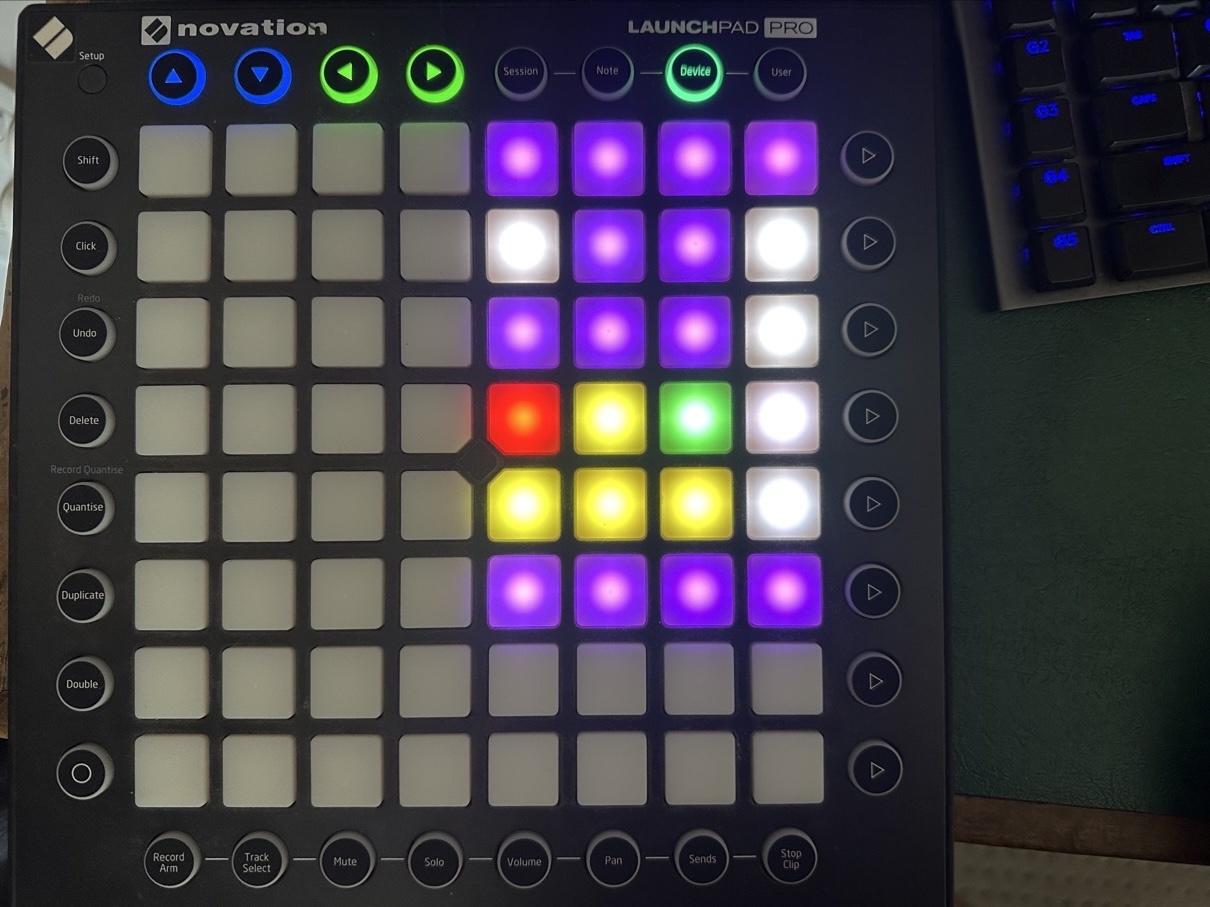
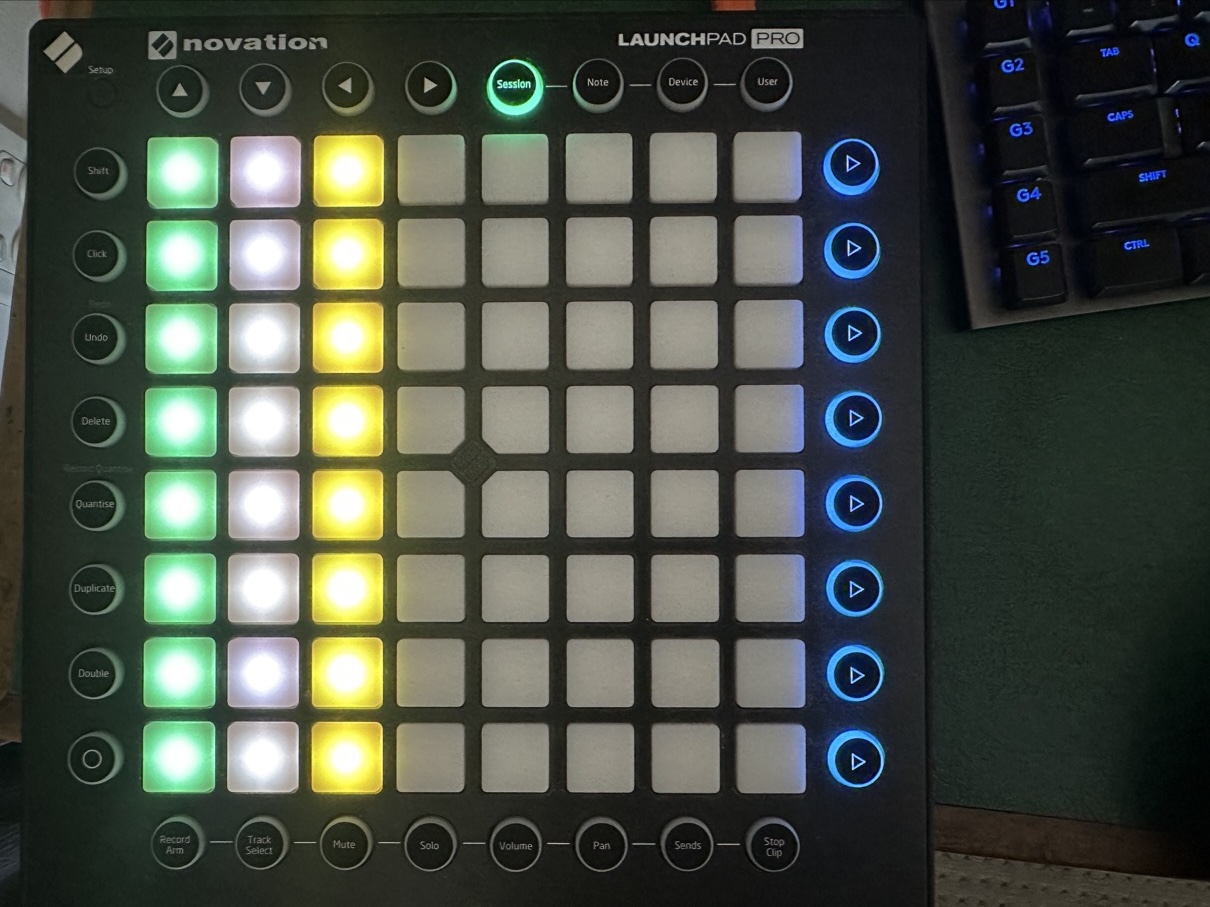
I’ve been working on an updated launchpad pro mk2 driver for Vangelis. It’s basically useable, it has launcher, note, device control (replicates V5 button layout) and fader control using the top right mode buttons. Only volume is working in fader mode for now (no LEDs in this mode though ) and I haven’t figured how to get pan & send working yet.
Note, if you use other launchpad versions (e.g. launchpad mini mk3, launchpadX, maybe even mk3 pro) you may find this driver can also work if you update the ID & rename the file as I believe the CC & Note values are the same (don’t quote me on that though).
It’s still somewhat janky, I’m sure the LED updates could be done better and the fader mode doesn’t light LEDs at all. I’m not sure if it’s a problem with the code or the way the launchpad handles the messages in the fader specific mode. I’m novice with this stuff and co-pilot suggestions may have helped and hindered in equal measure.
@jofemodo Thank you for taking on my idea about a ‘driver dev workspace’ with your ctrldev folder in the user folder area. I did try it this afternoon and it didn’t appear to preference the driver that I placed in that folder (using the exact name of the original). This is because the default launchpad pro mk2 driver for Vangelis doesn’t work and I realised when my working driver didn’t light up the device.
By default, most MIDI CC messages never reach the chains. Just pedals are routed to chains by default. Of course, you can change this from the chains options.
Perhaps you are confused about MIDI-LEARNING, that is managed by the UI, at the same level than ctrldev drivers.
Look at this:
The zynmidi_read function process the MIDI stream coming from the router to the UI.
Focus on this fragment:
                # Try to manage with a control device driver
                if self.ctrldev_manager.midi_event(izmip, ev):
                    self.status_midi = True
                    self.last_event_flag = True
                    continue
So, just after processing sysex, MIDI events are sent to ctrldev drivers. If they are “consumed” by some ctrldev driver (returns True), the rest of the processing is skipped (continue), what includes RT system message, Master channel, MIDI-learning, etc. But, if no driver consumes the event (returns False), then the event is processed normally by the UI, so it can be used for MIDI learn, etc.
This doesn’t mean MIDI events are reaching “chains”. MIDI messages reach (or not) the chains by a different route. They don’t pass-thru the UI to reach the chains.
 ) and I haven’t figured how to get pan & send working yet.