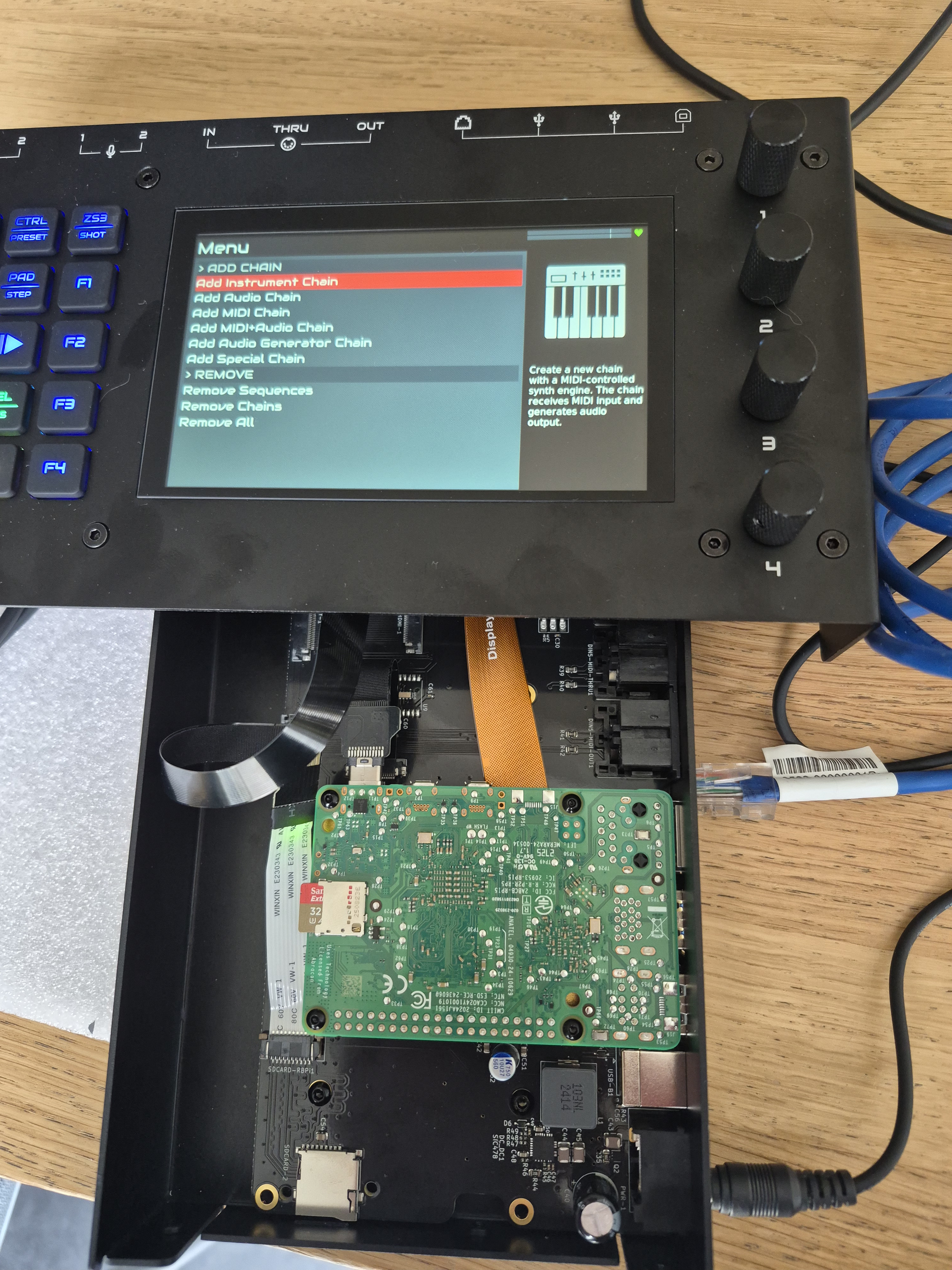
However, when booting up, the screen remains black.
I checked the RPi5 status LEDs: LED remains green which means there’s a problem with the SD card or the boot process.
To determine if the core Raspberry Pi hardware (the Pi itself, the power supply, and the SD card) is functional, I flashed the standard “Raspberry Pi OS (32-bit)” into the SD card and inserted into the Pi directly : the green LED flickered vigorously, the Pi booted, the display lit up as well. Thus the display cable connection, the display and the Pi is OK. However, I need to entire Zynthian to work with the right zynthian code.
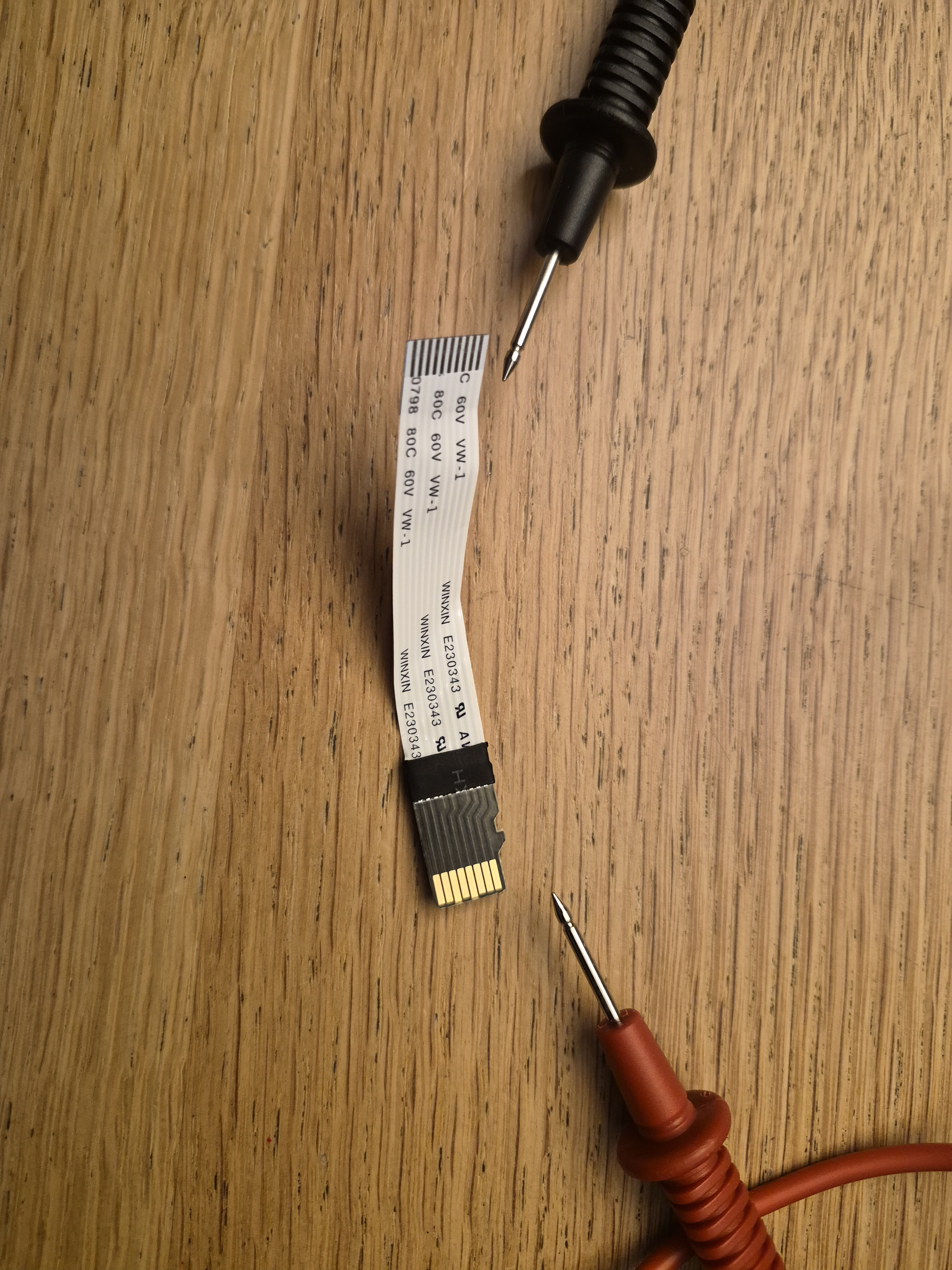
I checked and rewired the SD-card adapter again
and formatted my SD card again and loaded the zynthian code.
Still all in vain.
So I’m actually ending up wiht buying a kit that doesn’t function.
Can anyone advise which steps to take next?
Is my hardware broken? What can I check next?
Have you tried booting from the Zynthian SD card with the card directly in the PI instead of with the cable and the card in the Zynthian main board? If not, I’d try that first. That would only be for troubleshooting of course, but if it works that would point at the extension cable, or at least SD Card related.
If it works or not, I’d also try another SD Card, because that’s probably the most common problem with new Zynthians not booting.
Great! Have you tried a different SD Card in the Zynthian Mainboard Socket? Perhaps a different brand? The extension cable and the Zynthian mainboard are tested before the kits are shipped, so the SD Card is the most common and likely problem.
If you can’t find anything wrong with how the RPi to Mainboard SD cable is installed, maybe post some pics of each end here, I’d suggest requesting a replacement SD to Mainboard cable from Zynthian Labs.
Try SanDisk 64GB (Pro or Extreme). The latest SanDisk 32GB i have tested with can’t boot at the required speed with the V5 sdcard extender. I bought a bunch and any of them does work.