Thanks a lot! Just updated the system, the clicks seem gone indeed. Preload works as well and is so helpful!
BTW, I had already noticed before : I’ve never been able to use File Browser, as it asks for login information, but refuses to log in though I use the same standard root/opensynth that works for connecting to ssh for instance. I already have drum samples with subfolders on my PC as you suggest, would like to transfer the whole tree to zynthian. Is there a simple way to recursively transfer the whole thing? (it’s many samples but not huge size: ~70MB)
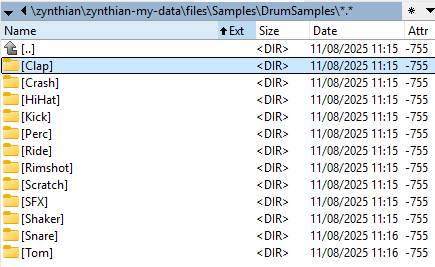
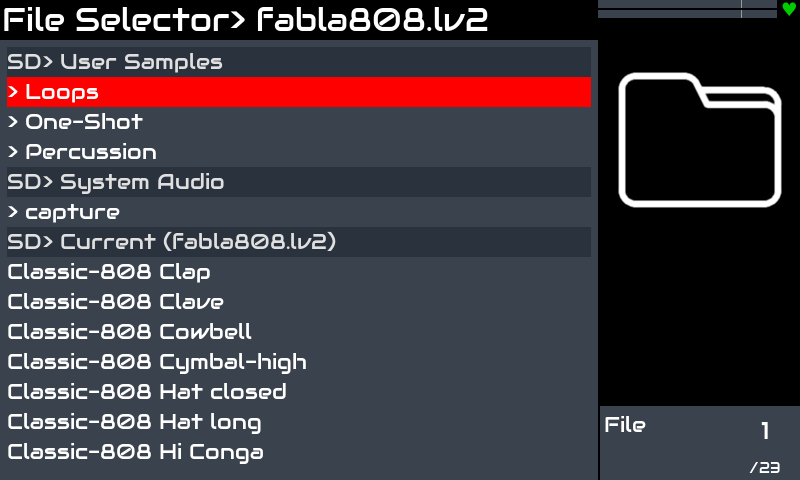
I managed to transfer my folder using SFTP plugin in Total Commander, works great. I copied all my subfolders at once to zynthian-my-data\files\Samples. Question is now how to reach them from fabla: when I enter File Selector in Fabla, all I can see is SD> System Auduo > capture and SD>Current (fabla808.lv2) content. How to see my subdirectory content under Samples?
I don’t know if this really applies, but it might, there’s been activity re sub-folders in capture folders recently, and a regression was fixed very recently, so maybe just an update. I don’t actually use this though, so don’t let me lead you too far astray…
In the meantime I tried tunagenes suggestion, i.e. I copied the files a second time, but in capture folder, and I can see them from there (I see the subfolders under Capture), but still not from the Samples folder it seems.
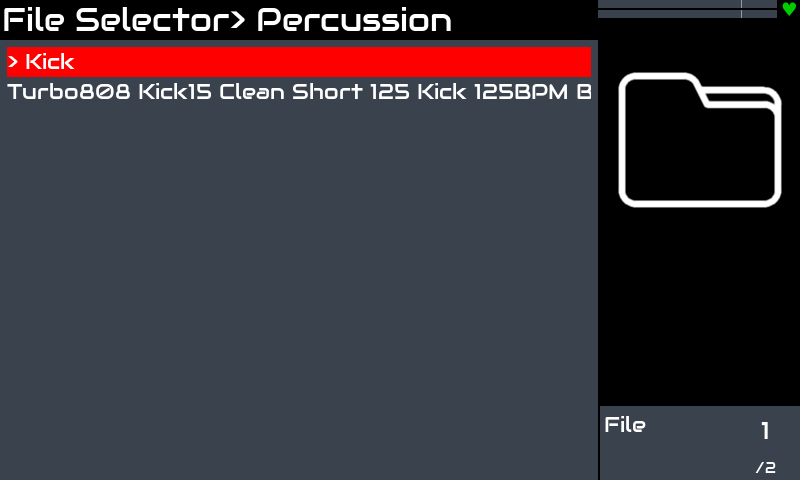
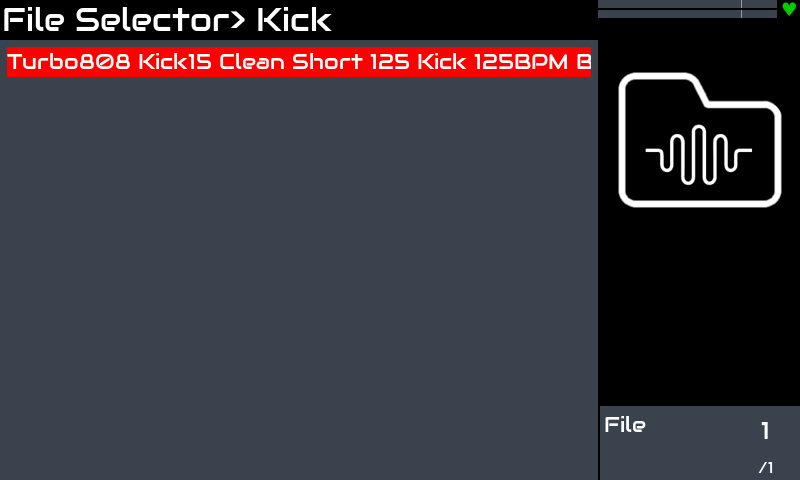
Yes I did. However I didn’t see the existing Loops/OneShot/Percussion folders either (probably because empty), but as soon as I copied one of my samples to Percussion folder it showed up. So am I supposed to copy my stuff in one of these 3 Samples subfolders, not directly at Samples level?
Just updated, samples now accessible from all the places I’ve duplicated them to (can do some cleanup now…). And nice to be able to go through SFZ instrument sample sets as well
Thanks for you reactivity, I can now take my Zynthian with me with full ability to build custom drumsets on the go!