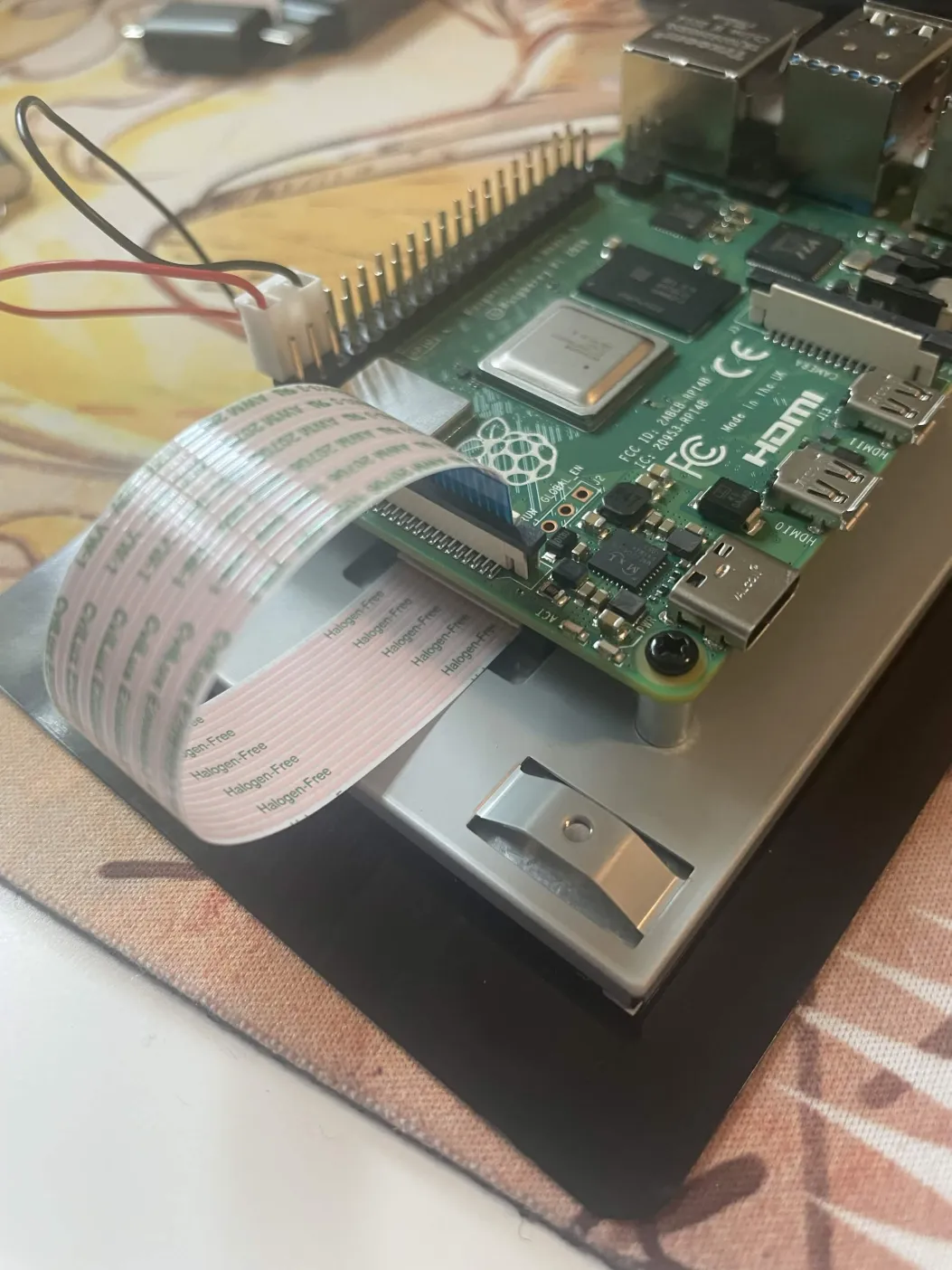
I’m trying to get Zynthian running on my Raspberry Pi 4B, and when loading in the microSD card, the lights will do a lot until stopping with just the red light on, and the touchscreen never shows anything. I am using an Eaget 32 GB card. This is the second card I have burned and it still isn’t working. Is it possible that the screen isn’t working? It is a Touch Display 2 and I am almost certain it is connected properly.
One more thing, what are the capabilities of Zynthian on this Pi 4B (2GB ram)? I mainly want to use it for keyboard sounds with a midi controller connected. I found something about it being limited on the Pi 4.
It is warmly recommended to only use SanDisk or Samsung SD cards (32 or 64 Gb) for the Zynthian OS. A Pi4 with 2 Gb will be able to run effortlessly a few chains with stock synthesiser engines. As you may be already aware, the DSP emulators aren’t available on the Pi4.
You will have to be careful with loading very large soundfonts on the samplers, because, depending on the instrument library, you might deplete your available RAM space quite fast. My advice is to avoid running Zynthian on an almost full memory bank. If you choose your engines and presets with consideration, you should be capable to build even a relatively large multichannel snapshot.
To rule this out, it’s best to try a plain RaspberryPi OS (bookworm) installation first. An official RPi display should work out of the box, and it is far easier to find support on the web if it doesn’t.
When you have got this working the next step is Zynthian.