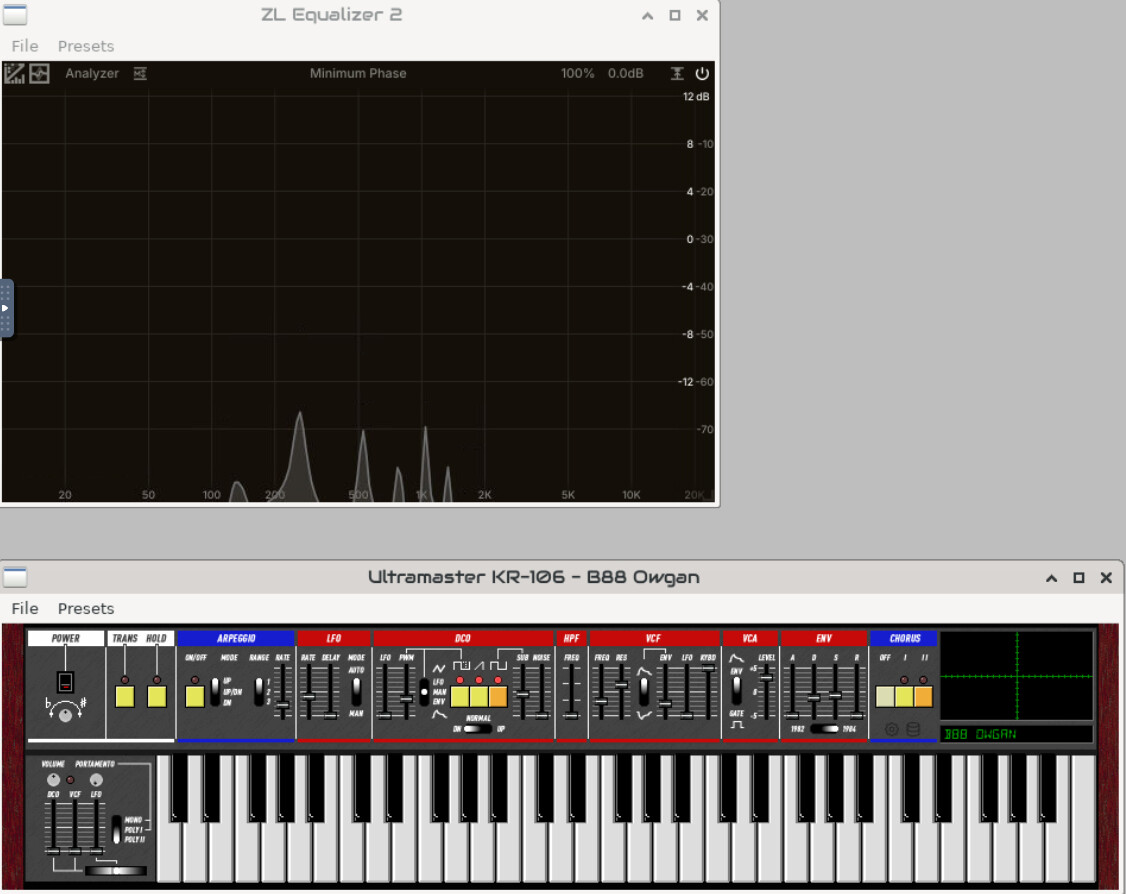
I’m new to Zynthian, and I’ve been searching for a good parametric EQ effect for processing live vocals (through an audio-signal chain).
Ideally:
Something with 4–5 bands.
Something with variable Q.
Something with adjustable slope (e.g. Bell / Peak, Notch, HPF, LPF, Shelf…)
Something CPU-friendly (as I want other things to be happening elsewhere :-))
On paper, EQ4Q from the pre-installed effects seems to be just ideal, BUT it’s a bit of a mystery – its filter_type parameter exposes numeric values (1–12) in LV2, but neither the TTL metadata nor the stripped binary defines what those numbers correspond to (I couldn’t find any documentation online either…). Would anyone here know?
I’ve found another hopeful candidate – C* E40 - 4-band parametric equaliser. Looks just about perfect! I tried to add it through the Zynthian UI (i.e., made it “toggled”). I can see the effect among the others; nevertheless, when I try to add it to an audio chain, the Zynthian freezes.
So, before I try anything else, is there anyone with either a tip that would help me overcome the issues above or simply a tip for an EQ that works?
For voices i find this one quite simple to use while being powerful-enough for most use-cases:
ZamEQ => LPF + 2 parametric bands + HPF
Perhaps it’s a little more simple than you requested, but It works nicely and takes very little CPU. Indeed, it’s not so different to EQ4Q, with the limitation that you can’t choose the type of filter for each band.
This one is also interesting and super-efficient for the power it offers:
TAP Equalizer BW => It has 8 independent parametric bands with center freq, bandwidth and gain.
The bands with gain set to 0 (exactly 0) are not processed, so they didn’t take any resources.
It’s more a “surgeon tool” and perhaps it’s best suited for fixing resonance problems or adjusting the tone colour of specific instruments, but it can be useful for vocals too.
Regarding the EQ4Q, i would recommend you try to understand the parameters from the native GUI (VNC enabled).
I heard there was a newish equalizer (and ls a great compressor) in town which all the people are raving about right now:
As far as I understand it’s open source (hope that AGPL-v3 is suitable), lv2 and comes alread with prebuild arm64 builds I guess (not sure, might be primarily for Mac M1?). In the internet they say it is their Fabfilter replacement.
I’m actually asking because I wanted to write some parametric equalizers ttl files but wanted to know if anybody can build this one, because it may be the preferred one.
I have downloaded the precompiled lv2 for each plugin from ZL Compressor and ZL Equalizer, expanded the zip files and put the lv2 into /zynthian/zynthian-plugins/lv2/ then run the webconf SOFTWARE->Engines “Search for Engines”. I then enabled them in webconf but the plugin fails to load, with an error:
lilv_lib_open(): error: Failed to open library /zynthian/zynthian-plugins/lv2/ZL Compressor.lv2/libZL Compressor.so (/lib/aarch64-linux-gnu/libstdc++.so.6: version `GLIBCXX_3.4.31' not found (required by /zynthian/zynthian-plugins/lv2/ZL Compressor.lv2/libZL Compressor.so))
It looks like the binary release are built with a later version of glibc than we have in zynthian. (We saw a similar issue with the binaries for the KR-106 (which upstream kindly resolved very quickly.)
We could try compiling from source…
It requires clang compiler. We tend to use gcc… but we could try with clang.
@kayrockscreenprintin would you mind explaining what changes you made to build a compatible binary? Maybe we can share this with our friends at ZL-Audio.
Compilation of compressor continues to fail (tracked here) but there is a change to the GitHub build process which has resolved the compatibility issue. I have tested a nightly build and it works. I expect an update soon to the publically available precompiled version.
Both plugins are missing categorisation so appear in the “Other” category. I have reported this upstream.