Remote control using a Pi Pico and CUIA

Following recent MCP23017 threads I decided to try an alternative approach using a Pi Pico to operate a zynth.

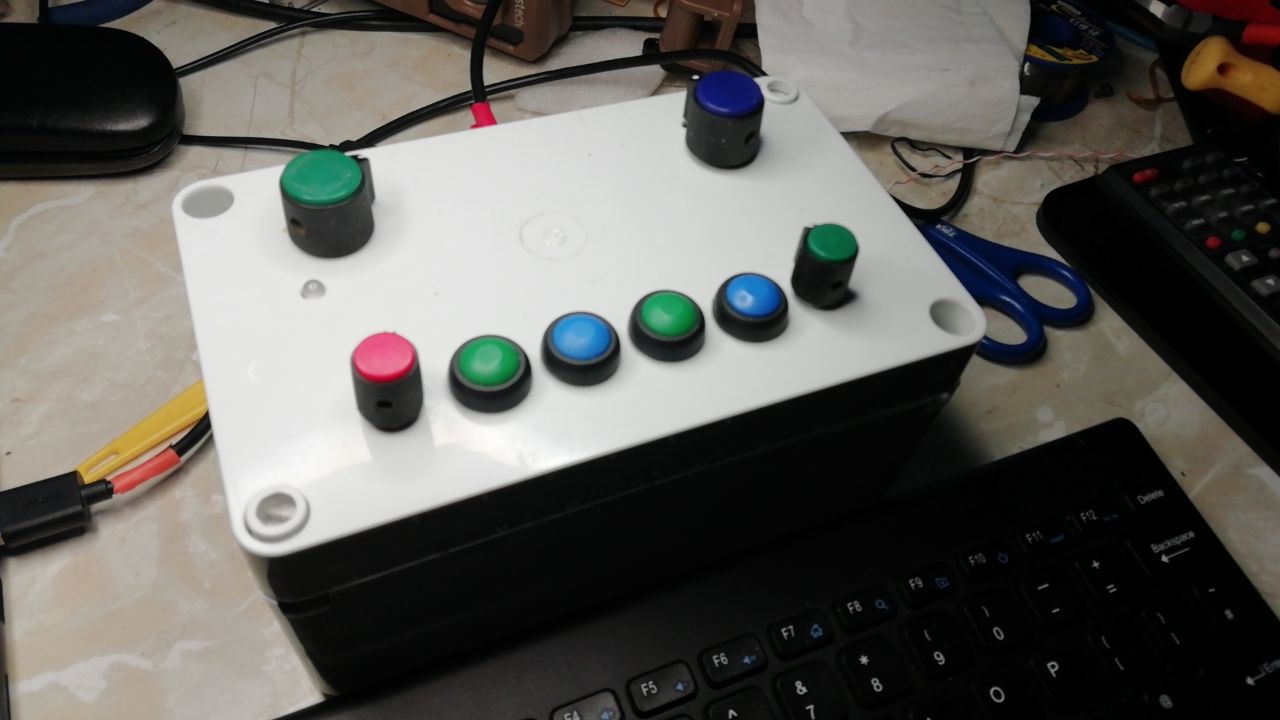
To that end I dug up an old remote control device and decided to update it to modern zynthian mechanisms.

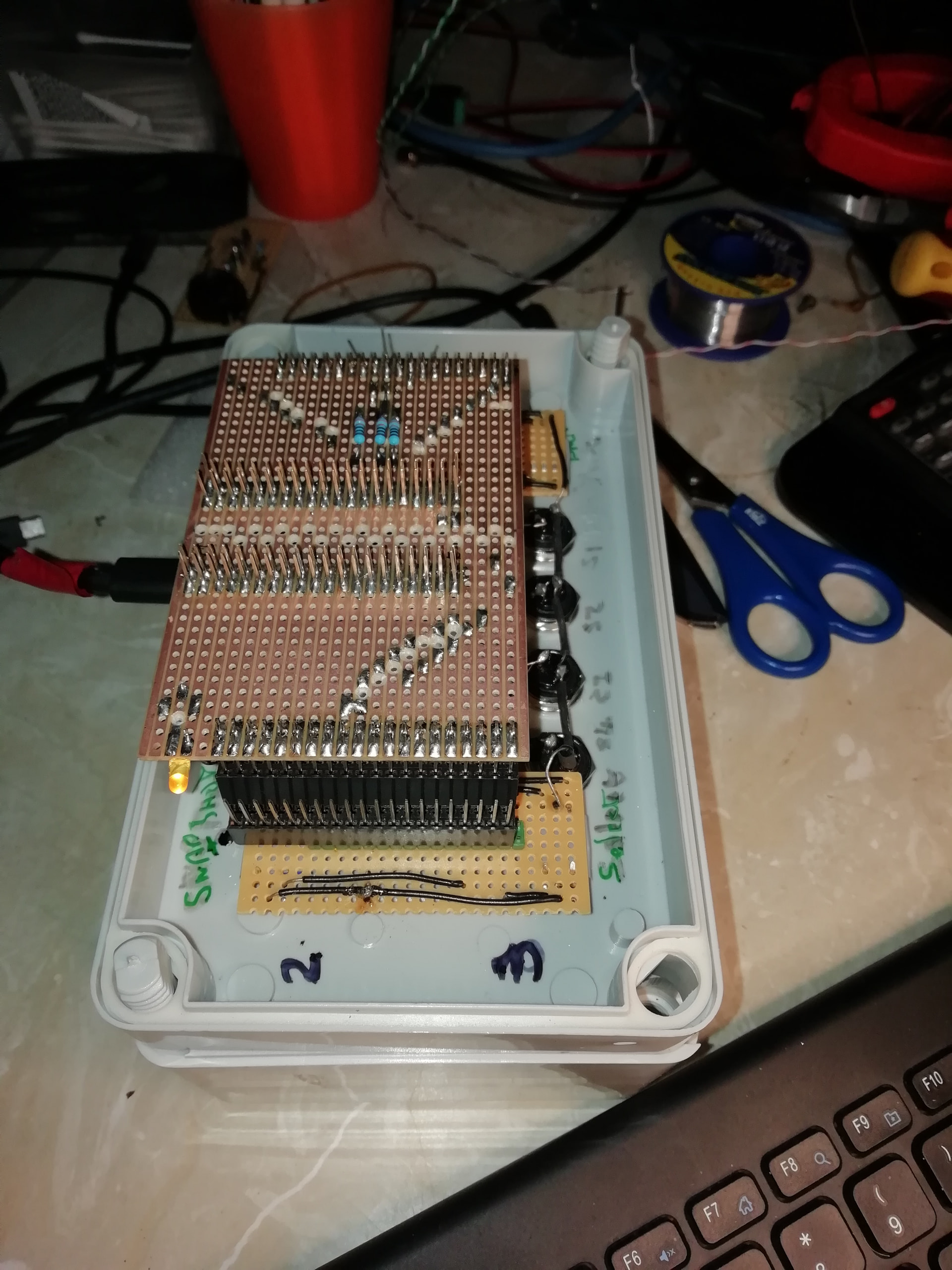
Here’s an inside picture,

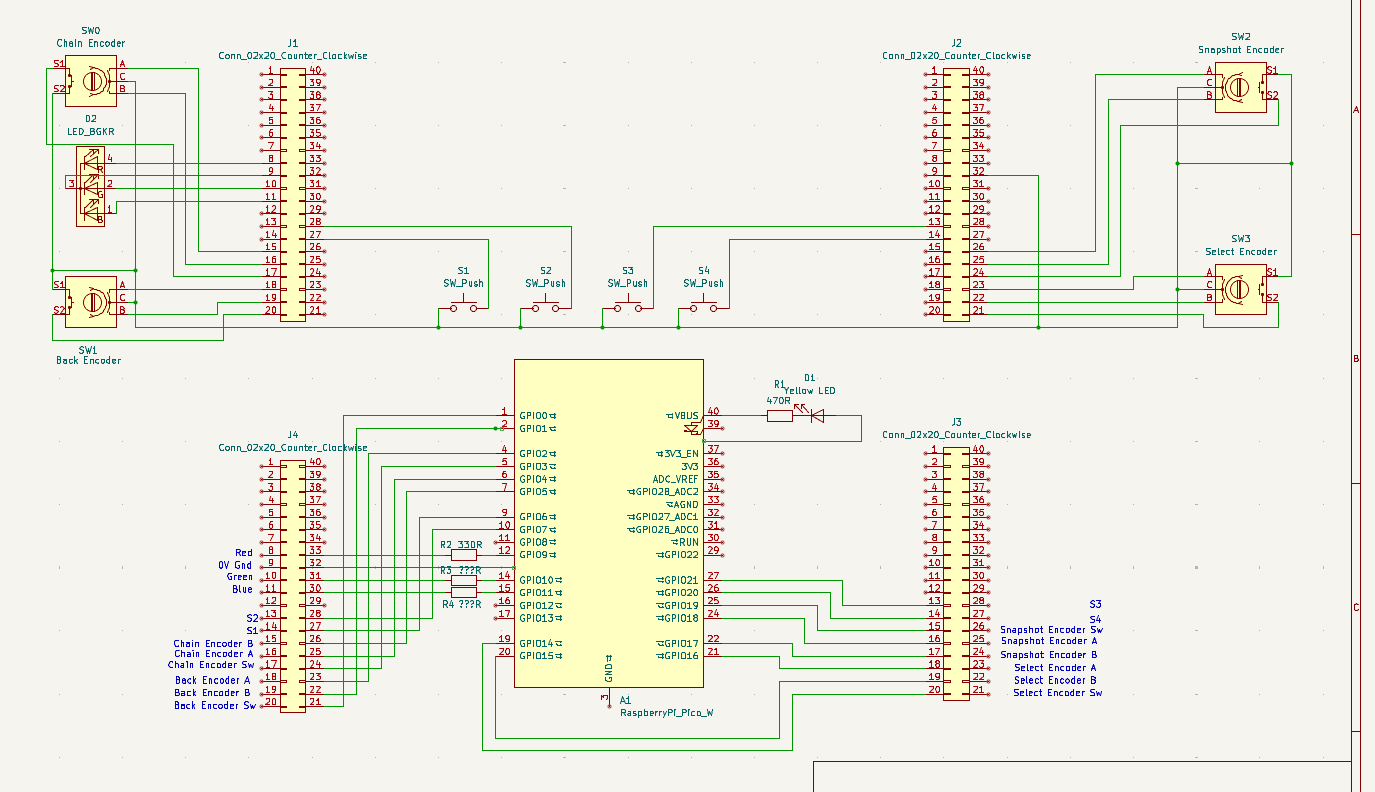
it’s faintly modular and suffered it’s own share of wiring errors but ultimately it all buzzed out correctly….

The code is circuitpython and is attached….

and requires a couple of obscure libraries that are best installed with circup which needs pipx to install

sudo apt install pipx

pipx install circup

circup install

circup install microosc

It all runs using CUIA messages zynpot and zynswitch over UDP and the pico’s wifi connection…

pico_circuitp_asyncio_osc_cuia_led.py (7.6 KB)

THE LED resistors probably need refining….

You will also need to alter the IP address of your zynthian on line 13 (should probably be in settings.toml), and set the Wifi SSID and wifi password in settings.toml

All quite fun. Zynth control over wifi!

Look no wires!

5 Likes

I like the idea of sitting on the couch controlling zynthian on a 65” TV!

Do you feel-think it is as responsive as a GPIO attached switch or encoder?

Well it seems ok and enjoyably responsive so far, althou’ as this has been sitting in a cupboard for a fair while switch 3 is a bit grubby and the top left encoder switch requires some use to get it behaving, but these are errors that showed up during multimeter testing and don’t seem in anyway related to the Osc implementation..

Perhaps I need to get it connected to the cajon. That thing never really worked satisfactorily with a remote when wires were involved.
I’ve got it connected to the main zynthian (rack7) and I’ll see how it behaves over day to day use.

No wires connected these two devices!

3 Likes

Thanks for the report - I’m interested in whether controls that are less directly attached can feel as ‘snappy’. It’s encouraging that this case, where the controls go through another CPU and a WiFi connection doesn’t seem laggy, so far.
1 Like