Hello,
I am trying Zynthian OS and I am using the latest stable release (Vangelis) for the first time on my Raspberry Pi 4B, I installed but I find the icons and the text too small. I am using a OSOYOO 3.5 inch HDMI Capacitive Touch screen for JETSON NANO/Raspberry Pi 5, 4, 3B / PC, Pulg and Play, Compatible with Windows 11 10 8 7, Raspberry Pi OS, Ubutun, Kali which is a capacitive screen and it works fine.
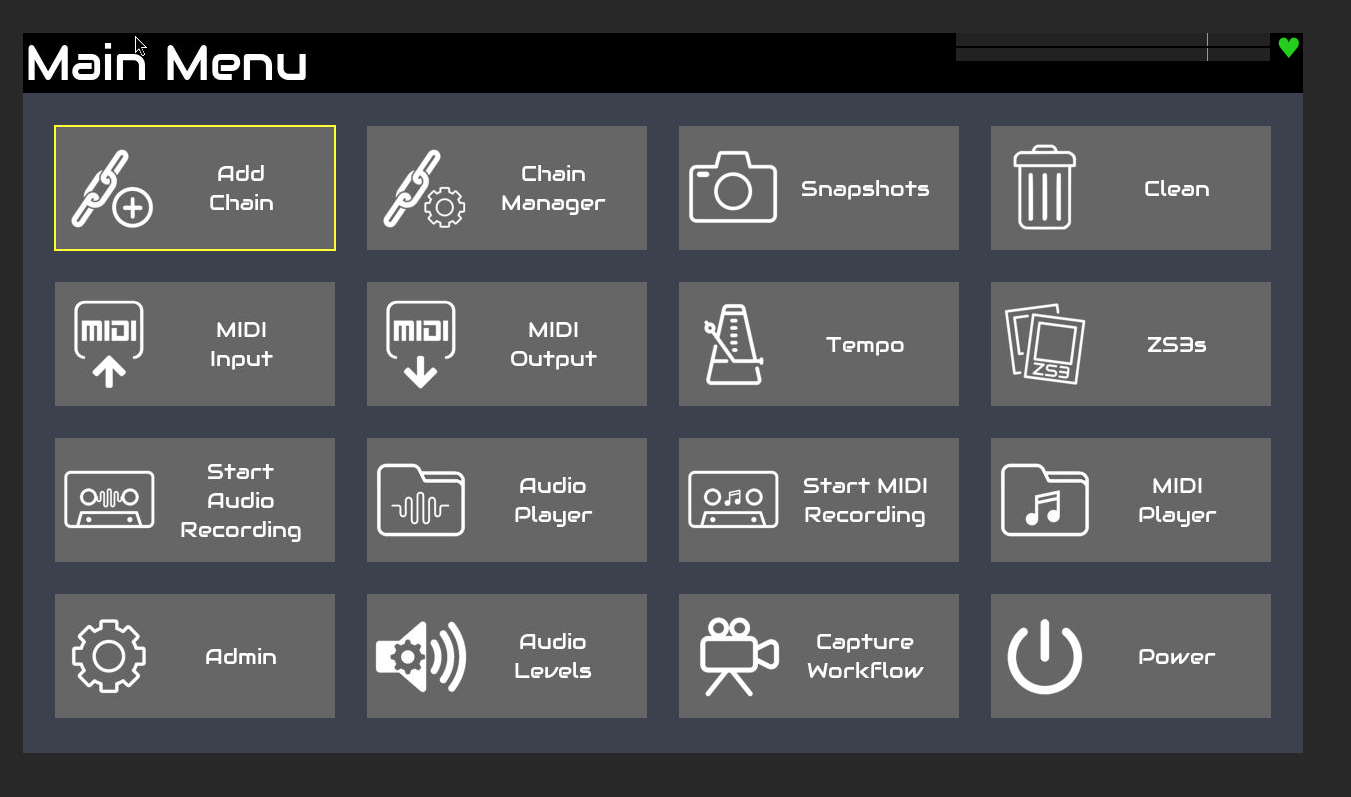
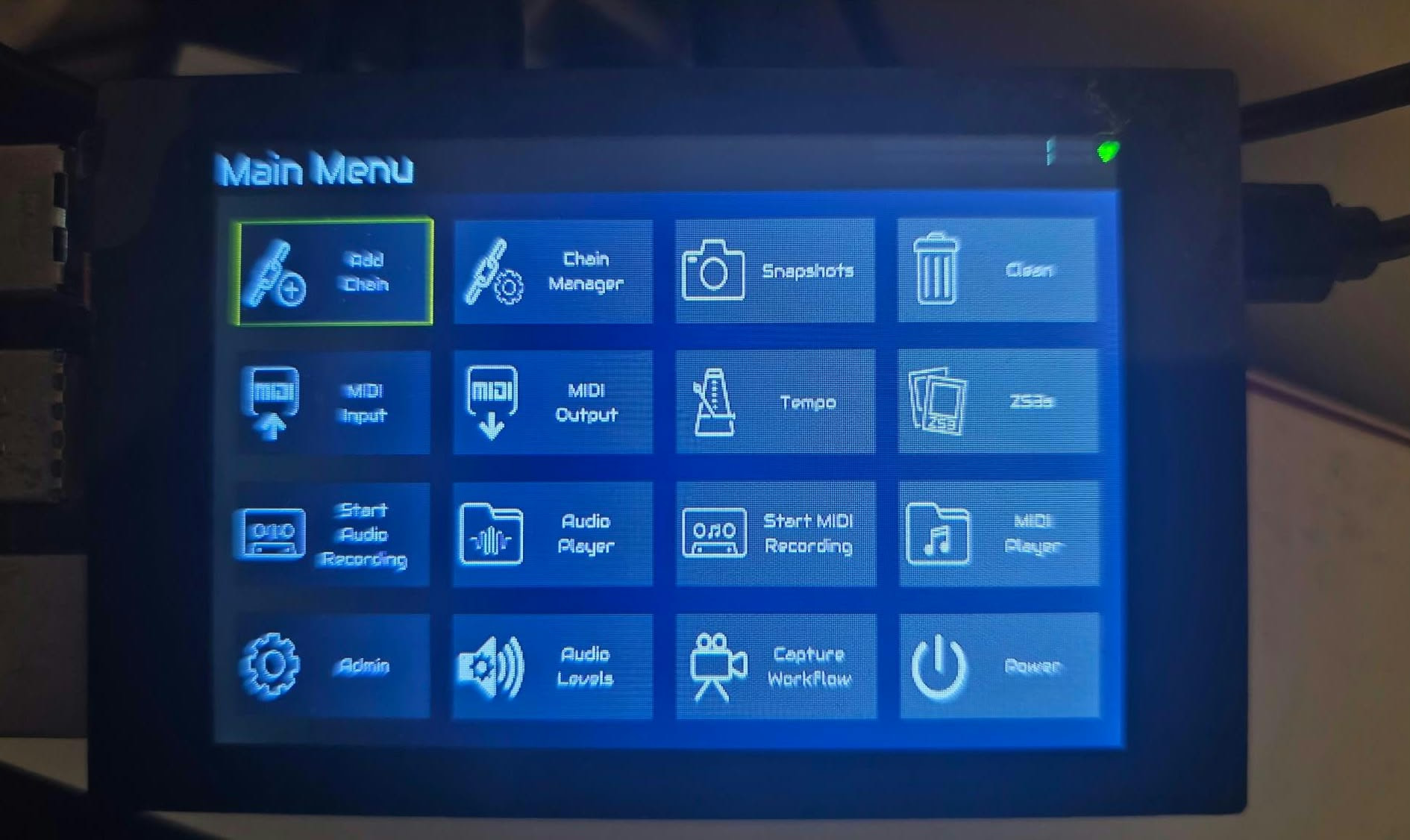
If I use it with vnc everything is okay, but if I use the real screen, there is a weird pixel ratio aspect where the icons appear a bit stretched vertically and all the texts are very small.
I love the fact that I can make the fonts bigger, currently I’m using it with fonts big at 30px, so when I have to select the text for each option is fine, but it would be nice to have anything else or the rest of the text labels bigger/or change the arrangement according to the screen size.
I can’t read all the rest properly, like the text on the right of the top bar before the green icon (the heart) is very small.
Is there a way to make the User Interface compatible with this screen size? Like making everything much bigger/responsive for when I am using the touch screen?
I just installed the 2026-10-15-zynthianos-vangelis-2610-stable.img.xz image on a ssd with the raspberry pi imager, plus is the first time using the software so honestly I have no idea on why your version doesn’t have these functions.
I was looking for a system that could work also as a sampler so I could record some audio and play it on my keyboard
Well, not exactly.
The UI has no problem in adapting to the size, you have a problem accepting the inevitable change in aspect ratio if the content of the screen does not fit in the available space.
Your screen has (I think if I look at your picture) a default 800x480 width/height ratio. If the content you wish to display has an 800x400 aspect ratio, it must be compressed to fit the screen, or else a strip will remain at the top or bottom.
Well, there is some tricky logic here, as you can read in the main menu code:
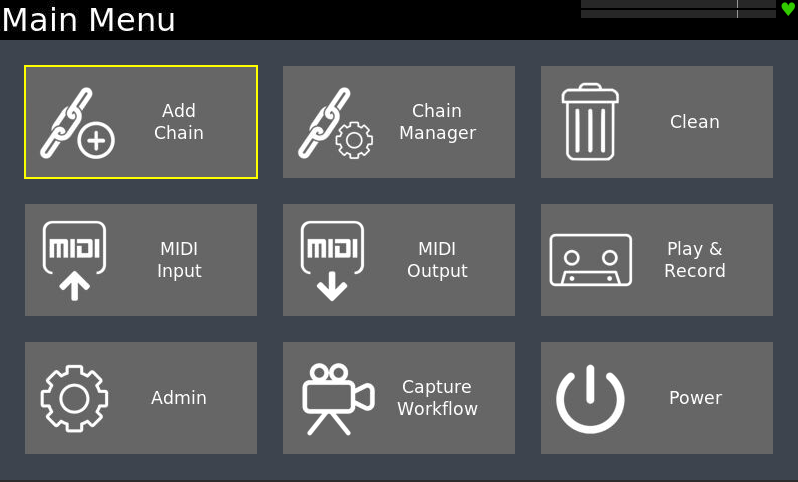
    if zynthian_gui_config.check_wiring_layout(("V5", "Z2")) or zynthian_gui_config.screen_width < 800:
        self.columns = 3
    else:
        self.columns = 4
So, for V5 and Z2 wiring layouts (devices with real buttons that don’t need the on-screen touch buttons) or for displays with width smaller than 800, we use the 3 colums menu. For all the rest, 4 columns are used. If you think about, you will see the reasons to do so.
Of course, this simple logic don’t catch all use-cases or user likes, so we could consider having a specific config option for this. Simply open a feature request …
My experience, with both the official kit and various self assembled DIY variants, is that the system seems to react functionally to the screen resolution it detects in the video hw.
For example, I have a Z device with a very large 16" Waveshare display that shows all possible functions in chain manager and the admin menu in a single screen. Two of my other custom builds with 7 and 8 inches screens display smaller portions of the available icons.
The OS is well engineered, in that it reacts cleverly to the display matrix and font size set in webconf, but apart from that I never really paid too much attention to a self-sizing process that simply seemed to work well out-of-the-box.