Hi
For some time, since an update, the oneshot in sooperlooper behaves strangely, it puts the track in mute and sometimes with sound sometimes not…
Thanks
Hi
For some time, since an update, the oneshot in sooperlooper behaves strangely, it puts the track in mute and sometimes with sound sometimes not…
Thanks
The workflow facility in admin is a useful tool for allowing the definition of a fault condition.
It is very hard to aid remotely without specific information and whilst you may be unfamiliar with the tool it allows a clear refining of a fault condition and repeatability is the first requirement of a successful fix…
Hi
Where is that tool ? In webconf ?
I’ll try when on the Zynthian
Thanks
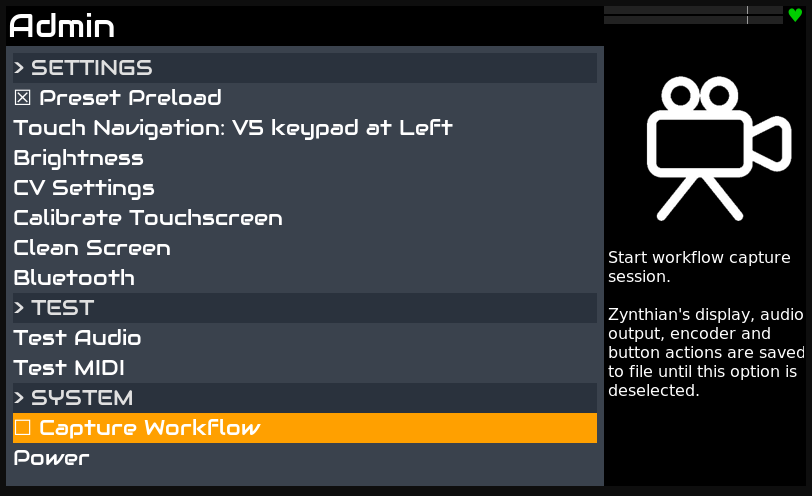
The tool to record video, sound and keypresses is in the admin menu on the zynthian itself.
I am not seeing an issue with single pedal. How are you driving it? If I bind it to a simple sustain pedal (press for CC64 value 127, release for CC64 value0) then it behaves by design:
Hi
Not single pedal, but oneshot button, to trigger a loop and it stops at the end.
Thanks
Ah! In that case, it seems oneshot is also working by design.
Press oneshot will trigger the the loop to play once then mute.
One shot of the master loop restarts it immediately. Oneshot of a slaved loop waits until the next sync point. There seems to be a bug with oneshot sometimes failing on loop 1 but someone would need to report that with some detail of how to reliably reproduce. I don’t have time to investigate now.
Thanks, Early morning posting can be a little brusk.
Please do use the workflow tool. It’s something that we are encouraging as it allows us to see precisely what is being done.
Just turn it on in admin and off when you have finished
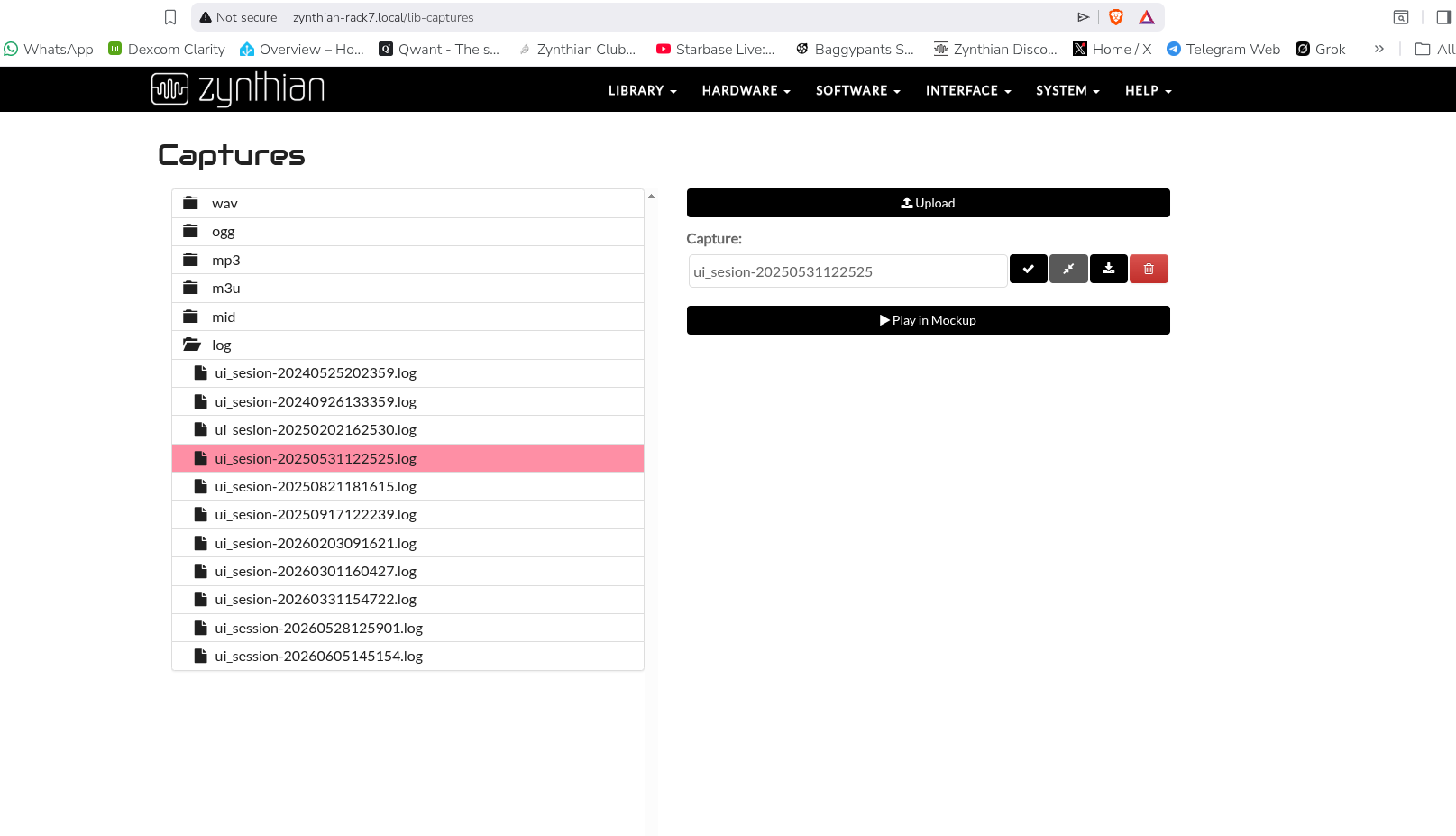
it will generate a log file that is accessible in webconf under the library tab in captures . . .
It can then be downloaded and attached to a post in this forum. . .
Ok i never used that tool, i saw it was existing, for tutos.
I work with zynthian for a first important show next week, so i try to capture workflow very soon.
Thanks