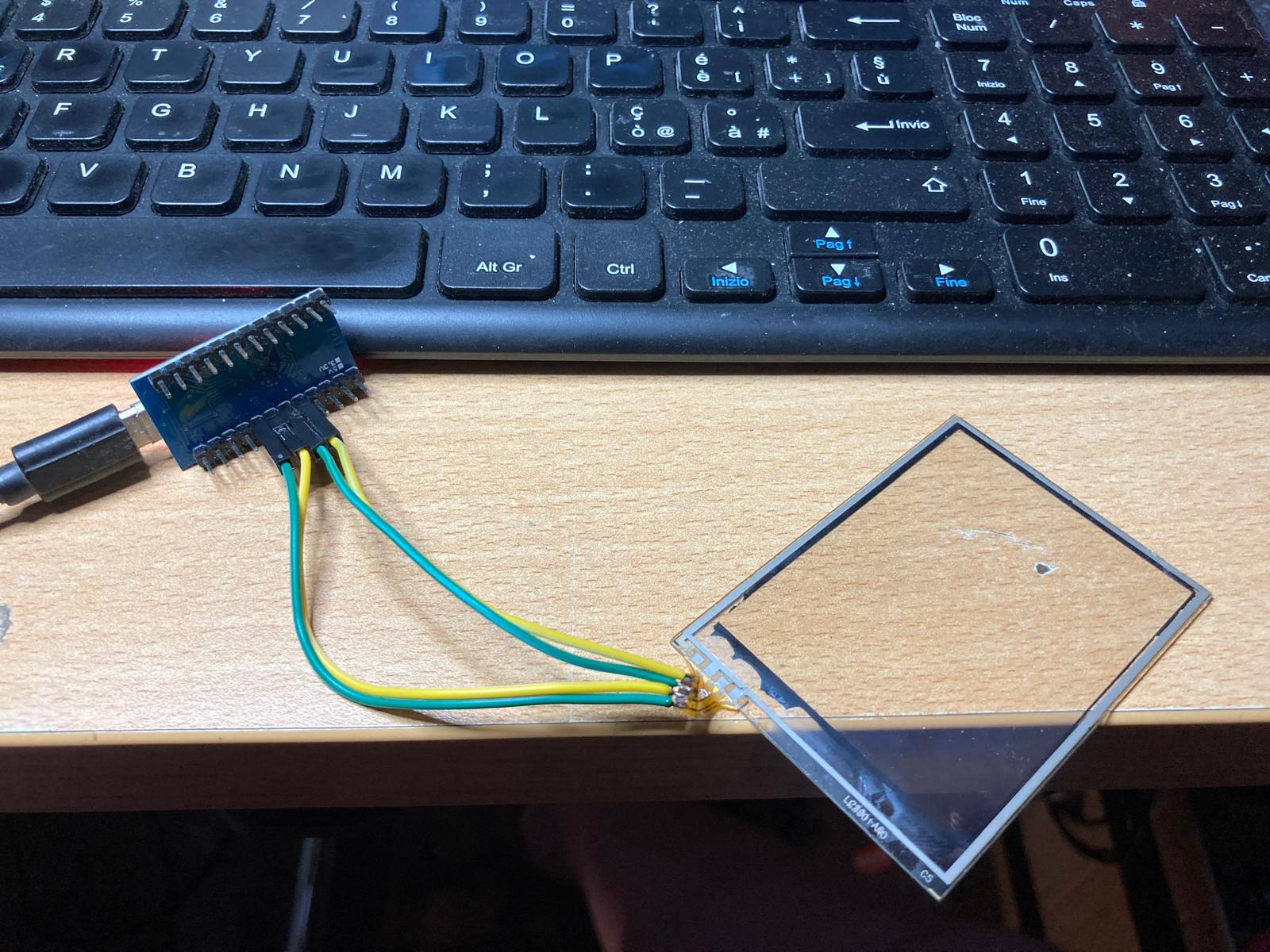
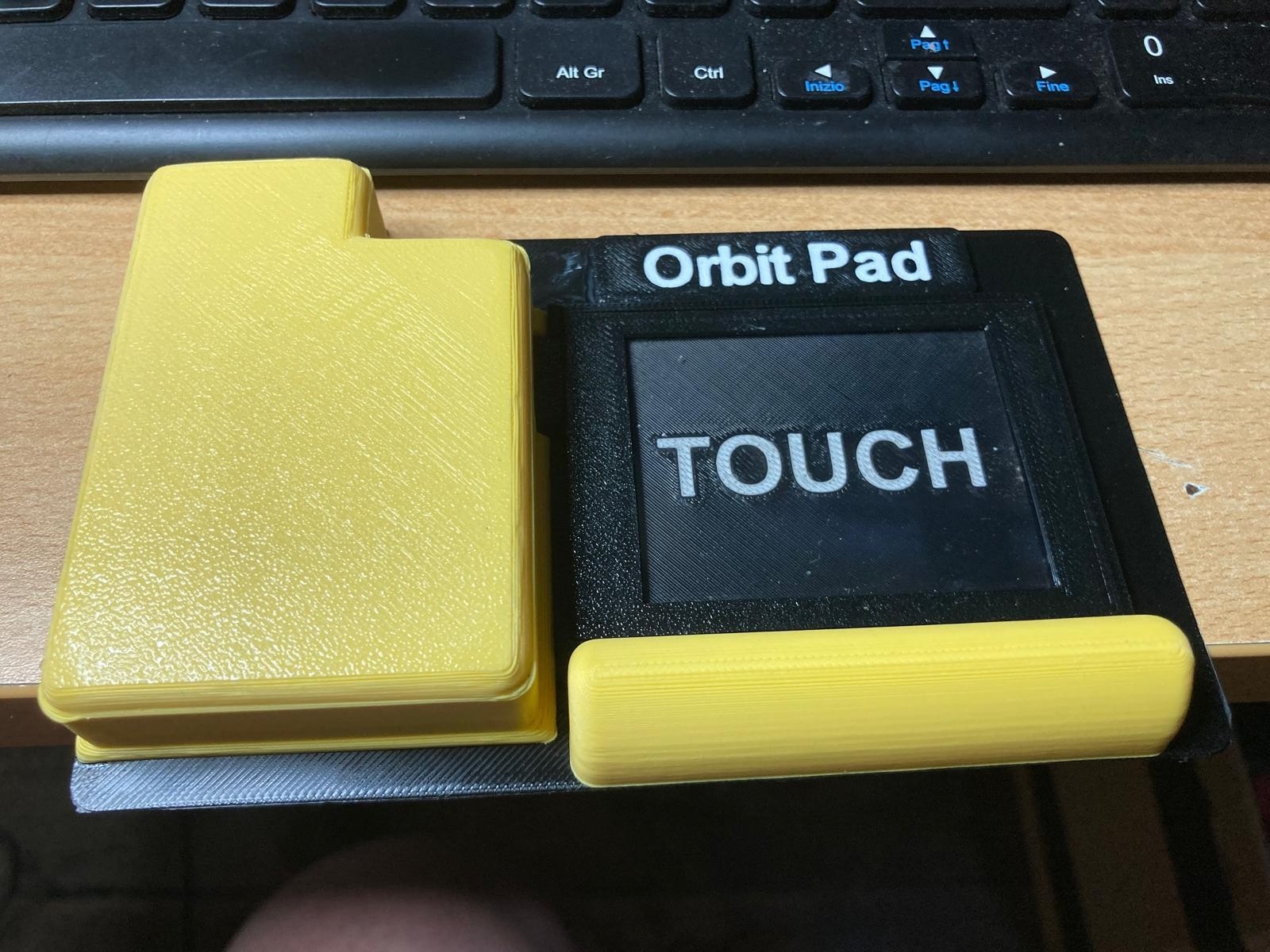
I created a touchpad using the glass from a broken Adafruit display (the first display on my homemade Zynthian). I use it for the Massive-X synth. I’ll build a case to place it over the keyboard. It uses an Arduino Pro Micro, which is seen as a USB device.
Yes, that’s what I did. For now, it’s just x-y movement, but I’ll implement some more functions. I’m currently struggling with my MacMini M4, which has three Arduino Micro-based peripherals connected to it, and it can’t distinguish between them…
Pff, I think it is more a matter of priority than age
It’s also possible in Arduino IDE, but its a bit of a mess. You have to change the boardname.build.usb_product in boards.txt. And that means you have to change it every time you build another device.
In PlatformIO (it’s an extension in VSCode) it’s a build setting, not a board setting.
I can highly recommend it. It takes some getting used to, but it is worth it. The VSCode IDE is also much better than Arduino IDE. If you need help, just ask.
I tried both with IDE and with platformIO (helped by AI) but the Arduino Pro Micro (which is seen as Leonardo) continues to keep the name of another peripheral (Breath Control) that mounts Arduino Pro Micro.
The test version of the paddle has been completed. It works perfectly. I’ve attached the PlatformIO sketch below.
@HansR, I solved the device name issue. It was a ghost device left in StudioMidi on the Mac. I deleted that device, and now the others appear with their own names.