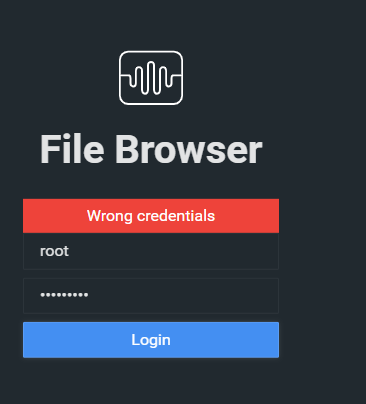
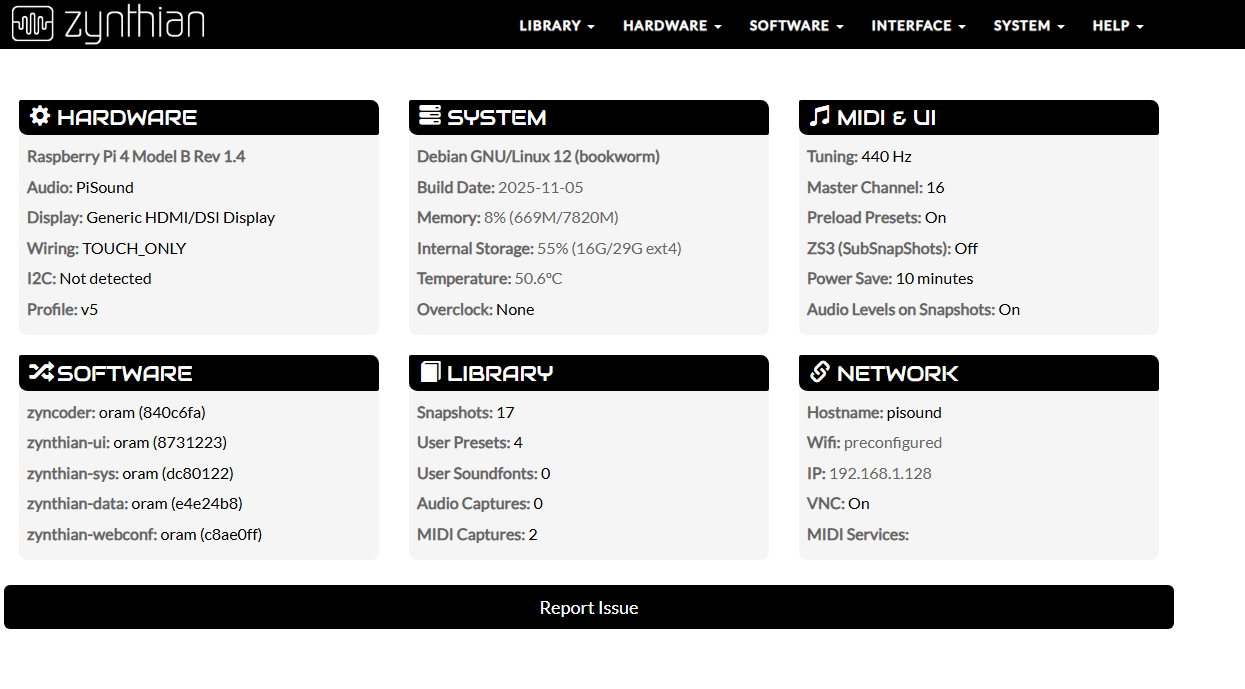
This is my third day using Zynthian and I’m getting to be started. I’m aware I can access filesystem via SSH (and I’m using it) but I’m curious about this: in webconf, system → file browser redirects to http://zynthian.local:8099. Nothing listen to port 8099.
Am I missing something ? (I searched in the Wiki and the forum)
        # If filebrowser is enabled, add access URI to info
        if self.is_service_active("filebrowser"):
            info['filebrowser_uri'] = "http://{}:8099".format(self.request.host)
            # Change filebrowser password
            try:
                check_output("systemctl stop filebrowser", shell=True)
                check_output(f"cd $ZYNTHIAN_SW_DIR/filebrowser; ./filebrowser users update zynthian --password \"{config['PASSWORD'][0]}\"", shell=True)
                check_output("systemctl start filebrowser", shell=True)
            except Exception as e:
                logging.error(f"Can't set new password for filebrowser! => {e}")
                return {'REPEAT_PASSWORD': "Can't set new password for File Browser!"}
IT looks like filebrowser runs under systemd control so it would be worth checking if the process is actually under systemd control
My bad, the service wasn’t running, and I messed up with my grep command to find it in the list of all services (I have a fever today so I probably shouldn’t have opened this thread).
Now that I “found” the existence of the service, this is obvious that starting it makes it working better
Here’s the journal of filebrowser. Didn’t wanted to start for some reason. Maybe because I stopped webconf to investigate on this
Apr 05 12:58:38 zynthian systemd[1]: Started filebrowser.service - Zynthian File Browser.
Apr 05 12:58:38 zynthian filebrowser.sh[1171]: Error: flag needs an argument: 'a' in -a
Apr 05 12:58:38 zynthian filebrowser.sh[1171]: Usage:
Apr 05 12:58:38 zynthian filebrowser.sh[1171]:   filebrowser [flags]
Apr 05 12:58:38 zynthian filebrowser.sh[1171]:   filebrowser [command]
Apr 05 12:58:38 zynthian filebrowser.sh[1171]: Available Commands:
Apr 05 12:58:38 zynthian filebrowser.sh[1171]:   cmds        Command runner management utility
Apr 05 12:58:38 zynthian filebrowser.sh[1171]:   completion  Generate the autocompletion script for the specified shell
Apr 05 12:58:38 zynthian filebrowser.sh[1171]:   config      Configuration management utility
Apr 05 12:58:38 zynthian filebrowser.sh[1171]:   hash        Hashes a password
Apr 05 12:58:38 zynthian filebrowser.sh[1171]:   help        Help about any command
Apr 05 12:58:38 zynthian filebrowser.sh[1171]:   rules       Rules management utility
Apr 05 12:58:38 zynthian filebrowser.sh[1171]:   upgrade     Upgrades an old configuration
Apr 05 12:58:38 zynthian filebrowser.sh[1171]:   users       Users management utility
Apr 05 12:58:38 zynthian filebrowser.sh[1171]:   version     Print the version number
Apr 05 12:58:38 zynthian filebrowser.sh[1171]: Flags:
Apr 05 12:58:38 zynthian filebrowser.sh[1171]:   -a, --address string                     address to listen on (default "127.0.0.1")
Apr 05 12:58:38 zynthian filebrowser.sh[1171]:   -b, --baseurl string                     base url
Apr 05 12:58:38 zynthian filebrowser.sh[1171]:       --cache-dir string                   file cache directory (disabled if empty)
Apr 05 12:58:38 zynthian filebrowser.sh[1171]:   -t, --cert string                        tls certificate
Apr 05 12:58:38 zynthian filebrowser.sh[1171]:   -c, --config string                      config file path
Apr 05 12:58:38 zynthian filebrowser.sh[1171]:   -d, --database string                    database path (default "./filebrowser.db")
Apr 05 12:58:38 zynthian filebrowser.sh[1171]:       --disable-exec                       disables Command Runner feature
Apr 05 12:58:38 zynthian filebrowser.sh[1171]:       --disable-preview-resize             disable resize of image previews
Apr 05 12:58:38 zynthian filebrowser.sh[1171]:       --disable-thumbnails                 disable image thumbnails
Apr 05 12:58:38 zynthian filebrowser.sh[1171]:       --disable-type-detection-by-header   disables type detection by reading file headers
Apr 05 12:58:38 zynthian filebrowser.sh[1171]:   -h, --help                               help for filebrowser
Apr 05 12:58:38 zynthian filebrowser.sh[1171]:       --img-processors int                 image processors count (default 4)
Apr 05 12:58:38 zynthian filebrowser.sh[1171]:   -k, --key string                         tls key
Apr 05 12:58:38 zynthian filebrowser.sh[1171]:   -l, --log string                         log output (default "stdout")
Apr 05 12:58:38 zynthian filebrowser.sh[1171]:       --noauth                             use the noauth auther when using quick setup
Apr 05 12:58:38 zynthian filebrowser.sh[1171]:       --password string                    hashed password for the first user when using quick config (default "admin")
Apr 05 12:58:38 zynthian filebrowser.sh[1171]:   -p, --port string                        port to listen on (default "8080")
Apr 05 12:58:38 zynthian filebrowser.sh[1171]:   -r, --root string                        root to prepend to relative paths (default ".")
Apr 05 12:58:38 zynthian filebrowser.sh[1171]:       --socket string                      socket to listen to (cannot be used with address, port, cert nor key flags)
Apr 05 12:58:38 zynthian filebrowser.sh[1171]:       --socket-perm uint32                 unix socket file permissions (default 438)
Apr 05 12:58:38 zynthian filebrowser.sh[1171]:       --token-expiration-time string       user session timeout (default "2h")
Apr 05 12:58:38 zynthian filebrowser.sh[1171]:       --username string                    username for the first user when using quick config (default "admin")
Apr 05 12:58:38 zynthian filebrowser.sh[1171]: Use "filebrowser [command] --help" for more information about a command.
Apr 05 12:58:38 zynthian filebrowser.sh[1171]: 2025/04/05 12:58:38 flag needs an argument: 'a' in -a
Apr 05 12:58:38 zynthian systemd[1]: filebrowser.service: Main process exited, code=exited, status=1/FAILURE
Apr 05 12:58:38 zynthian systemd[1]: filebrowser.service: Failed with result 'exit-code'.
Anyway, everything is working now. Sorry for the noise :s
Within such a dynamic code base it’s easy to get lost and without loading up the self same environment you can’t test, so One quick way of nailing this is to look at the code in github and then use the Visual Studio Code viewer option ( press . , who knew?? )
You can then use the visual studio code global search to dig out references.
I just went with 8099 .
It’s getting to be a busy little system!
As you are slightly ill would you like some soup…?
One quick way of nailing this is to look at the code in github and then use the Visual Studio Code viewer option ( press . , who knew?? )
Thank you. The worst thing is that I already cloned the 3 main repos on my local machine to jump onto the code; that helped me understand a lot of things really missing in documentation (in wiki). As I have 15 years on Python dev I’m not lost at all in codebase, I found it very clear in the opposite.
Yes please I don’t have any left; and I won’t have any time to make some again as I’ve a big concert tomorrow and have to leave quite early for soundcheck :s
 (I have a fever today
  so I probably shouldn’t have opened this thread).
 I don’t have any left; and I won’t have any time to make some again as I’ve a big concert tomorrow and have to leave quite early for soundcheck :s