Added beat markers to clippy wave display. Cropping a loop in a snap!! 
Next stop, zero cross auto-detection and auto-cross-fade 
Enjoying like a chimp!
Added beat markers to clippy wave display. Cropping a loop in a snap!!
Next stop, zero cross auto-detection and auto-cross-fade
Enjoying like a chimp!
That is very slick!
Hi everyone!
I have a likely bug and two potential feature requests, meaning that I do not want to clog the request/issue tracker with useless stuff, unless I see a green light from the devs about it.
1] Bug: on pasting from clipboard on an empty pattern, the length of the pasted pattern is not retained in the new one, and tends to default to 2 bars+1 beat. This behaviour continues even if the user sets the pattern length to the right amount of bars and beats. After that, the new lenght is reflected in a correct pattern playback, but not shown in the text header of the pattern editor. It is just me? Should I raise an issue ticket?
2] Feature 1: I have noticed that, if I bold-press on an empty step in the pattern editor, I can set a longer note length measured in steps. Nonetheless, this new reference length is not used when entering notes, manually of via Midi. Could this [set length + insert notes] workflow be implemented?
3] Feature 2: Again, I attempt suggesting to allow pasting notes from the clipboard on a chosen play step (small red bar bottom screen, in the pattern editor), replenishing the empty available steps up to the end of the pattern with notes from the clipboard. As far as I can detect, as it stands now the pattern editor only affords substituting or filling all the steps with notes from the clipboard.
By the way, It slipped out of my mind how to access the CC and velocity curves in the pattern editor…
Thanks for your tireless work, @riban and @jofemodo.
Cheers 
On the subject of spring cleaning and Clippy.
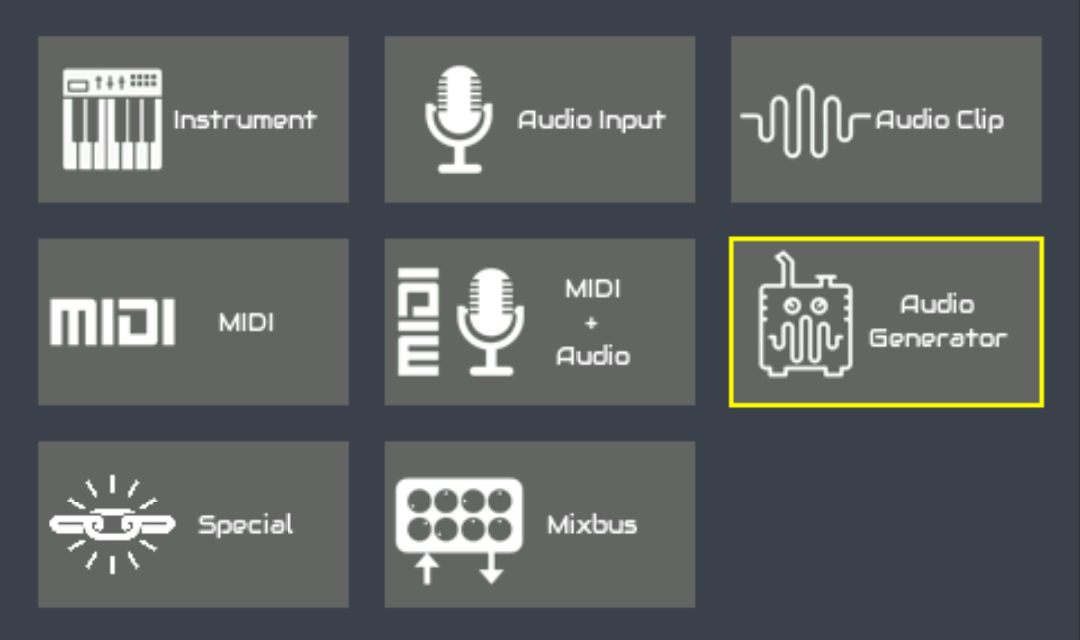
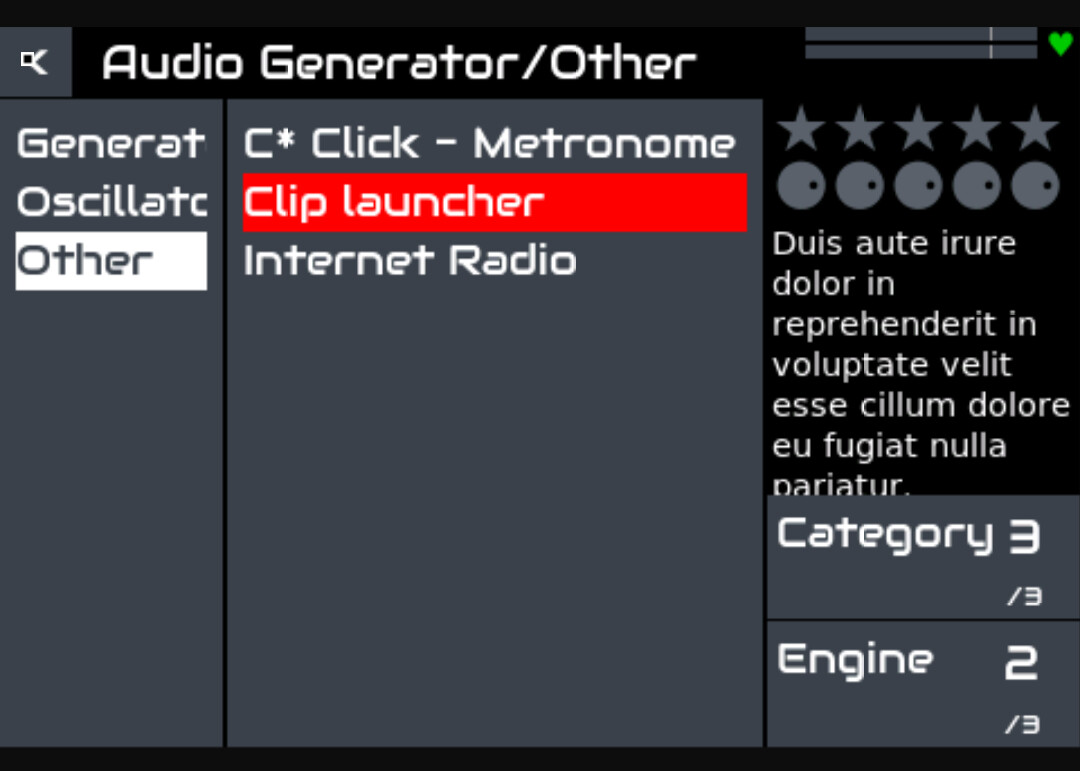
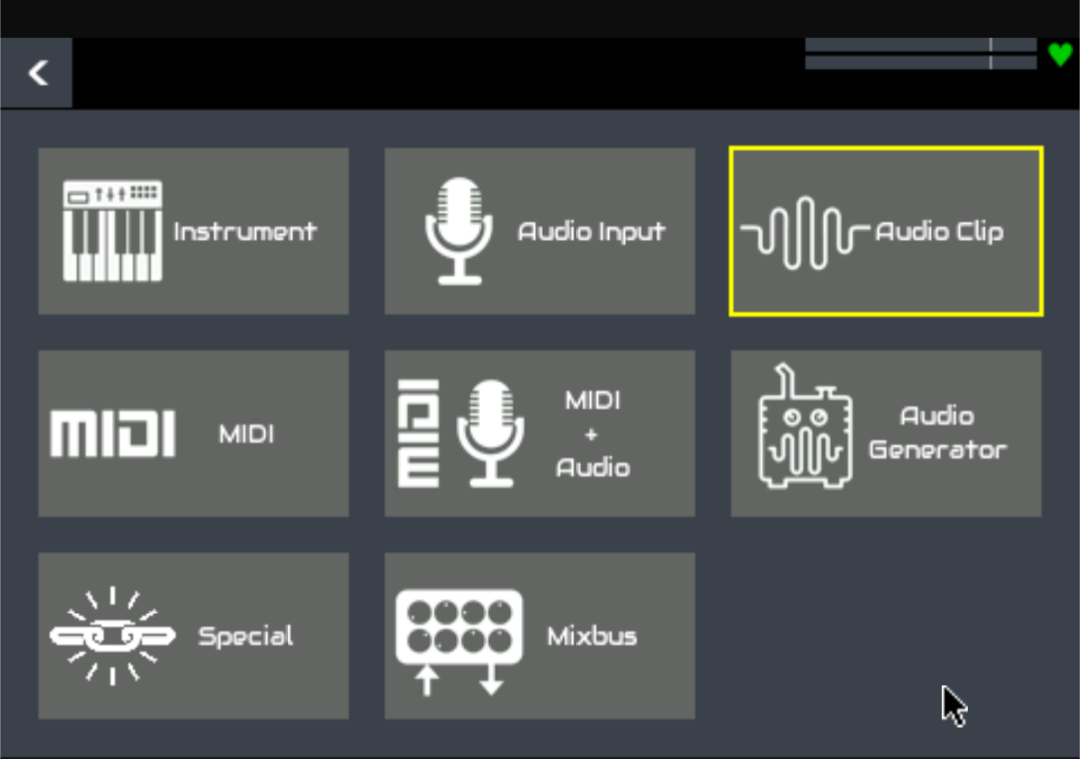
There seem to be two ways to add Clippy now.
Old way of adding
The new and shiny way
If it’s really the same, the old one could be removed?
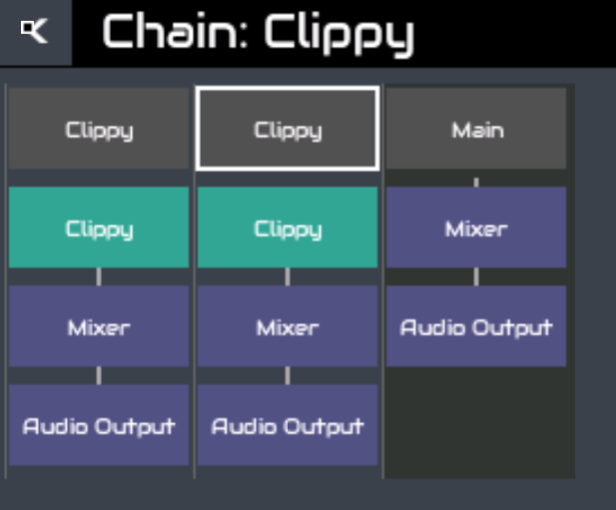
Also, from a consistency and new user point of view, I find it confusing that the icon above is called Audio Clip but once added is called Clippy in the chain manager. It would make more sense to have a single name (audio clip or clippy or clip across the UI).
Regards
The extra entry for clippy in the audio generator list looks like an error. I think we had it there until the new class was created. We will reomove it. We will also make the naming more consistent, probably “Clip launcher”. (Clippy is a fun working title.)
I’m really enjoying testing all the new features! The new pattern editing, with stutter, copy/paste,zoom and display improvements is a joy to use. Is there a way to launch sequences using a MIDI pedal? On the old zynpad they could be assigned to a note but I don’t see any way to do it now. Thanks!
Found a bug! Removing a soloed chain does not change the soloed state, as can be seen in the main mixbus. Have to reboot to get rid of this, which gives an error, yet does restore.
Shall make a proper report later when at home.
2 posts were merged into an existing topic: Recovery from an Unbootable Zynthian
not yet. i asked something similar a few weeks ago. only way currently to trigger sequences with a midi controller is via a device driver.
Thanks for confirming! Just wanted to make sure I didn’t miss something
SIGNIFICANT CHANGE TO TOUCH
I have just pushed an update to vangelis that signifcantly changes how touch works.
What
We have removed the touch-only workflow and replaced it with V5 button overlay. This results in 2 supported workflows:
Why
Maintaining 3 official hardware workflows (V4, V5, Touch-only) has proven too much of a challenge. Code, documentation, user support, etc. This simplifies all of this and offers more consistent workflows across hardware configurations.
When
This is the roadmap for vangelis. Oram will not change. This will be the only touch-only workflow for vangelis.
Who
Many thanks to @wanthalf for the inspiration and inital implementation of this and appologies for the amount of butchering I have applied to it, e.g. flattening the buttons to a single canvas (optiisation).
Where
Hopefully on your TEST system. A reminder to not use vangelis branch for production.
How
Most of the touch-only workflows have been removed. After this update the system attempts to detect your previous touch configuration and set the new configuration… but if this fails you may need to reassert the required config in webconf INTERFACE->UI Options, Touch Navigation.
Touch actions are now (click==tap):
Please give us your feedback on this. There was a lot to implement and probably more to fix so please report issues, ideally in the tracker. If you are sure you have an issue with this migration to V5 button overlay then you may add a comment to this ticket.
This is a wonderful feature! Now we can have our cake and eat it too, switching between the layouts to ‘zoom in’ when needed and get all the buttons otherwise.
Great changes overall! I have an issue introduced with any of the most recent changes (last 2 days): In any preset selection view selecting a preset doesn’t forward to the engine view anymore. It seems the preset is loaded anyway.
EDIT: soundfonts are loaded, synth engines are not loaded, in both cases it doesn’t return to control view and the preset name is not displayed in the top bar or the mixer view.
I am not seeing this. With a Dexed chain, I press CTRL|PRESET from the control view to access preset view. I select a preset, e.g. Ensemble and am returned to the control view.
I tried with Tal-Uno, Dexed and Sfizz. The behaviour is like described above,while only Tal-Uno does not even load a preset after the first choice. By the way it’s independent from input type (encoder 4 click or touch input or virtual “SEL” button).
What I mean here is that e.g. for sfizz the top bar displays “1#Sfizz > Drums”, but not the chosen drum preset. in mixer view it just says “Sfizz”
This is exciting and very promising overall @riban 

I very much look forward to trying the last improvements, on one of my touch-interface builds!
As of this, I suppose that, when a relevant screen with encoder settings is engaged, virtual encoders should appear on the right side of the touch interface… Is that correct?
Regards 
For me the update reverted the setting to buttons on the left side as well, which I could manually change again in the webconf UI setting to right side again.
We are still working on the encoder handling. We need to work through all the workflows and identify if any require encoders where there are not already zctrls shown.
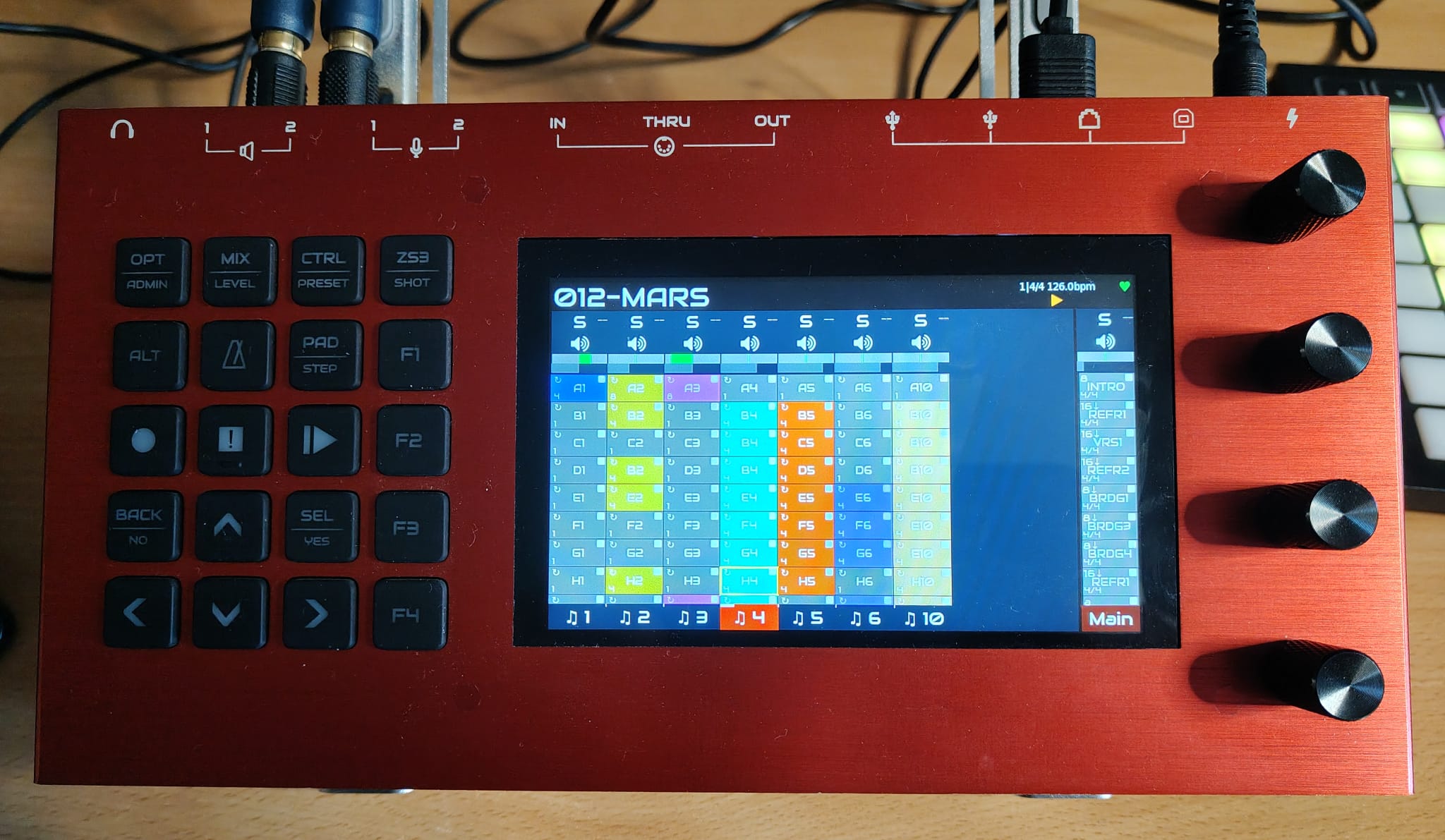
A light grey pad with play state icon (like in your screenshot) means the sequence is empty. A dark grey pad with no play state icon and grey text means the sequence is disabled.
I see this behaviour on chains other than chain 1 (which was where I tested when you mentioned it). There is an issue similar to this when loading snapshots or adding chains which is captured by issue 1595. I think it is a timing issue upsetting the event signalling.