I have never been succesful in getting the Zynthian to boot from a properly imaged USB drive by setting the boot order alone though the method I’ve used has been to set the boot order in raspi-config, and I have been leaving the native SD inserted. The failures modes are difficult to describe - multiple screens, some unresponsive etc. I was checking whether anyone is sucessful booting from USB (or USB with SD card interface) with boot order set either with the boot order command or set in raspi-config with a bootable native SD also inserted.
Just for the record @riban - since I know that you have loads of pressuring new OS stuff to attend to as of now - I am reporting on the status of my Vangelis on Pi500 + (with hdmi, no touch and mouse) attempt:
- I can confirm that the mouse actions, with touch-only UI V5 mode activated, only trigger clicking and dragging activity on the main splash/mixer area. No push actions are registered when the V5 keypad overlay is enabled, by clicking in the rightmost area of the top bar.
- Just in case, I have re-checked and verified that the UI log in debug mode does not show any pointing or clicking entries, when mouse actions are engaged.
- I signal a potential bug in that VNC-UI shows a totally blank screen, irrespective of any actions on the Vangelis GUI.
- I point at another potential bug in that adjusting pan balance and volume of the Main channel, with the mouse wheel and pointer dragging, is registered only by changing texts in the top bar, but is not reflected graphically in the balance and volume strips.
- After a further troubleshooting session with the assistance of Claude AI, I relate on the LM general diagnosis of the current issue, with the Vangelis keypad overlay non reacting to click actions, on an installation with HDMI non-touch screen and mouse, set to Touch Only setup in webconf.
- The AI hypothesis is that, since the virtual V5 keypad buttons animate visually when clicked, but no actions are triggered, the issue might be traced back to
cb_touchinzynthian_gui.py. Therefore, whenmultitouch.detectisTrueandopen_device()finds no physical touchscreen withABS_MT_SLOT,it returnsbreakwithout processing the clicks. Fully understanding the meaning of this latest statement is definitely beyond my computing skills, but I thought it potentially useful to report to the devs.
Regards 
Btw: just updated Vangelis on two devices. The new on-screen multicolour volume meters are very useful, and visually stunning! 
3 Likes
Sometimes we allow ourselves moments of fun to make things look nice, although this does also bring some useful information. The meter scales are logarithmic showing +10dB (0dBfs) to -40dB range. I am looking at implementing an “over” indication on the main chain, but this makes more sense when combined with the soundcard output control. We may need to leave that to the user to calibrate.
4 Likes
I almost thought you added some analog warmth there for April’s fools  …
…
2 Likes
As a further test, I am running Vangelis (latest) on my Pi5 build with touch display, and can report that on a Waveshare 16” touch display the behaviour is exactly the same as in the other Pi500+ (HDMI+mouse) Vangelis installation:
In this case, no finger actions are registered towards triggering the functions of the keypad overlay. It may seem that the issue in the GUI code lies in some basic layer, common to the HDMI+mouse and touchscreen setups.
Regards
Hi @harrylnorris,
Today I mounted a SanDisk Extreme 64 Gb Sd in the posted USB dongle for uSD cards, with a freshly flashed latest Stable ZynthianOS (on Mac). I manually modified the boot order (sudo rpi-eeprom-config --edit) with the USB - SD - nvme sequence (BOOT_ORDER=0xf614), connected the USB dongle to the Pi5, rebooted and it worked just fine at the first attempt.
I confirm that the posted uSD carrier (PNY) affords remarkably good data transfer rates. Context: there is no SD card in the internal slot of my Pi5 metal case, since I use the USB dongle with Vangelis to override at startup the other system (Oram) installed on nvme, and prospectively also for troubleshooting or general operations with Raspberry OS.
I hope it helps,
Regards
PS Let us follow-up with this aspect of the discussion in the thread where it possibly belongs: Boot from USB?
1 Like
Many thanks. Any further posts will go to the other thread…
Just to demonstrate current looks…
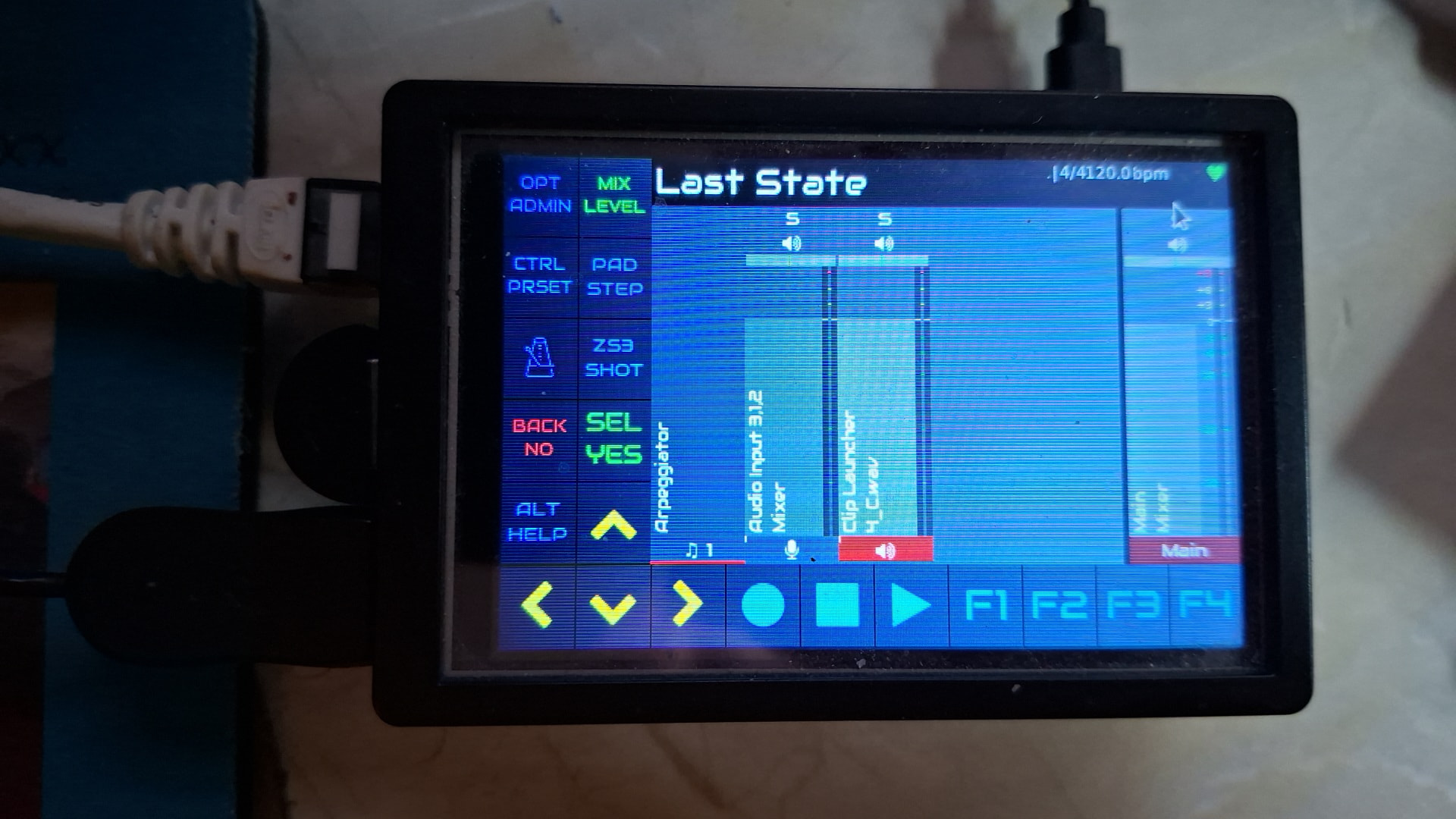
Ignore the moire patterning,thats a display artifact and rotate.
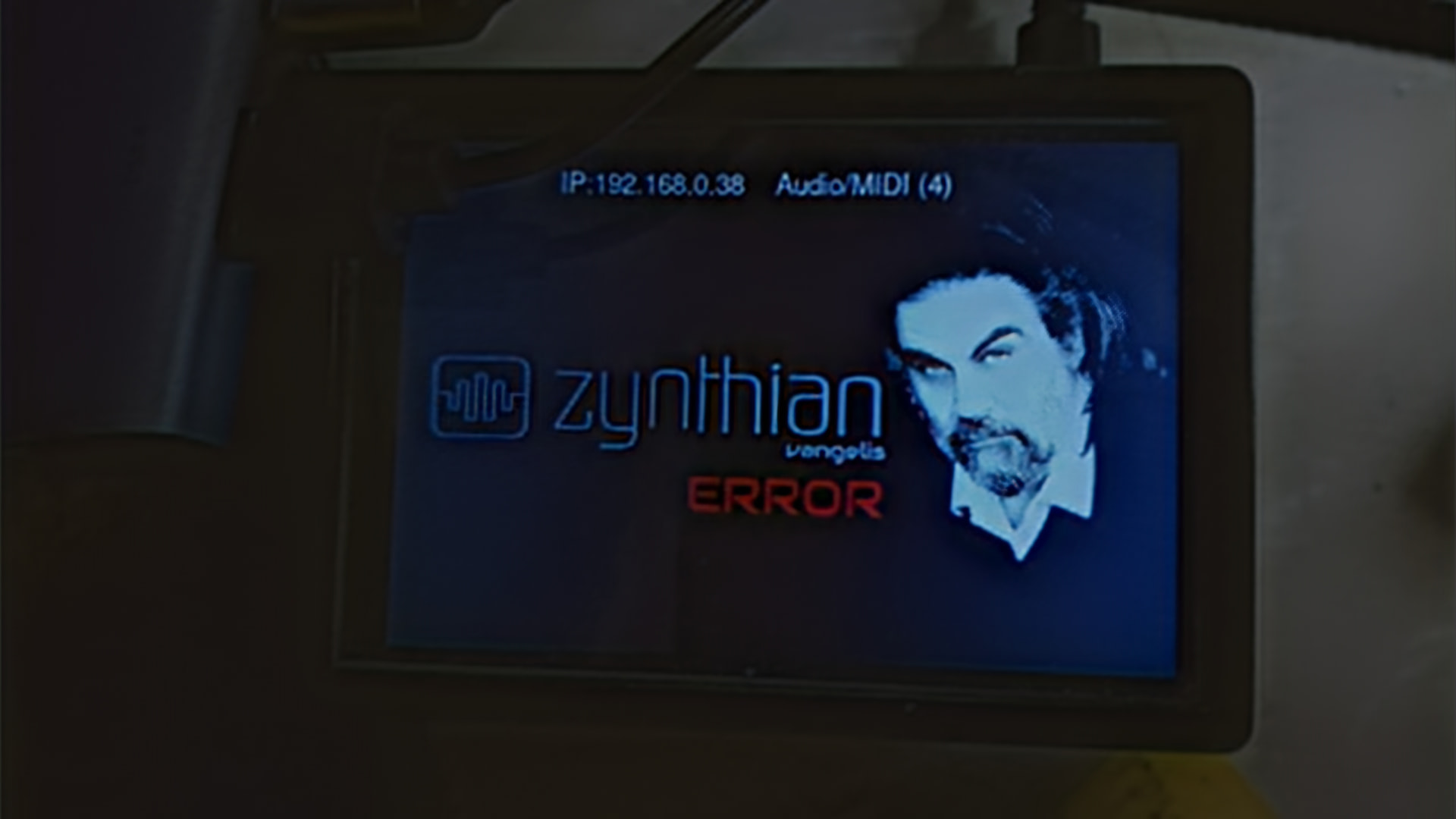
Its a pi3 with a 3.5 inch screen of dubious origins and it updated with our new flash screen like a dream….
Runs from the wifi remote control box too.
Havent dared to try to get touchscreen going yet…
1 Like
Nice setup @wyleu : . For what concerns me, and unless substantial updates of the GUI code have been released this afternoon (I’m not at home now), of the three Vangelis installations I am testing the only fully functional is the official V 5.1 kit. On the two custom builds, one with touchscreen and the other with HDMI plus mouse, I am not able to navigate any Vangelis operations, either with the pointer or through the physical touch. Maybe, it’s just some kind of intrinsic limitation of my diy setups.
Cheers
Things are behaving here for V3 & V4 , on 7” touchscreen. the waveshare 3.5” touchscreen which I haven’t attempted because I don’t think I’ve ever seen that not reverse one axis. . .
Driving it mostly with mice from VNC & plugged directly into the zynth and it all seems very consistent.
Even the VNC and on screen mouse are unified, which used to be an issue.
The new meters look good on the small monitor (3.5”) not tried it on anything smaller.
2 Likes
A little fluff…
I just added the ability to install (and delete) LV2 plugins via webconf SOFTWARE->Engines. Just upload a compressed package containing the LV2. It will reject invalid packages, install only the LV2 if there are other formats included and install all LV2 plugins that are within the package. Supported file formats are: zip, 7z, tar.gz, tar.bz2, tar.xz, tgz, and rar. The plugin is enabled after installation. (I assume you want to use it if you install it!) There remains a bug that zynthian needs a restart before it can use newly installed plugins. I will look at that next. Fixed!
You can now download and test your favourite plugins without having to play with the command line or wait for someone else to do the leg work.
12 Likes
Excellent new function @riban 
Good Easter everybody . Back to reporting on testing Vangelis.
The GUI situation has improved with the latest update, on two non-official Pi5 builds with HDMI+mouse and touchscreen respectively, but is not completely functional yet, behaving as follows:
- Without enabling the keypad overlay, engaging Chain Manager hangs completely the GUI, except movement of the pointer/finger.
- With the keypad overlay enabled, engaging the upper leftmost virtual button (OPT/ADMIN) hangs completely the GUI, except movement of the pointer/finger. The virtual transport buttons don’t react.
It seems that something is getting in the way (code-wise?) when chain management is called for, for creating or managing processors. As of now, I can only load existing factory snapshots on these two installations.
Regards
1 Like
Is it for soundfonts only? I tried it and it says xiz file not found
It is for LV2 plugins, e.g. Ultramaster KR-106 — Virtual Analog Synthesizer.
1 Like