Today I noticed on my 5.1 stock Zynthian that audio input 2 suddenly did not work anymore when adding a simple audio input chain without effects. I tested the following so far:
Software: power off → on, add one input chain only, move Admin→Audio Levels→Input Levels
Hardware: Check input cables, invert input 1&2, delicately move the connector to check for a bad connection/soldering
Whatever I tried channel 2 does not deliver any sound or noise. It does produce audible clicks at every step when its input level is changed in the range below 6dB gain.
It seems that channel 2 does not receive audio input whatever I do.
Are there other checks I can do on the board before assuming a faulty component?
Thanks for any hints or reports of something like this happening to anyone else
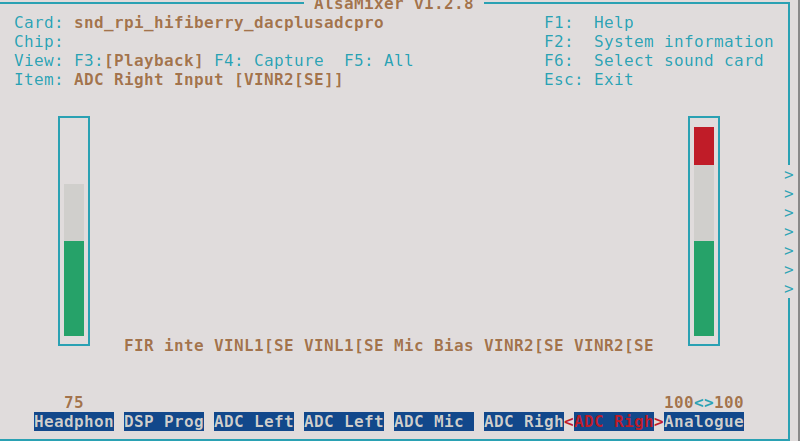
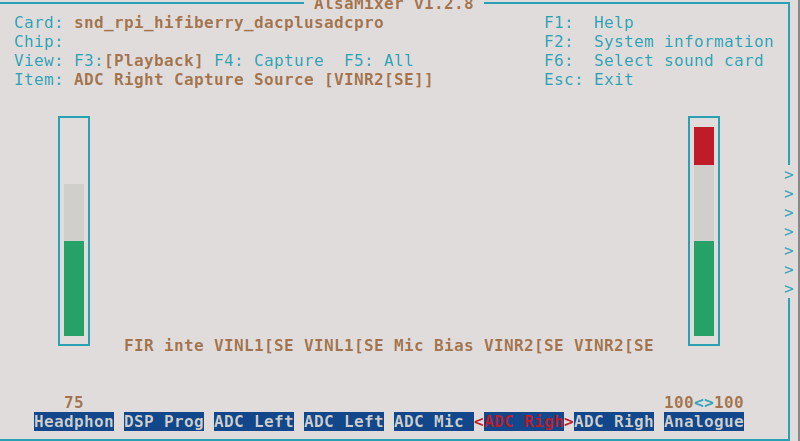
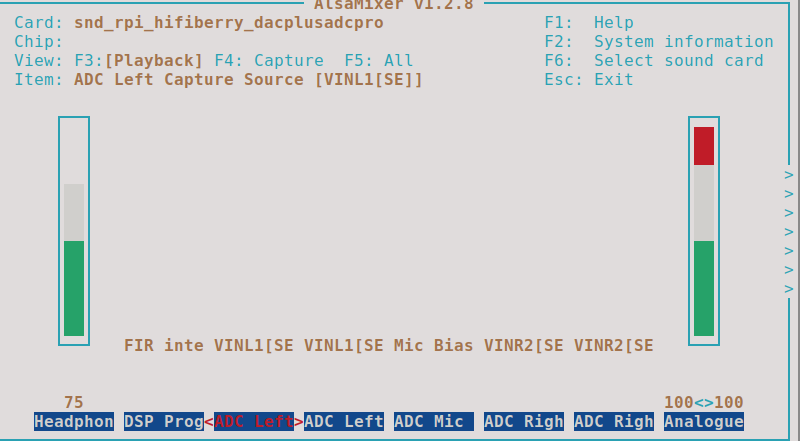
I just tried alsamixer, alas no mute on the inputs. When I change the ADC right input on the “ADC Right” tab from VinR2 to VinR1 I can hear a clicking on the right channel but no audio feed from the physical input.
When disconnecting the (TS) jack from input 2, I realized that the audio was coming in when the jack was half out. So I suspect something wrong with the balanced input. I also checked the software setting of these inputs and they are all set to asymmetric as I suppose is correct for TS connectors.
So something wrong with the very first analog input stage?
Could you try with a TRS cable? Perhaps one of the differential pair wires is shorted or broken., but if you normally use TS and TR is still functional, you could manager It to work (kind of).
Hi @jofemodo thanks, it does work with a TRS cable and a stereo source on the other side. But not with a symmetric (balanced) output source like the synth I use to connect (a sequential rev2).
I also have the impression that one of the lines (the tip) is shorted…. Maybe even inside the pcb jack connector? Is it safe to put an ohm meter on the input lines with the zynthian switched off?
I will inspect the main board visually, but I must say the zynthian hasn’t been under any physical stress so far…
Connect only one cable from your synth to the working input 1.
Check it works okay.
Move the jack from input 1 to input 2 at the zynthian end only. Leave the other end connected to the same synth output.
Check how it works.
This will provide a very useful diagnosis of whether the input is on the zynthian or not because it uses the same audio source with the same cable, hence leaving the only change bring the zynthian. (You may have already done this, but please repeat the exact steps and report your results so that everyone sees the result of this test.)
If one of the pair wires is working, you should be capable of make it work with the TRS cable. Try selecting “Unbalanced TR” or “Unbalanced TS” in the Audio Level’s Input Mode selector.
same cable, same synth output to zyn input 2: no sound whatever the position in admin→input levels→mode
@jofemodo I also tried the TRS cable from that synth output to zyn input 2: strangely no sound whatever the position in admin→input levels →mode. When disconnecting the TRS cable from the synth and touching the jack I hear humming when touching the ring part of the jack, nothing when touching the tip.
So logically, a special cable with TS jack on one side and TRS on the other side feeding only the Ring may work I suppose. It’s strange though that this problem appeared out of nothing from one day to the other….
I’m standing by if there are other things I should test.
It is strange and points towards a fault. You could try feeding a constant sound, then adjusting the input configuration through all of the options, and describe the result for each.