
It’s actually demonstrated by Rolf in https://youtu.be/YVy0uN8mUS0
I’m using an Behringer UMC1820 but it will all work with just a zynthian on it’s own. To display any of the available audio in the zynth.
Just remember the PD scope is a destination for audio output from the other engines . .
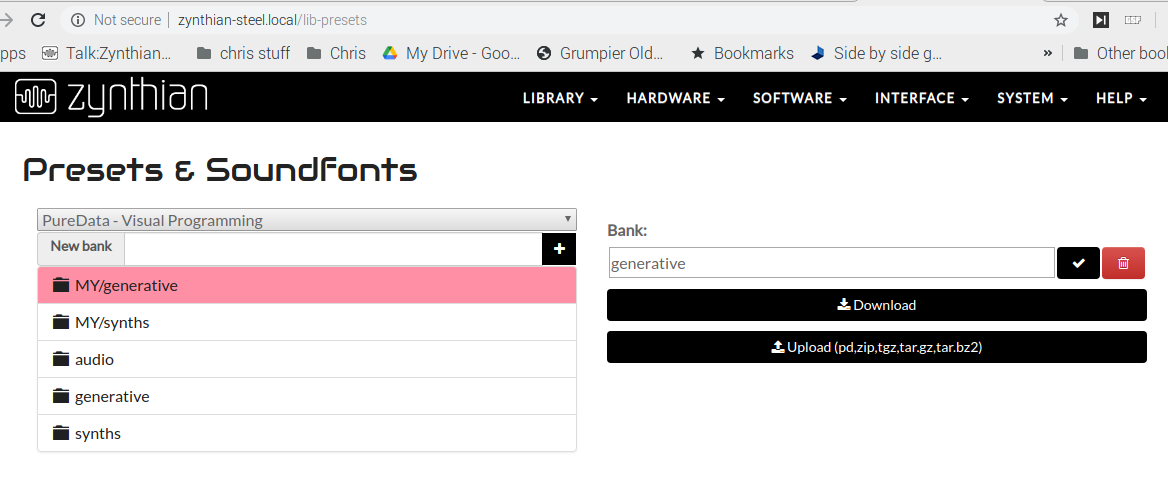
You need to add the zynscope PD zip file
Zynscope.zip (2.0 KB)
via the Presets & Soundfonts section…
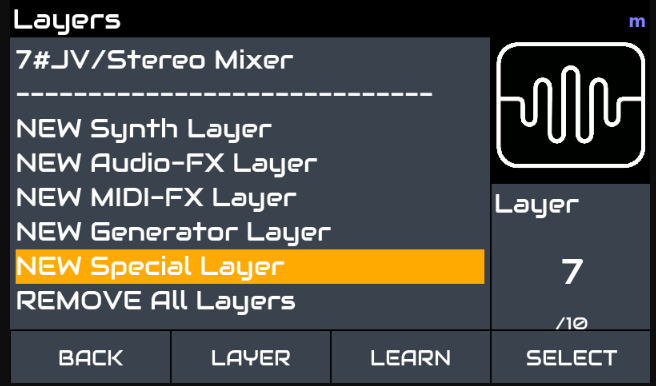
Then select it in the GUI under
NEW Special Layer…
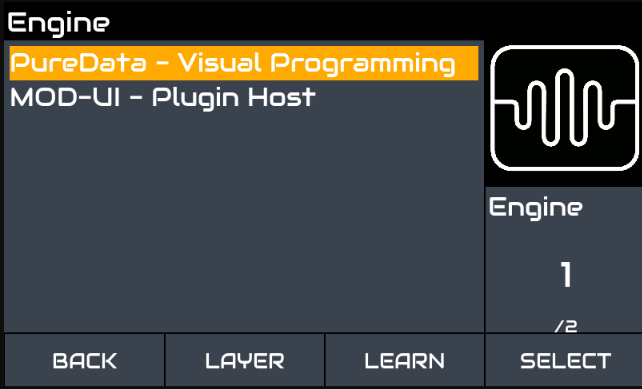
Choose a MIDI channel cos you need to, it doesn’t do too much, but humour the interface … . .
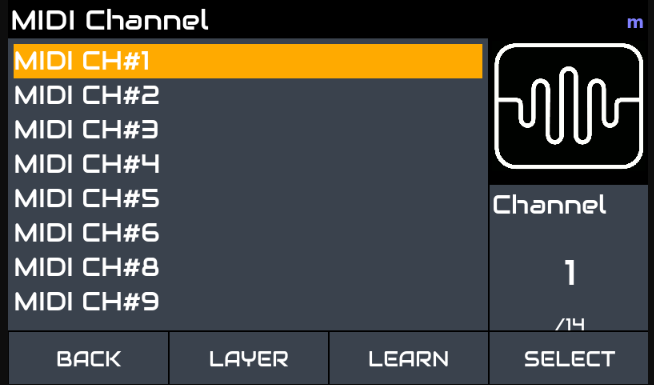
choose the directory you put it in … You did put it in the generative directory didn’t you …?
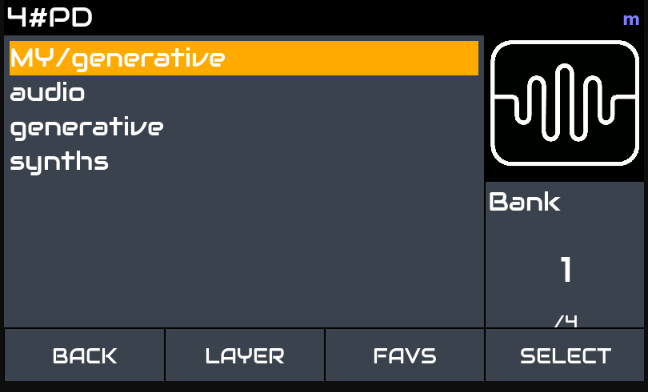
The odds are it’s the only one so it will probably autoselect . . .
and this gives you the controls that you can use to position the scope position and size. . . .
and the actual scope …
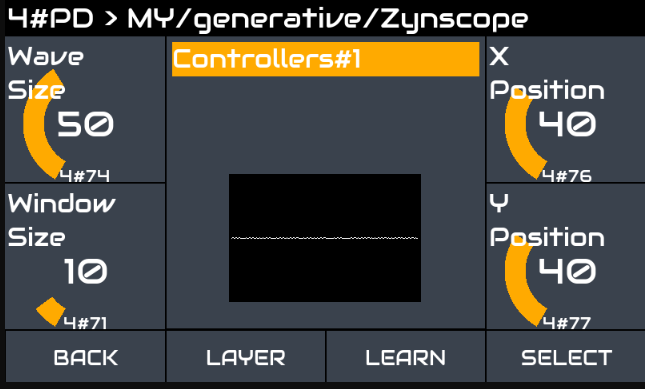
But you wont have any audio … 
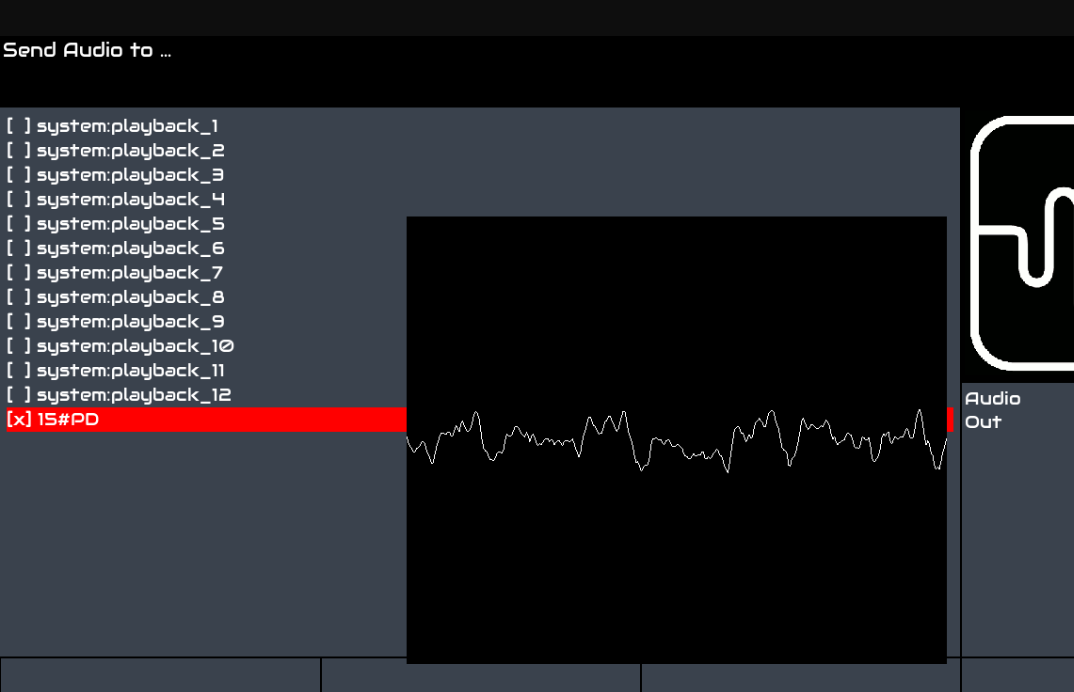
To sort this out you need to select the output of engines you want to appear in the scope to PD …
So select the engines you want . . .
Notice I’ve changed zynth’s here to a working audio in on the zynthian connected to my UMC1820 . . .
The audio is coming in via the UMC-1820 channels 5 & 6 from a small UA-3D connected to my desktop Raspberry Pi
I’ve built an audio input on layer 2 that takes the Output form the UMA-1820 channel 5 & 6 using an Audio FX Layer & the gain module.
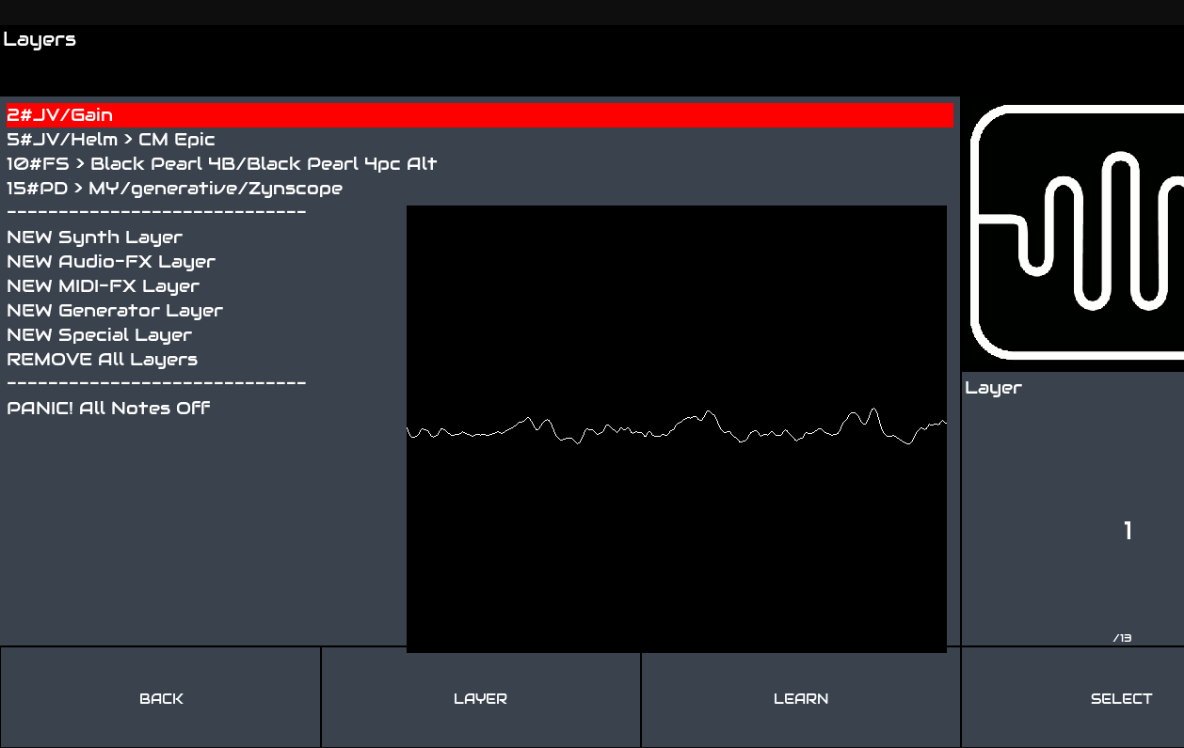
and by selecting audio out to PD 1 you get audio on the scope …!!
That’s actually Steely Dan…