Hi @zynthianers!
I’m proud to announce that Vangelis has reached the stable status.
The SD image can be download from here:
https://os.zynthian.org/2026-10-15-zynthianos-vangelis-2610-stable.img.xz
Vangelis Beta Users
Those already using the Vangelis Beta image don’t need to download. An update should be enough to convert your Beta in Stable. If you do so, please, consider installing the new “Zynthian Factory SFZs” package that replaces the legacy package, as this is not done by the update system due to the big download size (>700MB).
Oram Stable Users
Well, if you are still using the Oram Stable image, it’s time to change. Vangelis include lots of new features and improvements and i’m sure you will love it.
IMPORTANT NOTE!
- If possible, copy/restore your data by hand from your old Oram image to the new Vangelis image.
- If you use the backup tool, please, do it only for your data. Don’t restore your configuration because most probably you will break the image.
- After restoring your data, please, run an update to ensure everything is moved to the right place.
Oram is not supported anymore. No updates, no fixes.
What is new in Vangelis?
If you are coming from Oram, the differences is huge. I try to enumerate the biggest points:
- Based on Trixie, the latest stable Debian and RaspberryPiOs version.
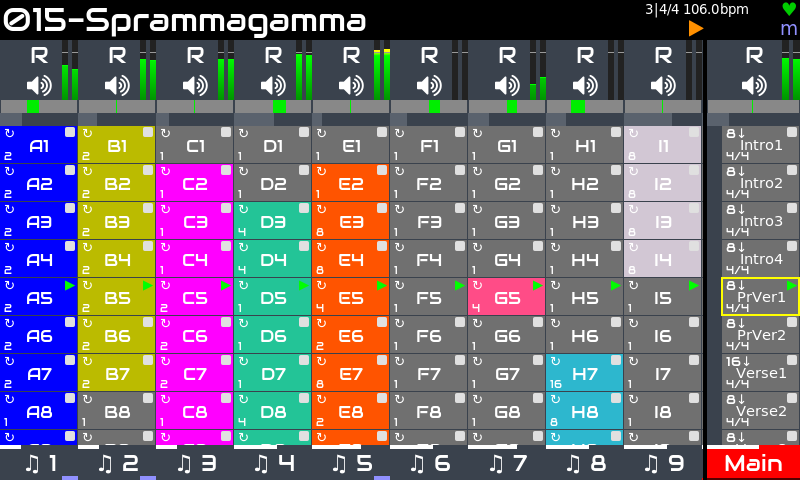
- The new Launcher view replaces the Zynpad. Launcher columns match the chains, that can be sequences (for synth & MIDI chains) or audio clips (clippy is the new sample engine). Rows are called “phrases” and they are similar to Ableton “scenes”. Phrase start/stop can be automated in several ways, so now you can create full songs with the launcher. The launcher replaces partially the “Arranger”, that has been temporary removed.
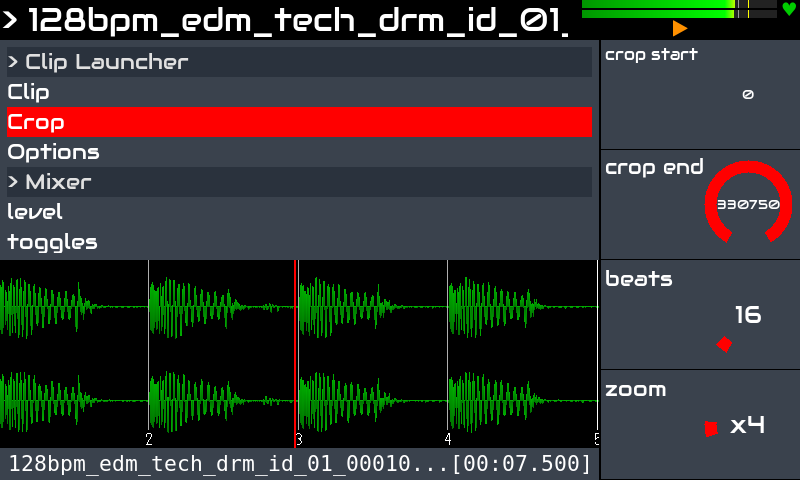
- Clippy, the new audio-clip engine that implements long awaited modern sampler functionality—autowarp (automatic time stretching to match the BPM), beat slice and easy crop adjusting. You can sequence audio loops and one-shots from the launcher, having a common workflow for sequencing MIDI patterns and samples.
- The wave visualization widget now uses an GPU-accelerated openGL canvas, what allows smoother animations without increasing CPU usage. Just the first step in this direction.
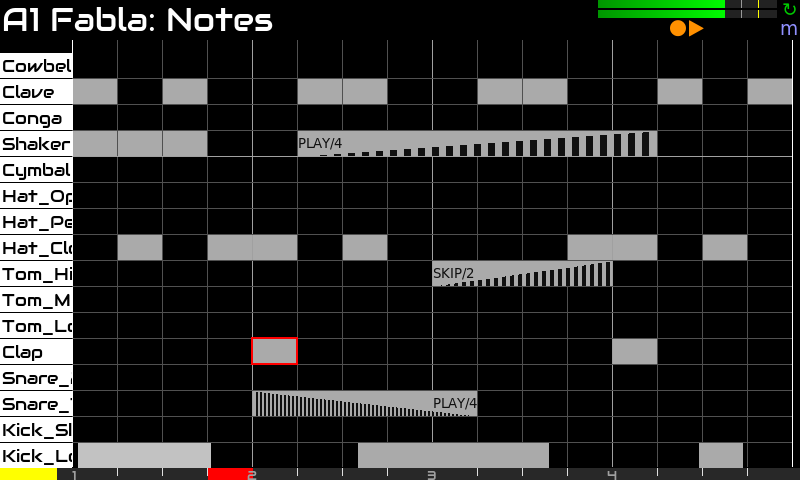
- Lots of improvements in the Pattern Editor, like:
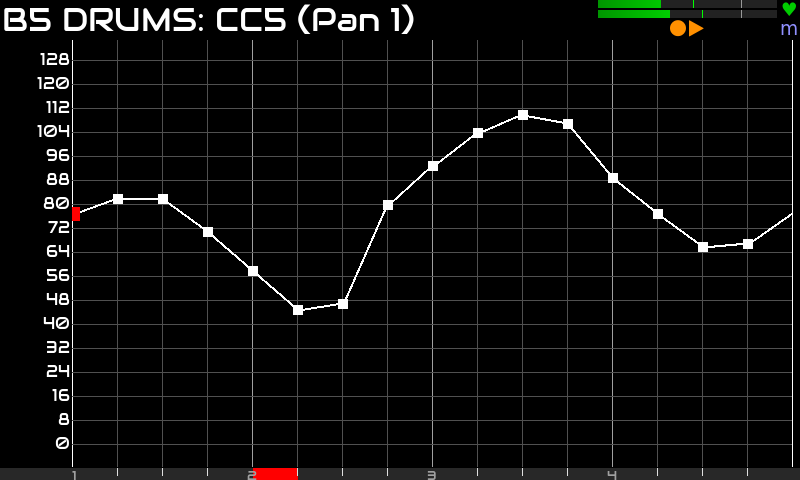
- CC editor: aka parameter automation!
- Advanced stutter options: velocity-ramp and speed-ramp
- Improved chance to play/skip and frequency options, for note and stutter
- Block operations: copy, cut, paste and multi-edit
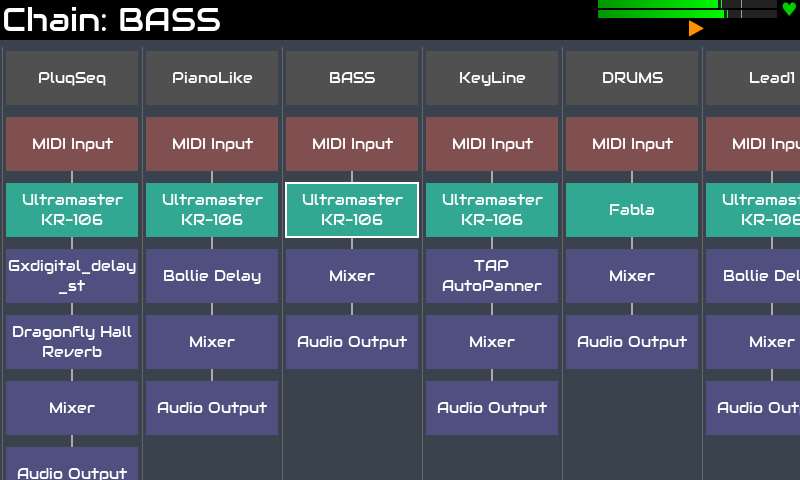
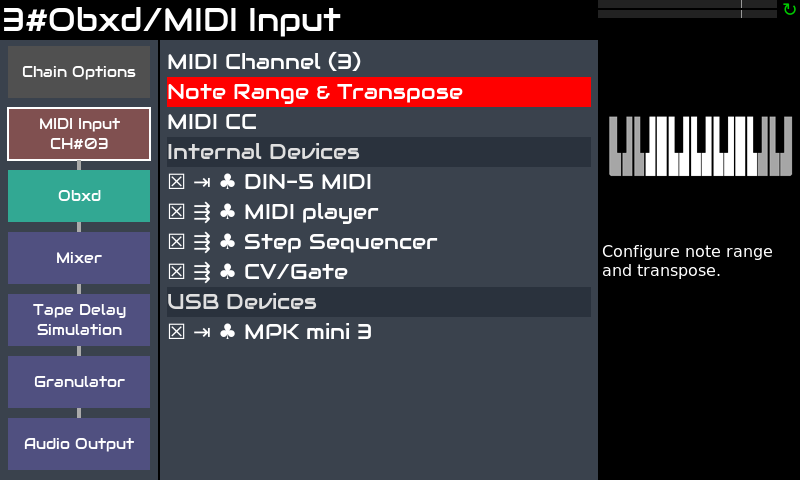
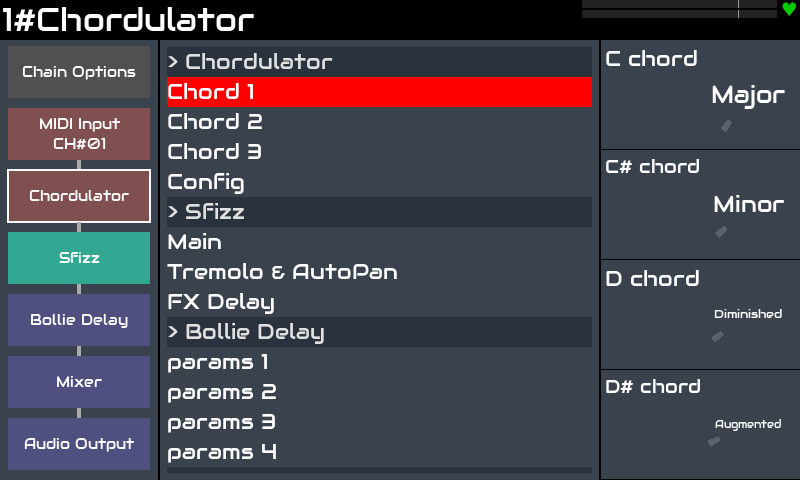
- New Chain Manager and Chain Config views, that greatly improve and simplify chain configuration and operation.
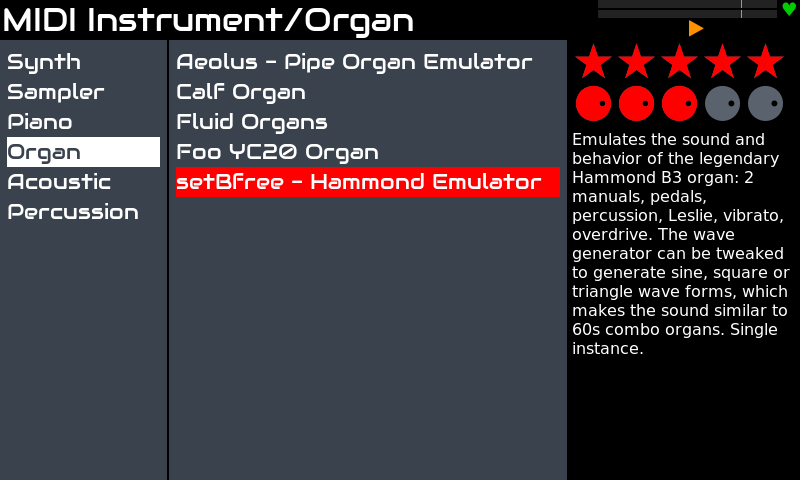
- 3 columns view for engine selector. I hope this clarify engine navigation (categories!).
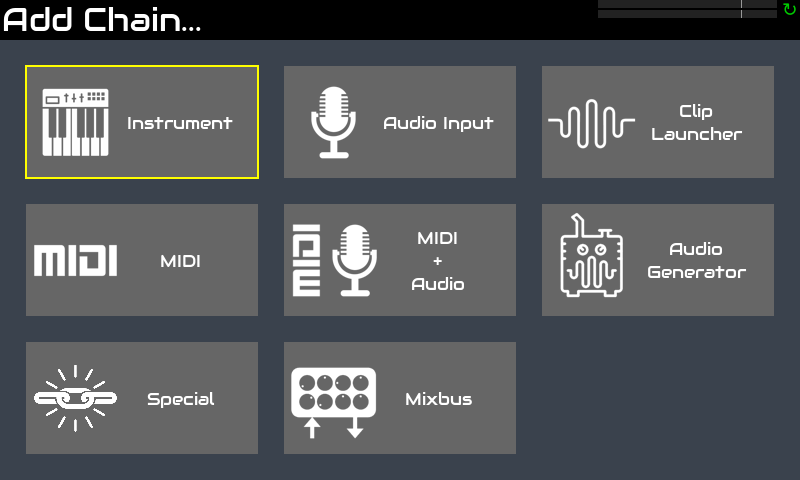
- More visual “grid menus” have been deployed when convenient. We probably will have more of these in the future

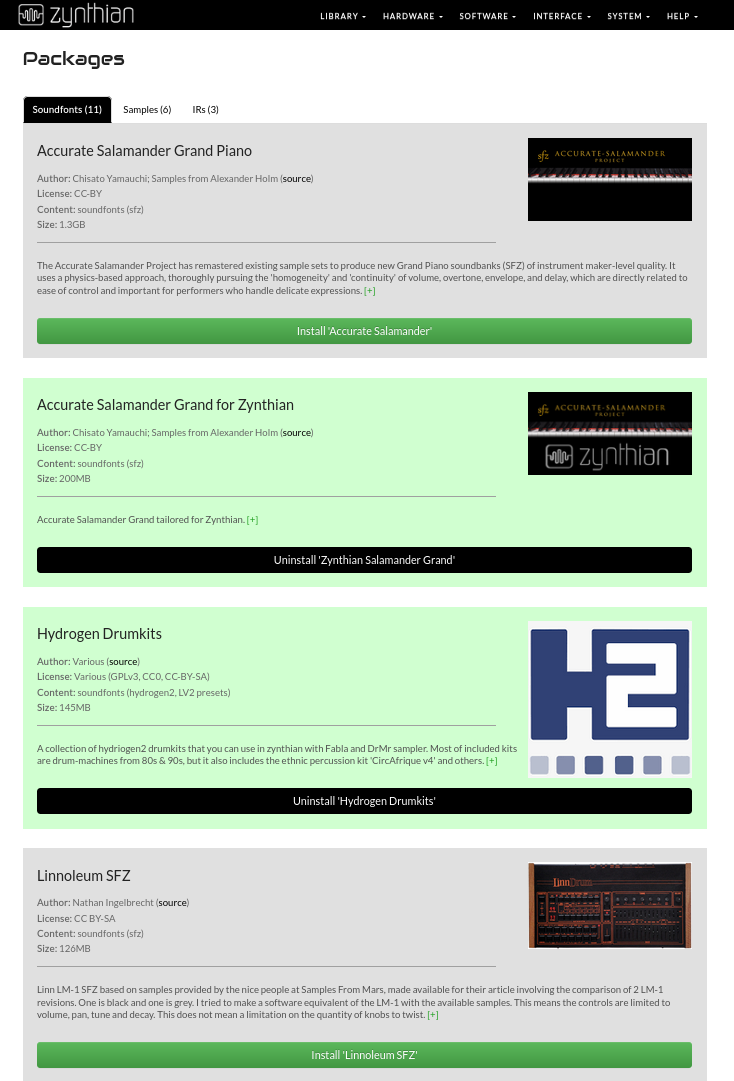
- Zynthian Packages: Soundfonts, samples and other heavy assets have been moved to “packages” that you can install/uninstall from webconf. For instance, the “factory” soundfont library is now a package that can be desinstalled/installed. The new official high quality Piano soundfont is the “Zynthian Accurate Grand”, derived from the full “Accurate Salamander Grand” by our beloved @jlearman.
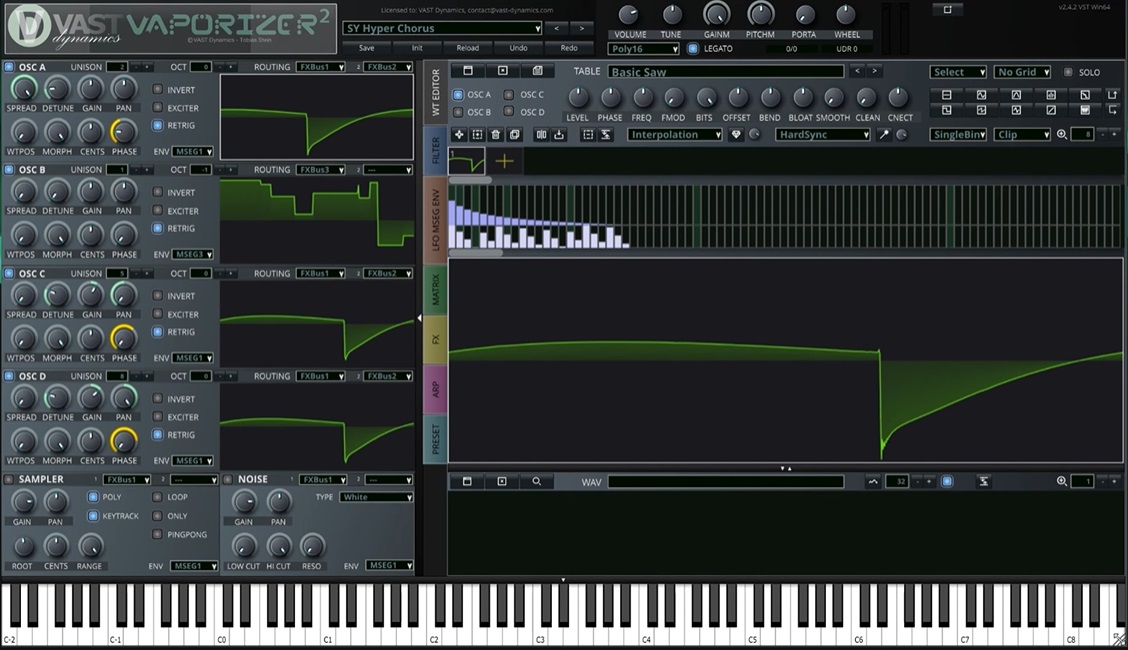
- The Vaporizer2 synth engine is amazing and now it’s installed and enabled by default, including all factory presets and wavetables. Yessss! You will love it!!
- Support for new NAM A2 models using the updated NAM engine.
- A MIDI pattern library has been added, including chord progressions and drum patterns. More MIDI patterns are available as collection packages.
- Coherent “Bypass” control for all audio FXs. Now it’s a processor option too.
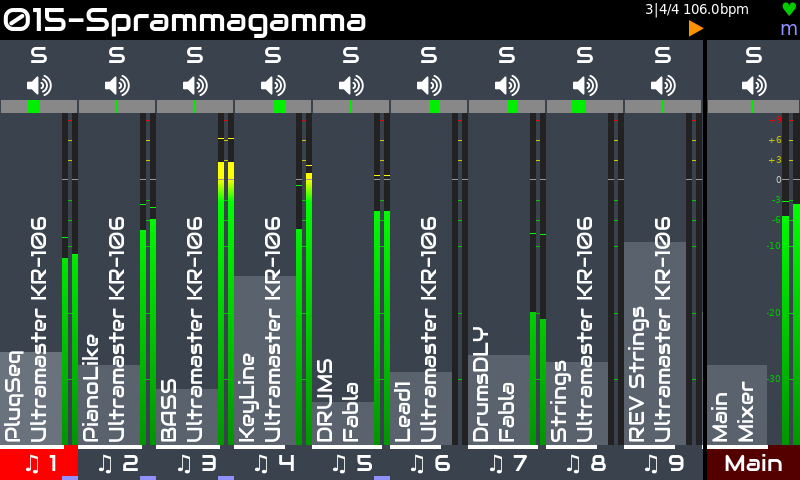
- Mixer improvements: Chain mixer processors, mixbuses, configurable top switch action (by default is not “solo” anymore but “record”). Also better graphics in mixer’s DPMs.
- TTS system for sight impaired users is fully available. Connect an USB audio interface and long-push F4/P4/S4 to enable narration.
- Multiple ctrldev drivers per device.
- Refactorize ZynSampler that has been simplified to focus in Audio Playback. The MIDI instrument functionality has been dropped and the name has changed to “Audio Player”, being available under the “Audio Generators > Others” category.
- Samplv1 is now the recommended MIDI-driven sampler. It’s has been totally integrated and offers a lot of functionality.
- The On-Screen Help (bold ALT) has been largely improved and updated, covering all workflows and functionality. If something is not documented in the help pages is because it’s well covered by the right-side tips, that also have been largely improved. Please, tell me if you find errors or “holes”. The help, that indeed is the new user’s guide, is also available from the webconf and online at https://help.zynthian.org, including extra screenshots and videos. The on-line version is also translated to several languages now.
- New features for ZS3s: Thanks @KingParamount!
- note (add notes)
- clone
- move (change order).
- New “Stage Mode” in the ZS3 screen. You can toggle it with “ALT”. Thanks @KingParamount!
- Presets are now pre-loaded when moving across the list, except for soundfont engines that keep the orignal “note-on-preload” behaviour.
- Linuxsampler has been disabled by default and it’s restricted to GIG files. You can’t load SFZs with it anymore. Long life to sfizz!!
- Added new amazing plugin collections:
- Updated a bunch of plugins, like:
- MiMi-d
- Perfomix
- riban-lv2 suite
- First Boot hardware auto-detection: It should detect the next hardware configurations:
- V5.1 (Pi5)
- V5 (Pi4)
- MINI V2 (Pi4)
- Z2 (Pi4)
- V4 (Pi4)
- V2/V3 (Pi3 / Pi4)
- Many many fixes and improvements everywhere.
The new User’s Guide
As i’ve already explained above, the new user’s guide is the On-Screen help, that is also available from webconf and on-line at:
This on-line version include extra screenshots & videos and it’s translated to several languages:
- Spanish
- German
- Portuguese
We are working to have better videos and workflow captures. If some of you want to collaborate, please, don’t hesitate to contact me.
Enjoy!

