I notice with the new Hotplug USB Audio feature quite a drop in available CPU performace even when inactive. Same happens with the new Jack with the advanced features. Even if set to the classic values, there are now disturbing X-Runs where the has not been a single one before these modifications, the Safe feature gives dull burbling effects when earlier an X-Run would have hapened, disturbing the sound even further.
Tried it yesterday on rpi4, had xruns with the simplest of configurations. But cool if it works on rpi5.
If it is really out of the question on rpi4, this might be stated somewhere in the UI (the new Help?).
that should be pinned everywhere, hanging on banners on the front page lol
I read somewhere that the usb bus has a native latency of around one ms, for usb 2 and 3, off the focusrite forums
between higher latency, samplerate conversion making samplerate errors invisible, and additional cpu usage and x-runs, I’m glad I’m not on the hotplug USB branch… will there be ways to keep avoiding this feature down the line?
@lanmower It’s an option you have to opt-in to, so no harm done, unless you do.
This should not impact performance if disabled in the admin menu. @fussl will you please confirm that you had performance hit even when disabled in the admin menu? If so, I will investigate.
There is a performance hit when enabled and a USB hotplug device is in use. This is because it has to samplerate convert each hotplug device. This was signficiant impact with slower CPU but RPi5 seems to handle it very well. As described elsewhere, we design stuff that can be used by everyone but some users with some hardware configurations will have to chose which features they use. The more resource heavy elements used, fewer can be used.
2 Likes
Thought the same, disabling it should have no adverse effect on performance, but if actually has. I see no difference in that when disabled or enabled.
I’m using three controllers for USB Midi and the touch screen uses the last USB2 port. Sometimes I use a USB2 hub and USB3 storage. In both of these setups, the performance hit is remarkable while playing Osirus. Two instanced or together with OsTIrus is not possible any more, and even a single instance produces crackles (or many burbles with Safe) on the same Pi5 that works flawlessly with a restored image from 20241127, that does not have these features.
Since you mentioned the samplerate conversion earlier, I tried applying the same samplerate to both devices (44.100 in this case, because the external one cannot do anything else).
Is there still conversion going on even if the main device is set to the same samplerate as the other? Can this be avoided?
Yes!
No!
All audio needs to be processed at the same rate. No matter how accurate your soundcard clocks are (and they are no where near atomic clock accuracy) they will run at different rates and hence consume and produce data at different rates. There will be xruns when running multiple cards, even when set to the same samplerate. The only way to do this is to link the soundcards clocks together. Some high-end cards like the RME Fireface have wordclock inputs and outputs which can be connected so that both cards run at the same rate.
Thanks for the clarification!
I actually have one such a device lying about collecting dust (m-audio delta1010), but then again, if I were (able, it has a PCI card) to use that, it’d probably be the only soundcard I’d be using anyway.
I there a way around this like matching the sample rates to save cpu even with it on?
No because you’re not matching sample rates. You’re offsetting for different soundcard clock rates. i.e the ever-so-slight differences in different crystal timers in different chips.
1 Like
Or to put it another way. If you have two soundcards working at 48MHz. From the point of view of soundcard A, soundcard B appears to be working at 48.0000564MHz.
1 Like
Not a F1 application, probably, but for putting an audio input into a zynth with only outputs like a HIFiBerry Hifi Amp rig you get a PA function for free, It’s really helpful!
And as with all limitations something to be explored.
I’m finding much of my ‘zynth think’ is in need of review with this feature in mind.
And that’s before we get near the help system.
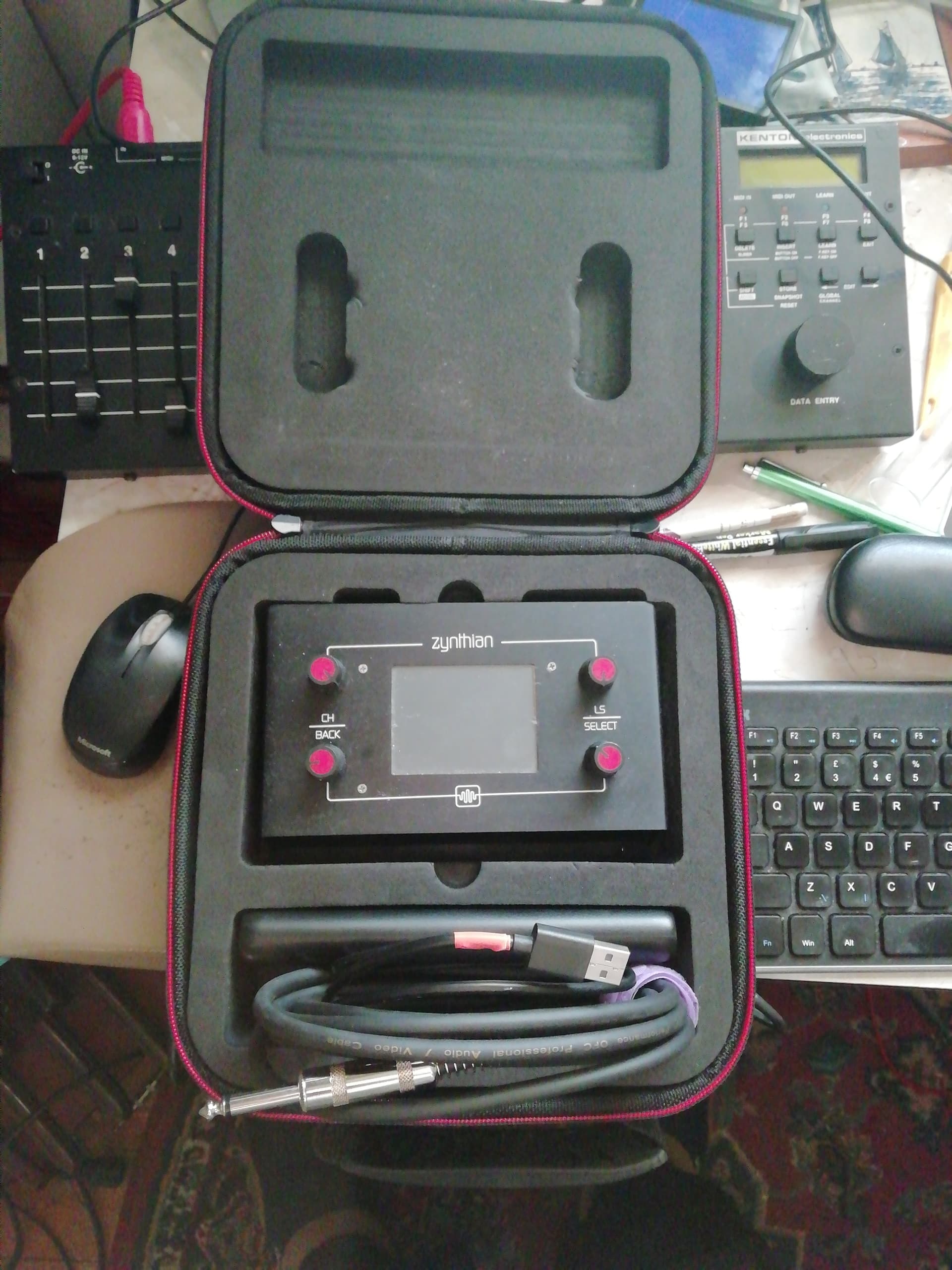
It’s put some new life into the original zynth by providing input possibilities!
1 Like
I don’t see increased CPU with hotplug disabled but I have noticed it enables audio output for the HDMI ports and headphones which I thought I had disabled. Maybe that commit didn’t make it to the dev branch (before it was merged). I think we want something similar to MIDI devices where we can enable / disable individual ports. We could disable things like HDMI & Headphones and enable hotplug by default then remember user’s preferences. I will have a look at this.
I remain intrigued by why @fussl is seeing issues with this disabled. More investigation required…
I should design and manufacture a nice suitcase for V5 … it’s a pity we don’t have one yet!
3 Likes
I have added the ability to disable individual hot-plug inputs and outputs. I also fixed a bug that would have caused extra CPU load.
1 Like
Could this be done on-the-fly, automatically, detecting if the audio device is routed or not?
We have to detect the ALSA devices and instantiate the jack interfaces. This is overhead we want to disable if not required. We can only route after we have the jack ports