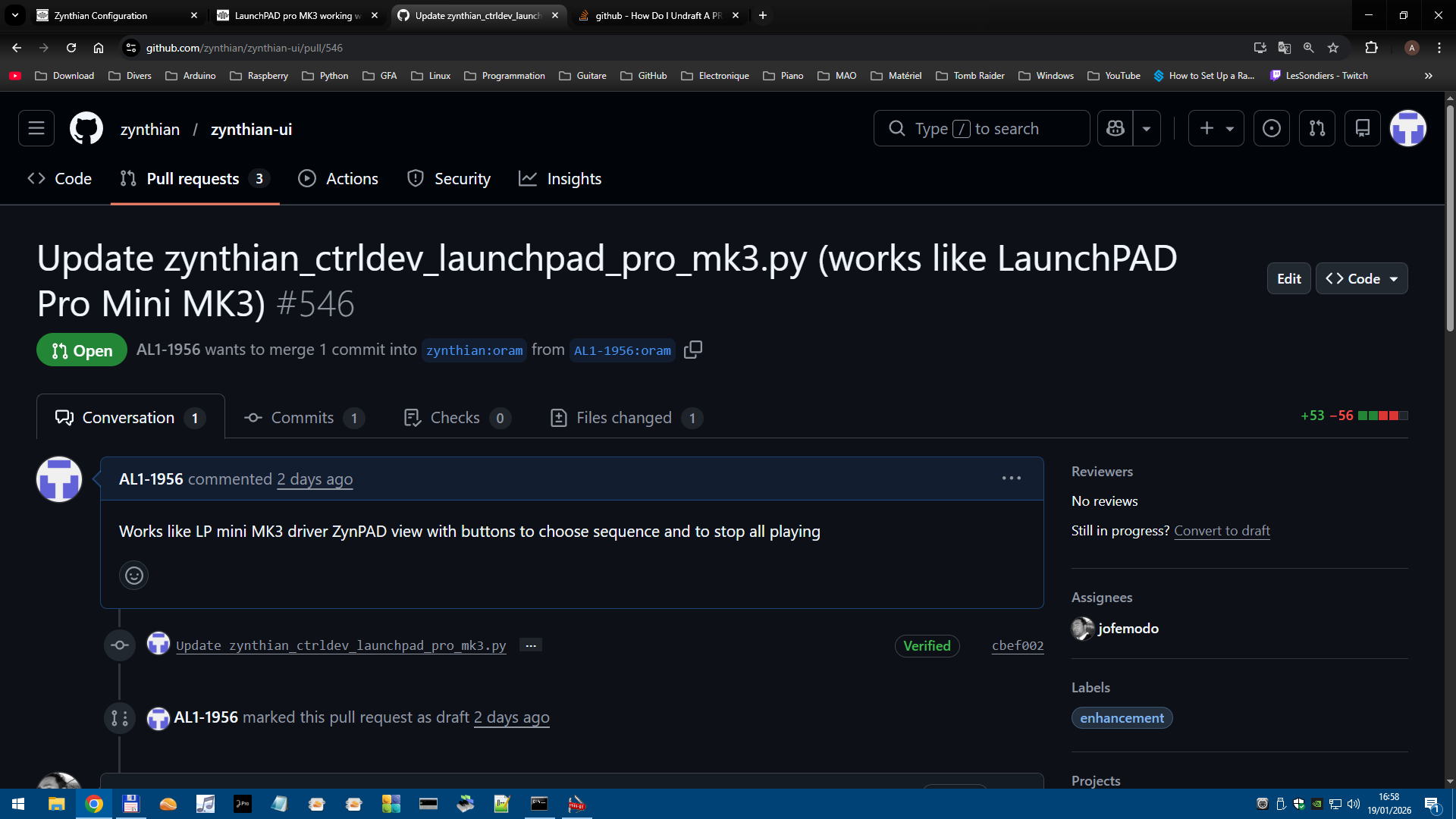
LaunchPAD pro MK3 working with Zynthian (at least "basic" Mini MK3 ZynPAD functions)

Hello Everybody

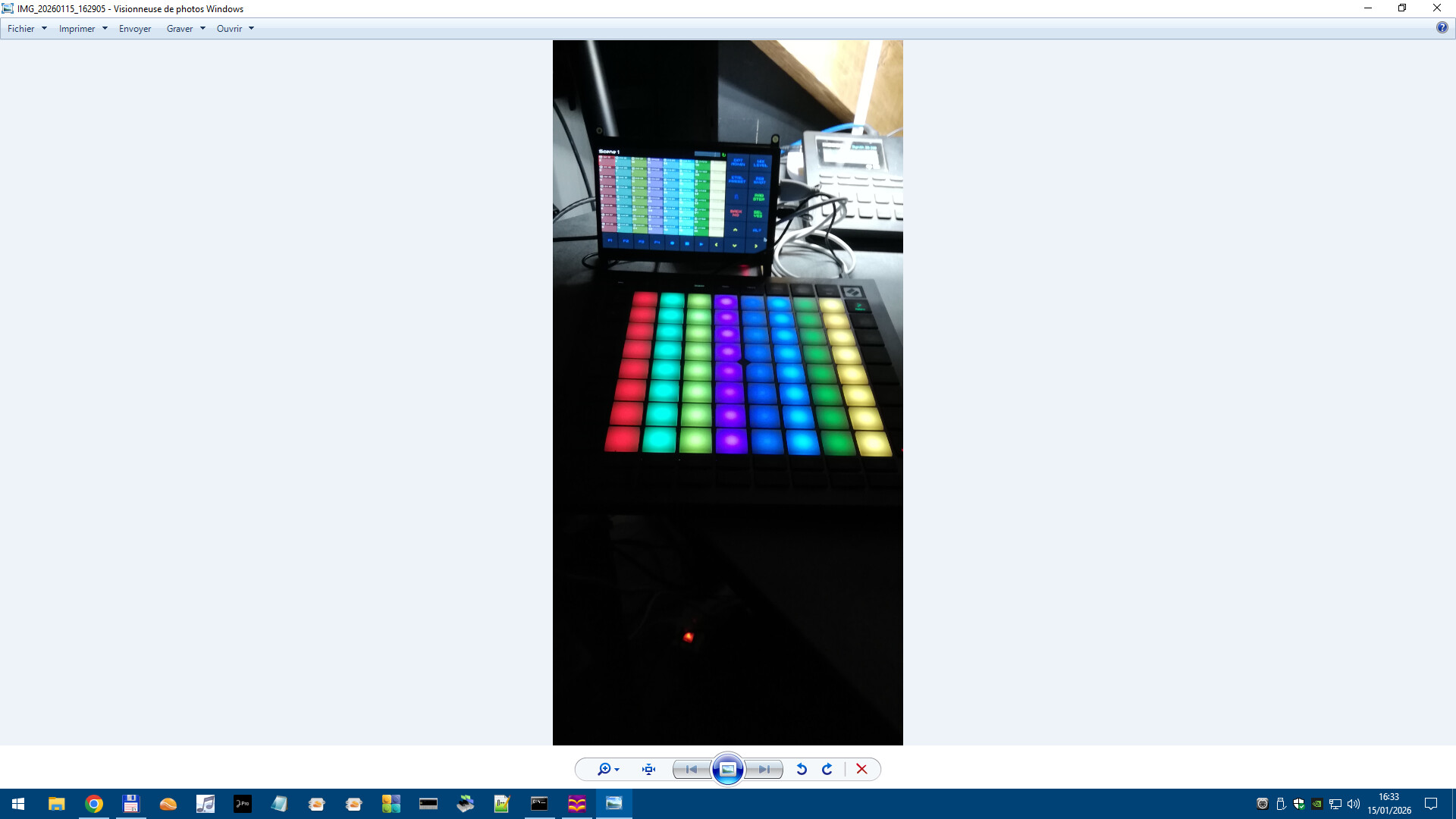
I finally got LaunchPAD pro MK3 working with Zynthian :grinning_face:

It is the “basic” mode of the Mini MK3 , so lots of buttons still availables

I do not know where to put the working driver if somebody is interested

Maybe jofemodo or riban could give instructions on how to have community benfice for that

Regards

Alain

3 Likes

Hi @AL1-1956 !!

Good work! Please, make a PR to zynthian-UI repository.

Thanks

Hello jofemodo

I do not know how to do that so i join a zip file

zynthian_ctrldev_launchpad_pro_mk3.zip (2.1 KB)

regards and thank you for help

Alain

There is a little bug for the 4 Arrows Keys so work still in progress ..

CC nums for the 4 arrows are not the same as those for LP mini MK3

zynthian_ctrldev_launchpad_pro_mk3(fixed).zip (2.1 KB)

There is some guidance here…

1 Like

OKay thank you

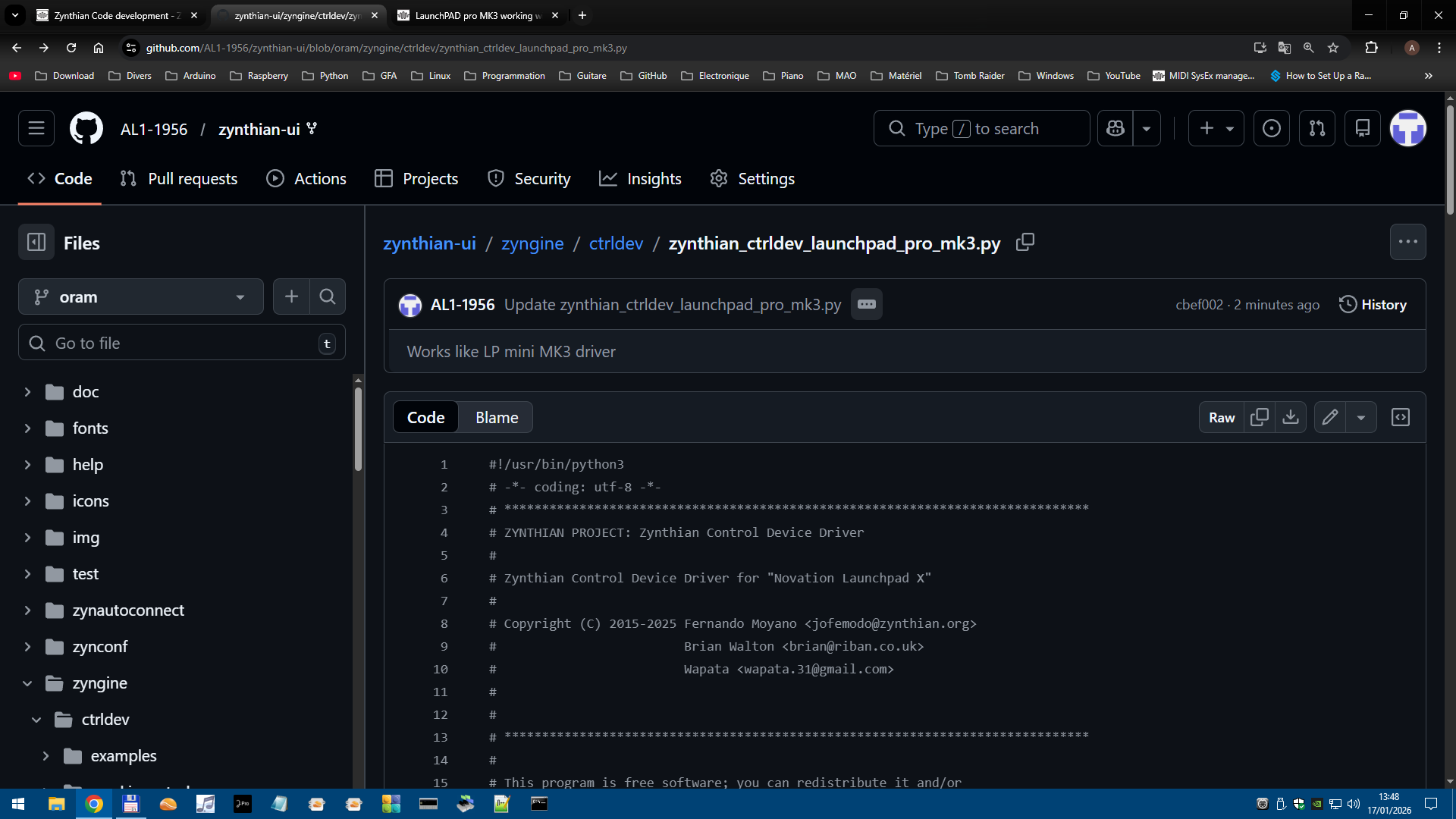
I created a fork and I updated the LaunchPAD pro MK3 driver , but then I do no know what to do next

Your next step is to submit your code as a Pull Request (PR) on the appropriate zynthian repository.

zynthian UI in your case.

So your fork is what you have modified form the code base you forked.

So your next step is to mix your contribution into the trunk agan.
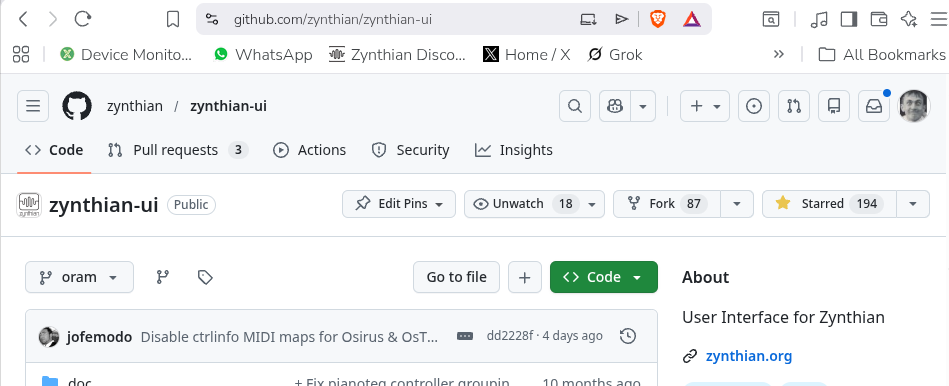
In zynth land it’s here….

You’ve got Pull Requests up in the title bar.

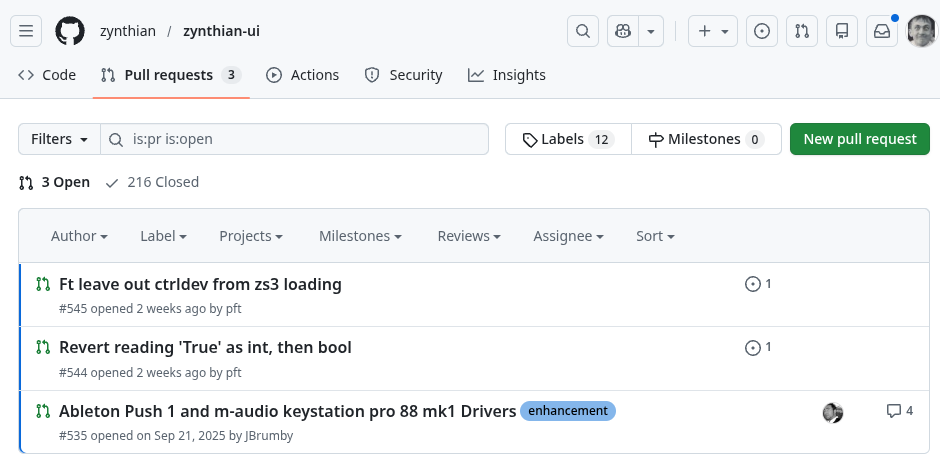
That brings you here…

Which has the New Pull Request button.

It’s helped to realise git & Github are different entities linked by a common approach.
A Pull Requests is a purely github mechanism that allows a trust web to be enforced.
Git just thinks about changes and not forgetting anything and the person managing the pull request concerns themselves with how appropriate it is within the environment.

It will then be escorted down into the deepest darkest dungeons to be submitted to unspeakable evils by the dark and ancient sages that drive this curse’d lands. . . .

Mostly, I blame LOTR and Terry Pratchett, mostly . . .

1 Like

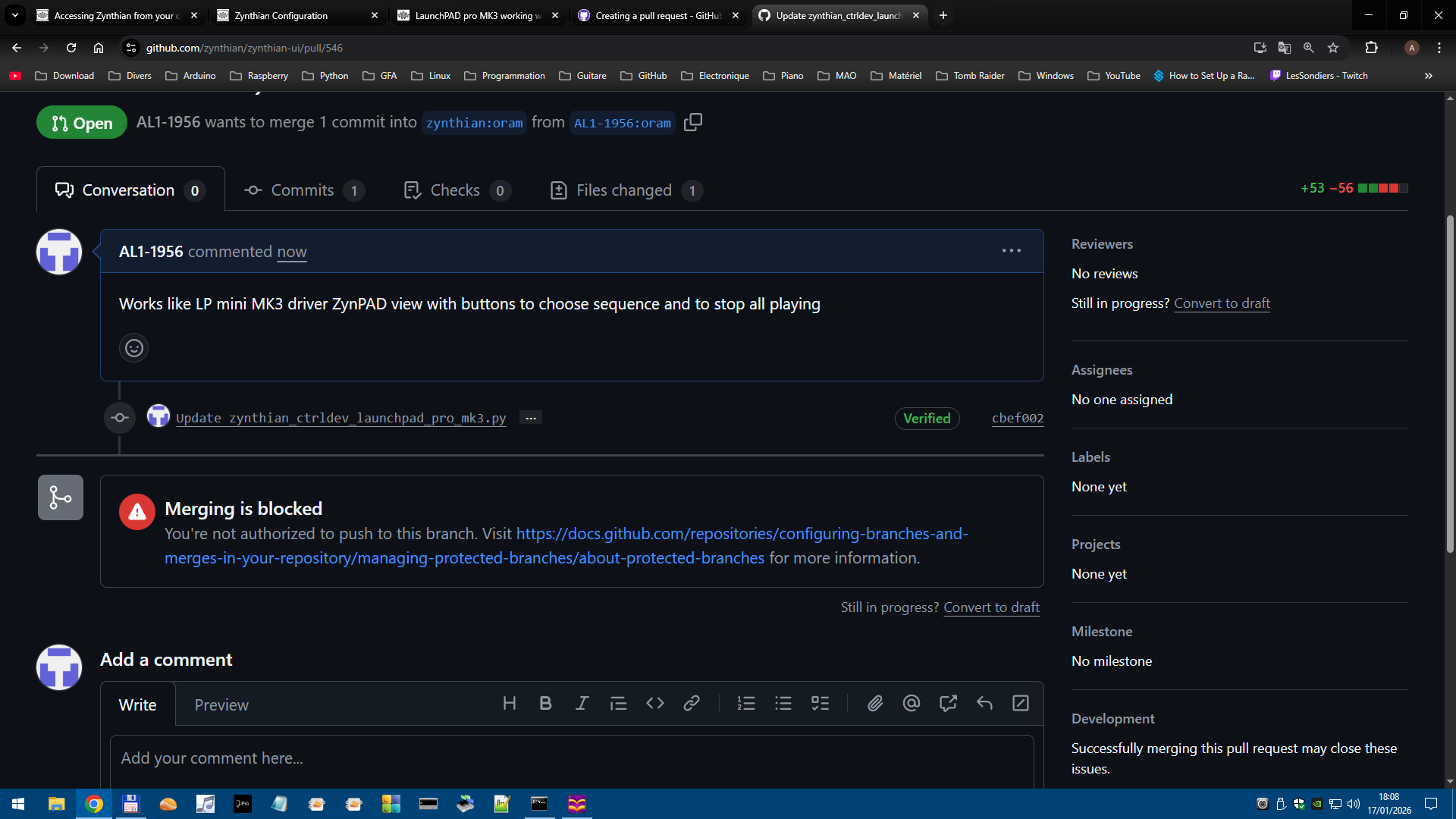
It seems I am still a little Padawan and must ask confirmed Jedi to get authorization

Yes, this is part of the github dance.

You don’t do a merge you are asking for one to be done on your behalf.
You make a Pull request and the prescribed God pulls it into the trunk, or doesn’t at their discretion.

Or rejects it with suggestions, reasons or nothing at all depending on the environment.

This is the way git works. You can fork to work on something then submit a pull request to off a patch to the upstream project. This allows anyone to work on their copy and submit changes without the main project having to grant unfettered access to everyone who wants to contrbute.

So what do I do for now with that Git Git-Hub thing? :woozy_face:

I converted into a draft

Anyway..

I am taking advantage of the many buttons (22) still available and add some more CUIAs

So , it is easier to put new zip file(s) here for other people to test (or detest )

1 Like

Hi @AL1-1956 !

I’m awaiting you undraft the PR to merge it.

Thanks!

Hello jofemodo I do not know how to do that but I have seen your message on github

So it is okay to merge

I am adding more CUIAs to available buttons , so I guess that I will have to update github content

sooner or later

I can’t mergei a draft PR. You have to change the state of your PR.

thanks

So I am here

what do i do to undraft the PR ??

1 Like

Okay I have seen that the fork has been merged ,

so I guess that means that if I (or someone else) do a software update via WebConf the driver for LP Pro MK3 will be the new version.

And if I cant permit one more question

I am at the moment adding more functions to the driver so what is the exact process to follow ??

Now that the driver is in the official branch , do I make another fork of the official branch ??

I am sorry for asking all those (stupid ?) questions but it is very new for me.

Than You

Alain

3 Likes

You can keep using your fork and sending PR with your latest changes. Simply keep It synced with the Oram one to avoid merge conflicts.

Regards

1 Like

THese questions are in no way stupid. You have simply reached a level that is closer to the core of development round here and are learning the ropes.

You have done it once which is more than most who manage never.
The next step that you have already asked about is Many.

Thank you for your contribution.

Thank you for your kind words. :winking_face_with_tongue:

I have managed to add some (I hope) useful CUIAs to some buttons of the LP Pro MK3

I have no official Kit only a Pi4 ,a LCD HDMI screen, and I use the Headphone output of the Pi4

for audio (which ,by the way is to my 70 yo ears very good)

My ultimate goal is to be able to use only the LP Pro MK3 buttons and leave the mouse alone

I can easily have a pair of thin buttons act as Zynpot ( 0 1 2 and 3) with increment 1

but increment 1 is in some cases very (very) slow so I need to have a way to tell

“As long a button X+ is pressed (which emulates Zynpot X+) the parameter goes up

As long as button X- is pressed (which emulates Zynpot X-) the parameter goes down

Another problem I am facing is

It seems there is no CUIA for the MIDI Sustain function which is very useful in live recording with Zynseq , to add Chords or Long Notes , so I need to have one of the buttons send the correct

CC value for MIDI Sustain

So A lot to do , but I am learning

“Petit à petit l’oiseau fait son nid”

(little by little the bird builds his nest)

Regards

Alain

Hello Guys

I have a question about the midi handler

I have in my driver

            if ccnum == 0x65:
                if ccval == 0x7F:
                    self.state_manager.send_cuia("GLU")
                elif ccval == 0x00:
                    self.state_manager.send_cuia("GLO")

so I expect to have push button send CUIA: GLU and 
release button send CUIA : GLO

the next step would be having a loop sending the same CUIA as long as the button is pressed and stopping when the button is released.


but in the logs I have

DEBUG:zynthian_ctrldev_launchpad_pro_mk3.midi_event: Launchpad Pro MK3 MIDI handler => b'\xb0e\x7f'
DEBUG:zynthian_gui.callable_ui_action: CUIA 'glu' => None
ERROR:zynthian_gui.callable_ui_action: Unknown CUIA 'glu'

DEBUG:zynthian_ctrldev_launchpad_pro_mk3.midi_event: Launchpad Pro MK3 MIDI handler => b'\xb0e\x00'

and that's all

so the MIDI code is received by Zynthian but is not translated into CUIA

Is this normal behaviour ??

Thank You