Let me think about this… no.
Ok, so it’s not a sound problem of the MicroDexed engine.
No, explicitly not 
Let me think about this… no.
Ok, so it’s not a sound problem of the MicroDexed engine.
No, explicitly not
Hello Holger… Hello you all…
Today is a big day…
I have had a flash of intuition : maybe my Behringer sound card is not responsible of the background noise I get when I try to record microDexed in audio mode… maybe the USB cable connecting the soundcard to the PC is responsible…
so I changed it, and bingo !! That was it…
So it’s almost official and proved : there’s something similar to a brain, insde of me…
I was also thinking that microDexed is probably not so low-output as I was thinking…
I turn the input level knobs on my soundcard to 1 o’clock, 1:30… That might be 66% is the knobs are linear…
And on Reaper, I set track input level to +4dB or so, and the master level to 0db… And I’m close to saturation, when I play full chords (9 or 10 notes)… And this, with my E.Piano sounds, which you know, are not the loudest presets on microDexed, by far…
In facts, the settings are somehow identical as the ones I used when I record PC Dexed…
So… What made me think microDexed had a low output, was mainly due to the loud background noises that I had, and which I thought were due to a low S/N ratio in microDexed…
I was, anyway, not sure of that, because when I plugged MD into the bass amp of my son, I would be forced to set input volume knob to 0.05 or something like that… And when I plug it into my pair of MS40 amplified speakers, I didn’t get such noises…
I would still like to compare with another sound module, but I now am 99% sure that there is no reason to be anxious about output level of microDexed…
I could have sent this message as a private one, to you, and avoid boring the whole world with my personal considerations, but as I feel I might have spread some doubt on this forum, about microDexed’s output level, I tought it was wise to deny shamely and publicly…
Have a nice day you all…
Thierry
Hi Thierry,
Yes? Oh, I think you may be right. I am coding the last missing SYSEX function, so MicroDexed-1.0 may be get ready today.
The attempts to fix the (non-existent) problem have resulted in lots of optimizations and improvements - so it’s great that everything is working now!
Regards, Holger
If you mean we should be thankful to the people who manufacture bad USB cables, it will be difficult for me to approve you…
Sure! We should send them a gift 
I was thinking more of a banjo . . . .
Hi Holger,
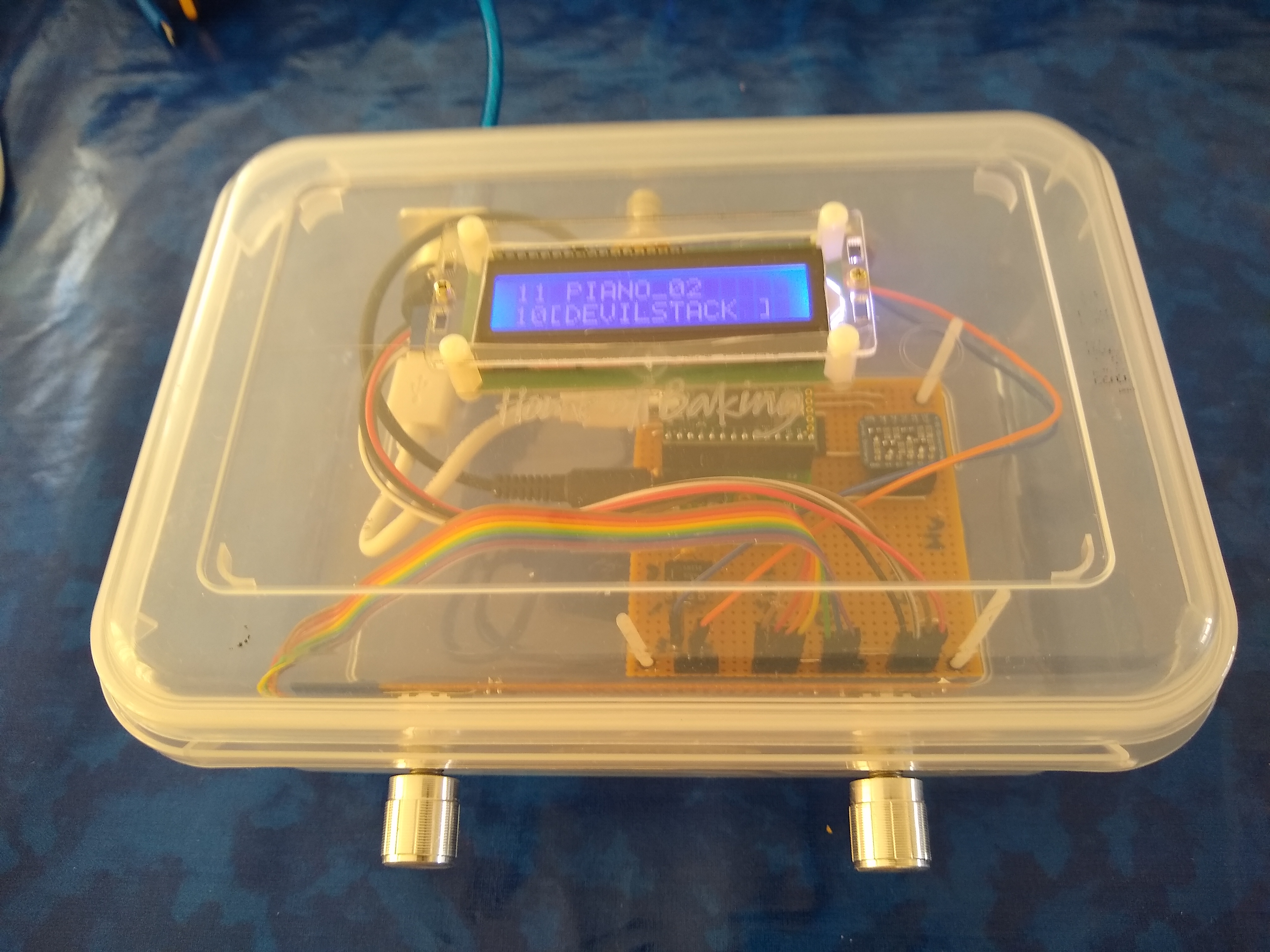
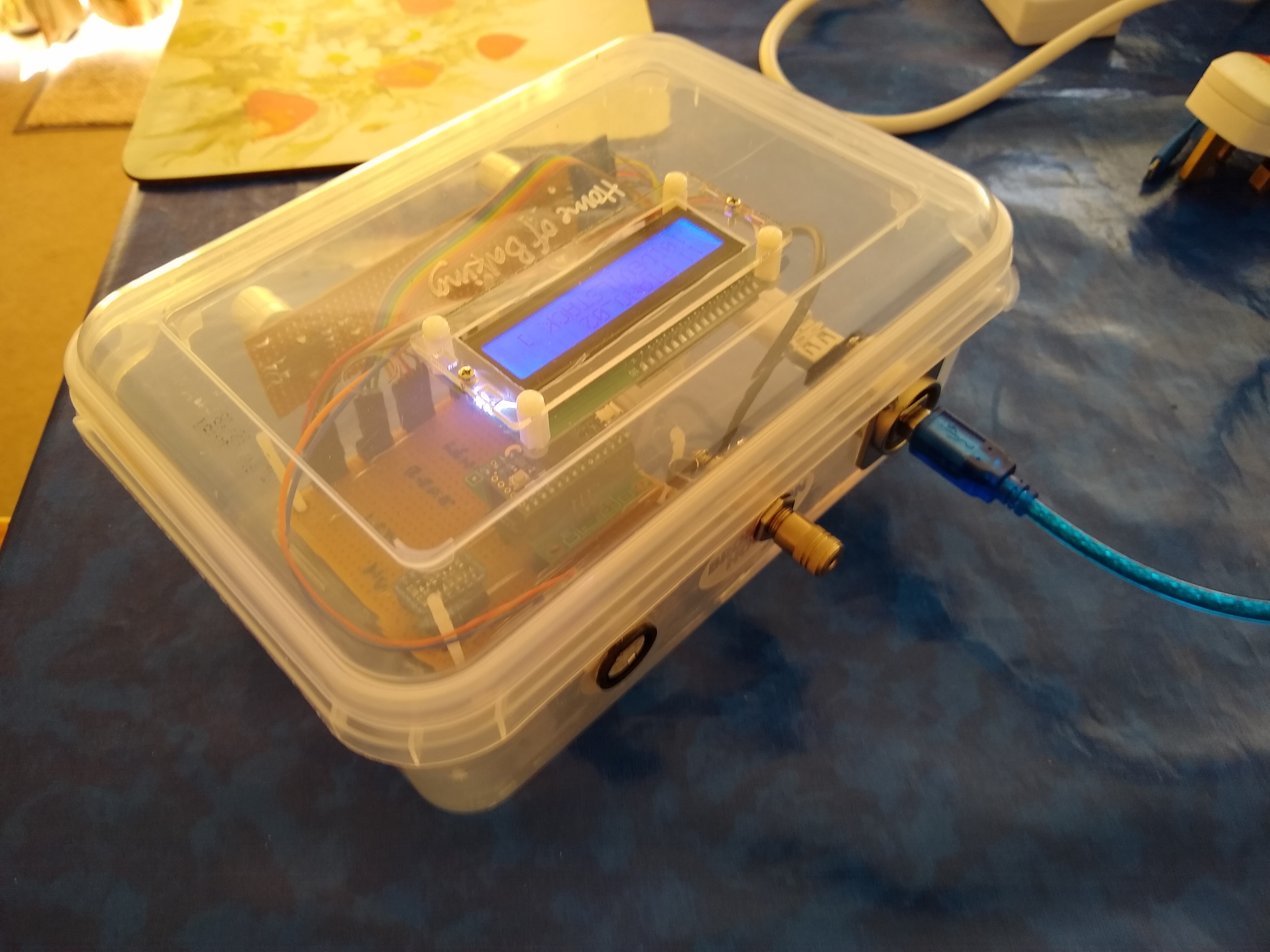
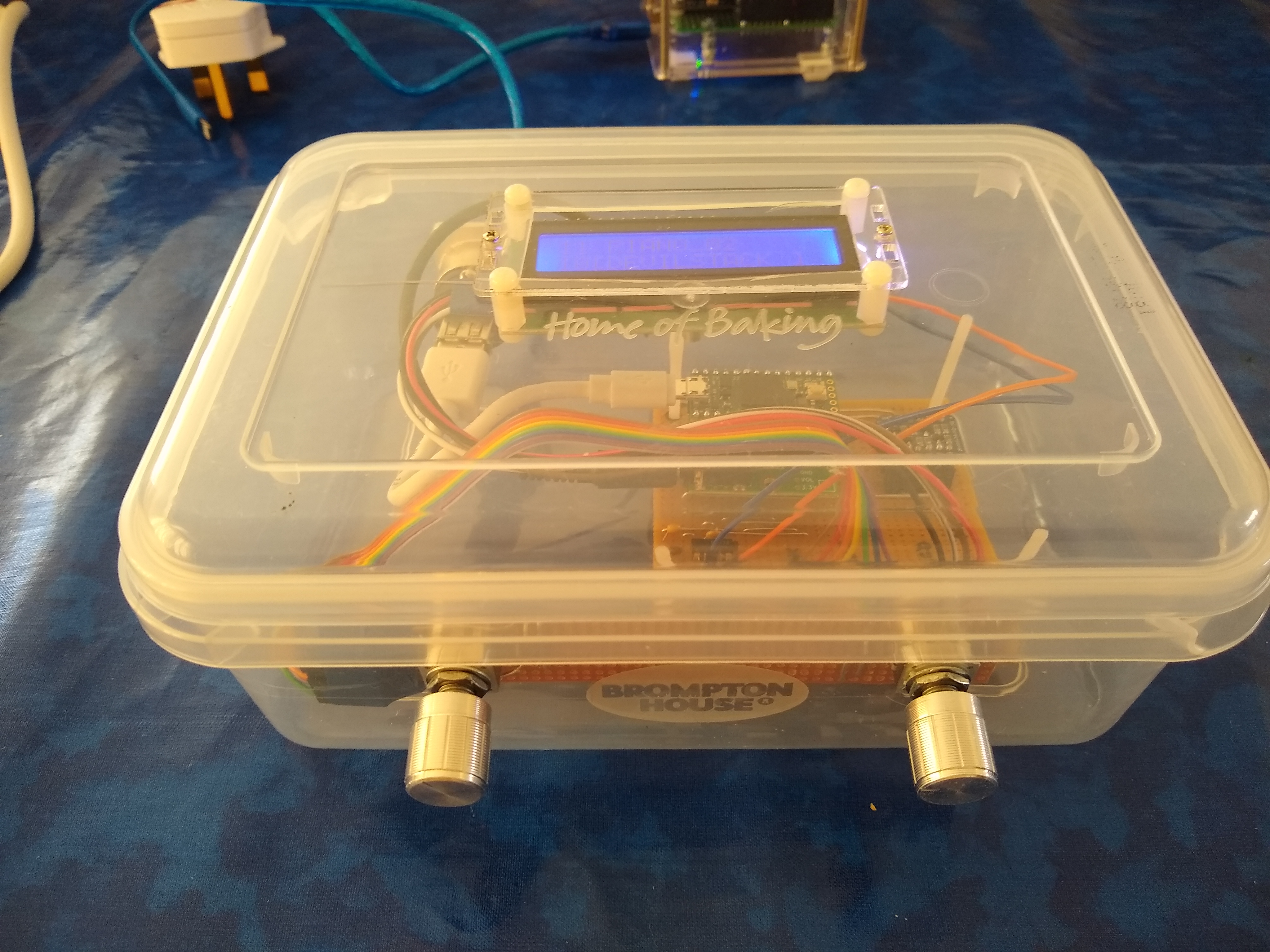
Excited to hear about imminent arrival of MicroDexed 1.0 . I have been enjoying the existing version, but looking forward to installing all the new features - I may even build it into a nice new box (its currently in a ‘tupperware’ container). If you have the time, could you update the Readme with the correct location of the various library files & folders? I always seem to struggle with compilation because the files are not where they should be in my Arduino IDE.
Hi Chris,
Cool - a tupperware container is like sound-geocache 
The new version is inside the dev-branch at codeberg. I am starting to write the manuals next week (I hope). @lars.pelz started to create a minimal installation guide.
If you are very curious, here are ready-made (pre-release) HEX files that you can install directly with the Teensy loader:
Have fun!
Regards, Holger
Hi Holger,
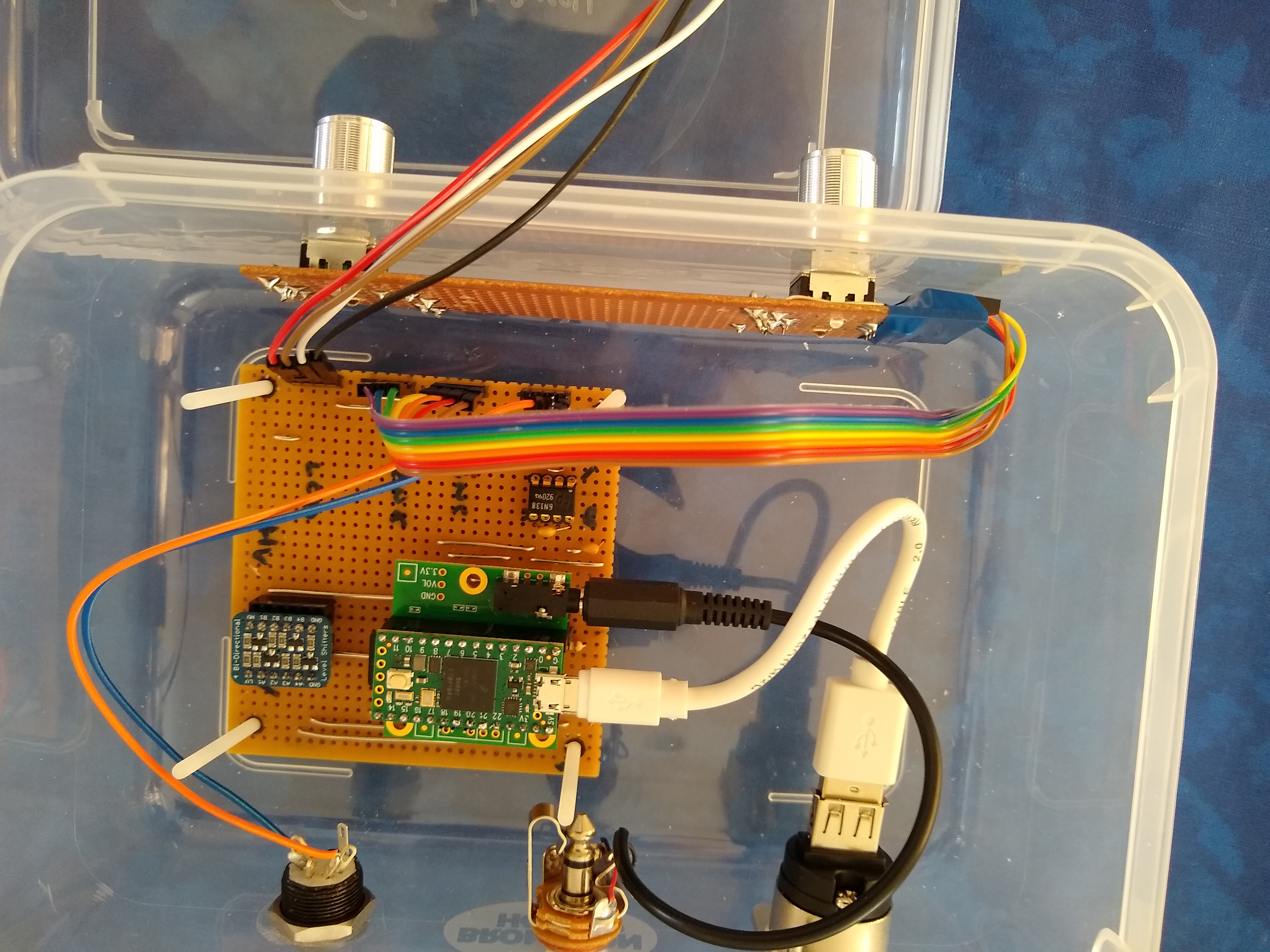
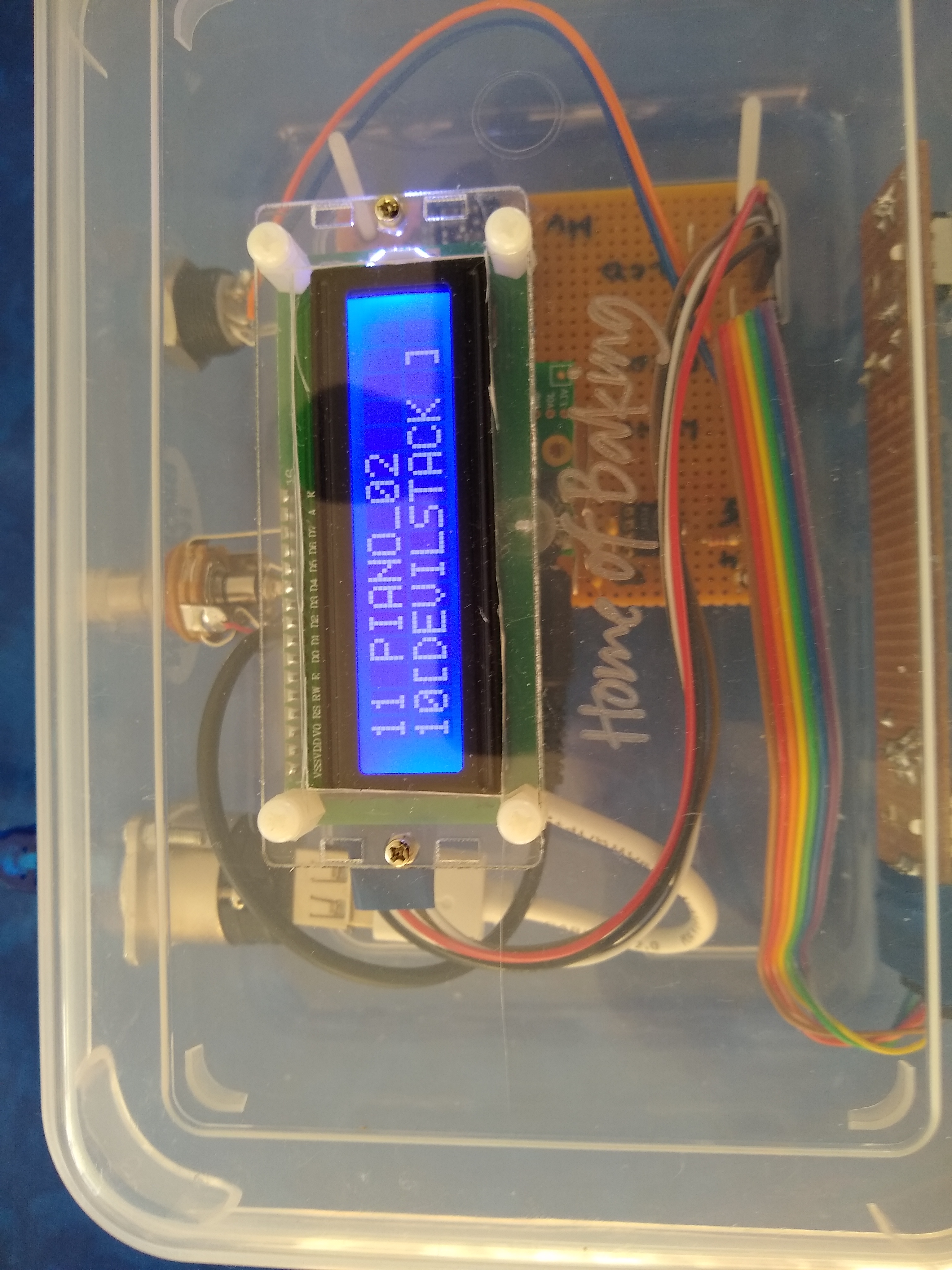
Attached are some pictures of my tupperware cased MicroDexed built on perf board. I will re-house into a nice case after getting V 1.0 loaded and working. The only component of note is that I used an Adafruit level converter for the I2C connections to the LCD. So far, I haven’t implemented USB host but I might do this at the same time as adding in a LIPO batter with charger so that I get a completely self-contained synth that will work with most usb only controllers. My current MicroDexed is built on a Teensy 4.0 so, I suspect the hex files you have built are probably for a Teensy 3.6. I have a 3.6 plus audio card but that would involve some rewiring for the different encoder connections needed for a Teensy 4. I will wait for you to release 1.0 and then try compiling from there.
Lucky you are, using a 4.1, as it’s the open door for full polyphony and bitimbrality…
Hi Chris,
Ok, here is a T_4.0 variant (bi-timbral with FX). I couldn’t test, because my PCBs are all for T_3.6 (perhaps there will be later an adapter board).
The encoder mapping is:
#define ENC_L_PIN_A  3
#define ENC_L_PIN_B  2
#define BUT_L_PIN    4

#define ENC_R_PIN_A  6
#define ENC_R_PIN_B  5
#define BUT_R_PIN    8
Regards, Holger
Hi Holger,
Reflashed my Teensy 4 with the dev version but wiring for the right encoder still needs to be adapted for the defines used in the HEX file. I got a useful display that could be manipulated a bit by the left encoder but so far I cannot select patches until the wiring for the right encoder has been adapted. No sounds came out, either when driven by USB midi or serial midi. Then I tried by Teensy 3.6 with its audio card and flashed it with the DEV HEX file. Again, no sound.
Does this new version have a default patch or does an initial patch need selecting (which I cannot do until I modify the right encoder) before I get any sound?
Hello… do you have an SD card installed, with the DX presets inside forders ?
Did you plug it in the Teensy SD slot ? In the audio card SD spot ?
You can choose your own pins but therefore you have to compile the sources. A simple description for this can be found here.
If you don’t have added an SD card there must be a default FM-Piano sound.
What kind of audio shield you are using? Rev C shields are only working with T_3.x. For T_4.0 you need a Rev D shield (or another pin mapping).
Regards, Holger
With Teensy 4, SD card is on audio card with DX presets inside folders as per repository (this works with the current master version but not with the dev HEX). With Teensy 3.6, I have tried the SD card in the Teensy SD slot and the audio card SD slot but still no sound from headphone socket. I am still wondering if I need to select a patch with the right encoder before it can be loaded and produce a sound. Either I need to patch my wiring to match up with the pin settings in config.h or I need to modify config.h and have another go at compiling.
I have a Teensy 3.6 with Rev C Audio board, no encoders, no lcd. This works with MicroMDAPiano default sound. No sound is produced with either of the MicroDexed T3.6 HEX files.
I have a Teensy 4 with Rev D Audio board with encoders, LCD and patches loaded on SD card but the Right encoder is connected to different pins to those in the default config.h . This works with the first version of MicroDexed but no sound is produced with the latest T4 HEX files.
I will try to compile for my T4 with my encoder pin numbers and report back.
Hi, progress at last. First, I disabled the debug setting in config.h and then I edited the encoder pin settings to the ones I use. Then I created a MicroDexed folder in Arduino/Libraries and moved all the .h and .cpp files from the third party src folders into the MicroDexed folder. Finally I created a folder named dexed in the Arduino sketch directory , copied the MicroDexed.ino file into it and then renamed it dexed.ino. Compilation then went smoothly. Any other way gave me loads of compilation errors relating to library file paths. I realise this is not ideal but it works.
Then I reset the EEPROM and connected a usb cable from my PC running Midi-Ox and tried to send notes to MicroDexed - nothing to be heard from the headphone socket. So I connected an old fashioned midi cable and ‘TaDa’ - it works.
Looking at the config.g file, I think that usb/midi has been disabled for a Teensy 4 in line 273 . I shall investigate changing this tomorrow as usb is my ideal way to drive this box.
Thanks for all suggestions so far & thanks for ther project.
Hi Chris,
Ok… seems to be a way to do it - but a very strange way. You should really consider to make afresh installation of your Arduino-IDE and TeensyDuino. THis is the first time I hear from such complications with MicroDexed.
You should use the latest TeensyDuino (1.52) and activate Tools-> USB-Type: “Serial + MIDI + Audio”. This enables MIDI-USB for MicroDexed.
Regards, Holger
You dx7 guys are going to absolutely love this…