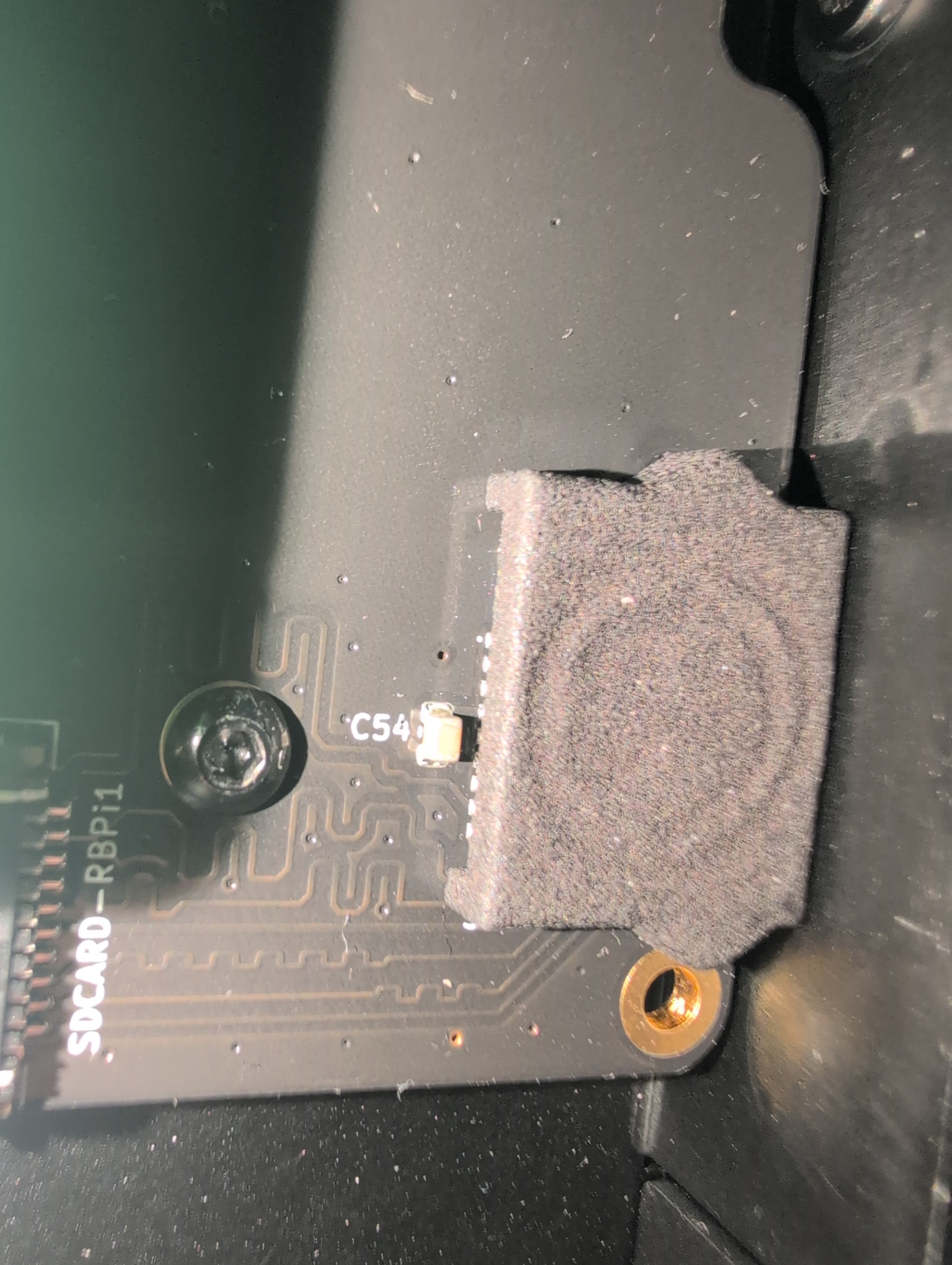
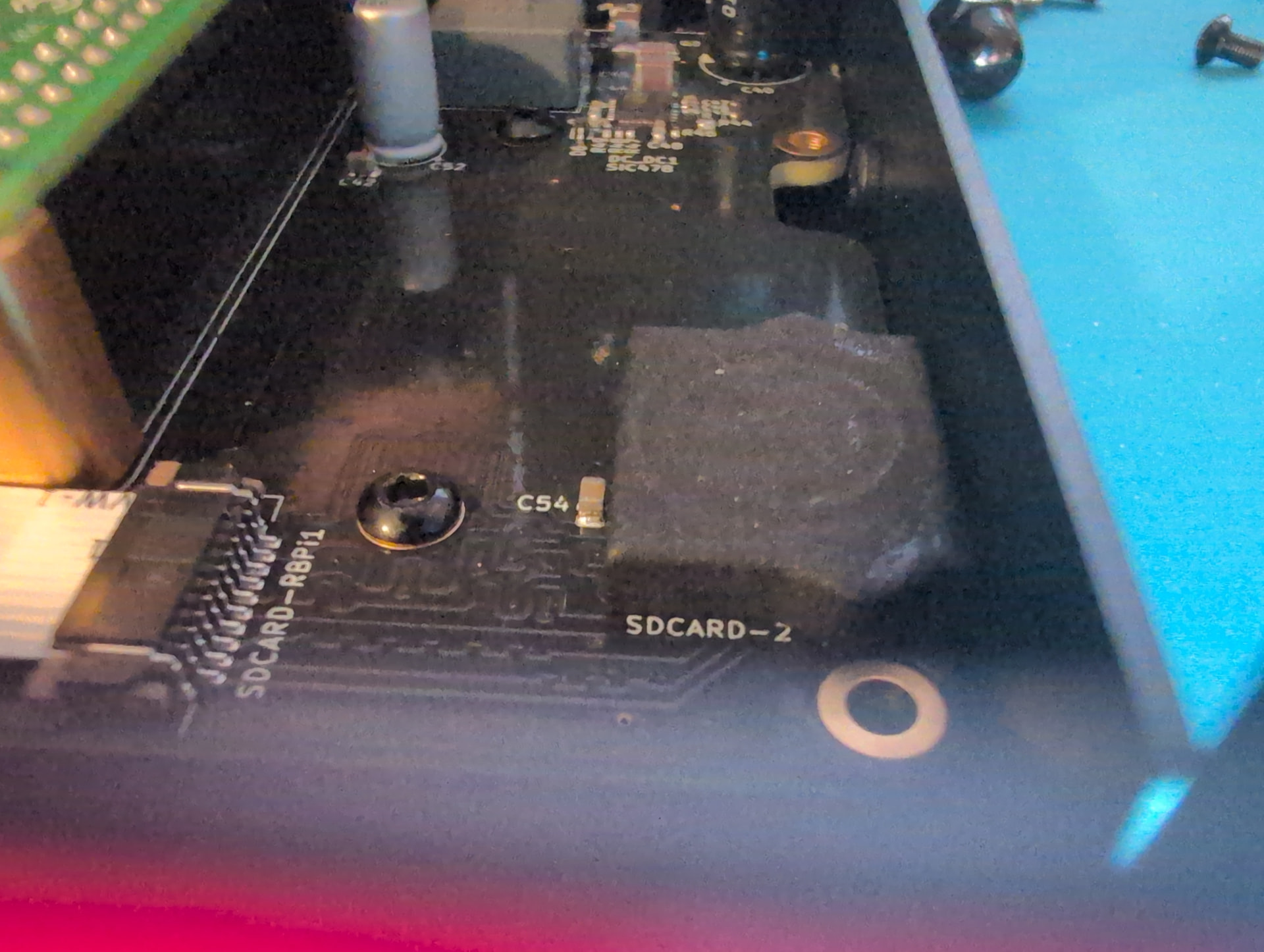
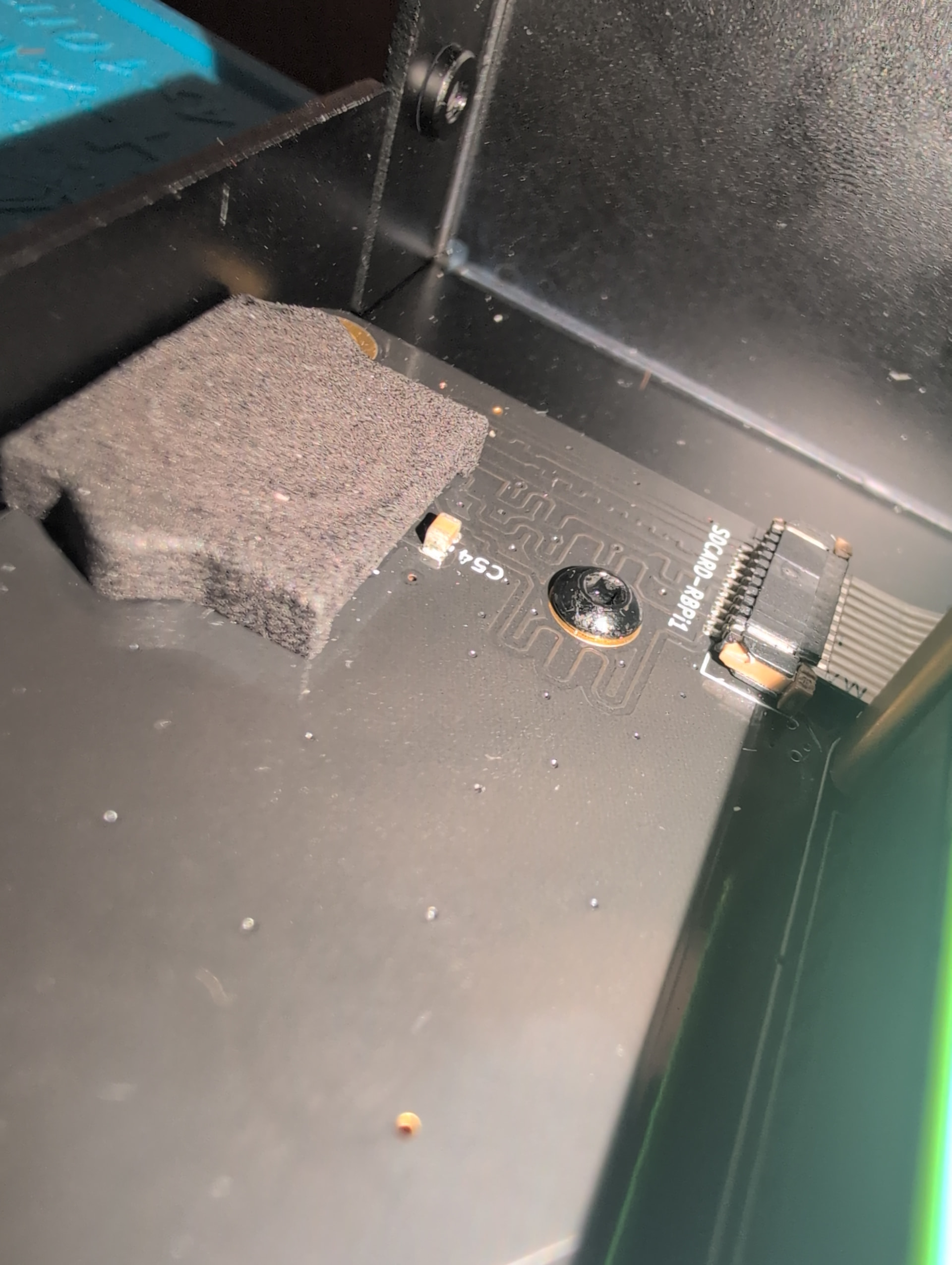
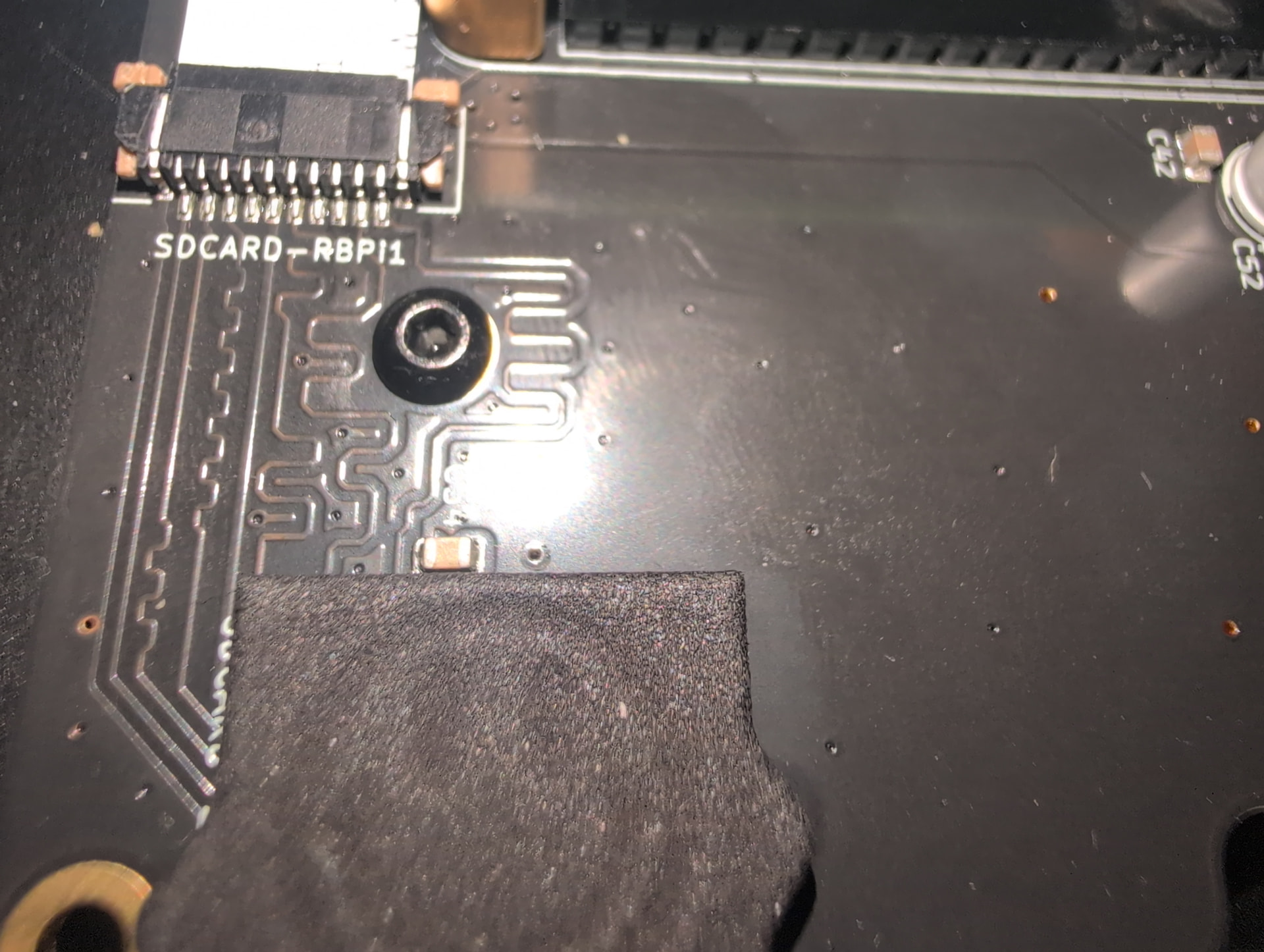
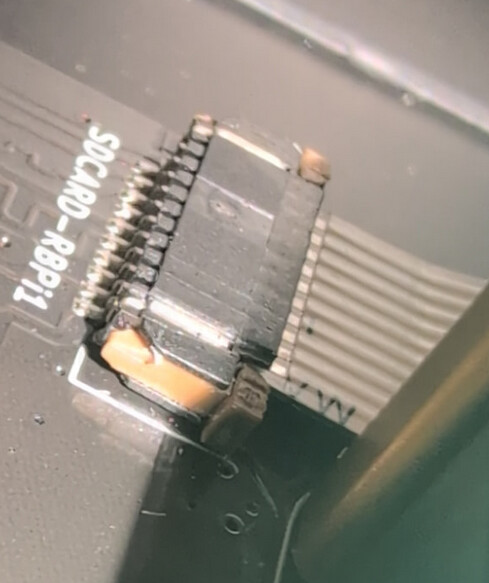
That’s a pretty good pic but I can’t see any problem, but I don’t know that I would.
Another question from looking at that pic is whether C54 looks properly soldered.
I guess that will be answered either by your visual inspection or if the RPi official sd card doesn’t work by *sigh*, swapping the mainboard.
If this can’t be resolved, you can avoid having to open the case by setting the boot order to use usb, then sd, see Zynthian Pocket for details on that.
Another possibility is installing an nvme drive, which might or might not have a similar issue and I have no idea if you’d want the additional disk space and speed.
I’ll take a pic of c54 next time I open it up, probably this weekend after I get the next SD card.
Also can an nvme drive be installed in this zynthian case? I could pick up a 256gb nvme or something when at microcenter. I would actually prefer the additional disk space and speed, especially if I can set that to be the boot drive as well.
I think replacing the mainboard should be a last case scenario.
There is this specific nvme adapter that @jofemodo installed in the V5.1 case:
And of course lots of other options for nvme, but you’d have to decide how well they work in V5.1 case. If you search on nvme and-or ssd you will find lots of other people who have done it in various ways. Also that nvme post just happens to have some more info about sd speedup and board layout to accommodate it. I wonder if that can be slowed down, although that should also be a last resort.
My knowledge of storage devices is also surface level. I think that they don’t need to be slowed down if things are working right, but when something is wrong, slowing down the clock rate might allow the system to still work despite the flaw. Traces on the circuit board need to be matched to the same length, hence the wiggles on the PCB traces we see in your photo.
And an SSD is slower because there are fewer lanes for the PCI bus provided by the Pi than on ‘beefier’ devices like a PC.
You learn something new everyday. Thanks for the info though, I ordered an “official” raspberry pi SD card from micro center and we’ll see what happens. In the meantime I’ll search around for nvmes. Even if they’re slower than on a PC I still prefer the stability and it being internal as well.
I regret to inform you that even with the Raspberry-Pi branded SD card, it still doesn’t work as well as when plugged directly into the Pi. Actually, I couldn’t even get it to boot even after waiting about 30 minutes, which isn’t even as long as it took with the Sandisk. Maybe it is something wrong with the main board. I’m uploading images of c54.
I’ve already ordered the same nvme and m.2 hat as that thread you linked. If it works, I’ll keep using it. If it has the same problems as the SD card cable (which I doubt it will) we can discuss replacing the main board. I’d rather avoid creating e-waste if possible.
All ribbon cables must be connected with the pins facing down.
The C54 looks right.
Anyway, please confirm current starus is “everything works OK when the sdcard is connected to the pi, but system doesn’t boot when using the mainboard sdcard holder”
Yeah I have the ribbon cable connected with the contacts facing up, but section 3.6 of the build guide says to do that.
And it does technically boot with an SD card using the ribbon cable/SD card holder, it just takes forever to do so and the read and write speeds are extremely slow compared when plugged directly into the pi.
BTW, I can’t remember if we already sent you replacements for the “SDCard harness”. If not, this is the first thing we should try.
SDCard protocol is synchronous, so it’s very sensible to line distance and impedance. We are in the limit with this design. Check this to better understanding:
If replacing the SD Card or the harness doesn’t solve the issue, then your mainboard seems to be in the “dark side”, so, we could do 2 things:
I can offer a discount /compensation and you live with the SD-Card plugged to the RBPi. For instance i could offer a “S2Pi Tiny NVMe adapter” that can be easily integrated inside the case.
You did send replacement harnesses, but they had no different effect to the original.
I already ordered an nvme and m.2 hat for the pi, I’ll get back to you if I need a replacement mainboard afterwards. If the nvme works I’ll most likely just remove the SD card entirely. I have the zynthian connected to the network so I don’t need to bother with transferring soundfonts and whatnot over physical media.
Great news - the NVME hat is installed and works really well! I no longer see a need to have an SD card installed at the moment. I’ll keep the ribbon cable and probably only use it for transferring files.