how can I access to zynthian form terminal? could you tell me the steps?
I really do not know how to go ahead
What’s the hardware config? Custom kit?
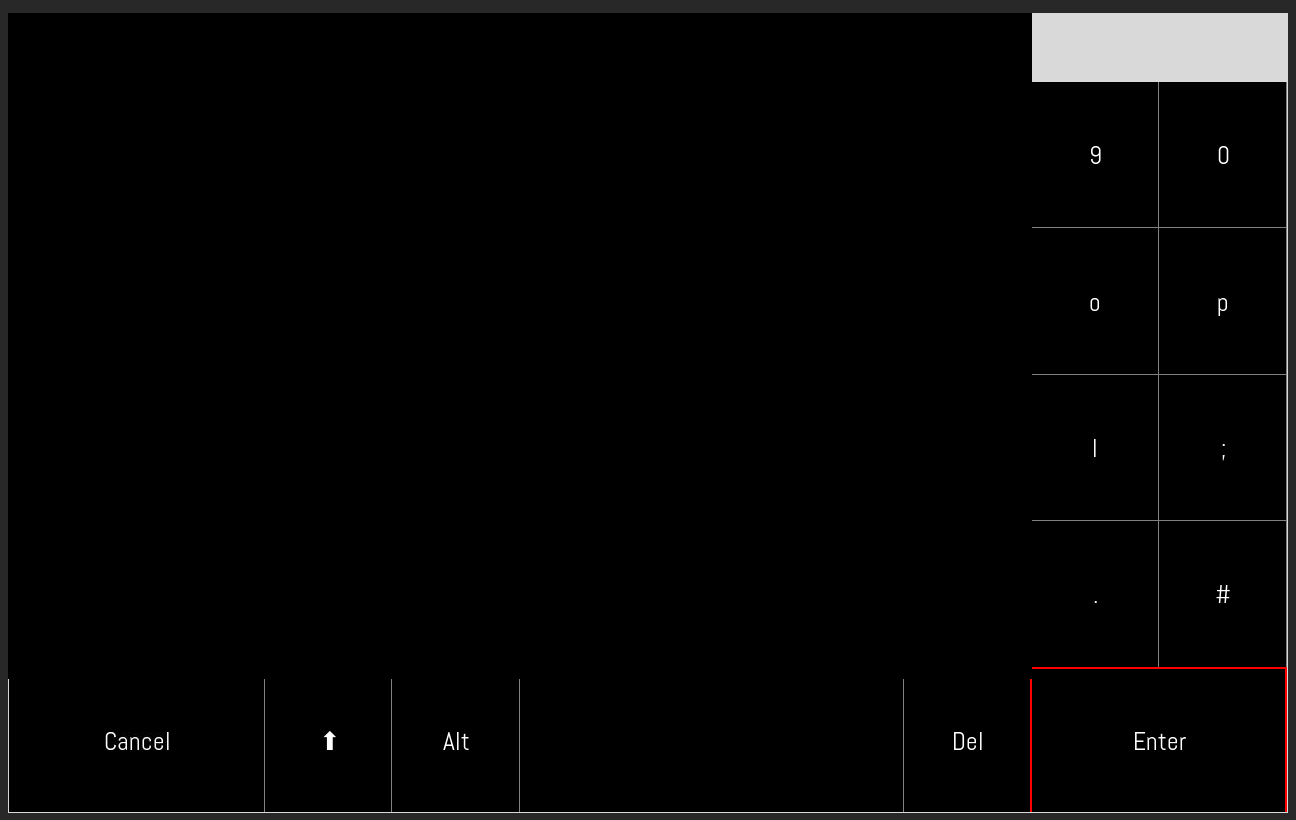
I have fixed the onscreen keyboard.
@piattica I am not sure what you are asking. You reference a post by @core.east but that issue is now resolved. Please describe what your issue is and what you want help with.
On my windows PC i use the program Putty
In the Host field you can write root@zynthian.local or root@”IP-adress”
In the Port Field 22
password is probably opensynth
After update
- I have this screen
- impossible to connect to Zynthian by Webconf
- touch keys on screen do nothing
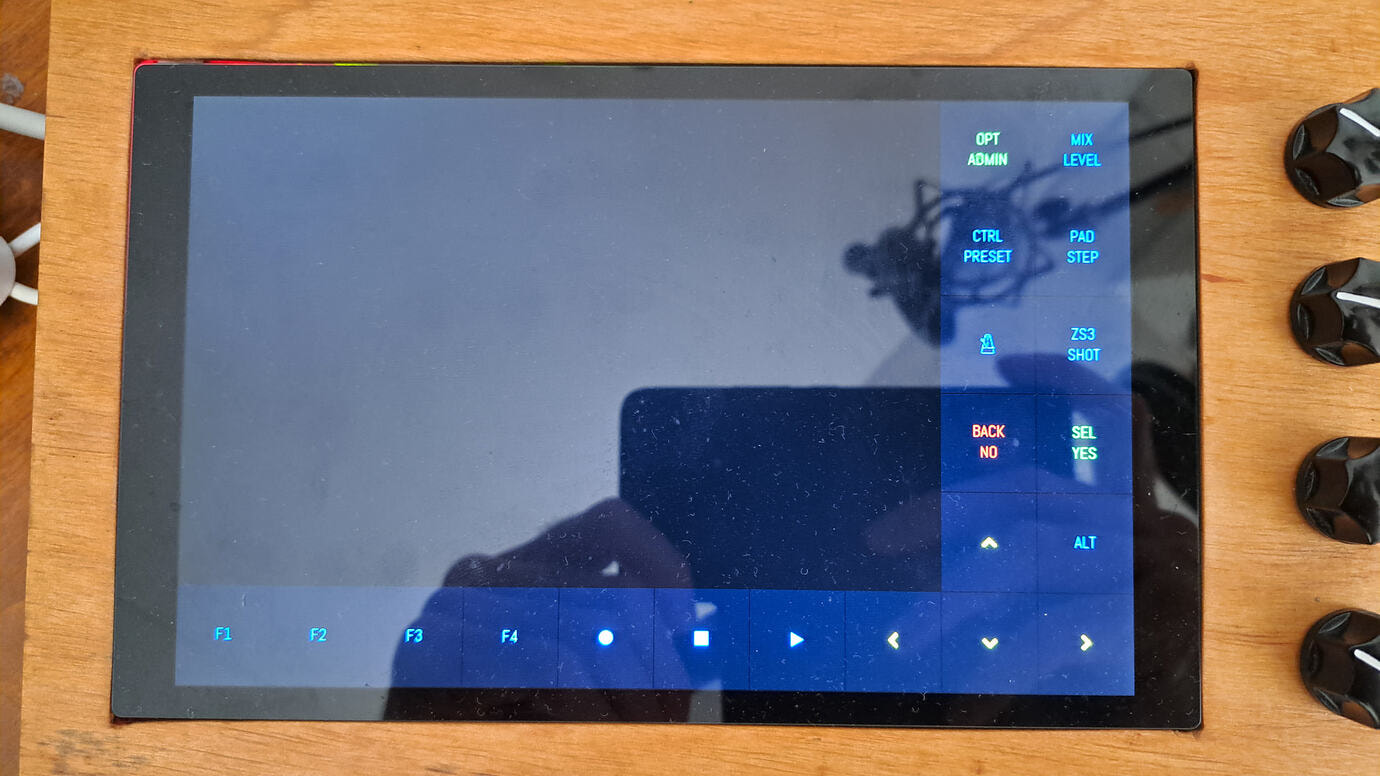
How to fix?
I do not know how to use the terminal to force update.
What URL are you using to access the zynthian webconf?
Once in the ssh as described above, you can run /zynthian/zynthian-sys/scripts/update_zynthian.sh
http://zynthian.local
or
192.168.32.17
but no answers from browser
with Filezilla is it possible to connect
Do you have a desktop PC or laptop connected to the network? If so, what operating system is running on that PC?
Filezilla under Windows can connect with Zynthian
under LINUX and Windows I use Vivaldi browser: impossible to connect either with zynthian. local either with 192.168.32.17
On the Windows PC:
- Start a command window, e.g. START->cmd
- Type
ssh root@192.168.32.17 - You may be asked to confirm some stuff then be asked for the root password which by default is
opensynthunless you have changed it. - You should log into the zynthian command line shell. This will be evident by some text that tells you the ZynthianOS version, etc.
- You can update zynthian by typing
/zynthian/zynthian-sys/scripts/update_zynthian.sh
2 Likes
Hi @riban,
I have left my evangelised V5.1 relatively quiet for a few days, and retaken a Zynseq-based composition just yesterday.
Is it safe to update Zynthian now? I am honestly not very keen of corrupting my precious (downloaded) snapshot, or finding at a later stage that it’s not compatible anymore with an updated OS state  .
.
Further to this, my system - as of Vangelis of Wednesday 25th approximately - keeps on behaving strangely in the webconf>library>snapshots screen (I raised an issue ticket some days ago). The only way I have, for visualising and managing (above all downloading) the saved snapshots, is to add a new empty bank, otherwise the screen shows only the “add a new bank” prompt and the main snapshots residing in Bank 000/Backup are not visible.
Best regards 
Yes… we are now back to a mostly working vangelis but do heed our warning that you should not use vangelis for production. We may break iti or change without backward compatibilty (to previous versions of vangelis) at any point during development. You can always follow the procedure I described earlier in this thread to return to a particular commit to return to a particular behaviour but that may not always work perfectly.
Regarding the snapshot screen - I experinced this and it is rather annoying. I too figured the work-around but it is irksome. I guess you refer to issue 1605. I have triaged this to make it more urgent.
1 Like
Thanks @riban, for the rightful reminder that I am writing music on a testing release at my own risk  . Nevertheless, at this point I could hardly reset the sequencer setup to Oram’s, given the way is it constructed, but it is useful to receive a heads up anyway. I will cautionarily try and save-download all the contained patterns in SMF Midi format, just in case I have to rebuild the piece from scratch.

Yes, exactly: I found out that the mentioned workaround is currently the only viable route, for safeguarding the snapshots.
Regards
1 Like
I am trying to navigate the Vangelis UI with mouse and keyboard on a Raspi500+ installation (see other post for related details). Vangelis is updated to latest testing.
I have cursor and touch navigation enabled on webconf, with keypad on the left side, but cannot operate the on-screen buttons, either with the mouse or with a set of (not recognised) CUIA commands from keyboard that I have configured.
I can only toggle the launcher and the on-screen buttons on the top bar, and change by dragging the main mixer volume on the side bar. Any ideas? 
I am able to drive V5 button overlay with an attached USB mouse on a RPi5 running zynthian-ui 68e6d1c805c24b6926cd3d1f11739252d76db033. @Aethermind please provide details of the commit and any logs. Show the output of lsusb. (I assume you are using a USB mouse.)
1 Like
Hi @riban, this is the output of lsusb
Bus 001 Device 001: ID 1d6b:0002 Linux Foundation 2.0 root hubBus 005 Device 001: ID 1d6b:0003 Linux Foundation 3.0 root hubBus 004 Device 003: ID 2e8a:0011 Raspberry Pi Ltd Pi 500+ Keyboard (ISO)
Bus 004 Device 002: ID 0a73:001f Mackie Designs Onyx Producer 2-2
Bus 004 Device 001: ID 1d6b:0002 Linux Foundation 2.0 root hubBus 003 Device 002: ID 0bda:8153 Realtek Semiconductor Corp. RTL8153 Gigabit Ethernet Adapter Bus 003 Device 001: ID 1d6b:0003 Linux Foundation 3.0 root hubBus 002 Device 002: ID 0000:3825 USB OPTICAL MOUSE Bus 002 Device 001: ID 1d6b:0002 Linux Foundation 2.0 root hub
This is the system status:
zyncoder: vangelis (c3b7fcf)
zynthian-ui: vangelis (68e6d1c)
zynthian-sys: vangelis (d5c6994)
zynthian-data: vangelis (e50b49b)
zynthian-webconf: vangelis (88bded4)
I am using a simple USB mouse.