Hello all.
I would like to use Zynbleton, to launch clips.
Does anyone would help me write a little guide how to do it?
1: Upload with capture your samples oneshot and Mp3, wavs, etc.
2: Open Sequencer
3: Doble click on a clip and turn it into Audio, then select the wav or mp3
4: Enter the Arranger, if the wav is one shot Kick make the clip one bar long (?)
then write the first square in pianoroll view so it’s a 4/4 beat
5: Change the loop to synced loop
6: Add another sound to the same scene column and both sounds will be launched by the same clip (?)
7: Change Clip group (B) and add a second wav audio file, or an Mp3, make it one shot synced
8: Max bar is 64, write the first note in the arranger and make it long to the end of the clip, this should play the whole song/wav/mp3 file to the end of it.
----- in Zybleton the clips are in theory in the Mixer view directly, the workflow should be similar, but I haven’t been able to understand how to add scene and clip directly into Mixer view ( add instrument, Midi+Audio, etc) —
From the main Zynbleton development branch thread:
Can you believe that @riban is using Linux Sampler engine as a clip launcher? Crazy!! But it works quite well. You will be surprised!
I also tried it, it allows external sampling I think. I didn’t understand instead if it can be used to load samples from capture/SD directory, or it can be set to open a folder somewhere and swap all samples in the folder from presets or has to be done otherwise.
Please, forget zynbleton for anything except satisfying your curiosity. Don’t ask about it nor complain about things not working. It’s not ready to use. It’s far from this yet
You should use oram stable/staging or if you don’t mind some temporal unstability, vangelis.
Oram Stable is the version most users should be using. It is the supported release version.
Oram Staging is the pre-release version that should be stable and is used by anyone willing to hear the next release.
Vangelis is the main development and testing version that may break at any time and is not guaranteed to be compatible with stable release. Intrepid testers may feel brave enough to test this out and assist with early testing.
All other branches (including zynbleton) are development only branches that will very often be broken and will be terminated when their development cycle is complete (or abandoned). Only masochistic users who really know what they are doing should consider venturing there.
When features hit Vangelis we will usually (sometimes) announce then with some description of their use. When they hit Oram we will attempt to document them. We will rarely even mention stuff in dev, and definitely not document them.
Not even a beta tester random feedback?
I won’t certainly complain or anything like that,
I thought to just have this separate thread but texted
that it expressively is just for fun, and that the Main Zynbleton thread
is where things happen…
Conversely the procedure is very similar to standard sequencer
clips , the only
“variation” is the final Mixer view, which I didn’t include.
I’ve just given it a go - I really like the idea of it. I can’t work out how to get the clips to play more than once. If I change it to play twice or more, it has no effect.
I am now curious whether there’s a thing I can add to my RSS reader to get all the announcements about development/releases? I tend to phase in and out of here but I look at the RSS every day, no matter what.
You could add a feed from github, e.g. https://github.com/zynthian/zynthian-ui/commits/oram.atom will provide commits to the UI stable (oram) branch. You can monitor tags with https://github.com/zynthian/zynthian-ui.
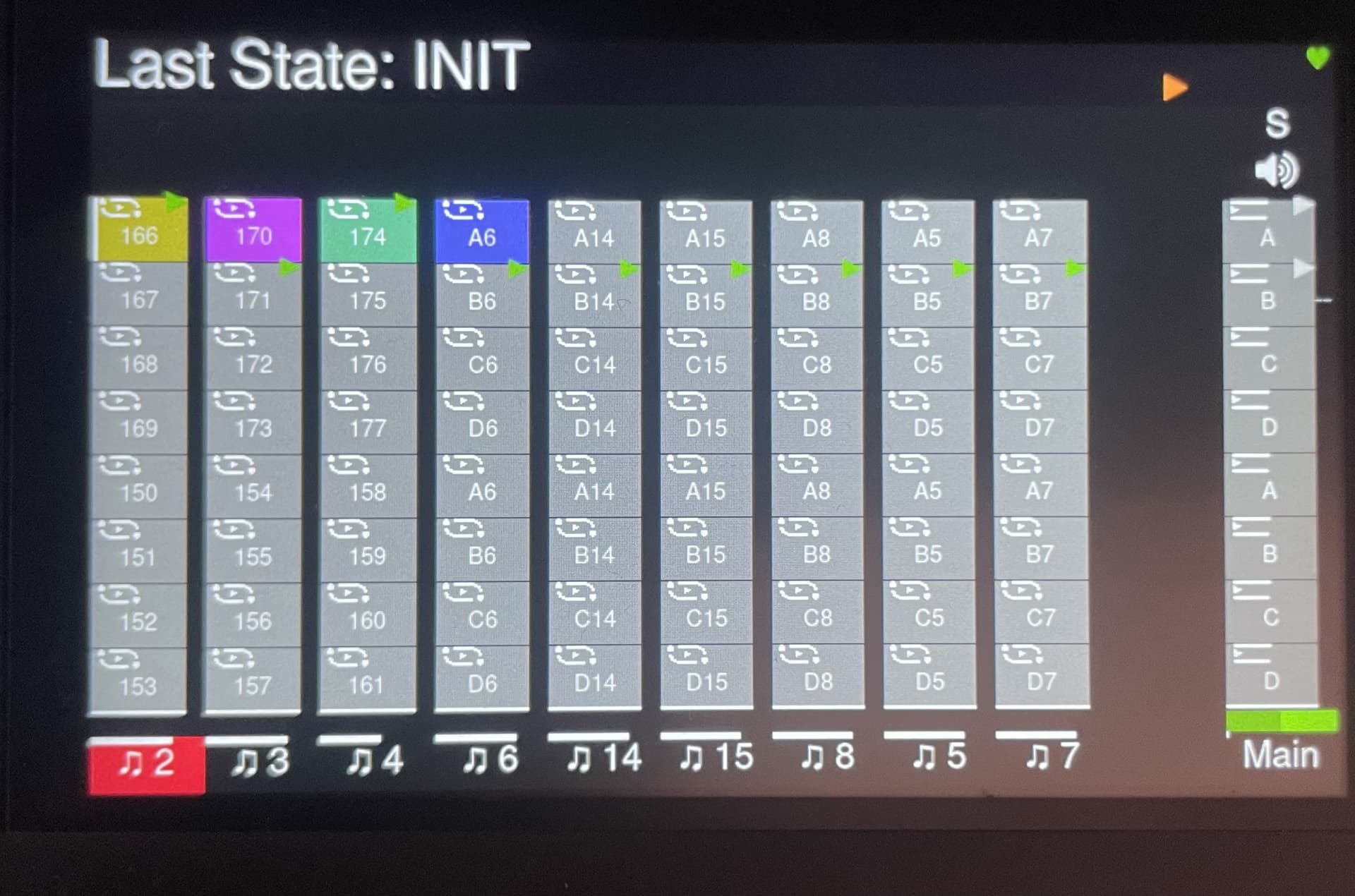
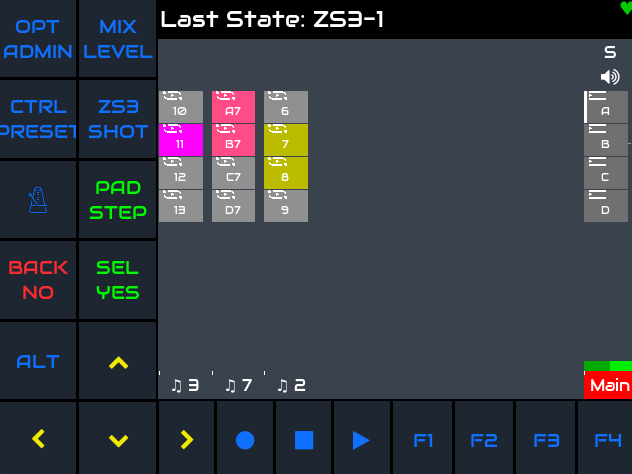
not sure if it’s too big.. I just think the play icon is displayed higher compared to what I see on the screenshots in the start post of Zynbleton Development Branch thread
Great!
My question was more or less asking if there was some integration already implemented. As I have no such device I can’t test it
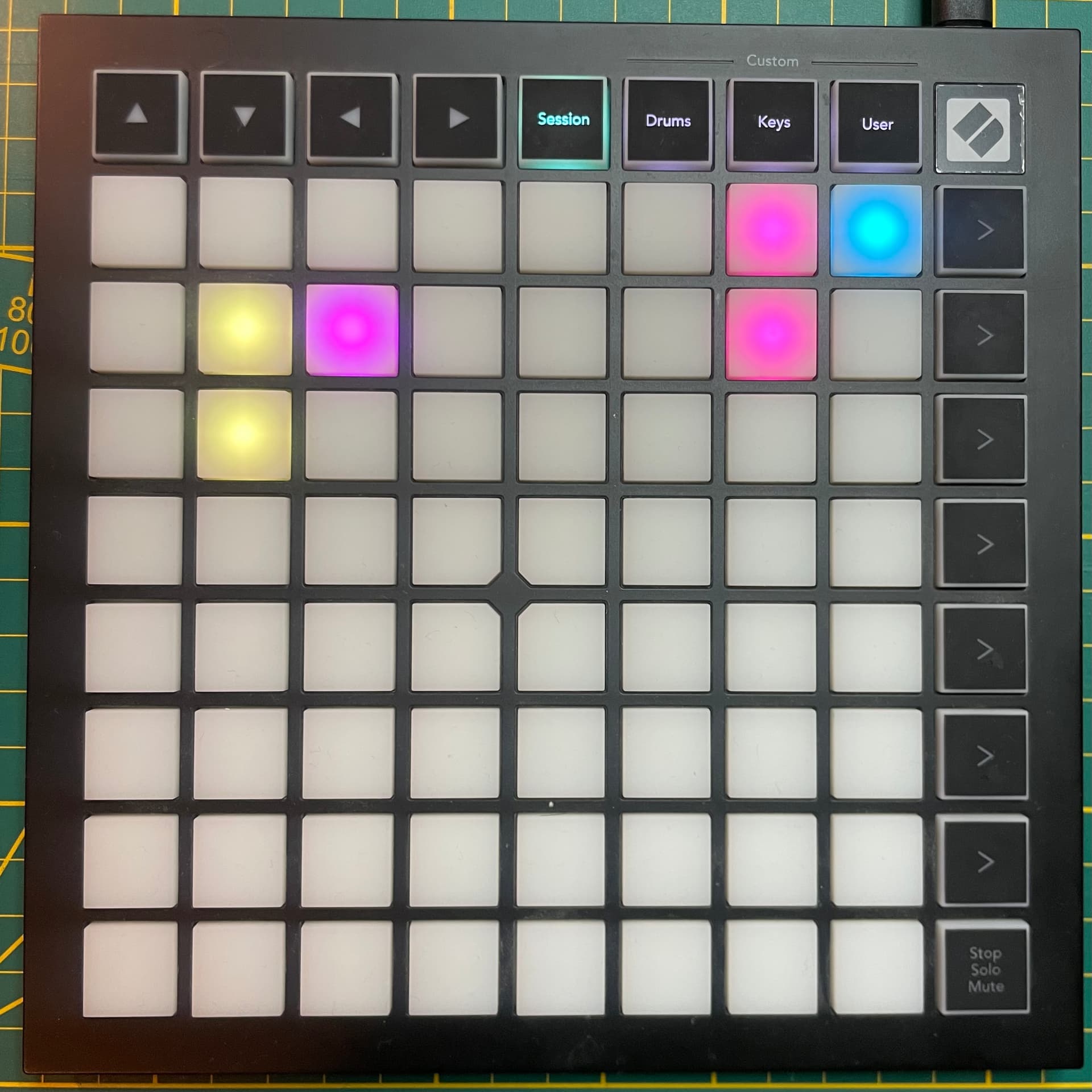
I’m borrowing my friends Launchpad mk3 mini now, plug and play, amazing!
Some questions/observations:
Session mode seems to be following the Midi channels. Column 1 triggers the zynbleton chain with Midi channel 1, etc.. In my case a project wil rarely have chains incremental channels starting at 1. Is there any way it could resemble the exact order/presentation as on the Zynbleton main launch page?
When you have more than 8 chains, is there any way to go to the “next page” on the launchpad?
Currently the top left navigation arrows only work in “Session” mode, not in “Drum” or “Keys” mode, where they would be most useful to switch chains with left/right arrow. Is this deliberate?
I own a Launchkey 61 mk3 - if anyone has already worked on that one, I could be a tester for sure. I’d like to say I can work on it, which will be true sometime this winter but until it snows I have outdoor work up the wazoo, but I can definitely steal an hour here or there to test in the meantime.
Midi instrument chain driving external synth set to channel 2
Instrument chain set to channel 2
=> Zynbleton will “duplicate” or rather mirror the patterns for that instrument chain
I would say this is unnecessarily restrictive.
For example on other hardware I have, the channels are port (or destination) specific. So for example I can send to channel 1 on the Midi out port, or usb, or internal, all independent.
Yes, this is a current constraint. We do have code to support mutliple outputs but there are substantial parts of code that currently rely soley on MIDI channel so it will be a significant amount of effort to add the feature. Feel free to add a feature request.