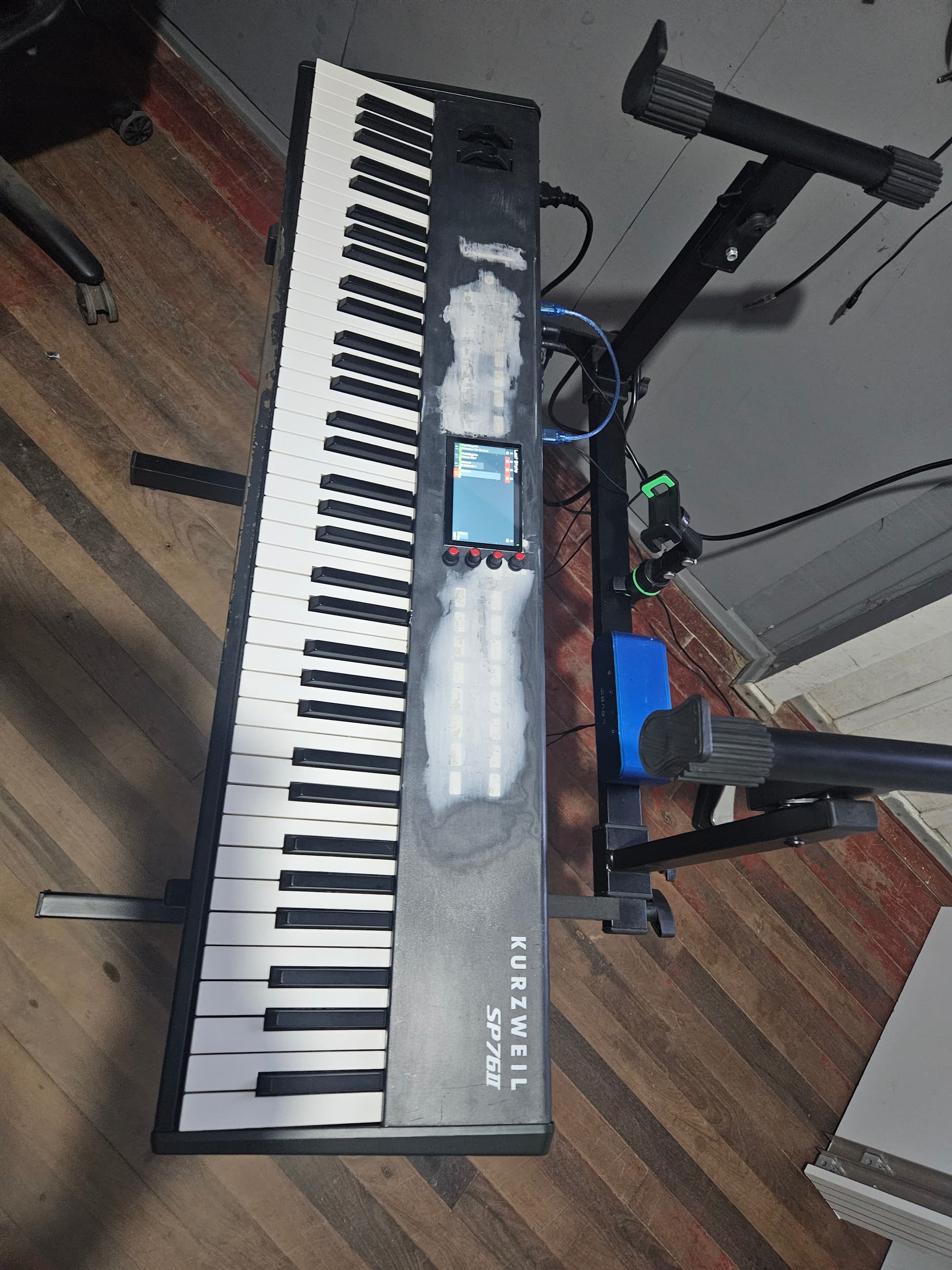
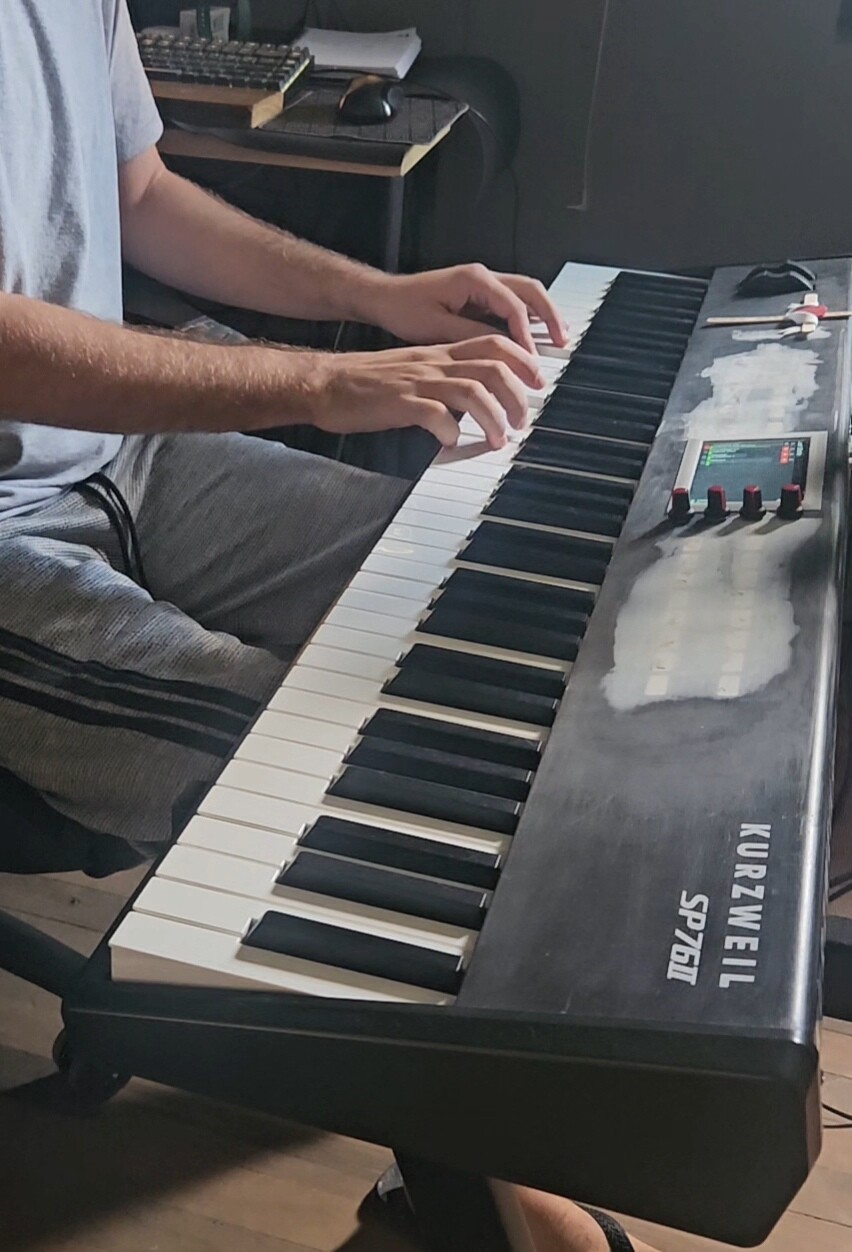
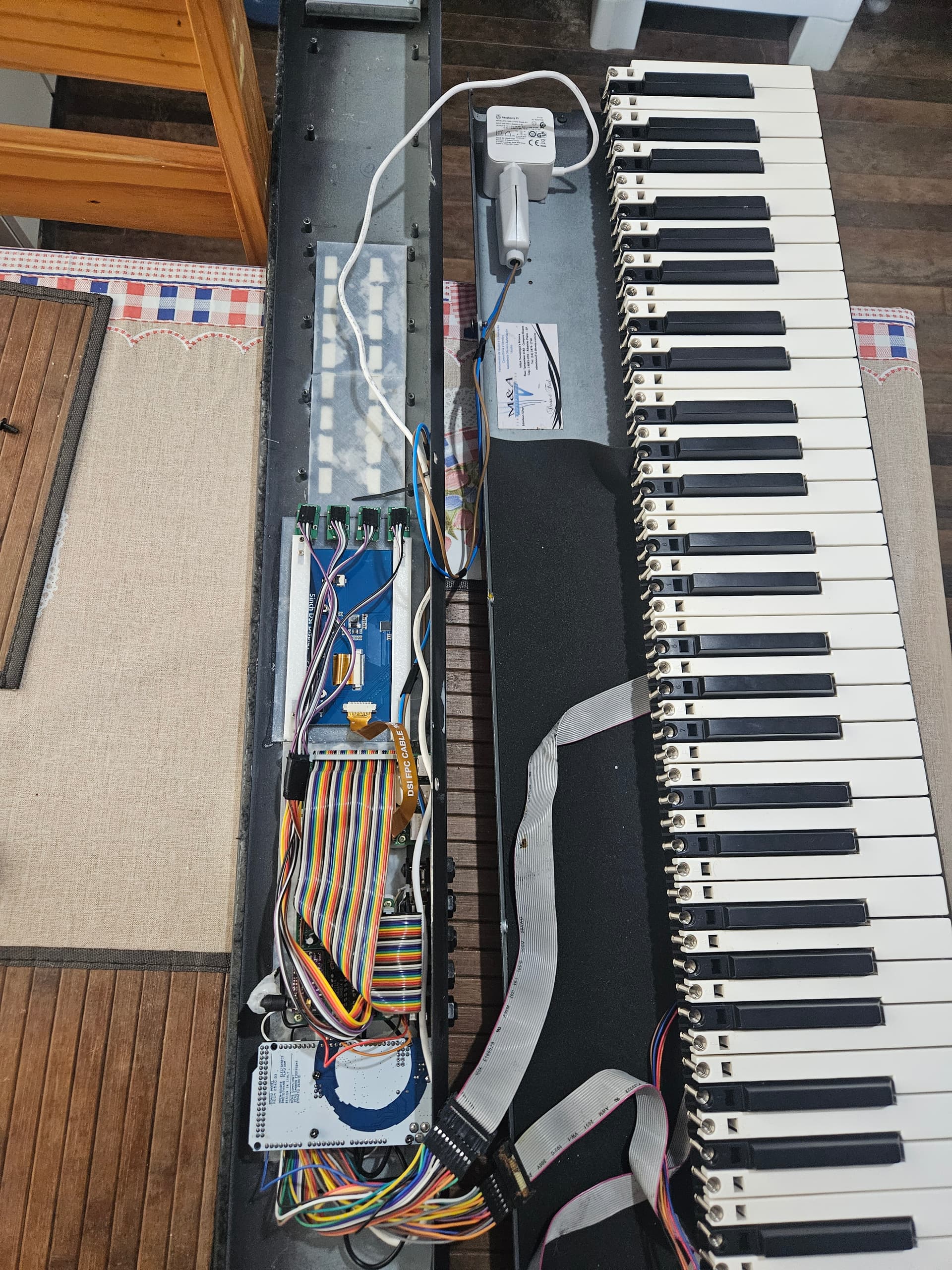
I’d like to share a project that has brought me a lot of satisfaction: the restoration and transformation of my Kurzweil SP76II, which had a burned-out motherboard.The details are still to be finalized (it needs painting), but I’ve already managed to give it a new life as a MIDI controller and Zynthian-based synthesizer.
What’s been done:
Key Matrix:
I mapped the key matrix and implemented an Arduino Mega, turning the keyboard into a functional MIDI controller.
Structural Integration:
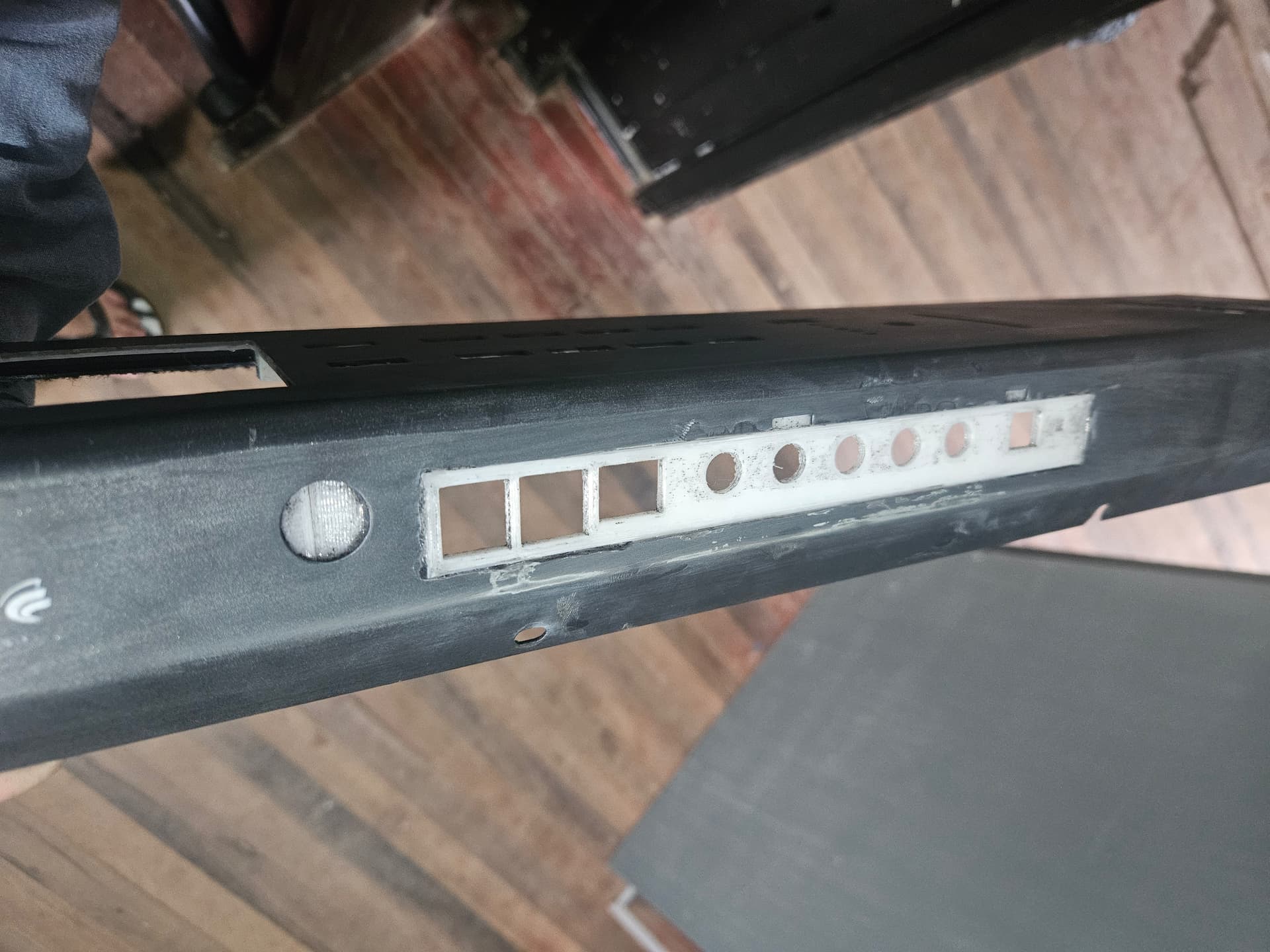
I modified the original keyboard structure to integrate the new Zynthian components.
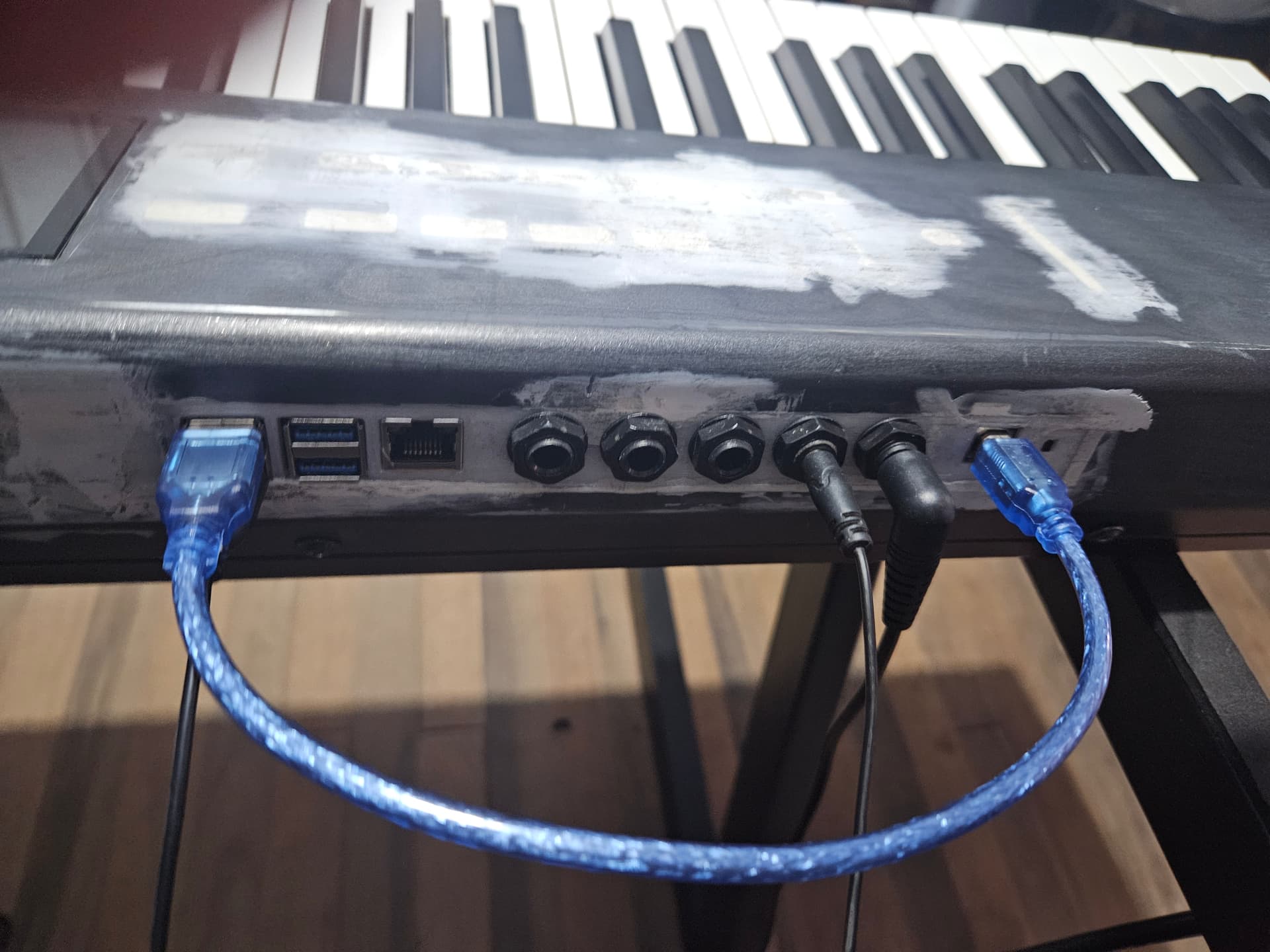
Designed and 3D printed parts for the front and back panels, creating space for:
A 5-inch touchscreen display.
Audio input and output ports.
Internal supports for mounting the boards.
Leveraging the Zynthian Mini Project:
Some parts of the Zynthian Mini project served as references or a foundation for creating the new models I adapted to the SP76II.
Power Supply:
I initially tried using a USB extender to connect the Raspberry Pi, but the only available option in my region was 1 meter long, which caused power loss. As a solution, I decided to keep the power supply inside the device.
There are still some adjustments and painting left to do, but I’m already thrilled with the results. I’ll attach some photos so you can check out the progress!
I have been thinking for long to a Zynthian-in-case fully autonomous keyboard, but never found the time and motivational resources to put such a (probably demanding) project in place.
I guess that nowadays, with the help of AI-driven chatbots, setting up such a contraption might turn out to be definitely more viable than in the past, even for people like me without an electronic engineering background.
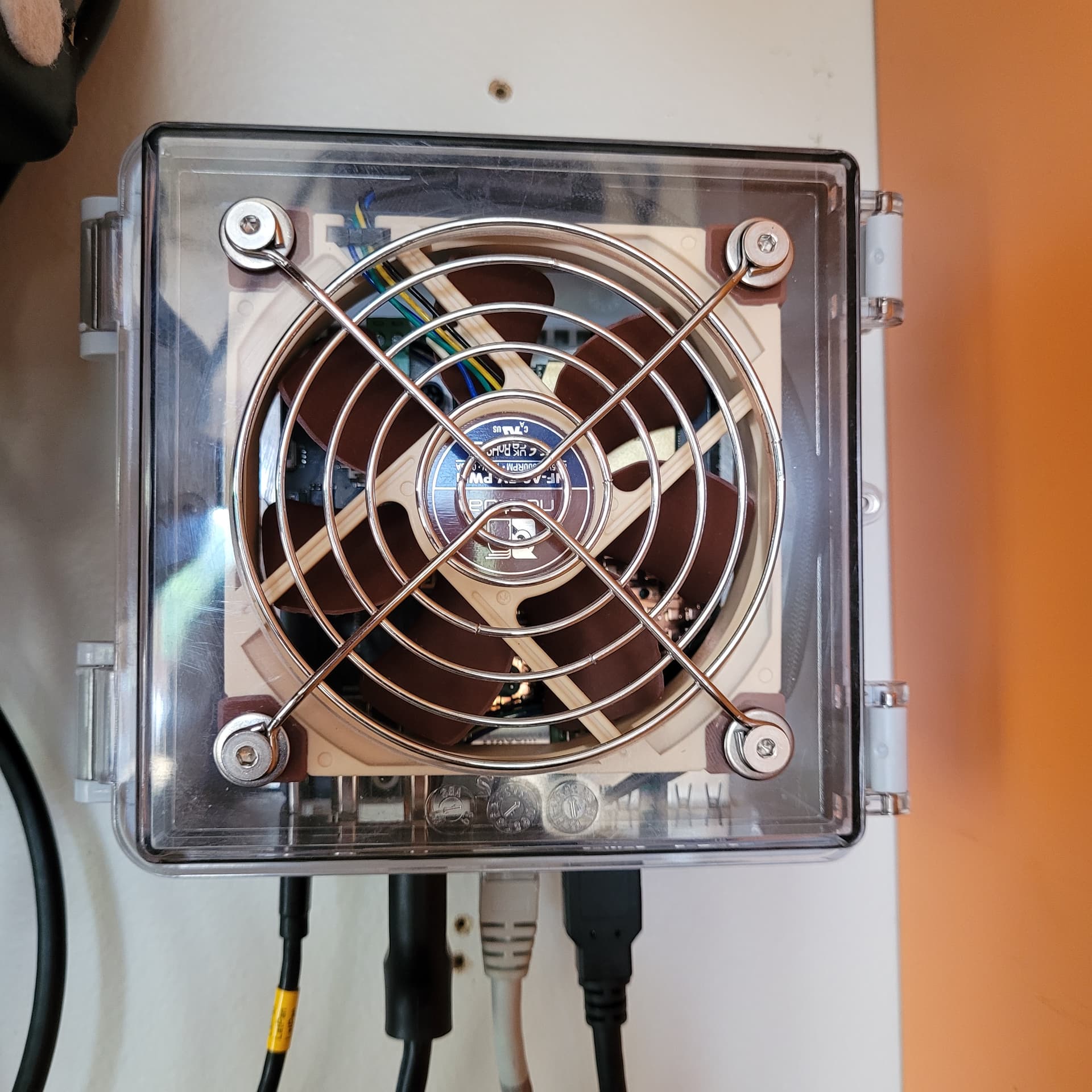
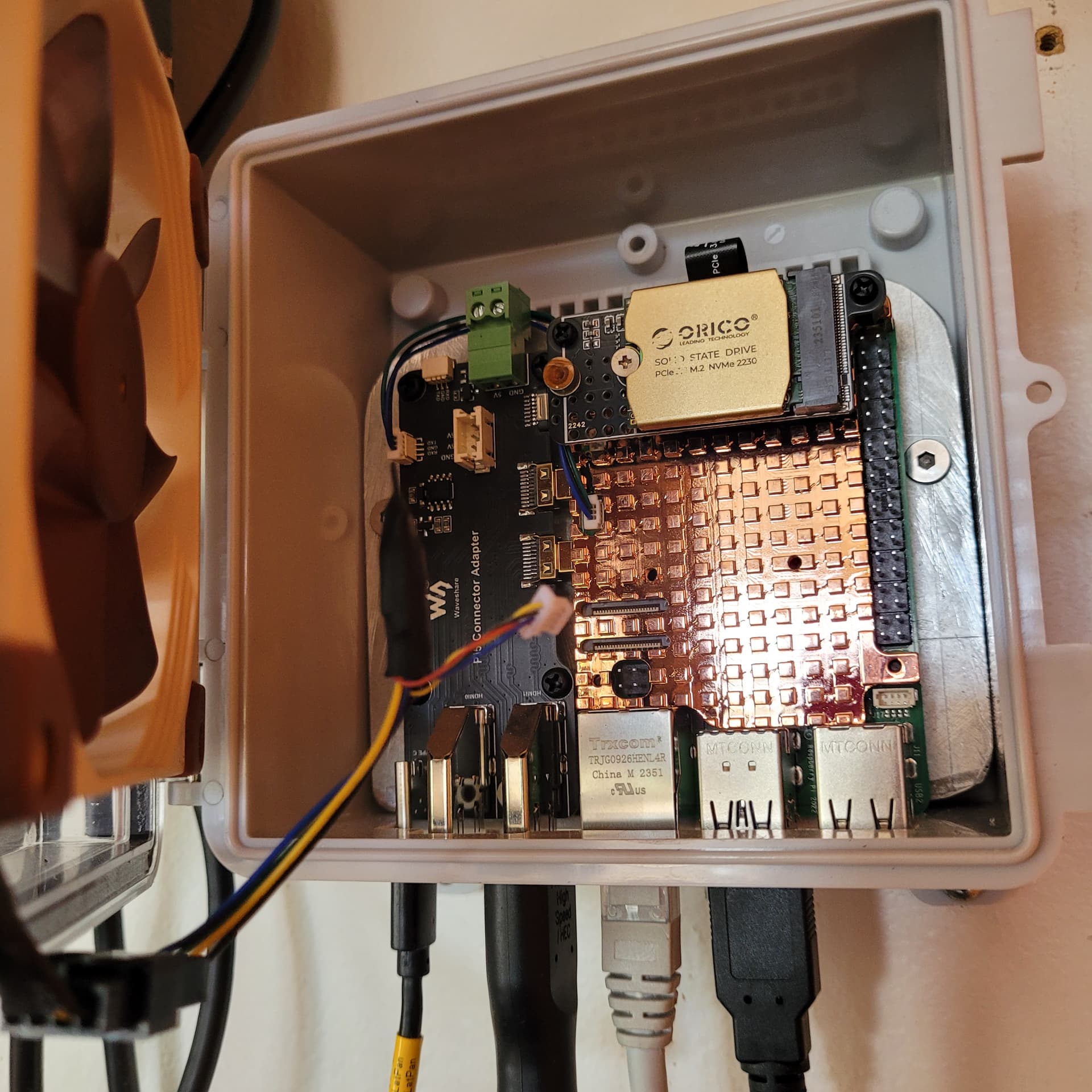
Well this case was really not complicated workmanship, and also not very inventive. I’ve made it because i wanted my official V5.1 for taking around to friends and travel, and i did not want to unhook everything each time, and since i’m using the Tascam US16x8 at home for sound I/O (the one that @riban made a really nice driver for) i just needed the RPi5 ports and i control it with the Akai Pro APC key25 (the one that @oscaracena made a really nice driver for).
The unit is encased in this shell, size 131x130x75mm, Transparent cover, and cooled by a Noctua 5v PWM 92mm. The video out goes via HDMI to a split screen monitor that my PC is also connected to.
PS: this build is not significant in any ways as far as i can see, but i think that what really motivated me to post it is: I feel an enormous gratitude and awe towards the developers of Zynthian. It is such a wonderful example of how civilization can work at is best. And it excites me daily to explore possibillities, follow up on Discourse, develop my limited musicianship, be inventive myself, hooking up stuff to stuff and play around with it (yes i also bought a BCR2000 and installed Zaquencer after i saw a picture posted by @jofemodo (anyone else did this too?)
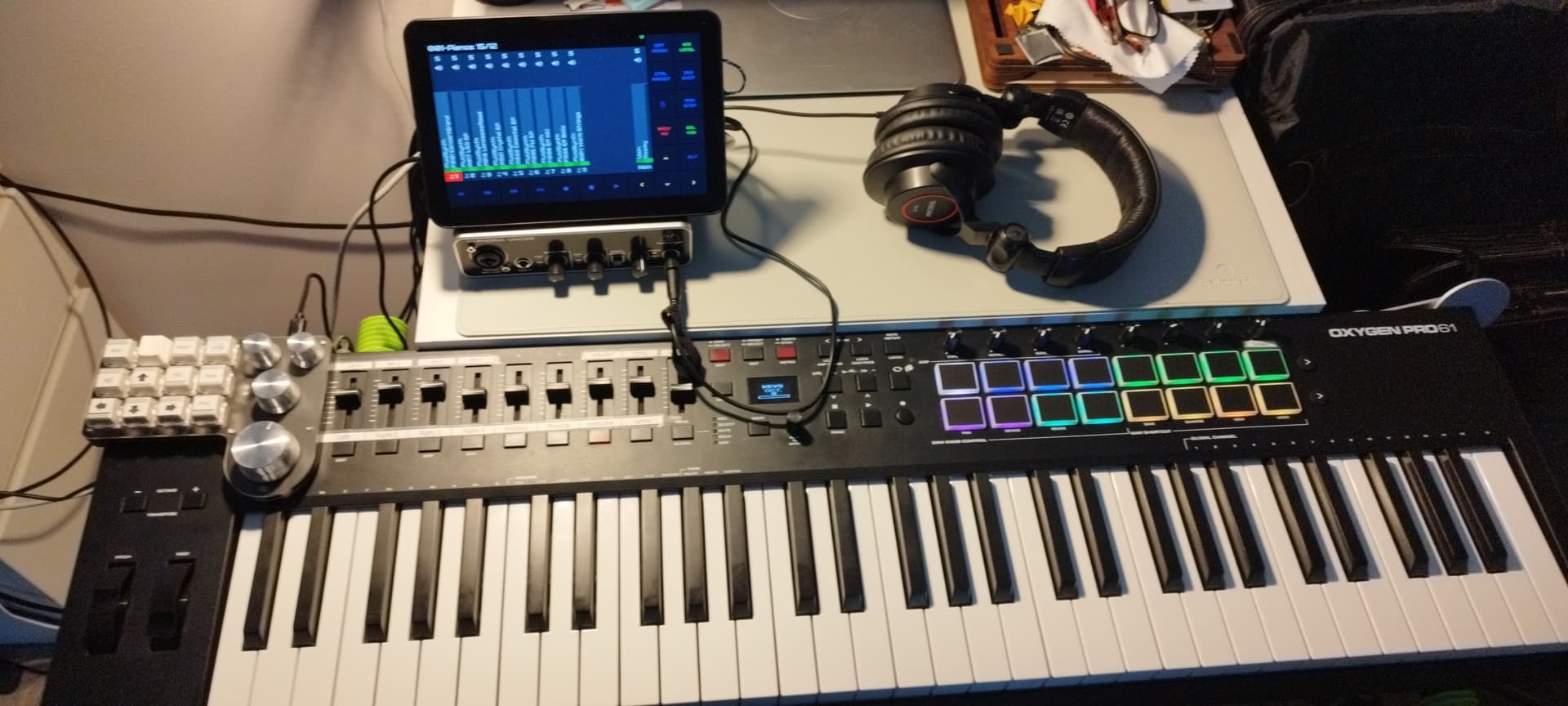
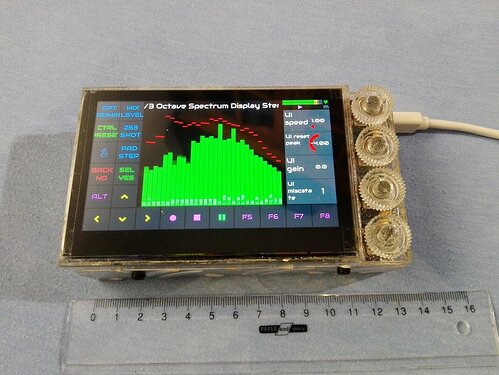
My Aliexpress powered setup. Monitor is Aliexpress 8” link, macro keyboard with 4 encoders. RPI4 is inside monitor, just changed coolers, they were too loud. For now I must use one 4cm fan for cooling (12V connected to 5V so it’s little bit quieter and hold temperature under 65 C degrees. Just enough for my home giging (and sometimes for crazy improvisations on the road)…
Congratulations! it opens up all kinds of possibilities,doesn’t it . . ?
IT might be a good idea to have a look at the Pwm fan on zynthian thread about pwm control of a fan. It sets the fan intensity based on the temperature of the machine and can run really quietly for most if the time. . .
A fine setup indeed, and fairly similar to my own Pi-centered Zynth contraptions.
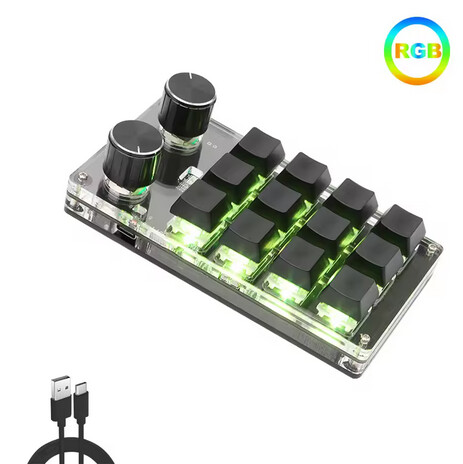
I gladly see that you’re using one of my AliExpress keypads with pots from Romoral: they are reliable and very well built. As for the Pi enclosure with 8” touchscreen, yours look very alike to the Unew model that I have employed in a recent Pi4 recycling project, which I will post very soon after my vacation.
My experience with the embedded HDMI and power connectors of the box wasn’t satisfactory, due to poor manufacturing, and I ended up separating the Raspberry in its own sleek enclosure and the monitor. It wasn’t such a big deal anyway, especially considering that the fan was loud and rather whining, in a silent environment. The solution for the audio department was original and effective: I will show the whole kit. Welcome to the league of Raspberry mistreaters, and nice outcome anyway!
@Aethermind I know i’ve asked you about that controller before but i cant find it. And i probably have a couple more questions so here we go:
Are the knobs clickable or only turnable?
Could you program the RGB so it mimics the Zynthian V5?
Do you think that most of the keypads from the romerol shop that looks alike will work with Zybthian?
Such ideas have been here before. I can recommend this: program each keyboard to send key signals according to your Keyboard Binding in zynthian webconf (http://zynthian.local/ui-keybind) and connect them to zynthian.
First off, this is the link to the international shop page of the Romoral 3C Store on AliExpress:
Romoral 3C Global CHOICE Store
If you input the “keypad” keyword in the search tab, you will be shown a wide gamut of programmable keypads with encoders, in various combinations and sizes.
The rotary controls are completely configurable through a specific app, which you will have to require to the webstore manager directly, via private message on the platform. And, yes, the encoders accept push function besides incremental and decremental selection, plus they also recognise short, bold and long press in Zynthian. I also think that more than one keypad could be potentially connected to the Z via USB, therefore mimicking all the actions of the V5 hardware interface.
As I have mentioned before elsewhere, the association of keys and rotary selectors to functions has to be made on the keybinding page of Webconf, after having decided on the keypad configuration app which virtual keys correspond to the keys’ actions, including increment, decrement and pressure of the encoders.
I hope that this may enlight your doubts! . Anyway, don’t hesitate to get in touch if you acquire one of those lovely keypads. As for the RGB programming of the keys, I haven’t honestly devoted the slightest attention to this potential usage.
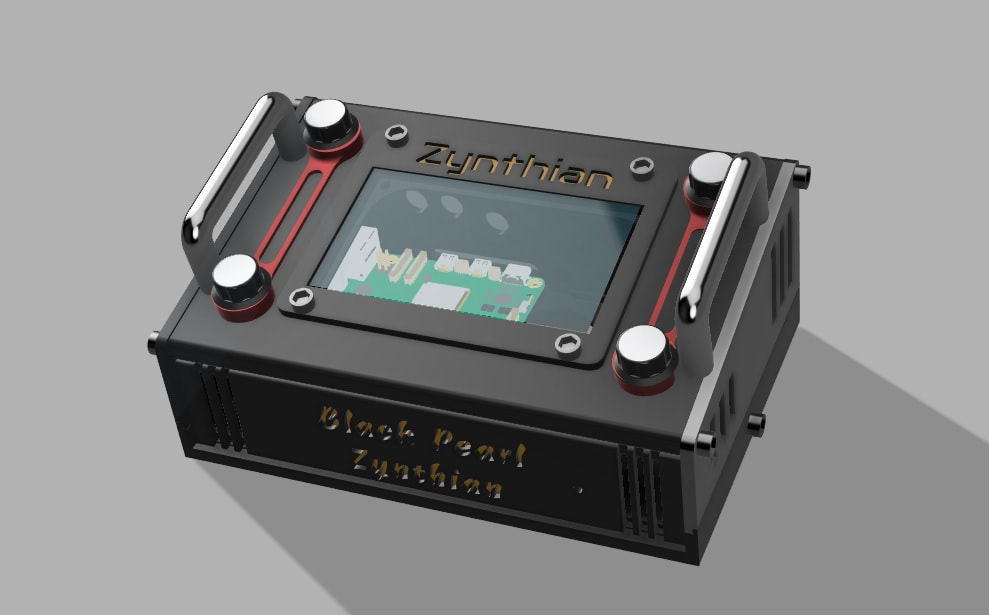
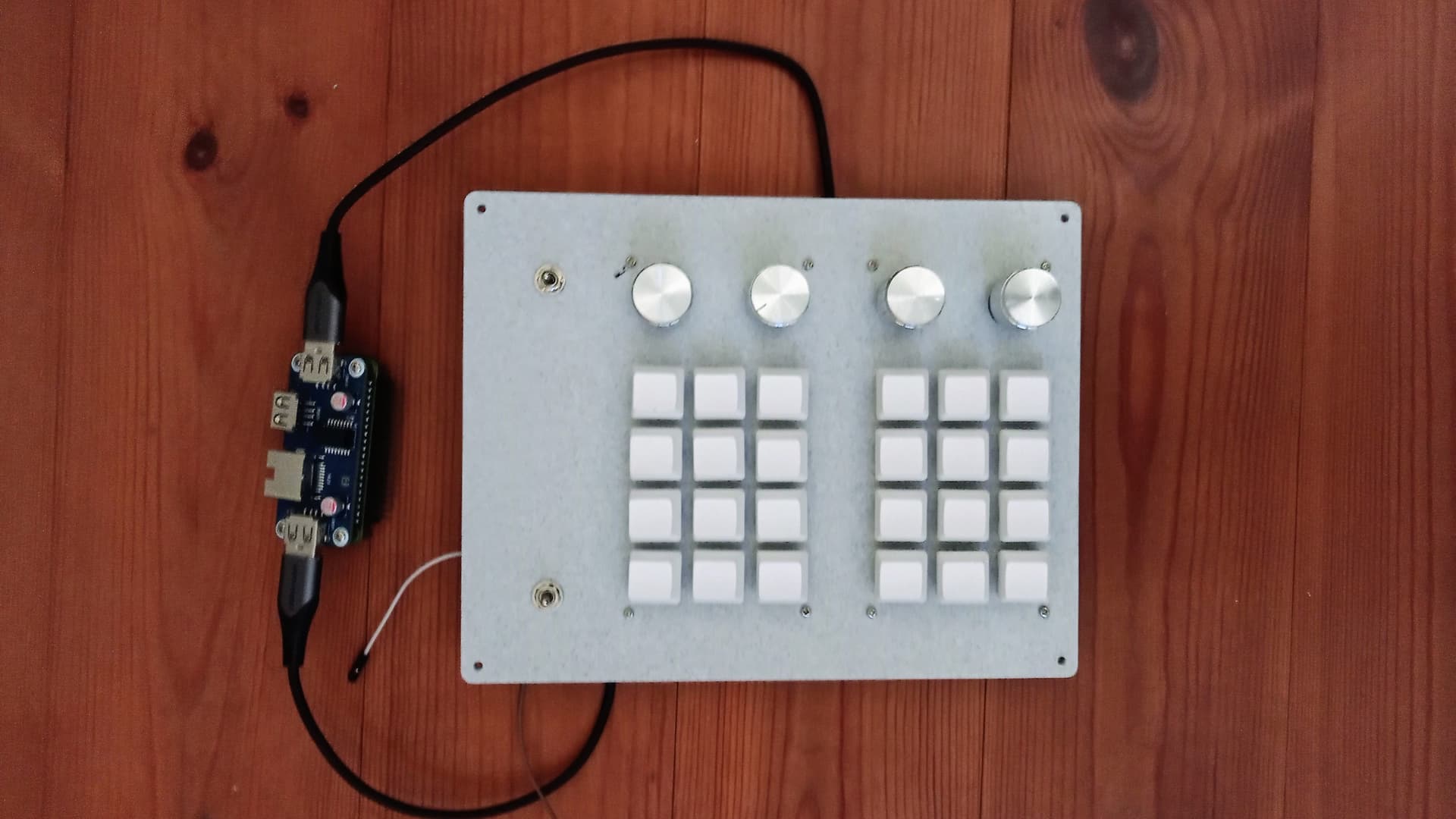
There is one thing that bothers me about this keyboard. The keys are simply too soft and there is often a mistake when using them (like pressing two keys at once). I am thinking of replacing the existing keys with ones that are close to those on the original Z V5. This certainly involves making a second case, perhaps integrated with the display.